
Description
sokobanMAX puts the classic Sokoban puzzle in a Zabbix dashboard tile. Push every crate onto a target with as few moves as you can. There are 50 levels, each opening when you finish the one before it, and every one of them is proven solvable.
The Zabbix server is the referee. A level counts only after the server has replayed your moves, time is measured by the server, and levels you have not reached return no map to the browser. Your unfinished game, the undo history and your personal bests are stored in the Zabbix database, so they survive a reload, another browser and a failover to another frontend node.
The package contains everything the game needs: graphics, fonts and levels. Playing requires no external service or CDN. Zabbix 6.0, 6.2, 6.4, 7.0, 7.2 and 7.4 are supported from one package, with PHP 7.4 or newer. The widget is HA ready: install it on every frontend node.
The widget includes 27 display-language catalogues and follows each user’s own Zabbix language. The levels are taken from Microban by David W. Skinner and are credited in the game, as the author asks.
Examples
1. Play a level (FREE)
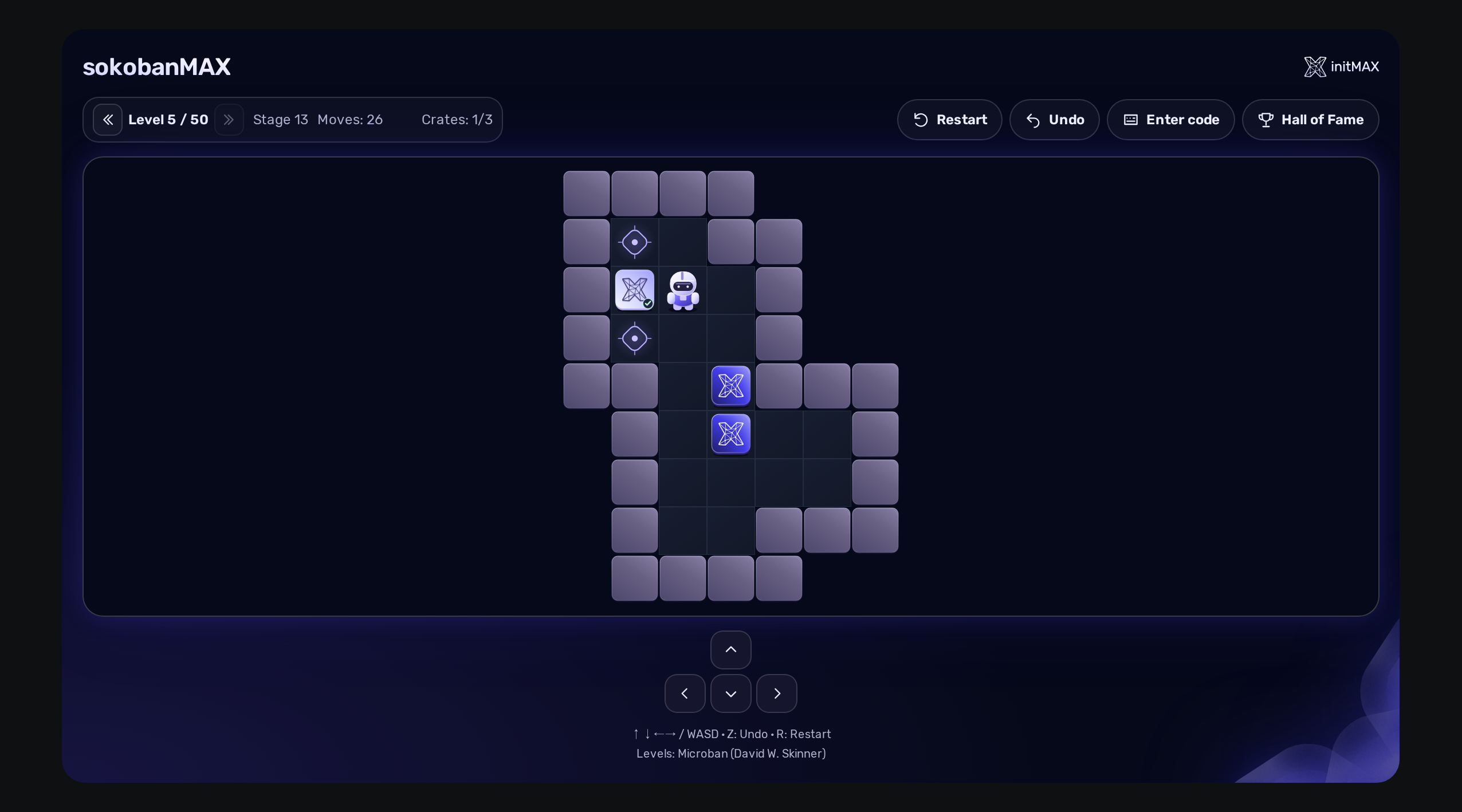
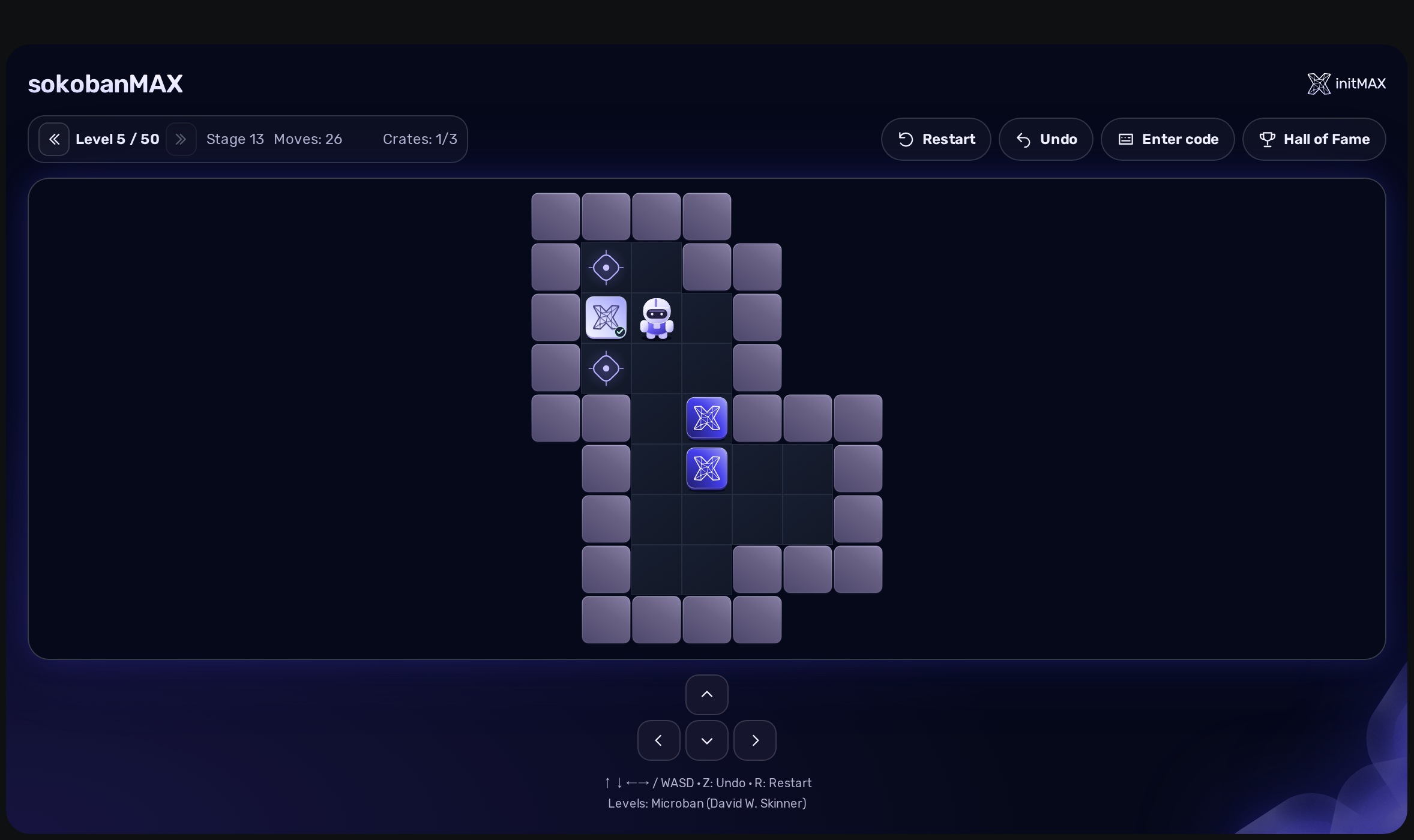
Click the board and move with the arrow keys or WASD, or use the on-screen arrows on a touch or wall display. Push every crate onto a target. Z takes a move back, R restarts the level. The bar shows the level, your moves and how many crates are already in place, and the keys drive only the board you clicked.
2. Solve it and get your code (FREE)
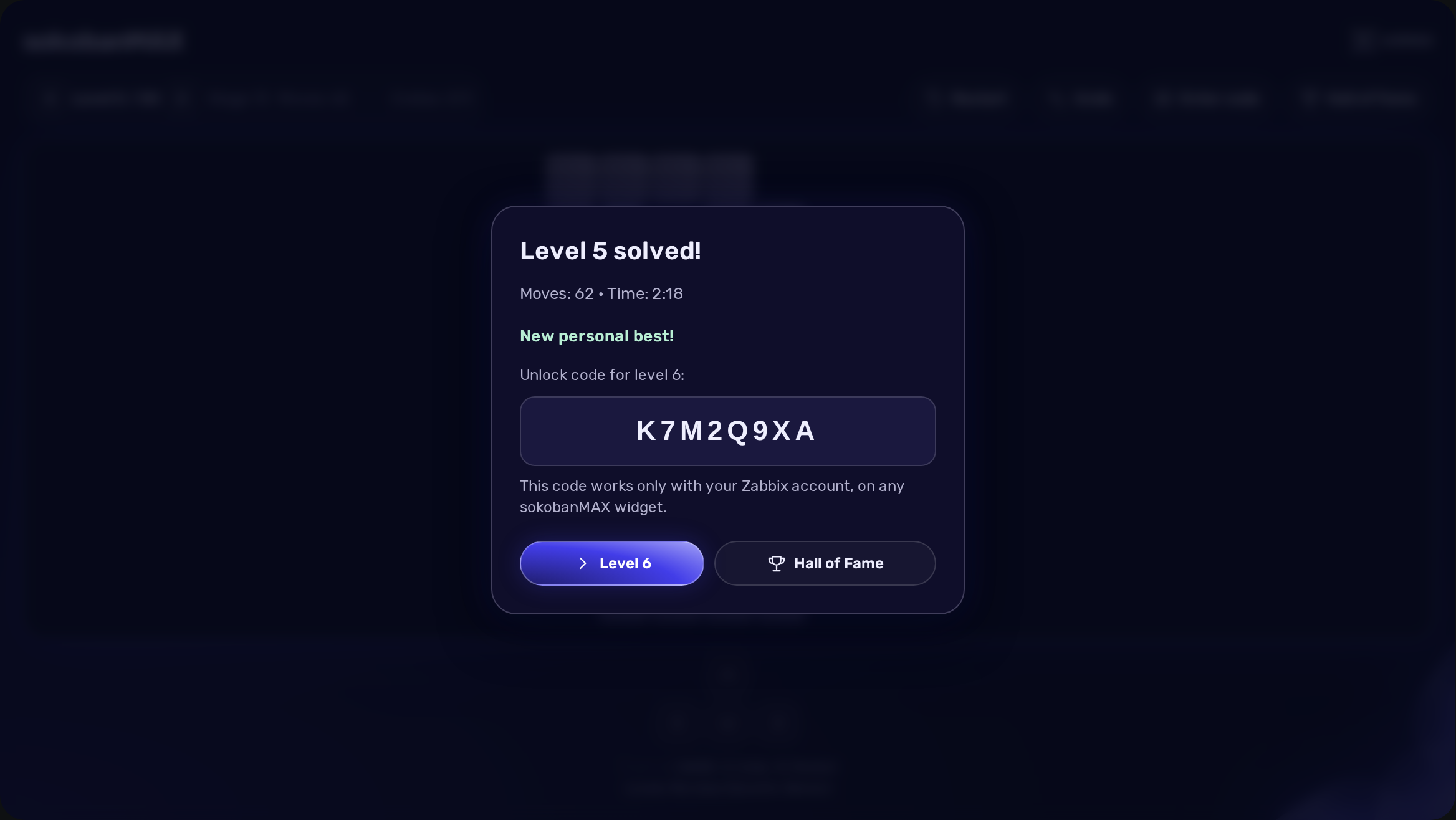
When the last crate is in place, the server replays your moves. If they really solve the level, it records your result and shows a personal unlock code for the next level. The code is signed with the secret key of your installation and works only with your Zabbix account, on any sokobanMAX widget. Continue with the next level straight away.
3. Your Hall of Fame (FREE)
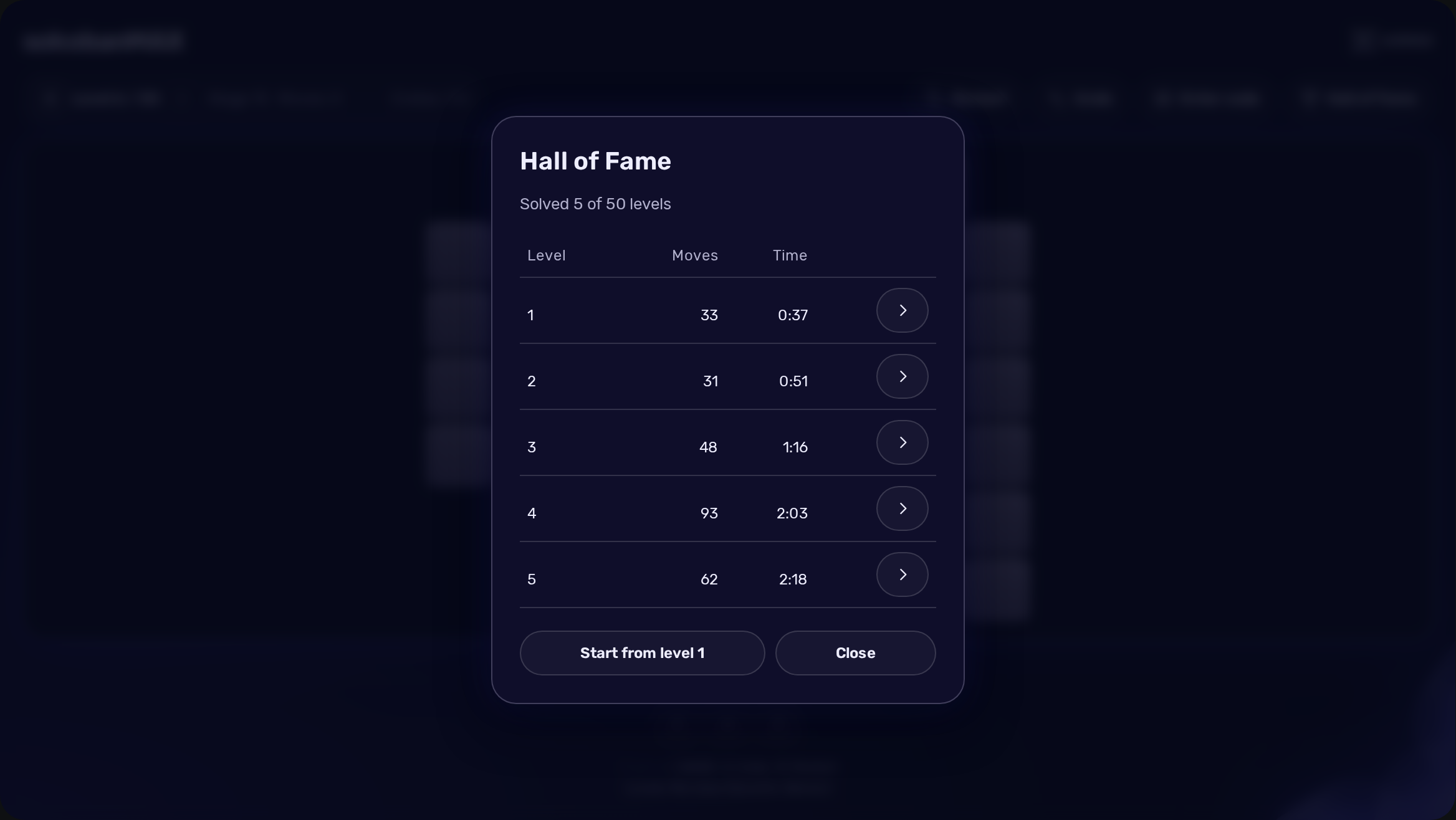
The Hall of Fame lists your best result on every level you have finished: fewest moves first, then the fastest time. Open any solved level again from the list to beat your own record. Start from level 1 resets your own progress on this widget and nobody else’s.
Saved games and fair play
Progress saves automatically in the background to your Zabbix profile, separately for each widget. Close the page in the middle of a level and continue later, even in another browser. If a save fails, a notice appears with a Retry button and the board stays as it is.
Time includes breaks, because the server measures it from the moment the level started. A level “solved” faster than a person can press keys gets a friendly notice instead of a record and a code; restart the level and play it at a normal pace. sokobanMAX is a personal puzzle game, not a competition platform.
Installation
Install Zabbix itself before adding the widget. Use the initMAX Portal guide for zabbix-sokobanmax, choose your operating system and run its FREE installation instructions on every frontend server. The package name is zabbix-module-sokobanmax. The following commands use the official initMAX repository. The widget is HA ready: install the package on every frontend node.
RHEL / Rocky / Alma
rpm -Uvh https://repo.initmax.com/zabbix/release/initmax-release-latest.noarch.rpm
dnf clean all && dnf install -y zabbix-module-sokobanmax
SUSE
rpm -Uvh https://repo.initmax.com/zabbix/release/initmax-release-latest.noarch.rpm
zypper --gpg-auto-import-keys refresh && zypper install -y zabbix-module-sokobanmax
Debian / Ubuntu
wget https://repo.initmax.com/zabbix/release/initmax-release-latest_all.deb
dpkg -i initmax-release-latest_all.deb
apt update && apt install zabbix-module-sokobanmax
Offline or manual ZIP installation
For an offline or manual installation, download the FREE source ZIP from repo.initmax.com or from the portal. Read the included INSTALL.md and copy only the payload for your frontend into the modules directory: the modern tree for Zabbix 6.4 and newer, the legacy tree for Zabbix 6.0 and 6.2.
Enable and add the widget
The module is enabled automatically during the package installation. You can verify it in the Zabbix frontend menu: Administration → General → Modules. A module explicitly disabled by an administrator remains disabled. Then edit a dashboard, add a widget and choose sokobanMAX as its type.
Coming from the older Sokoban widget
Nothing to do. The package removes the old module, and the first time someone signs in, every Sokoban widget already on your dashboards becomes a sokobanMAX widget in place: same dashboard, same position. Records of the old widget lived only in the browser and are not carried over.
Updates
Keep the widget updated through your package manager. Native Debian triggers and RPM systemd watchers reselect the compatible payload when the Zabbix frontend package changes, so an in-place Zabbix upgrade keeps working without reinstalling the widget.
Widget configuration
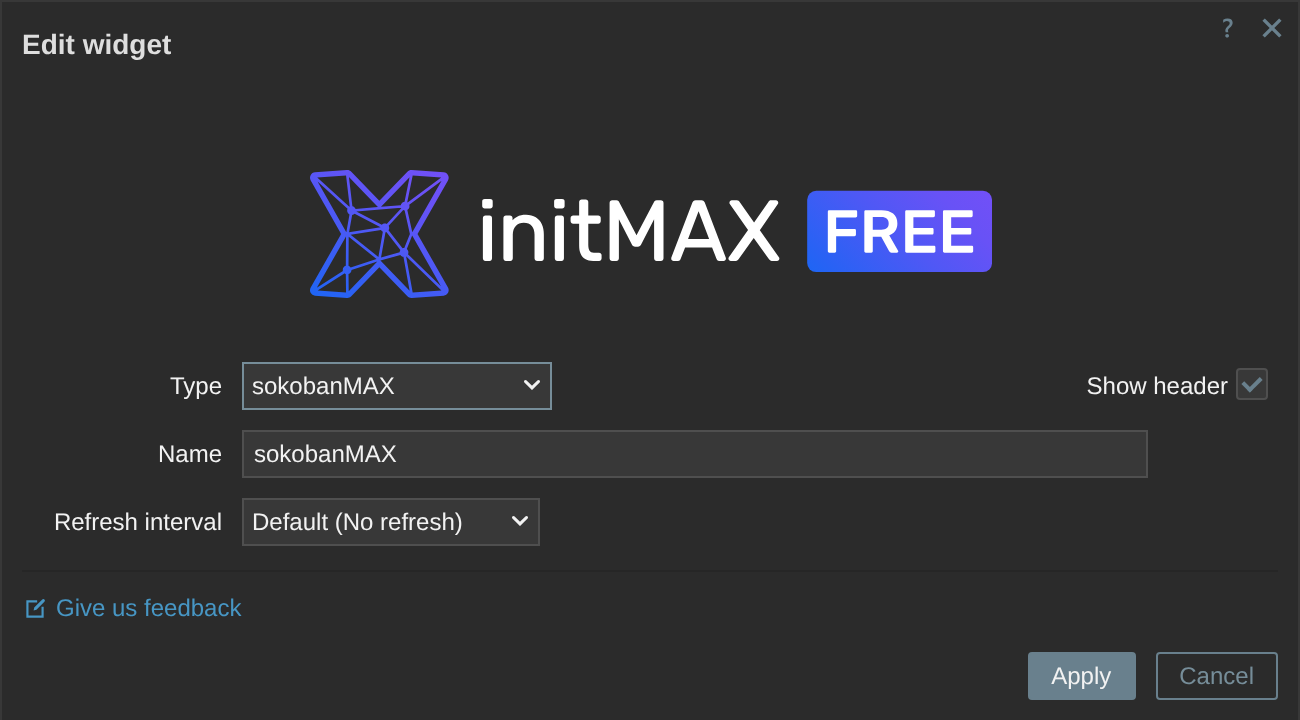
There is nothing to configure. The dialog has only the standard Zabbix fields: the widget name, the header switch and the refresh interval, which stays at No refresh because the game updates itself. The FREE badge identifies the edition; Give us feedback opens feedback for this product. For the best layout give the tile enough width: from about 720 pixels the level bar and the game buttons share one row.
Keyboard controls
Click the board first. Arrow keys or W, A, S, D move the player; Z or Backspace takes a move back; R restarts the level. Ordinary typing elsewhere on the dashboard is never captured.
Download sokobanMAX FREE
Get sokobanMAX FREE from the initMAX Portal. The product page lists the supported versions and screenshots; the portal provides the installation instructions and downloadable packages. The widget is AGPLv3; the levels are Microban, copyright David W. Skinner, freely distributed with credit.