
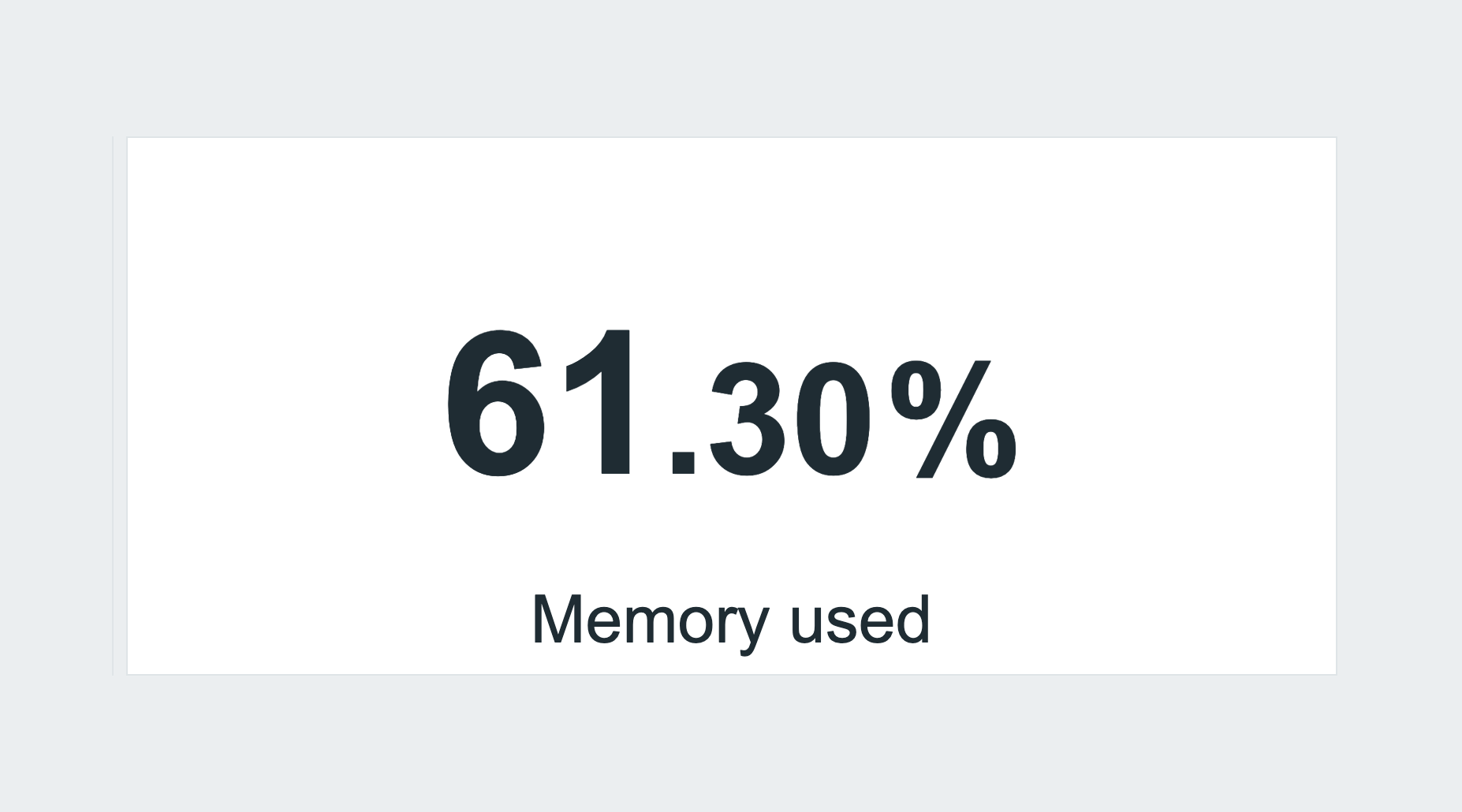
Description
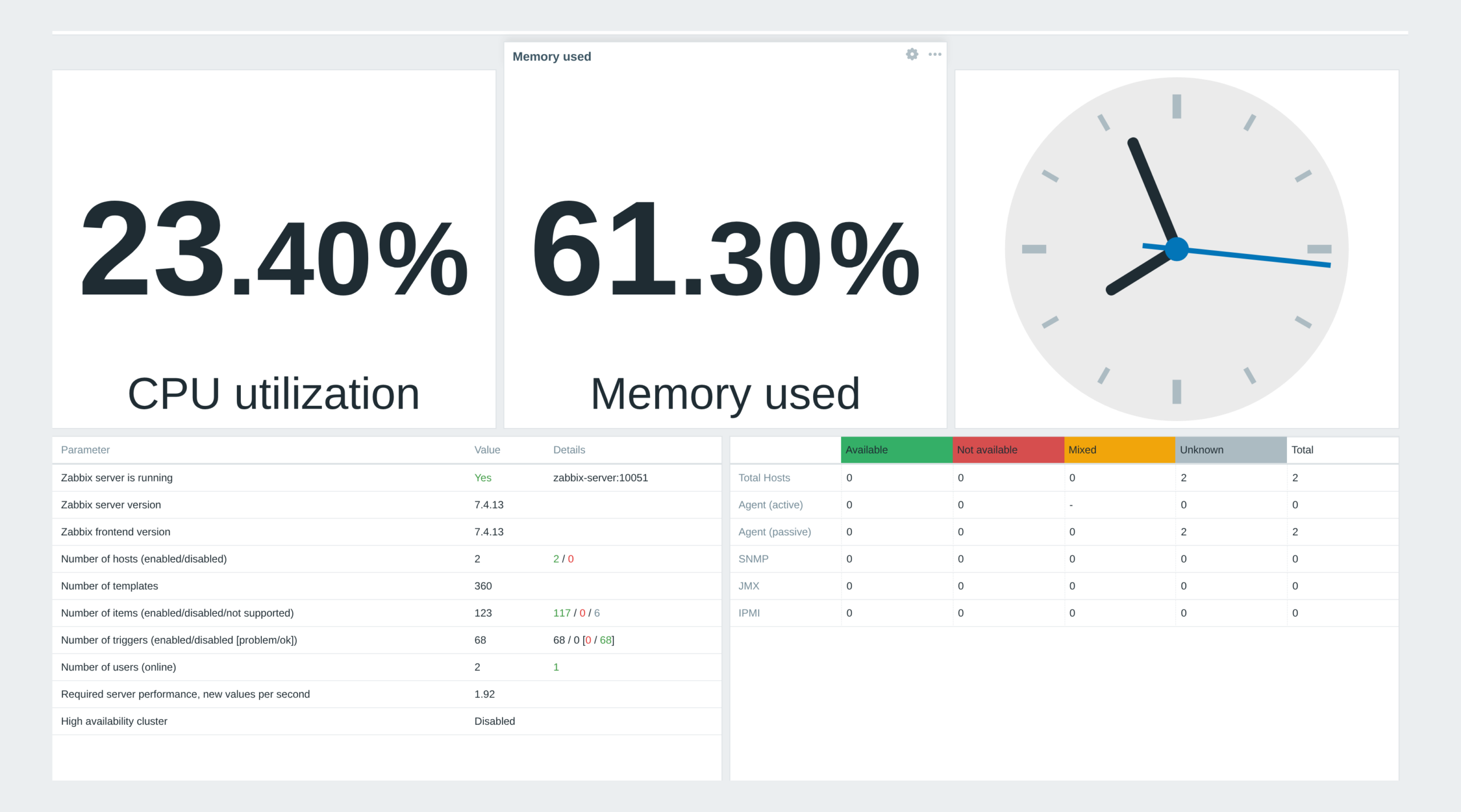
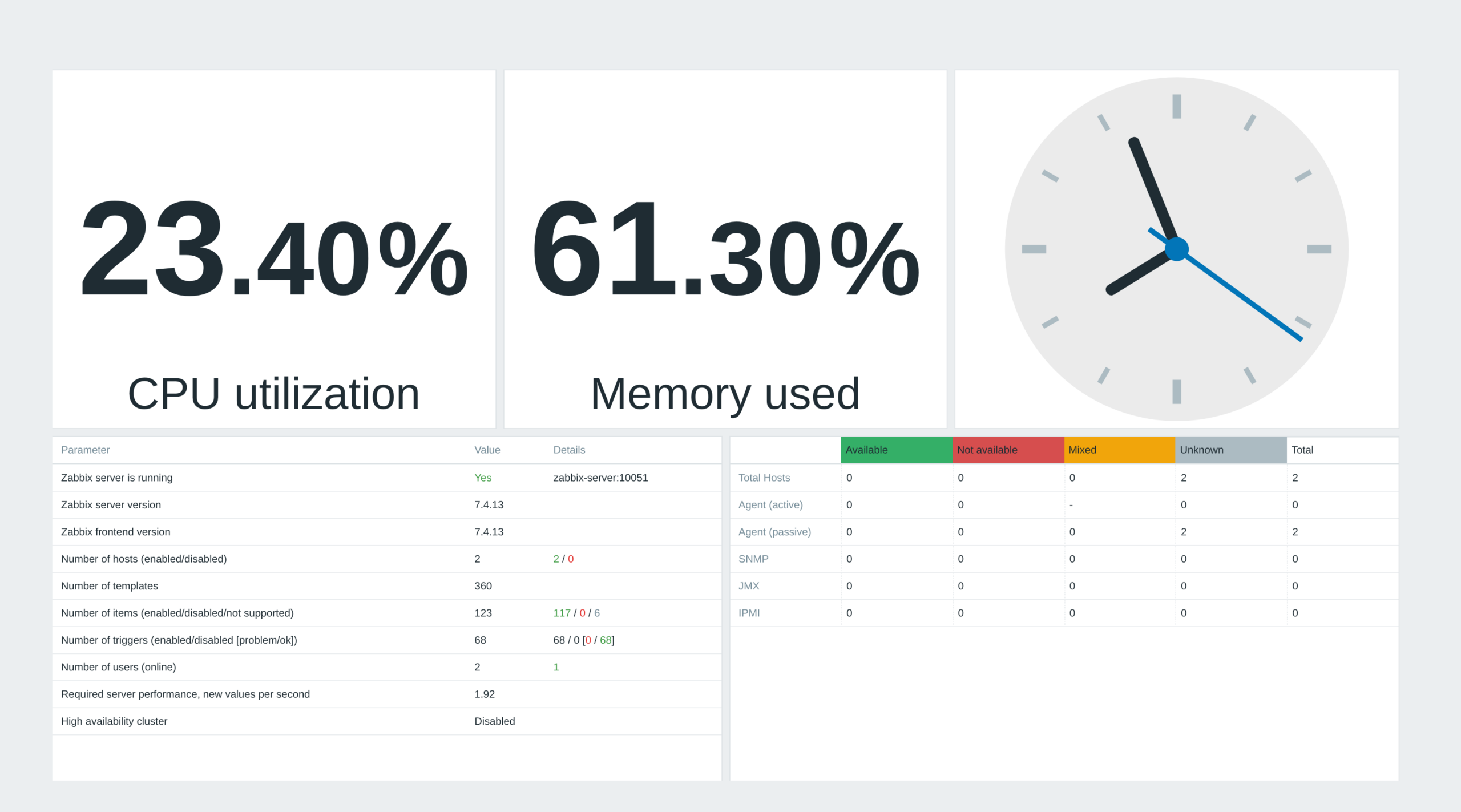
The Hide Widget Header module improves the visual clarity and usability of the Zabbix dashboard by preventing widget headers from appearing in the normal dashboard view. The headers remain hidden until edit mode is activated, ensuring a clean, minimalist, and distraction-free interface during regular use.
This feature is handy for users who prefer an uncluttered workspace. It allows them to focus on the most important data without unnecessary visual elements taking up space. Hiding headers improves the overall aesthetics and readability of dashboards, making them more streamlined and professional.
The module requires no additional configuration, as it is automatically activated when enabled in Zabbix. This makes it a hassle-free solution for users who want an improved dashboards experience without complex settings changes.
Once you install it, you will see an option in the top right corner, “Show header”, which you can tick off to hide the header.
Usage example
The user wants a distraction-free dashboard. After enabling the module (which only works for widgets that support the “hide header” function), the header no longer appears on mouse hover.
Installation
Hide widget header is distributed as a standard deb/rpm package from our repository repo.initmax.com. The package detects your frontend version and deploys the matching module tree into it. It supports Zabbix 6.0 – 8.0 and is HA ready – multi-frontend / HA setups work out of the box, just install the package on every frontend node.
Connect to the server running the Zabbix frontend over SSH (do this on every frontend node) and pick your distribution. Would you rather have a plain archive? Every release also ships as a ZIP straight from the repository – handy for offline or manual installs.
RHEL / Rocky / Alma
# RHEL / Rocky / Alma
rpm -Uvh https://repo.initmax.com/zabbix/release/initmax-release-latest.noarch.rpm
dnf clean all && dnf install -y zabbix-module-hidewidgetheader
SUSE
# SUSE
rpm -Uvh https://repo.initmax.com/zabbix/release/initmax-release-latest.noarch.rpm
zypper --gpg-auto-import-keys refresh && zypper install -y zabbix-module-hidewidgetheader
Debian / Ubuntu
# Debian / Ubuntu
wget https://repo.initmax.com/zabbix/release/initmax-release-latest_all.deb
dpkg -i initmax-release-latest_all.deb
apt update && apt install zabbix-module-hidewidgetheader
Verification
A new module is automatically registered and enabled during DEB/RPM package installation. You can verify its status in the Zabbix frontend menu: Administration → General → Modules.
If the module was already running on that frontend (from an earlier package or from a manual installation), the package keeps its state – a module you disabled on purpose stays disabled – and the old manual copy is cleaned up, so it never shows up twice in the module list. Updates then arrive through your package manager (apt / dnf / zypper) like any other system package.
Manual ZIP installation: the package installation script does not run. After extracting the version matching your Zabbix into the frontend’s modules directory, sign in as a Super admin, open Administration → General → Modules, run Scan directory and set the new module to Enabled.
Configuration
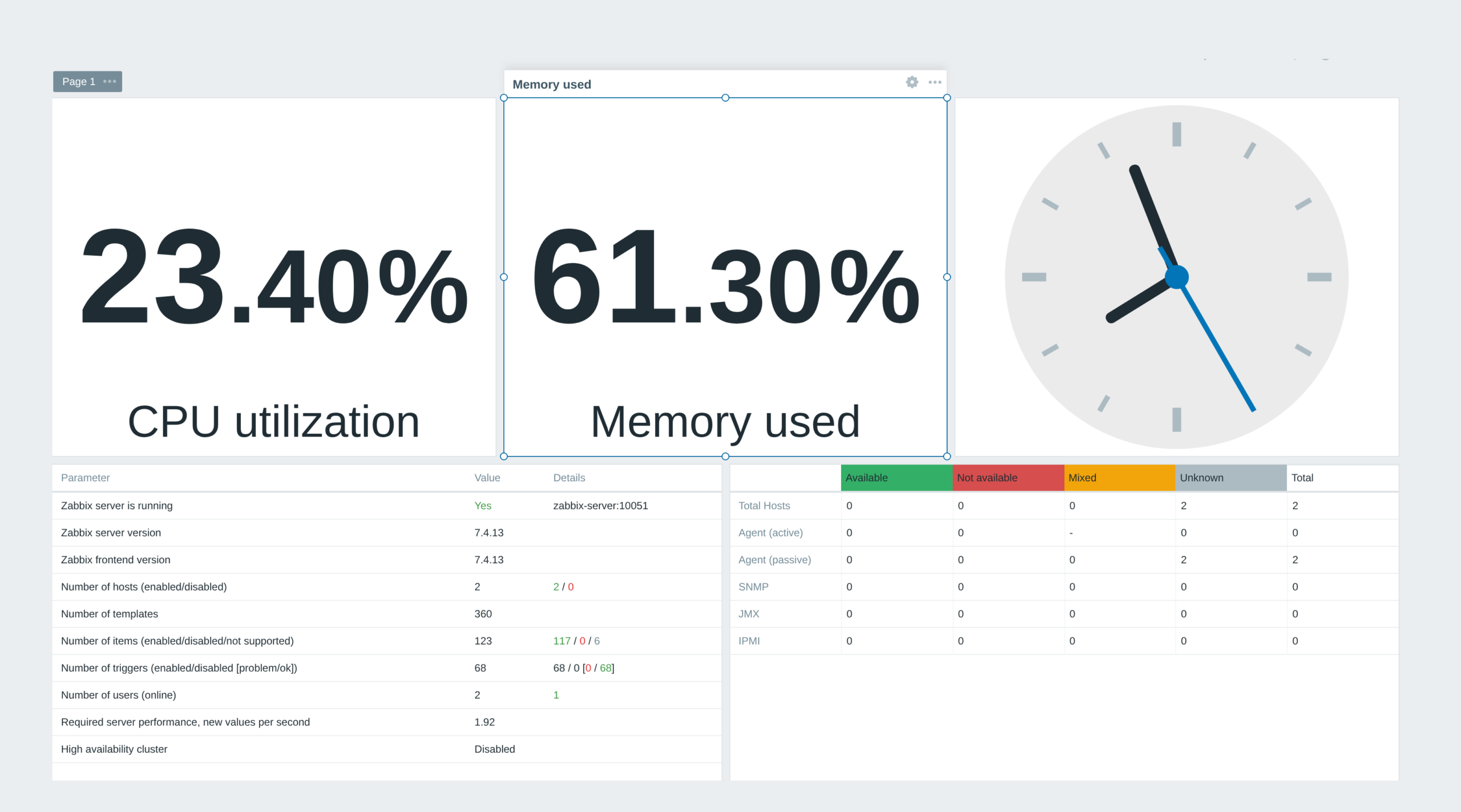
The module itself has nothing to configure – the package enables it for you. What decides the result is each widget’s own Show header checkbox: uncheck it and this module keeps that header hidden while you are viewing the dashboard. Widgets that keep their header ticked are untouched, so you can mix both on one dashboard.
Editing is unaffected: in edit mode the headers come back, so you can still open, move and configure every widget.
Where to get it?
If you’re interested in this free module, you can find it in our product catalog. There you’ll learn more about the available version and how to get the product.