
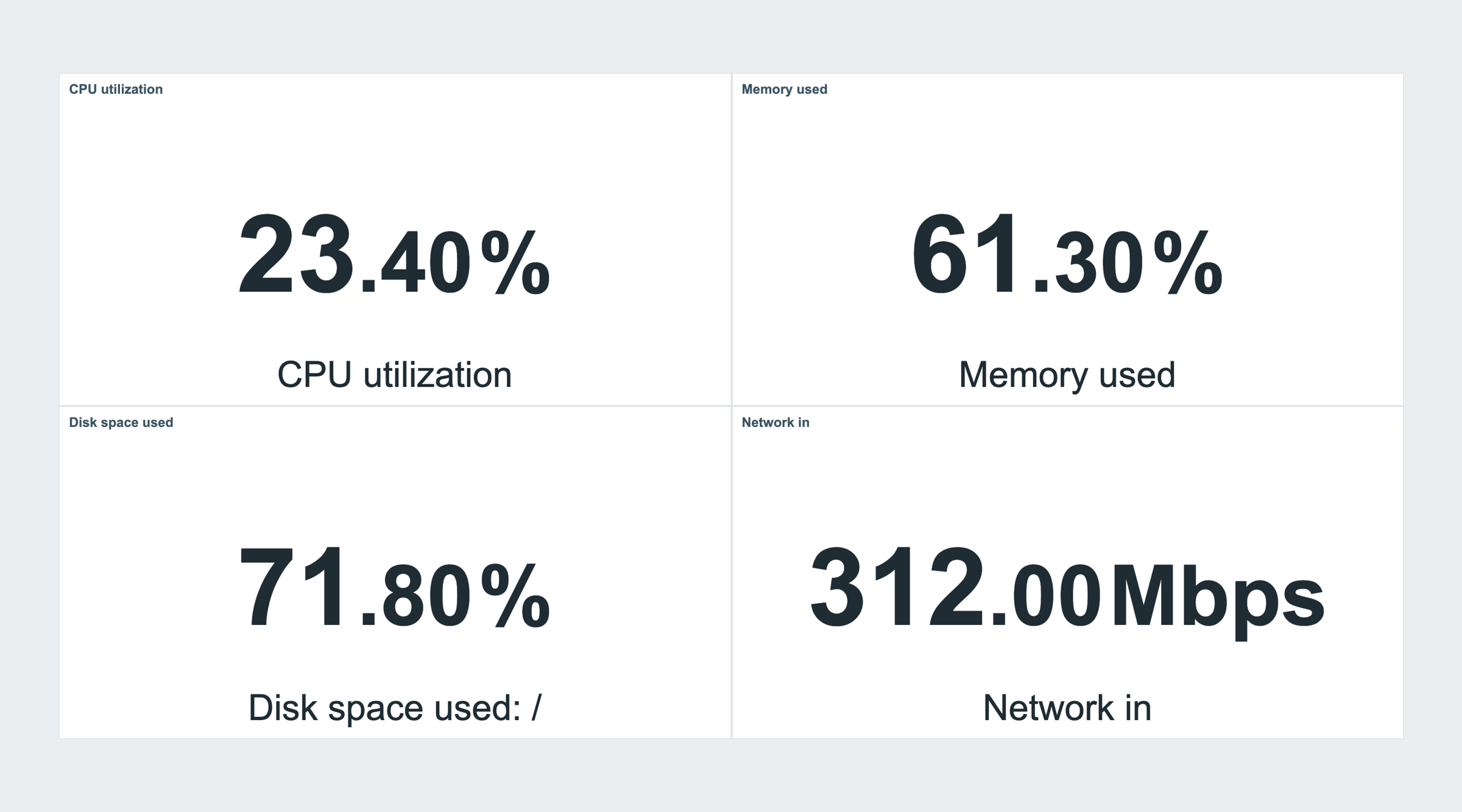
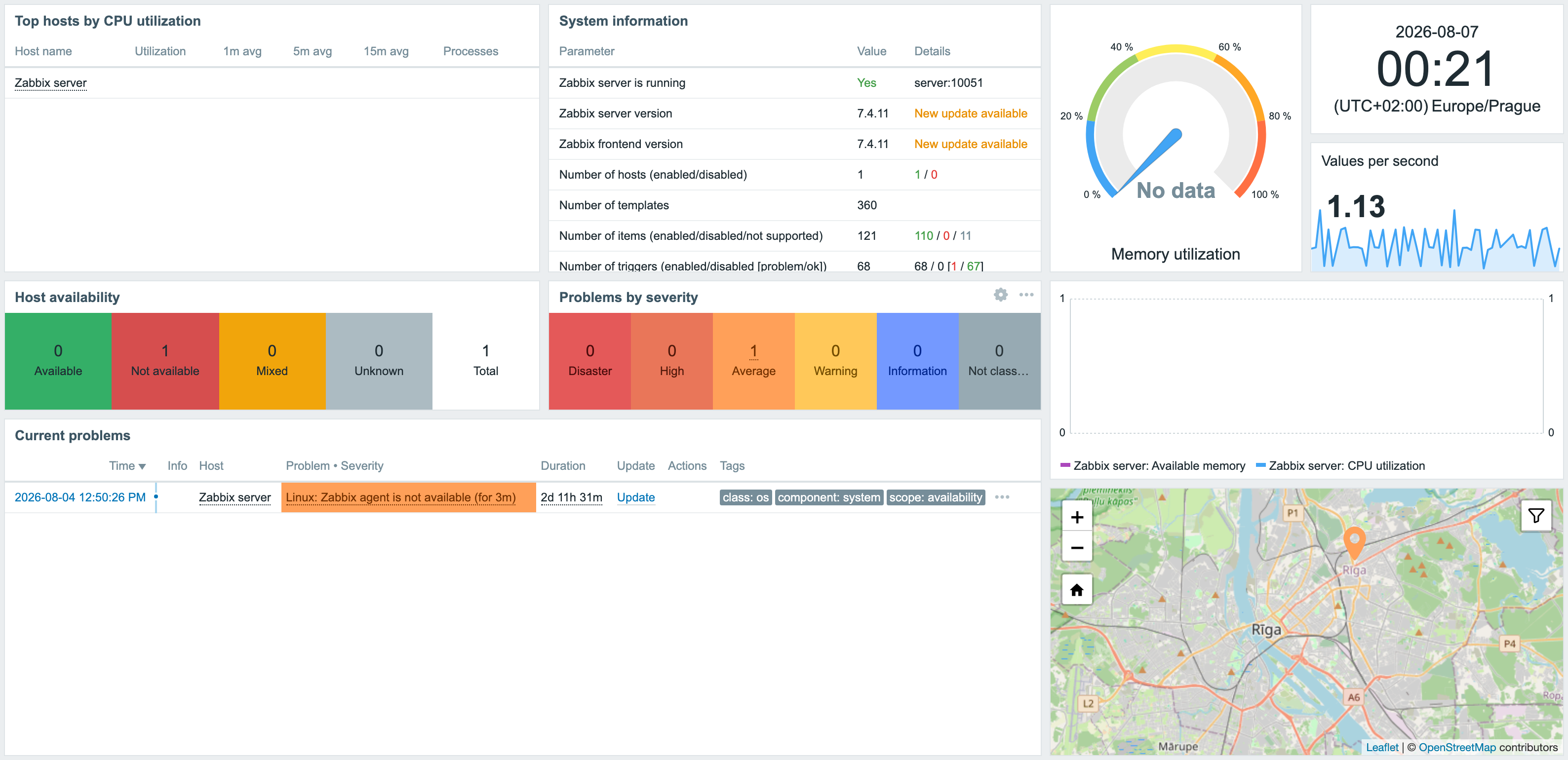
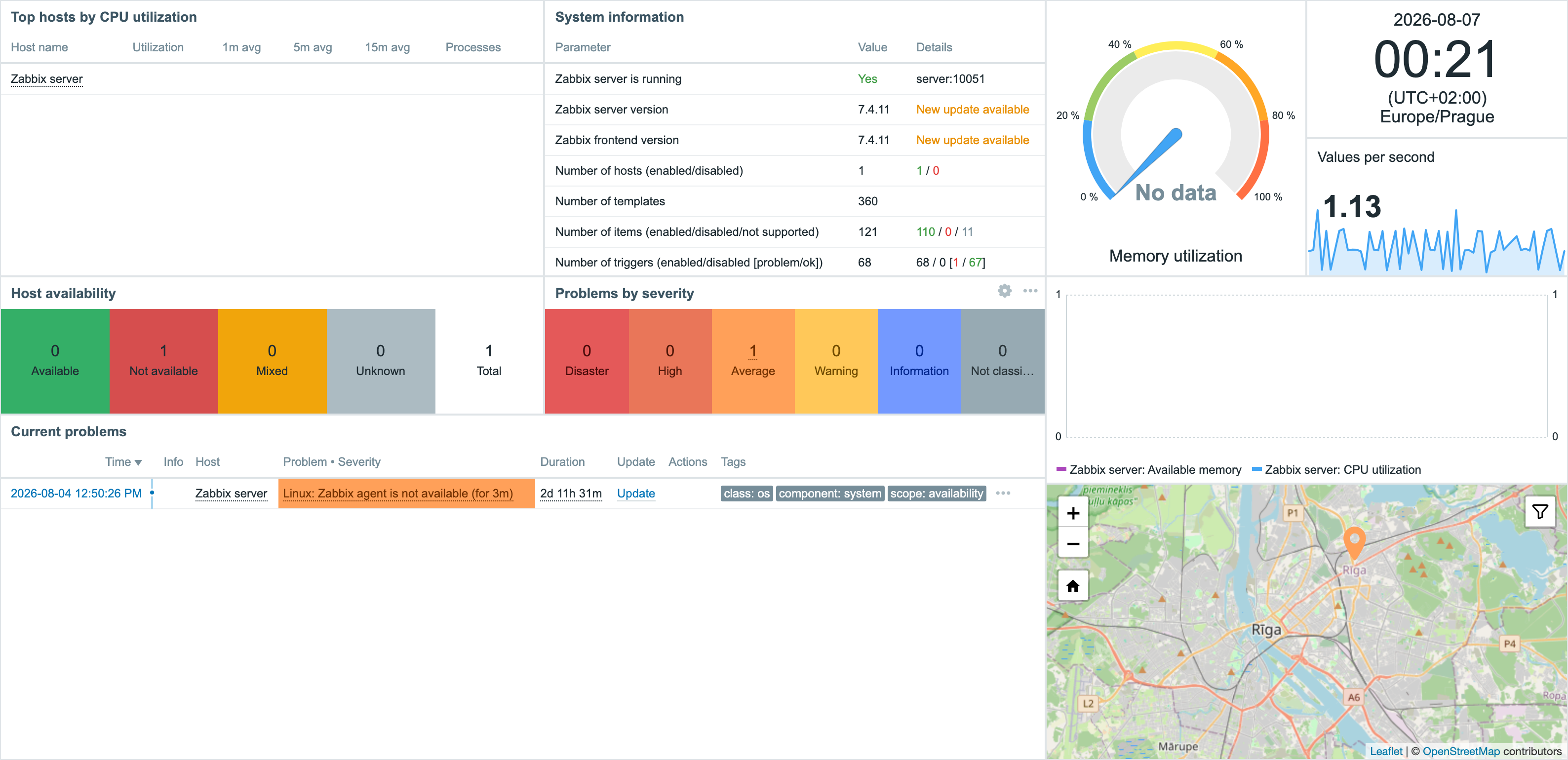
Compact Dashboard removes unnecessary spacing around widgets so more operational data fits on screen without changing the dashboard.
What the product provides
- The compact layout is applied automatically.
- No per-widget configuration is required.
- Existing dashboard content and behavior remain unchanged.
Screenshots
Installation
Compact dashboard is distributed as a standard deb/rpm package from our repository repo.initmax.com. The package detects your frontend version and deploys the matching module tree into it. It supports Zabbix 6.0 – 8.0 and is HA ready – multi-frontend / HA setups work out of the box, just install the package on every frontend node.
Connect to the server running the Zabbix frontend over SSH (do this on every frontend node) and pick your distribution. Would you rather have a plain archive? Every release also ships as a ZIP – FREE straight from the repository – handy for offline or manual installs.
RHEL / Rocky / Alma
# RHEL / Rocky / Alma
rpm -Uvh https://repo.initmax.com/zabbix/release/initmax-release-latest.noarch.rpm
dnf clean all && dnf install -y zabbix-module-compact-dashboard
SUSE
# SUSE
rpm -Uvh https://repo.initmax.com/zabbix/release/initmax-release-latest.noarch.rpm
zypper --gpg-auto-import-keys refresh && zypper install -y zabbix-module-compact-dashboard
Debian / Ubuntu
# Debian / Ubuntu
wget https://repo.initmax.com/zabbix/release/initmax-release-latest_all.deb
dpkg -i initmax-release-latest_all.deb
apt update && apt install zabbix-module-compact-dashboard
Verification
A new module is automatically registered and enabled during DEB/RPM package installation. You can verify its status in the Zabbix frontend menu: Administration → General → Modules.
If the module was already running on that frontend (from an earlier package or from a manual installation), the package keeps its state – a module you disabled on purpose stays disabled – and the old manual copy is cleaned up as well, so the module never shows up twice in the module list. Updates then arrive through your package manager (apt / dnf / zypper) like any other system package.
Manual ZIP installation: the package installation script does not run. After extracting the version matching your Zabbix into the frontend’s modules directory, sign in as a Super admin, open Administration → General → Modules, run Scan directory and set the new module to Enabled.