
Add custom destinations to Zabbix navigation with an icon, label and exact placement.
What the product provides
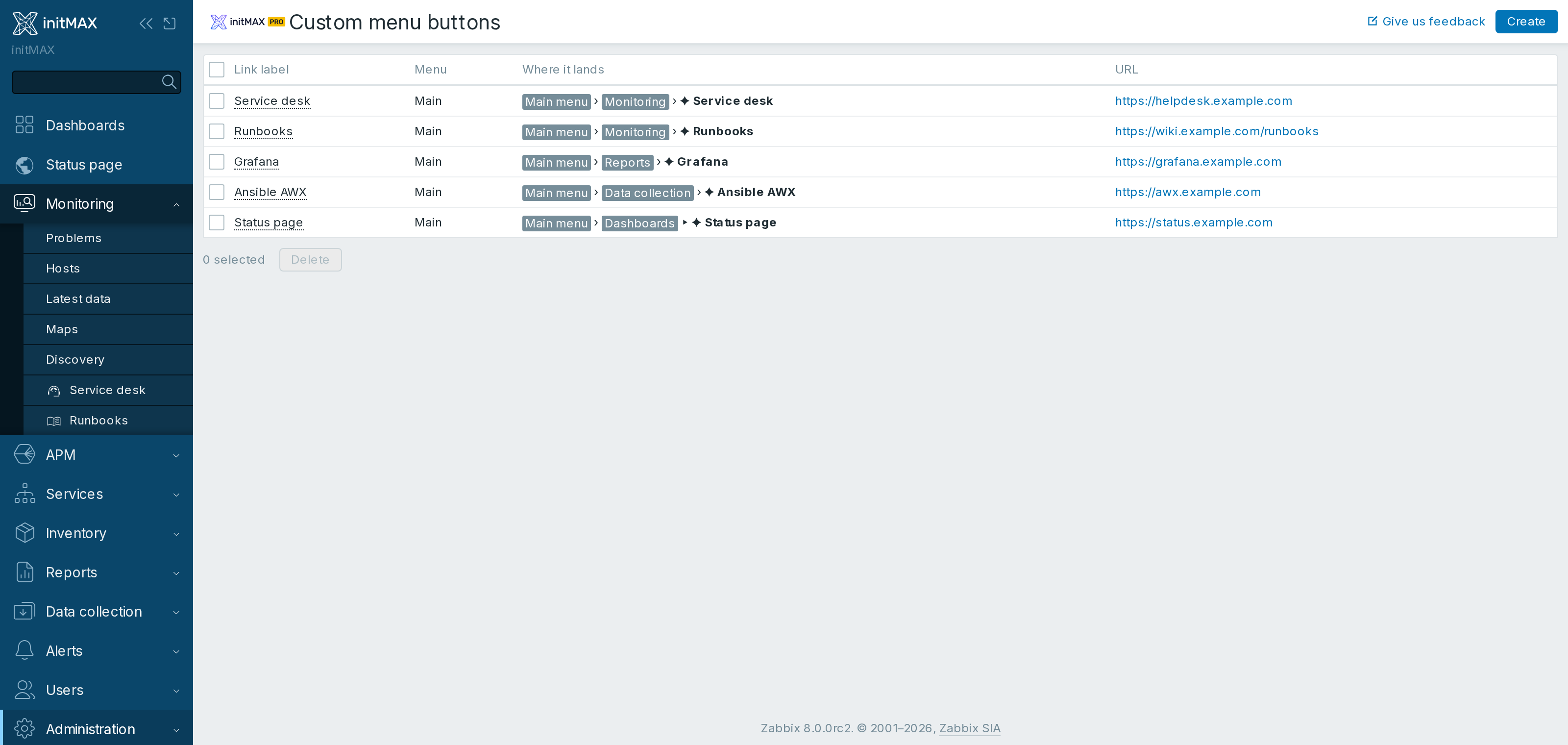
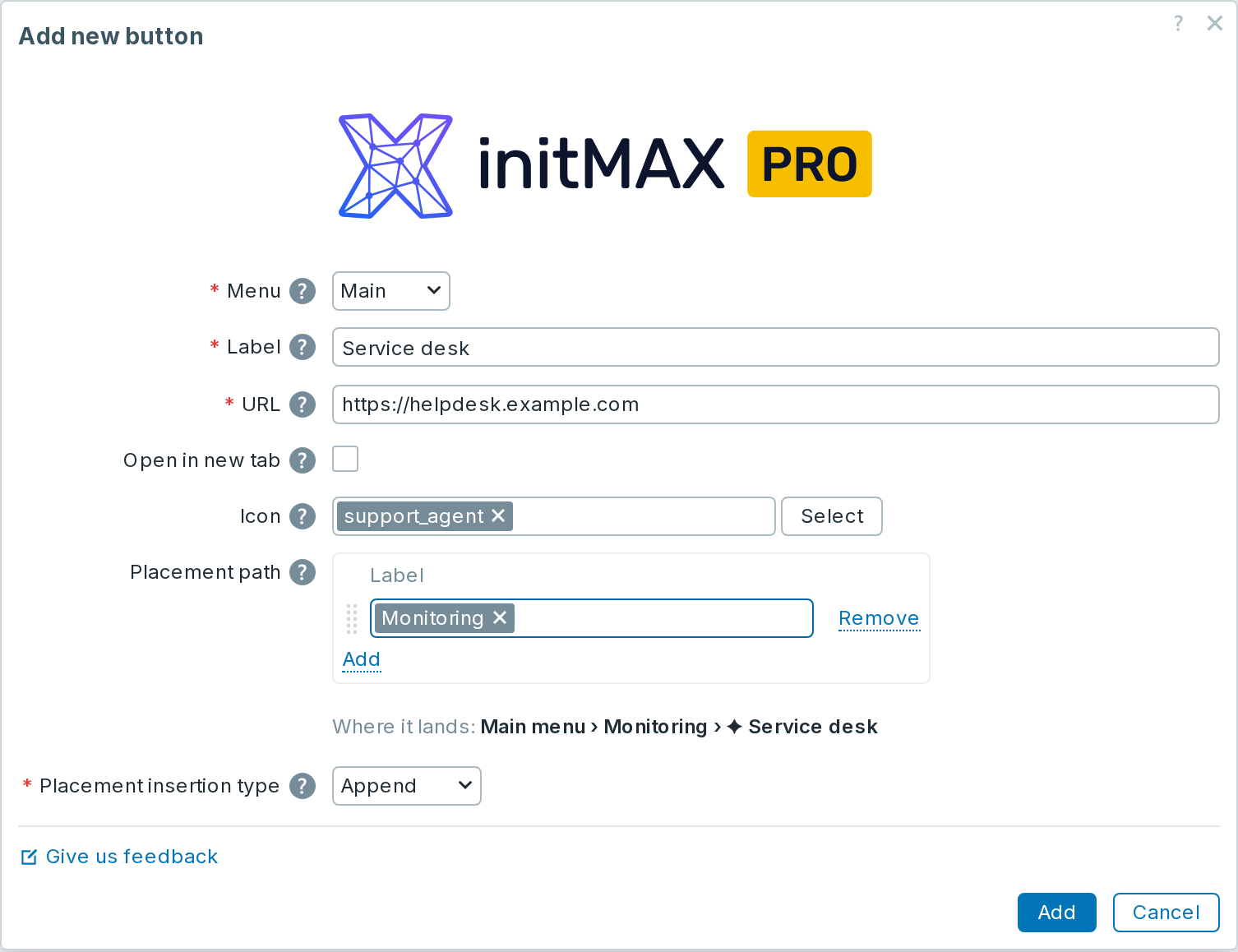
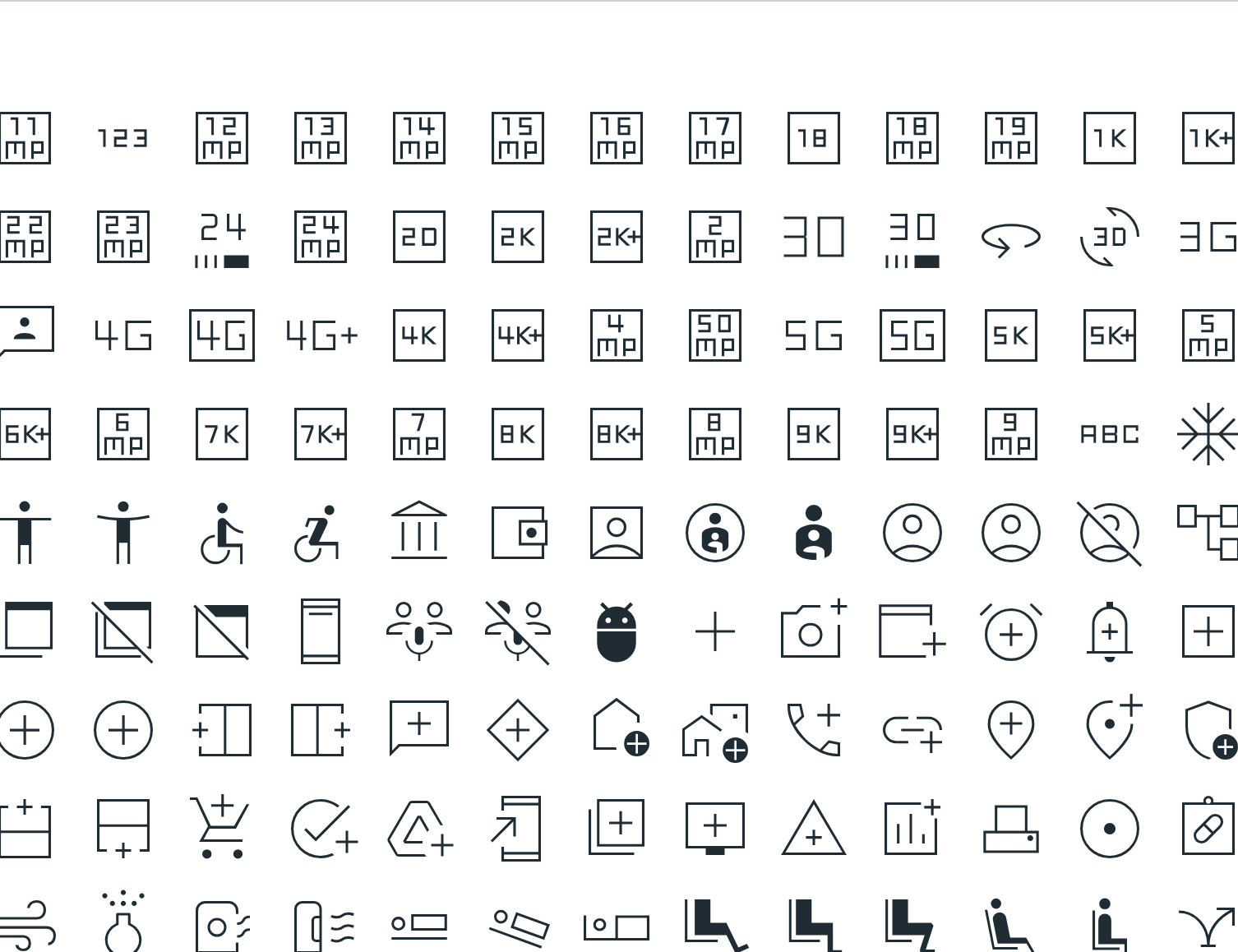
- Configure URL, label, icon and target window.
- Place links inside the existing navigation tree.
- Manage all custom destinations centrally.
Screenshots
Installation
Upgrading from xnavigation
Since 2.3, the module is registered as custom-menu-buttons instead of the internal xnavigation ID. A package upgrade automatically carries over the buttons and enabled state. Manage buttons at zabbix.php?action=module.custommenubuttons.list. A manual ZIP installation adopts the old configuration on the first page load; follow the Portal guide.
Custom menu buttons is distributed as a standard deb/rpm package from our repository repo.initmax.com. The package detects your frontend version and deploys the matching module tree into it. It supports Zabbix 6.0 – 8.0 and is HA ready – multi-frontend / HA setups work out of the box, just install the package on every frontend node.
Connect to the server running the Zabbix frontend over SSH (do this on every frontend node) and pick your distribution. Would you rather have a plain archive? Every release also ships as a ZIP – you can download from the customer portal once you sign in – handy for offline or manual installs.
RHEL / Rocky / Alma

PRO edition
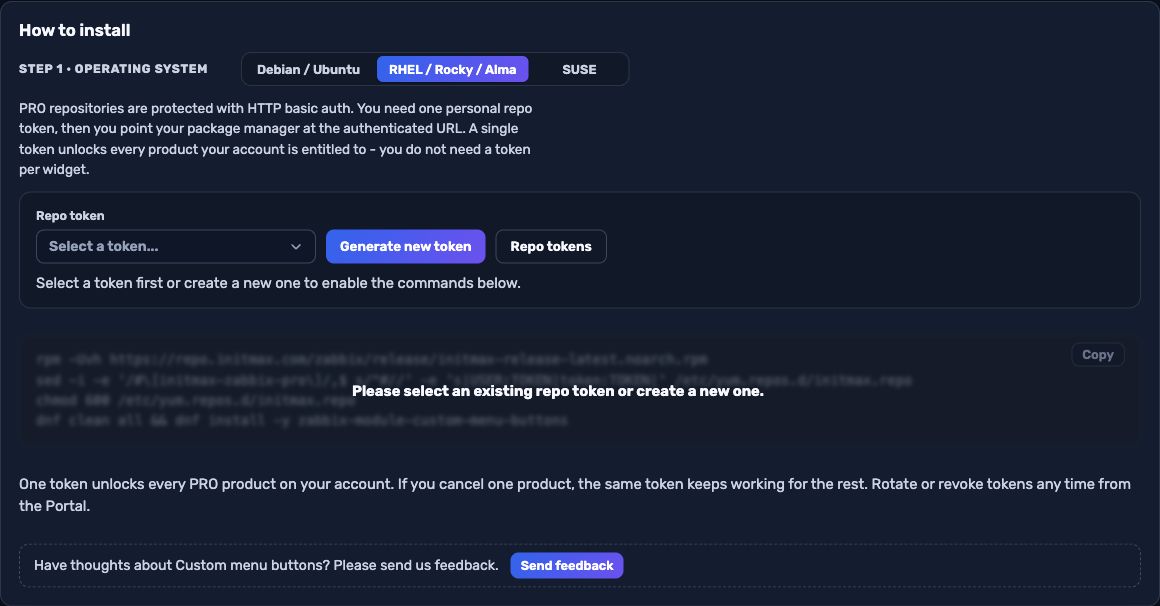
The most convenient route is the portal: pick your operating system and the PRO edition, sign in and your token is filled into the command for you – just copy it. Open the installer in the portal (the image below is clickable too).
SUSE
PRO edition
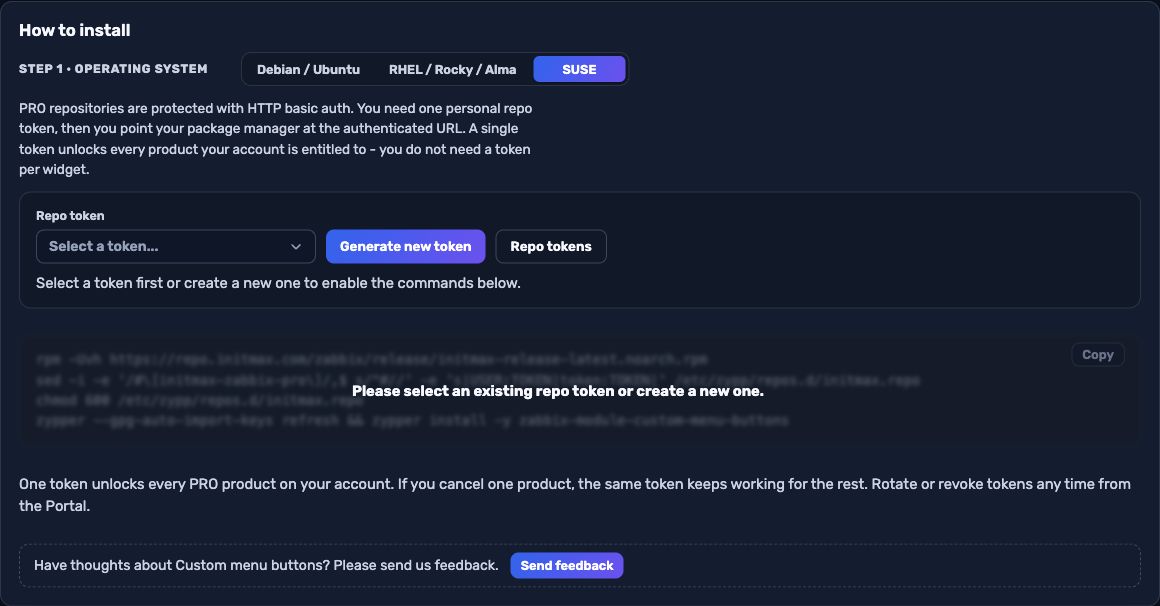
The most convenient route is the portal: pick your operating system and the PRO edition, sign in and your token is filled into the command for you – just copy it. Open the installer in the portal (the image below is clickable too).
Debian / Ubuntu
PRO edition
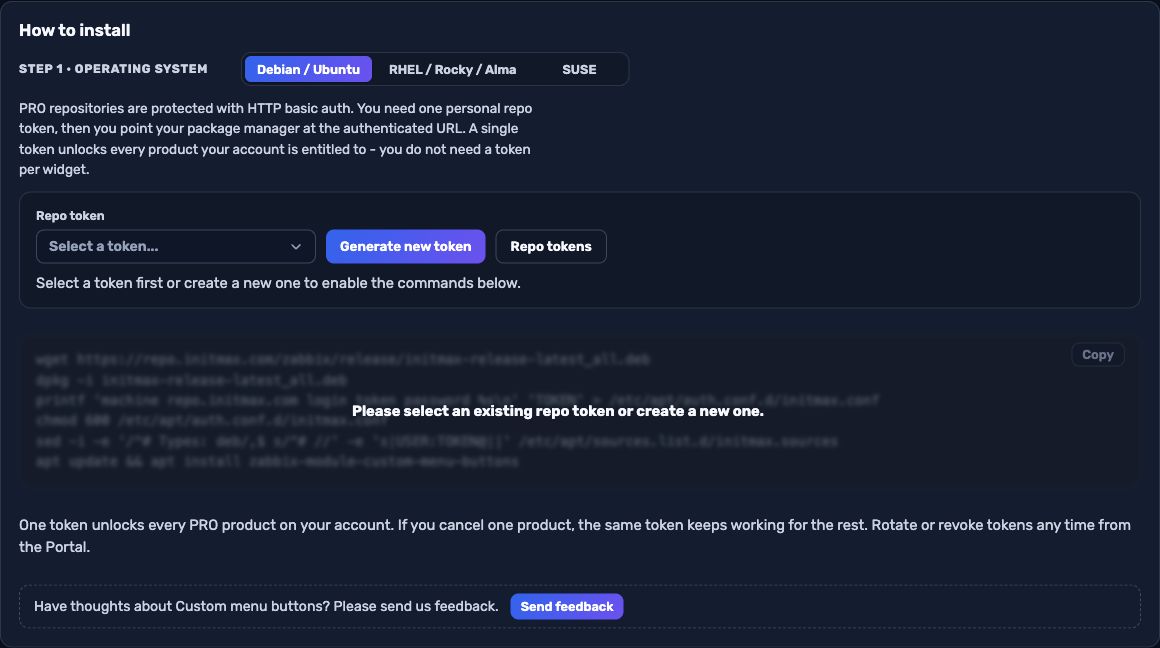
The most convenient route is the portal: pick your operating system and the PRO edition, sign in and your token is filled into the command for you – just copy it. Open the installer in the portal (the image below is clickable too).
Verification
The module is enabled automatically during the package installation. You can verify it in the Zabbix frontend menu: Administration → General → Modules
If the module was already running on that frontend (from an earlier package or from a manual installation), the package keeps its state – a module you disabled on purpose stays disabled – and the old manual copy is cleaned up as well, so the module never shows up twice in the module list. Updates then arrive through your package manager (apt / dnf / zypper) like any other system package.