
Add column sorting to Latest data – Last value, Last check and Change – and find the extremes without exporting anything. The filter and the saved filter tabs are shared with the standard Monitoring → Latest data page.
What the product provides
- Sort by Last value, Last check and Change – ascending or descending, like every other list in Zabbix. The chosen order is remembered per user, so it survives F5 and paging.
- Native Zabbix filters, subfilters and actions remain available, and the saved filter tabs are shared with the standard Latest data page – a filter you save on one page is there on the other.
- Your original Latest data page stays untouched – the module adds a second page, it replaces and patches nothing.
Screenshots
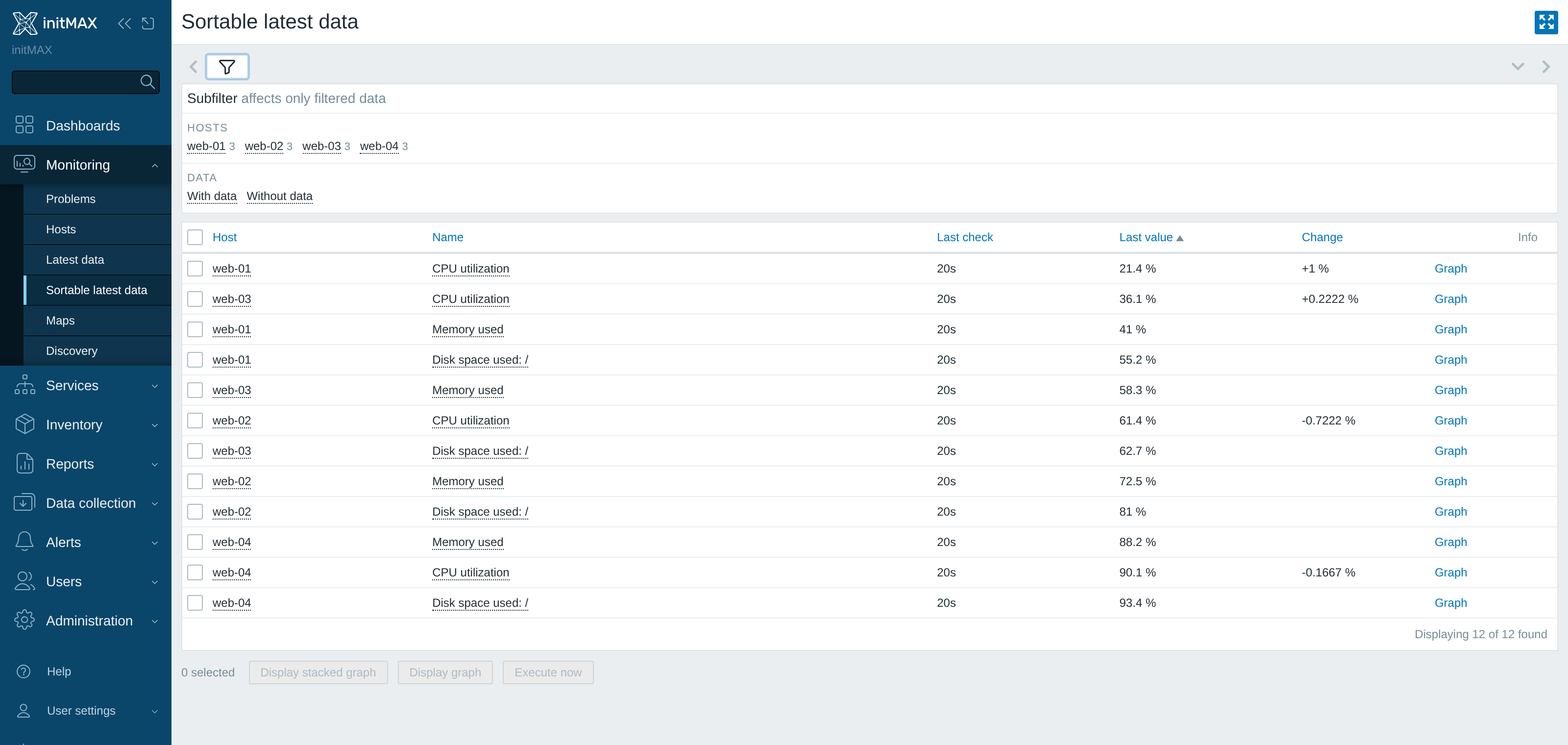
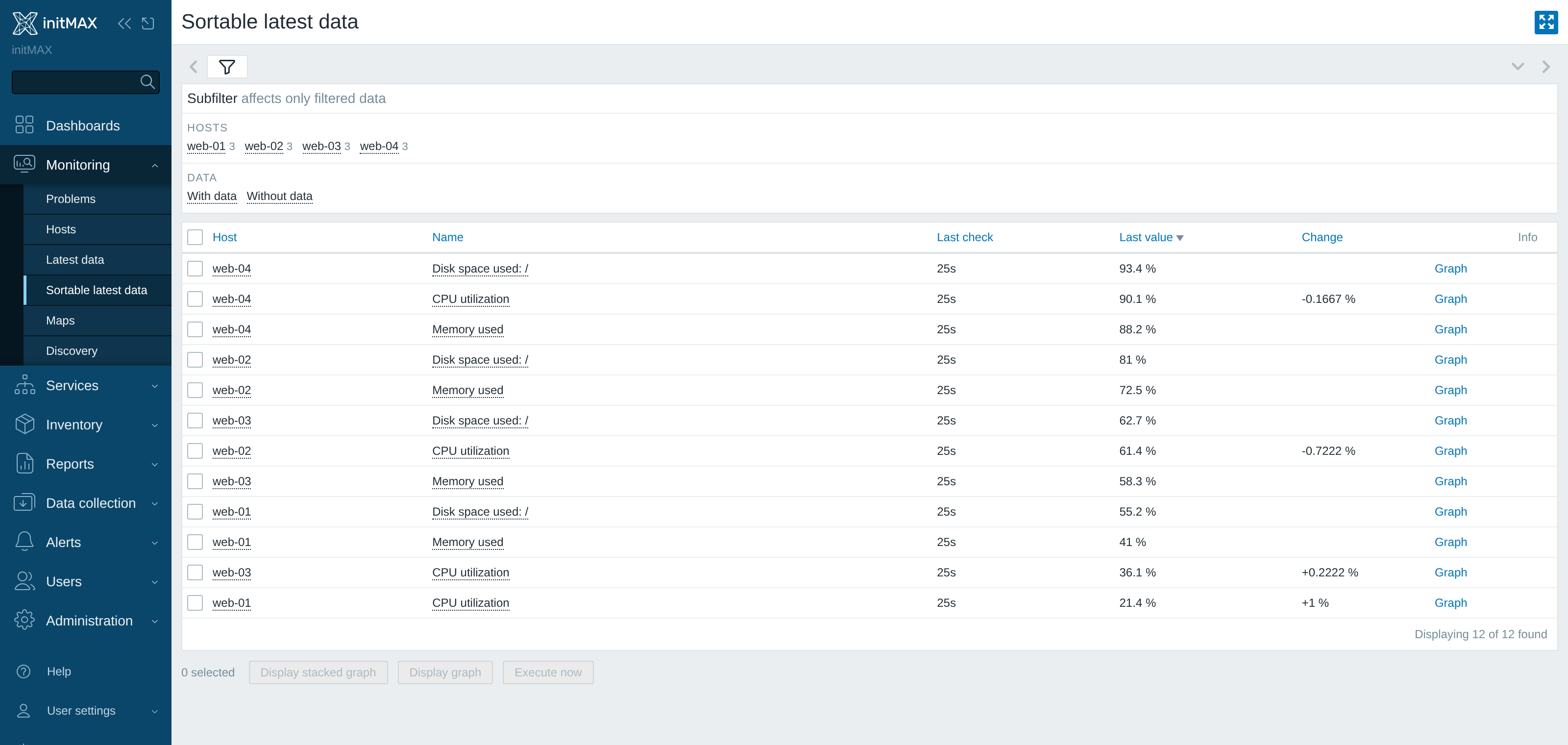
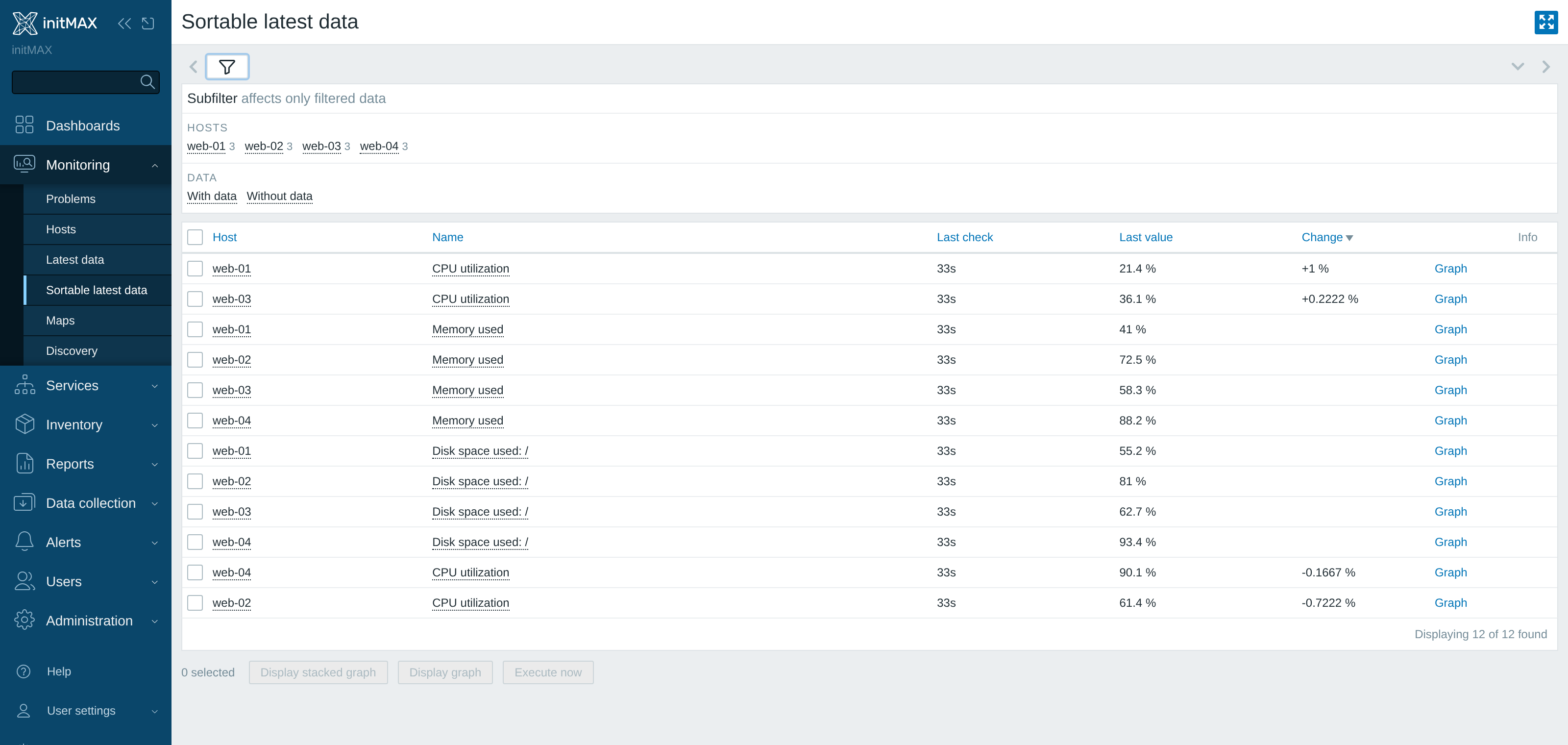
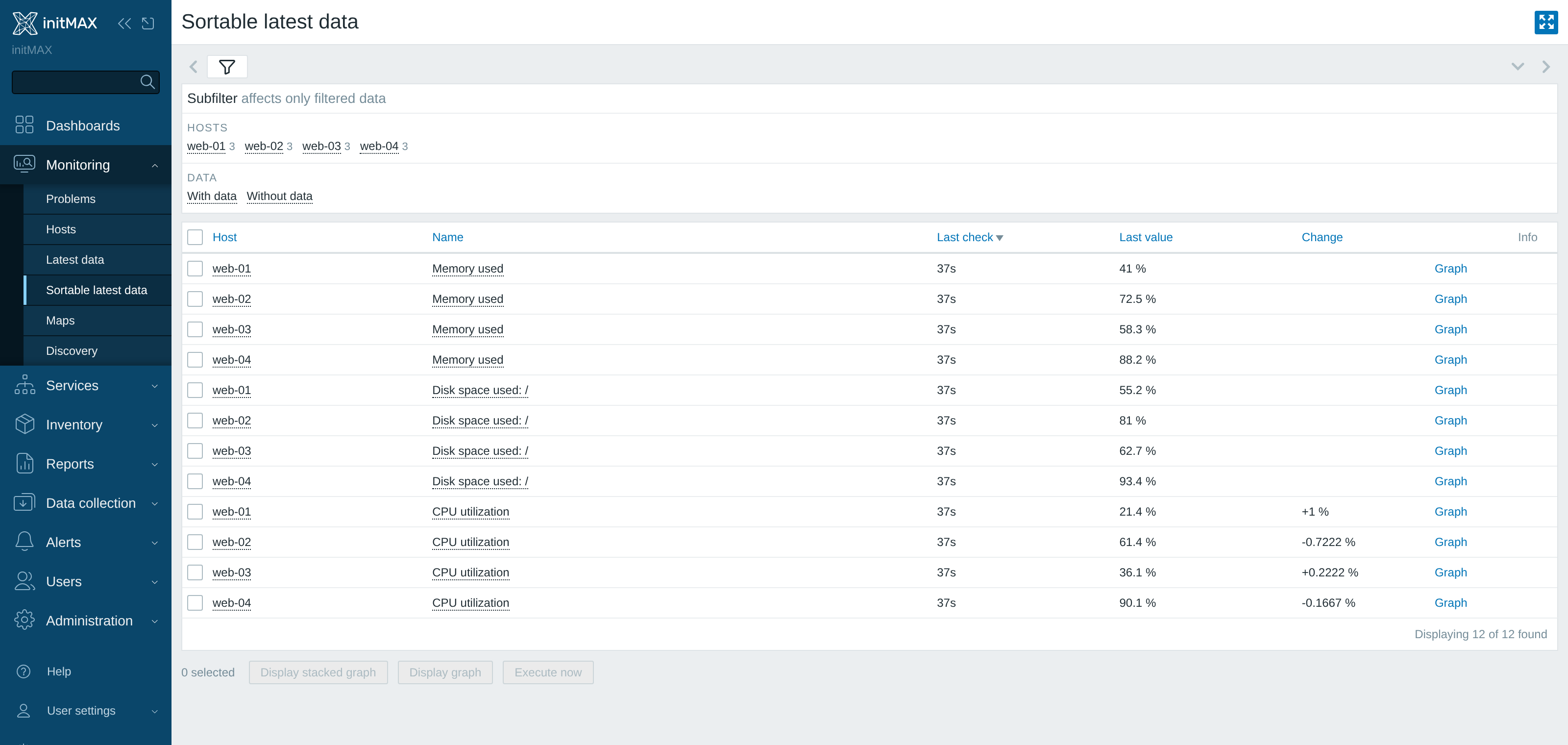
Filter shared with Latest data
The module has no filter profile of its own – it uses the one that belongs to the standard Monitoring → Latest data page. Whatever you set on one page (host groups, hosts, name, tags, State, Show details) applies on the other, and the same goes for the saved filter tabs: a tab you store with Save as on Latest data is immediately available in Sortable latest data – and the other way round. Switching between the pages no longer means filtering twice.
Sorting by Last check, Last value and Change, on the other hand, belongs to this page only and is stored in a separate user-profile key. The standard Latest data page knows nothing about it and cannot be broken by it, while for you the order survives F5 and paging.

Installation
Sortable latest data is distributed as a standard deb/rpm package from our repository repo.initmax.com. The package detects your frontend version and deploys the matching module tree into it. It supports Zabbix 6.0 – 8.0 and is HA ready – multi-frontend / HA setups work out of the box, just install the package on every frontend node.
Connect to the server running the Zabbix frontend over SSH (do this on every frontend node) and pick your distribution. Would you rather have a plain archive? Every release also ships as a ZIP – FREE straight from the repository – handy for offline or manual installs.
RHEL / Rocky / Alma
# RHEL / Rocky / Alma
rpm -Uvh https://repo.initmax.com/zabbix/release/initmax-release-latest.noarch.rpm
dnf clean all && dnf install -y zabbix-module-sortable-latest-data
SUSE
# SUSE
rpm -Uvh https://repo.initmax.com/zabbix/release/initmax-release-latest.noarch.rpm
zypper --gpg-auto-import-keys refresh && zypper install -y zabbix-module-sortable-latest-data
Debian / Ubuntu
# Debian / Ubuntu
wget https://repo.initmax.com/zabbix/release/initmax-release-latest_all.deb
dpkg -i initmax-release-latest_all.deb
apt update && apt install zabbix-module-sortable-latest-data
Verification
The module is enabled automatically during the package installation. You can verify it in the Zabbix frontend menu: Administration → General → Modules
If the module was already running on that frontend (from an earlier package or from a manual installation), the package keeps its state – a module you disabled on purpose stays disabled – and the old manual copy is cleaned up as well, so the module never shows up twice in the module list. Updates then arrive through your package manager (apt / dnf / zypper) like any other system package.