
Description
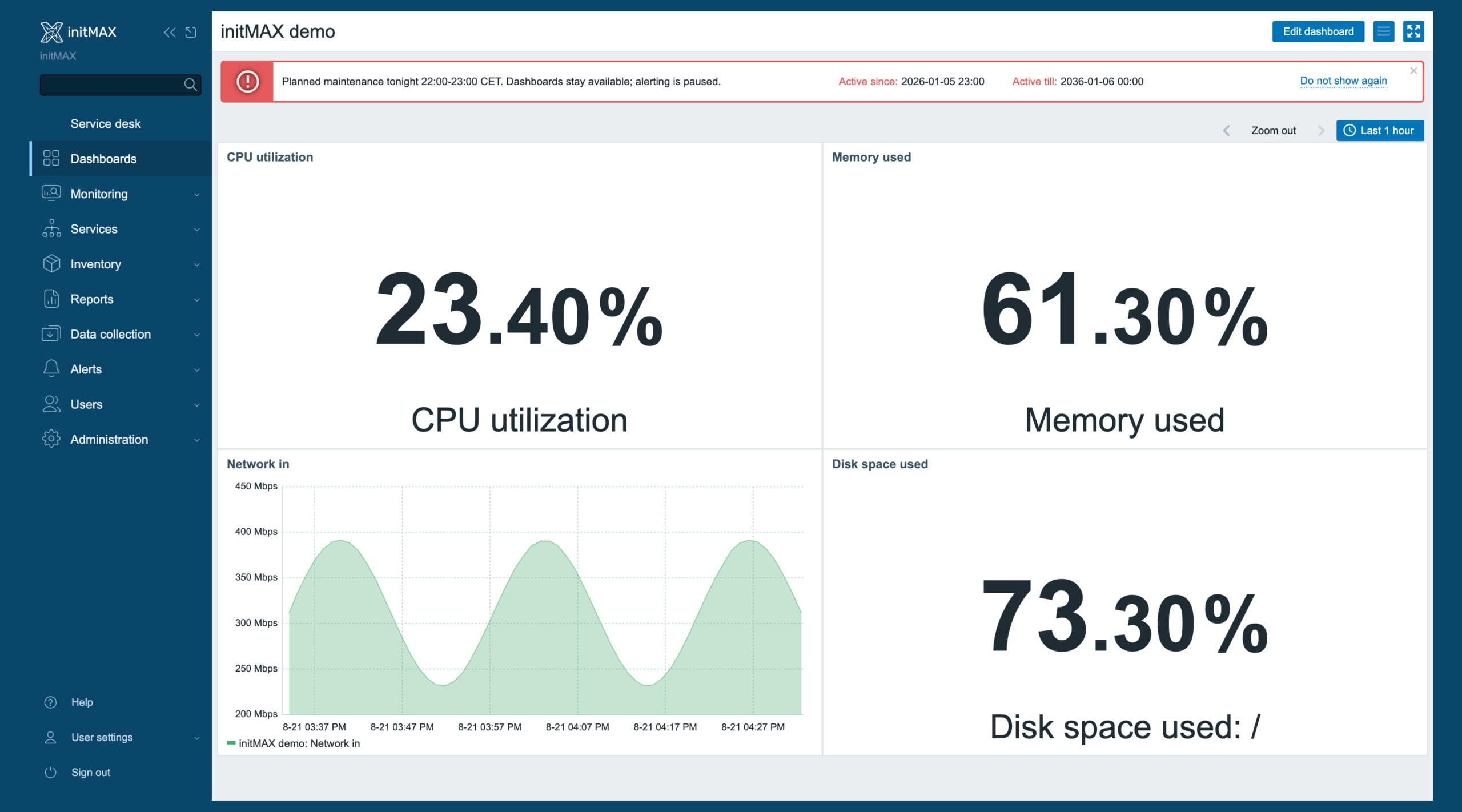
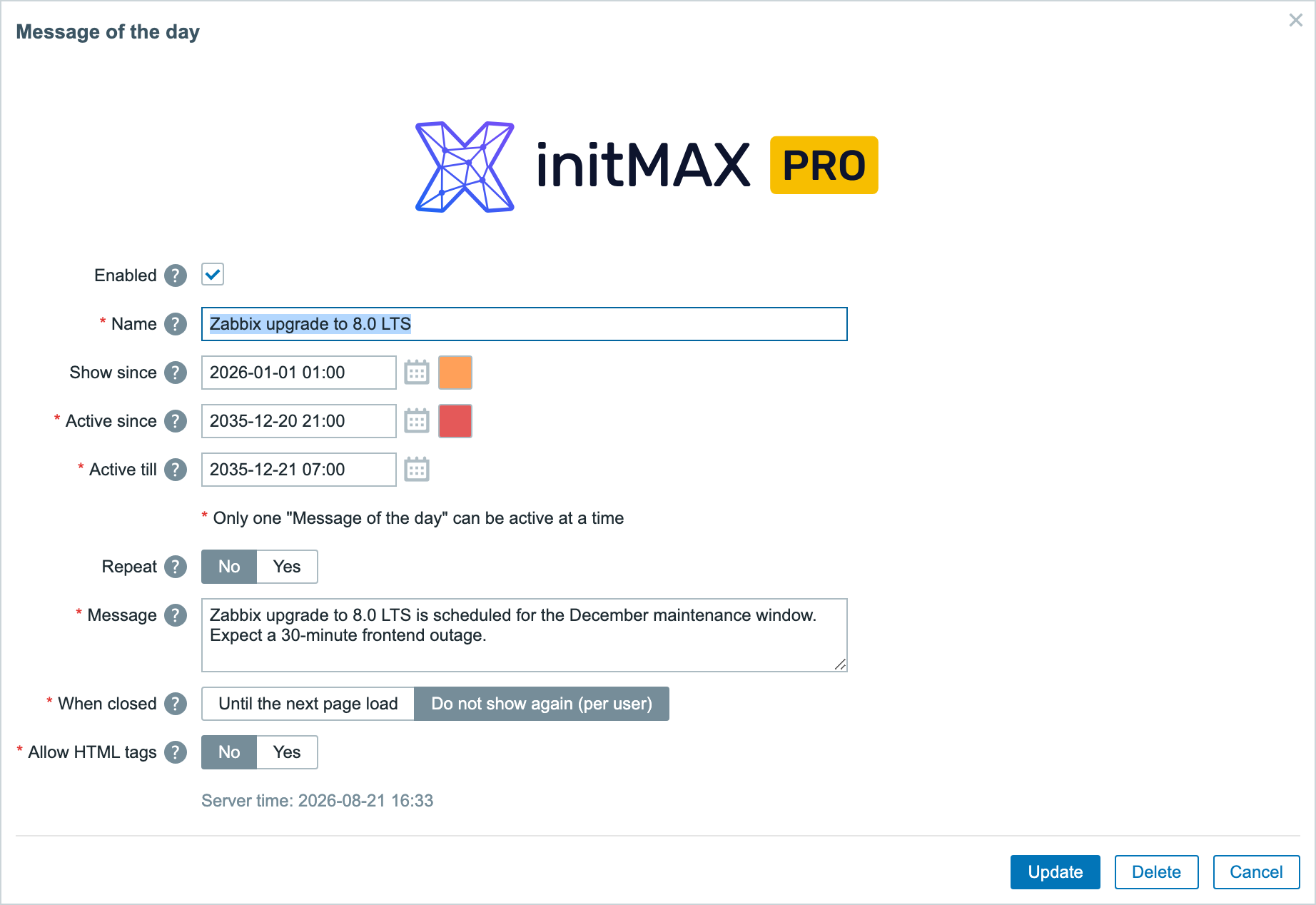
This Zabbix module informs users and administrators about important events. It provides a centralized location for sharing critical updates, maintenance notifications, or other relevant information to all system users. It supports Zabbix 6.0 – 8.0; FREE covers one-time announcements and PRO adds recurrence, series limits and HTML content.
Usage examples
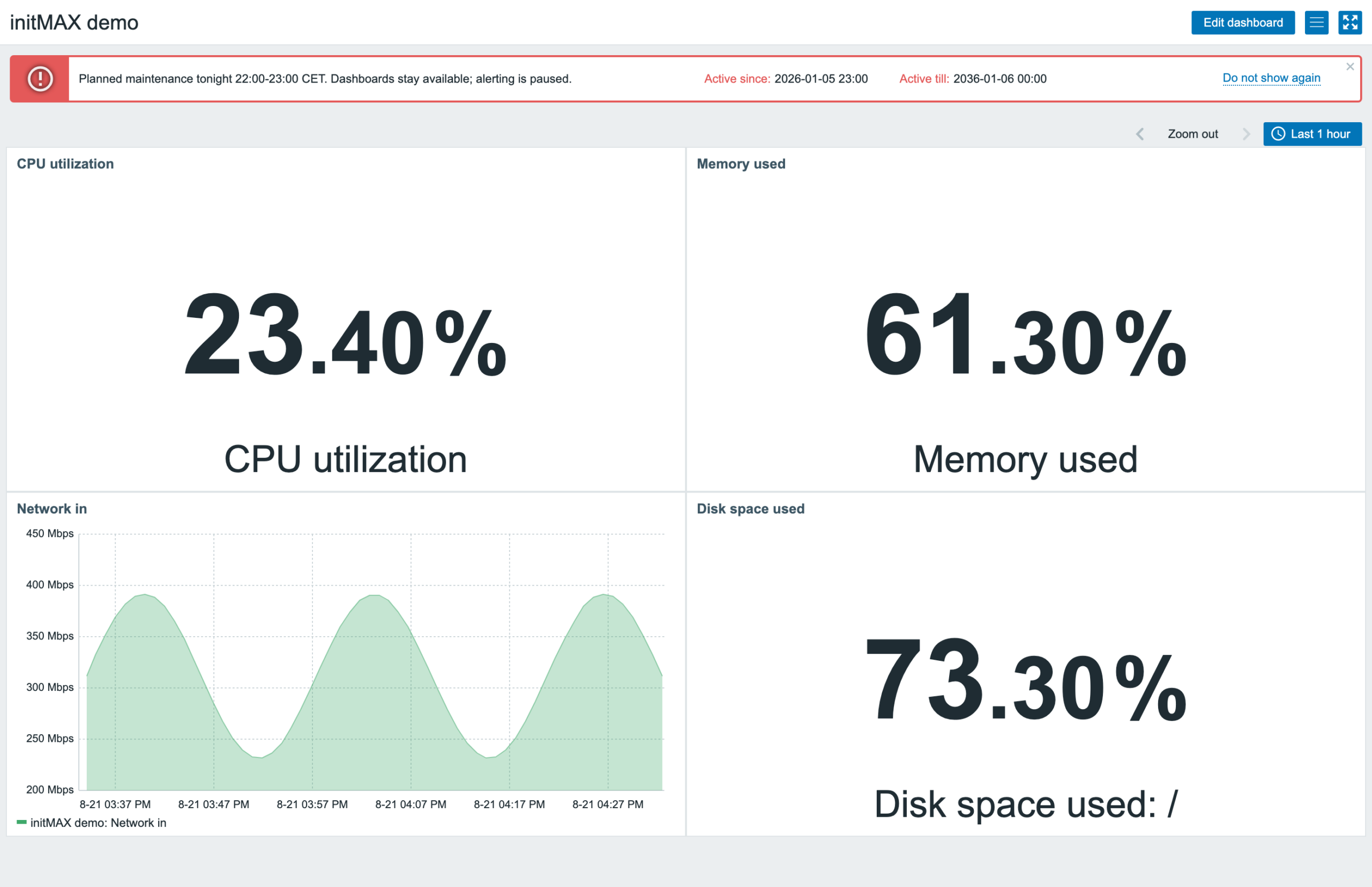
The Zabbix administrator wants to notify users that Zabbix Summit 2025 is approaching and that the agenda is being prepared. Users will see this message every day from the beginning of September until the end of the summit. Optionally, users can click a link to view the agenda of the summit.
Installation
Message of the Day is distributed as a standard deb/rpm package from our repository repo.initmax.com. The package detects your frontend version and deploys the matching module tree into it. It supports Zabbix 6.0 – 8.0 and is HA ready – multi-frontend / HA setups work out of the box, just install the package on every frontend node.
Connect to the server running the Zabbix frontend over SSH (do this on every frontend node) and pick your distribution. Would you rather have a plain archive? Every release also ships as a ZIP – FREE straight from the repository, PRO from the customer portal once you sign in – handy for offline or manual installs.
RHEL / Rocky / Alma

FREE edition
# RHEL / Rocky / Alma
rpm -Uvh https://repo.initmax.com/zabbix/release/initmax-release-latest.noarch.rpm
dnf clean all && dnf install -y zabbix-module-motd
PRO edition
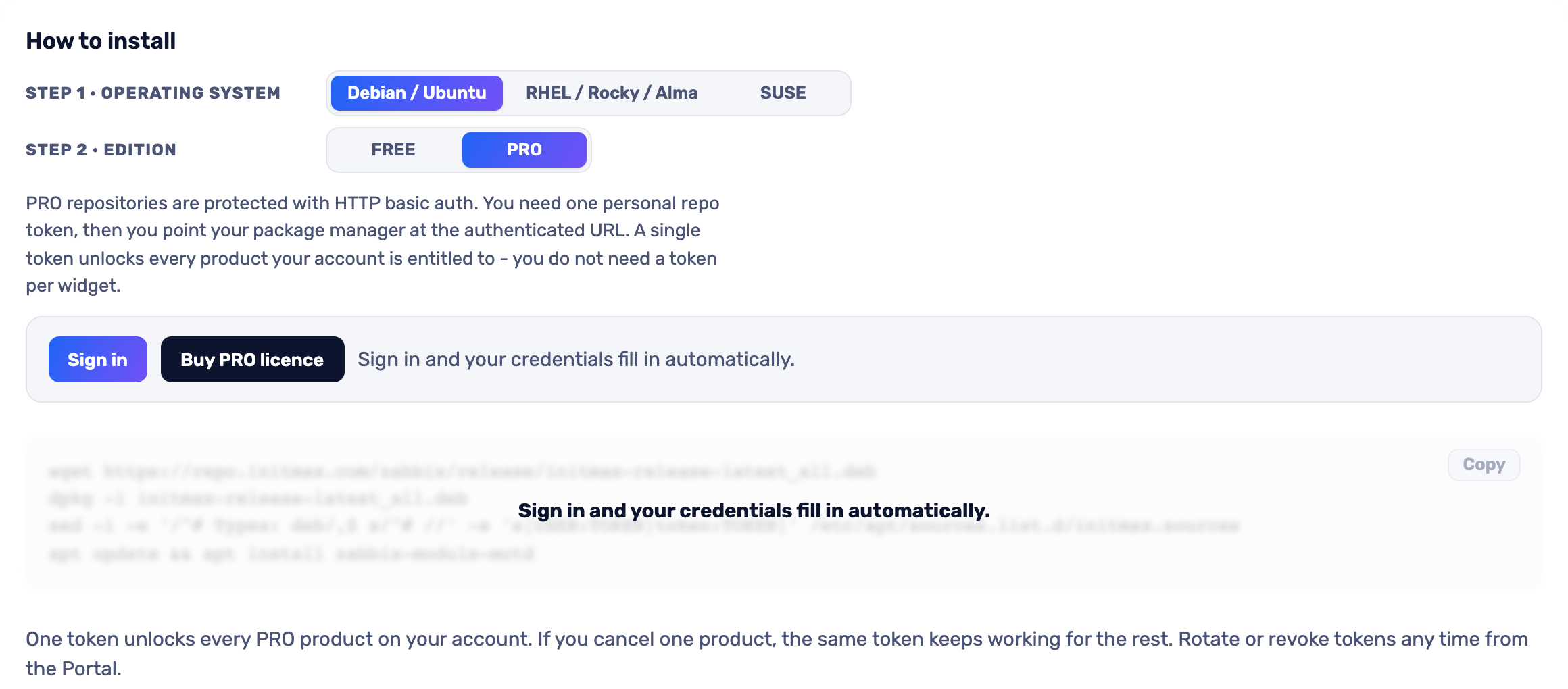
The most convenient route is the portal: pick your operating system and the PRO edition, sign in and your token is filled into the command for you – just copy it. Open the installer in the portal (the image below is clickable too).
SUSE
FREE edition
# SUSE
rpm -Uvh https://repo.initmax.com/zabbix/release/initmax-release-latest.noarch.rpm
zypper --gpg-auto-import-keys refresh && zypper install -y zabbix-module-motd
PRO edition
The most convenient route is the portal: pick your operating system and the PRO edition, sign in and your token is filled into the command for you – just copy it. Open the installer in the portal (the image below is clickable too).
Debian / Ubuntu
FREE edition
# Debian / Ubuntu
wget https://repo.initmax.com/zabbix/release/initmax-release-latest_all.deb
dpkg -i initmax-release-latest_all.deb
apt update && apt install zabbix-module-motd
PRO edition
The most convenient route is the portal: pick your operating system and the PRO edition, sign in and your token is filled into the command for you – just copy it. Open the installer in the portal (the image below is clickable too).
Verification
The module is enabled automatically during the package installation. You can verify it in the Zabbix frontend menu: Administration → General → Modules
If the module was already running on that frontend (from an earlier package or from a manual installation), the package keeps its state – a module you disabled on purpose stays disabled – and the old manual copy is cleaned up as well, so the module never shows up twice in the module list. Updates then arrive through your package manager (apt / dnf / zypper) like any other system package.
Configuration
Where to get it?
If you’re interested in this module, you can find it in our product catalog. There you’ll learn more about the available versions and how to get the product.