
Hide widget header
This module prevents widget headers from being displayed when dashboards are not in edit mode, improving visual clarity and user experience. This feature streamlines dashboard presentation by reducing visual clutter, allowing users to focus on critical monitoring data without distraction.
Requirements
Supported Zabbix versions
6.0 – 8.0
Min. supported PHP version
7.4
Key features
Dashboards on a wall show only the data, and stay fully editable:
• Headers gone in view mode – widgets marked hidden-header lose the whole bar, even under the mouse
• Back while editing – switch to edit mode and every header returns; move, resize, configure as usual
• Only where you asked – applies to widgets with “Show header” off, everything else looks exactly as before
• Nothing to configure – install, enable, done; a stylesheet only, so disabling it restores Zabbix
• Every dashboard, every user – all 27 Zabbix display languages, HA ready
How it looks in practice
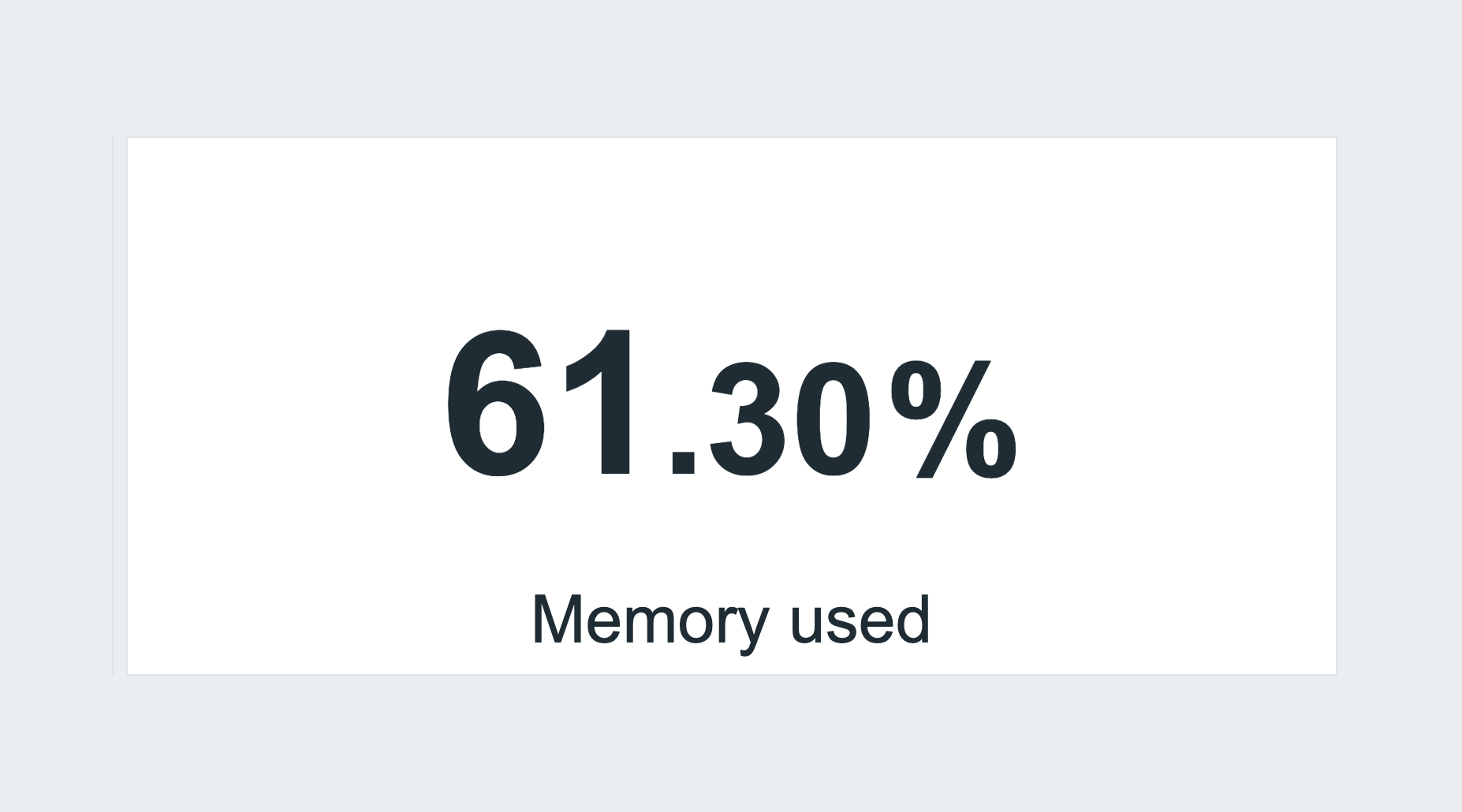
The same tile twice: without the module Zabbix still draws the header bar and shows it on hover; with the module the header is gone while the dashboard is viewed – even under the mouse – and comes back the moment you switch to edit mode.
It applies only to widgets already marked hidden-header, so nothing else changes. Install, enable, done – the steps are in the product wiki.
Documentation
Access detailed documentation in our product wiki, including step-by-step setup, customization options, and real-use configurations.

Editions
Free
Hide widget header outside dashboard edit mode
HA ready
Full localization – 27 languages
Editions
Free
Hide widget header outside dashboard edit mode
HA ready
Full localization – 27 languages
Delivery and updates
Delivery and updates – initMAX Portal
The FREE edition needs no purchase. Delivery and every update go through the initMAX Portal: the product page gives you the ready-made installation command for your OS, the signed DEB and RPM packages and a ZIP archive – or install straight from repo.initmax.com, the public package storage behind the Portal.
Similar products
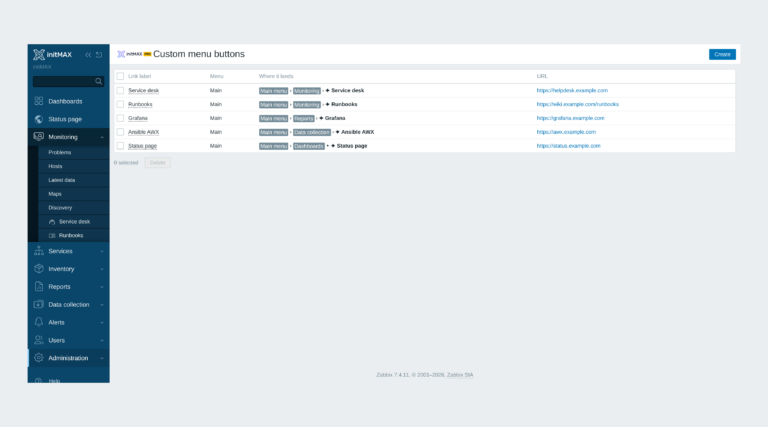
Custom menu buttons
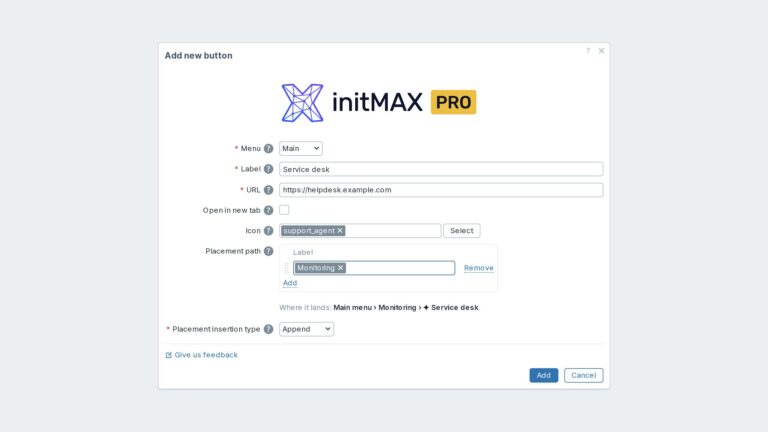
Custom links in the Zabbix main and user menu with exact placement, about 3,600 icons and central Super admin management.
inventoryMAX
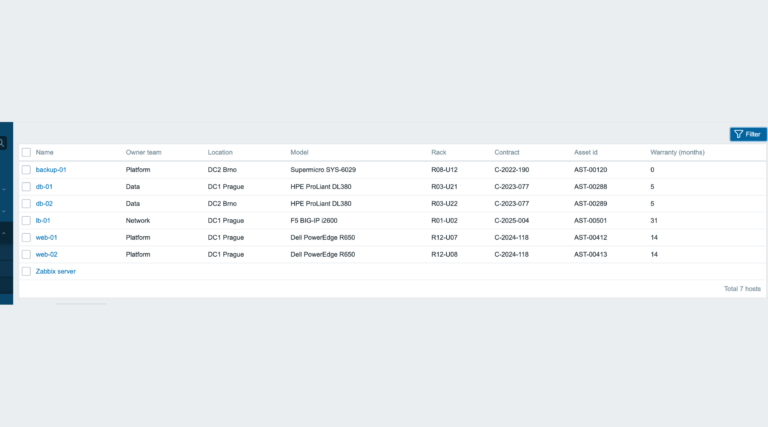
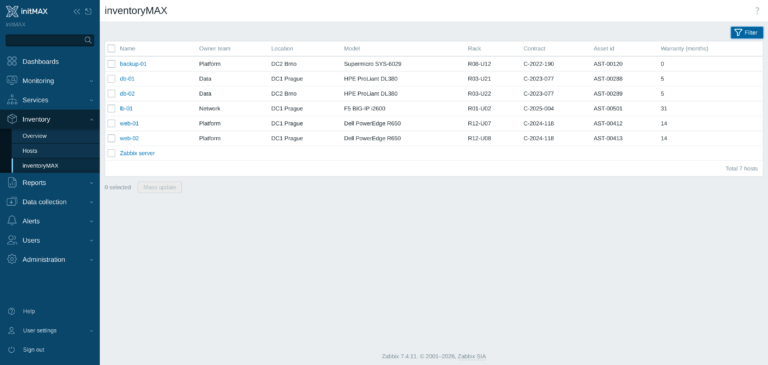
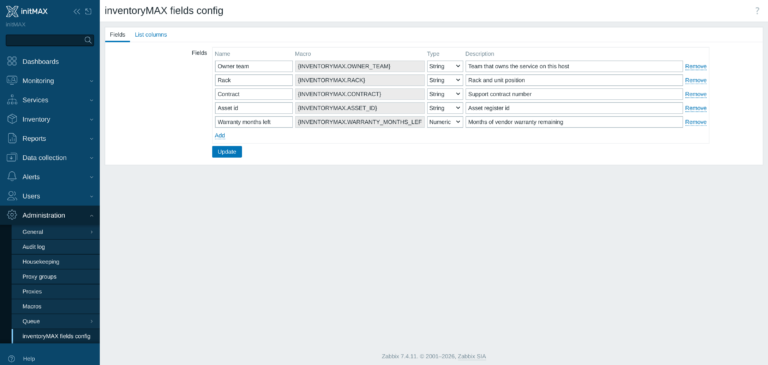
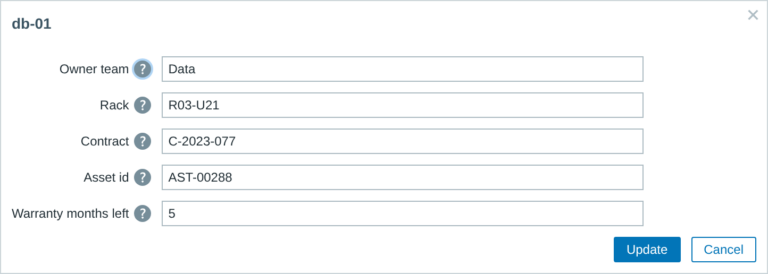
inventoryMAX adds custom fields to Zabbix inventory for flexible, structured metadata management and seamless macro-based integration.
Structured Dashboard
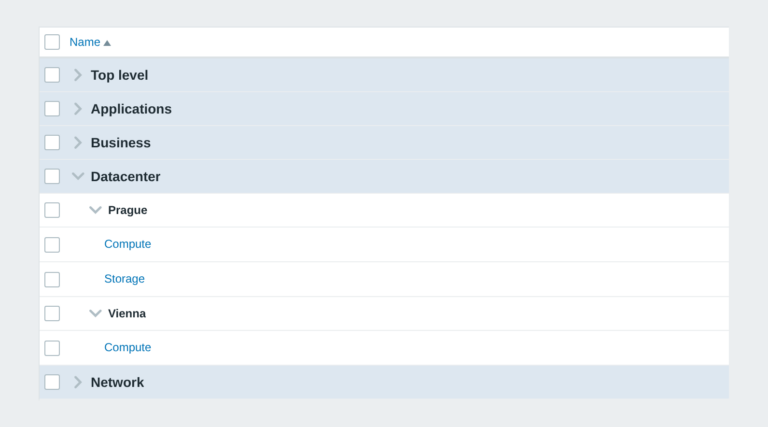
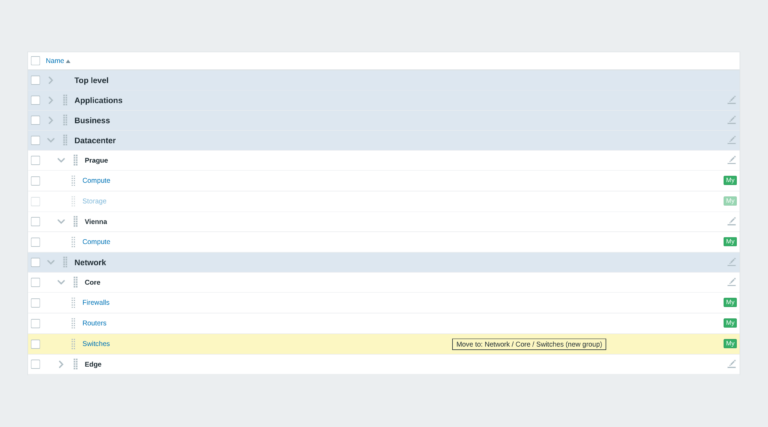
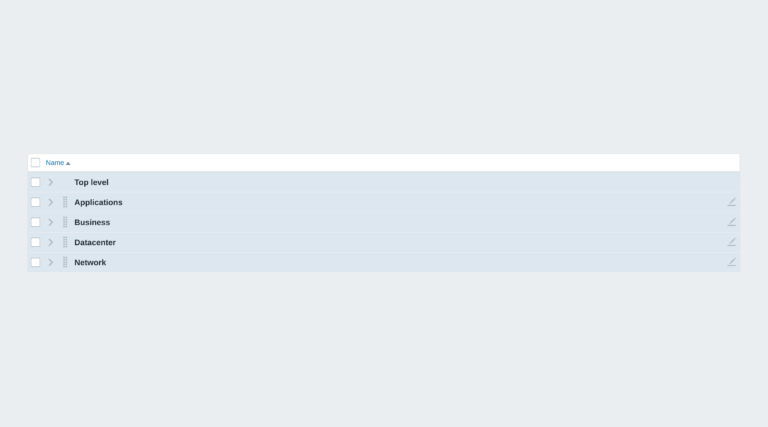
Zabbix module that organizes dashboards into structured groups using naming conventions, enabling automatic hierarchy and easier navigation.
FAQ
A running Zabbix installation – the supported Zabbix versions and the minimum PHP version are listed in the Requirements section of each product page. The widget installs on the Zabbix frontend server as a standard deb/rpm package from repo.initmax.com, so you need root access to that server. No special hardware is required.
Updates are delivered through your package manager like any other system package – apt upgrade / dnf update / zypper update. The FREE edition updates from the public repo.initmax.com repository; the PRO edition uses the repository token issued in the customer portal. Thanks to the lifetime license there are no renewal fees.
Yes. Hide widget header is FREE (AGPLv3) with no PRO edition and no licence token: install it from repo.initmax.com or the initMAX Portal and use it on any number of Zabbix frontends.
Only widgets you have already marked as hidden-header (the “Show header” checkbox in the widget configuration is off). Zabbix normally still reserves the bar and shows it on hover; the module hides it completely while the dashboard is viewed. Switch the dashboard to edit mode and every header is back – or tick “Show header” on the widget again. Disabling the module in Administration – General – Modules restores the standard Zabbix behaviour immediately.