Structured Dashboard
Organize a long dashboard list into readable nested, collapsible groups derived from a simple naming convention – and manage them with the mouse: drag and drop moves a dashboard or a whole group.
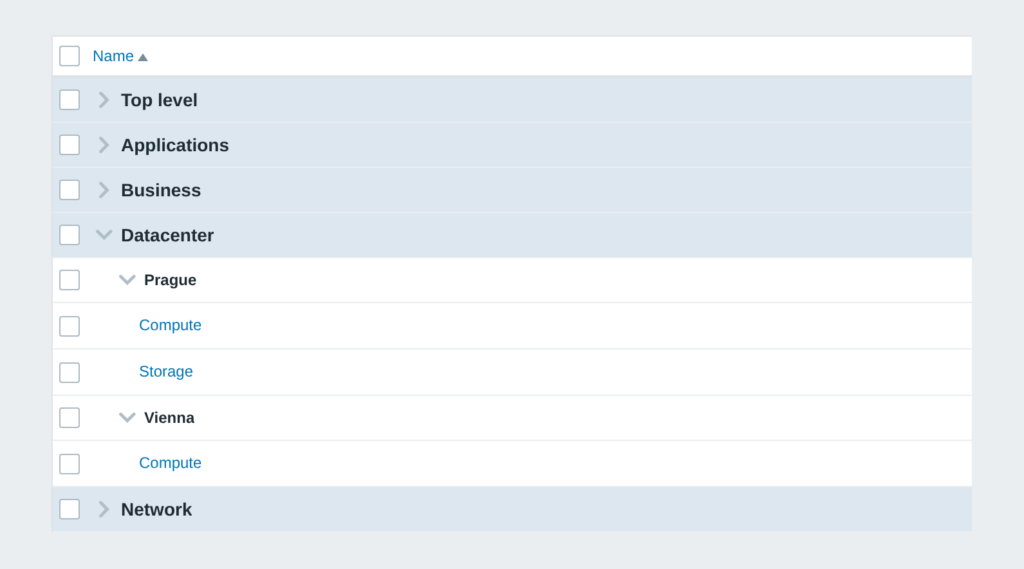

Organize a long dashboard list into readable nested, collapsible groups derived from a simple naming convention – and manage them with the mouse: drag and drop moves a dashboard or a whole group.
Supported Zabbix versions
6.0 – 8.0
Min. supported PHP version
7.4
Name a dashboard with a slash – Network / Core / Routers – and the list builds itself into a tree. Managing it is then a matter of the mouse:
• Drag and drop between groups – drag a dashboard, or a whole group, somewhere else; the module only renames it through the Zabbix API and never touches the dashboard content
• Create group – open an empty group by path (Business / SLA nests) and fill it by dragging
• Edit group – the pencil renames the group and every dashboard under it
• View | Edit switch – like the Services list: handles and pencils appear only in Edit mode, and Zabbix remembers the choice per user
• Collapsible levels – the frontend’s own control, with the collapse state remembered for each user
• Only a naming convention – nothing is migrated, nothing is patched, the dashboards themselves stay untouched
• HA ready – Zabbix 6.0 – 8.0 in one package, multi-frontend with no extra setup
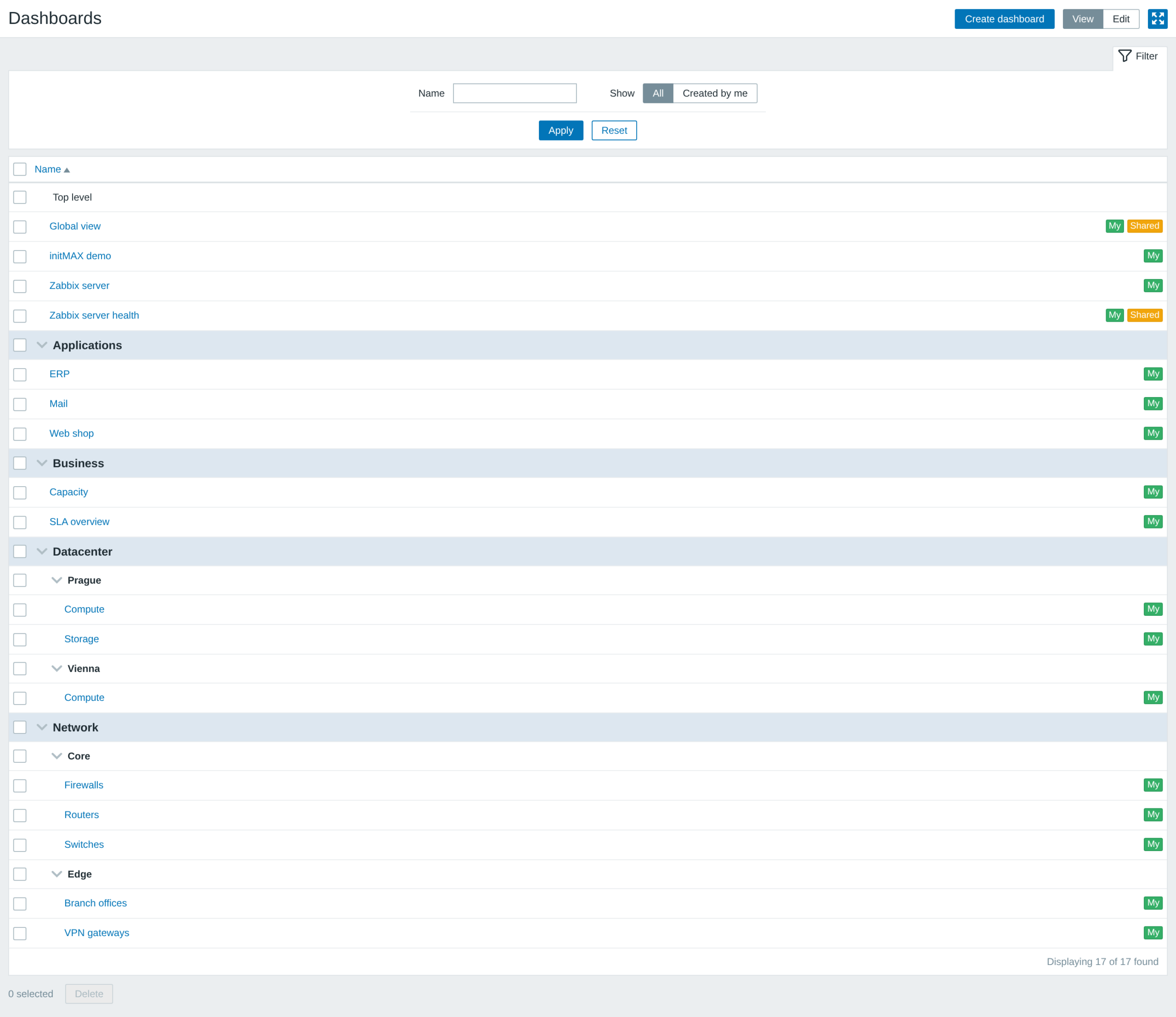
Seventeen dashboards, five groups, one screen. Flip the top right switch to Edit and the list becomes manageable with the mouse: every row gets a handle, every group a pencil, and a Create group button appears next to Create dashboard.
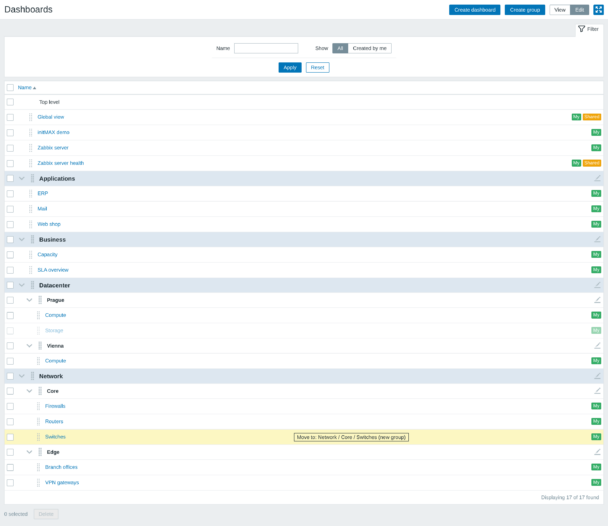
Drag a dashboard over the target row – the highlighted block and the Move to hint show where it lands before you let go. Dropping it on another dashboard opens a new group named after that target right next to it. The move itself is a plain rename through the API, under the same permissions as editing a dashboard.
Access detailed documentation in our product wiki, including step-by-step setup, system requirements, customization options, and real-use configurations.

Free
Nested dashboard groups from the / in dashboard names
Drag and drop dashboards and whole groups between groups
Create and rename a group straight from the list
View | Edit mode switch, like the Services list
Every level folds away, the state is remembered per user
Nothing to configure – rename a dashboard and it moves
Same rows, filter and actions as the stock page
HA ready
Full localization – 27 languages
Free
Nested dashboard groups from the / in dashboard names
Drag and drop dashboards and whole groups between groups
Create and rename a group straight from the list
View | Edit mode switch, like the Services list
Every level folds away, the state is remembered per user
Nothing to configure – rename a dashboard and it moves
Same rows, filter and actions as the stock page
HA ready
Full localization – 27 languages
The FREE edition needs no purchase. Delivery and every update go through the initMAX Portal: the product page gives you the ready-made installation command for your OS, the signed DEB and RPM packages and a ZIP archive – or install straight from repo.initmax.com, the public package storage behind the Portal.
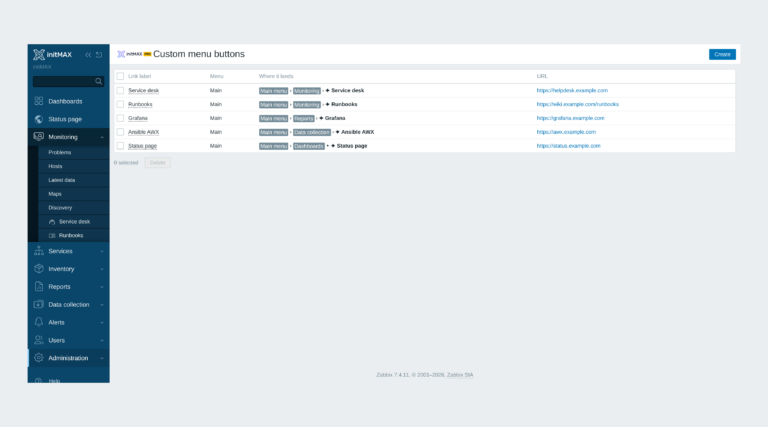
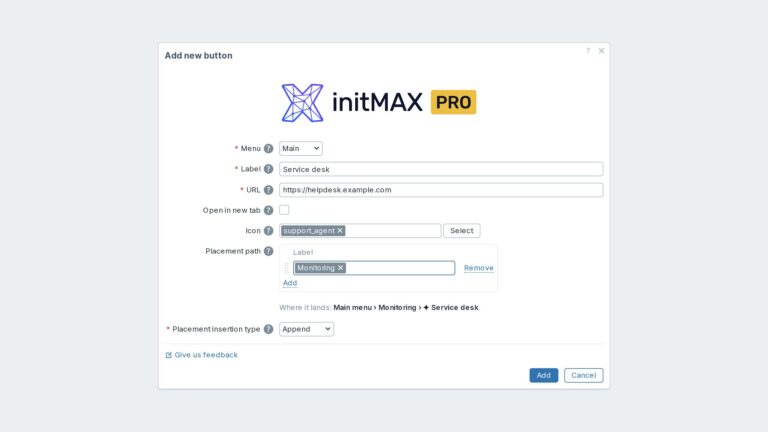
Custom links in the Zabbix main and user menu with exact placement, about 3,600 icons and central Super admin management.
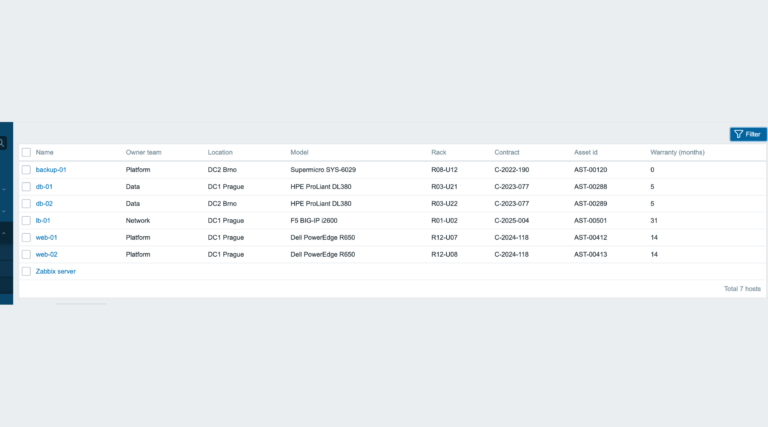
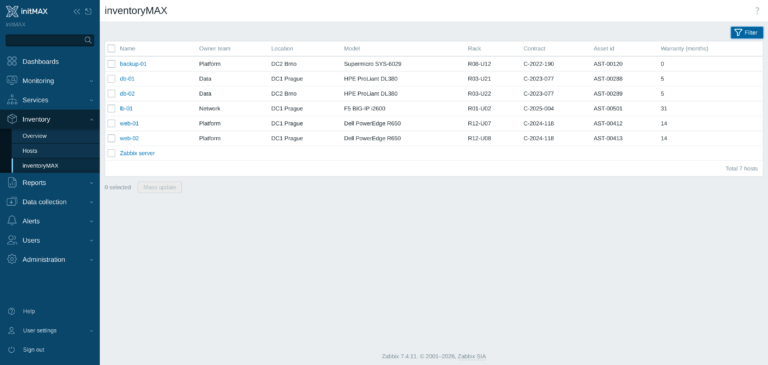
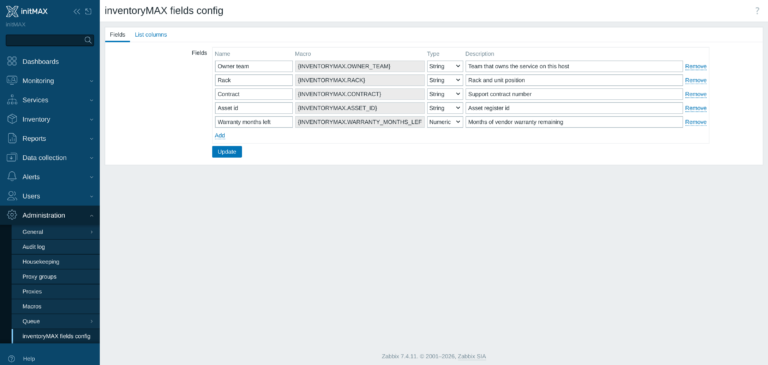
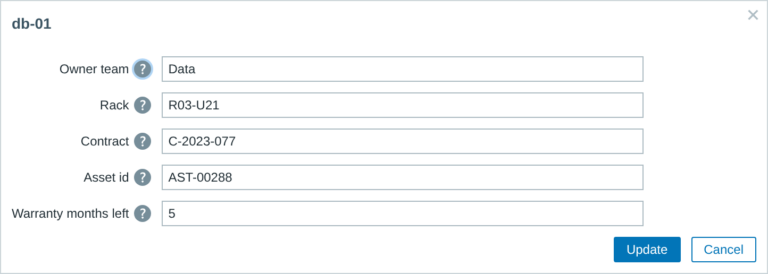
inventoryMAX adds custom fields to Zabbix inventory for flexible, structured metadata management and seamless macro-based integration.
This module prevents widget headers from being displayed when dashboards are not in edit mode, improving visual clarity and user experience.
A running Zabbix installation – the supported Zabbix versions and the minimum PHP version are listed in the Requirements section of each product page. The widget installs on the Zabbix frontend server as a standard deb/rpm package from repo.initmax.com, so you need root access to that server. No special hardware is required.
Updates are delivered through your package manager like any other system package – apt upgrade / dnf update / zypper update. The FREE edition updates from the public repo.initmax.com repository; the PRO edition uses the repository token issued in the customer portal. Thanks to the lifetime license there are no renewal fees.
Yes. Structured Dashboard is FREE (AGPLv3) with no PRO edition and no licence token: install it from repo.initmax.com or the initMAX Portal and use it on any number of Zabbix frontends. It supports Zabbix 6.0 – 8.0 from one package and is HA ready.
Groups come from the dashboard name: a slash is the level separator, so “Network / Core / Routers” puts the dashboard Routers into Network / Core. You never have to type that by hand. Switch the list to Edit with the View | Edit control, then drag a dashboard – or a whole group – onto the target and the module renames it through the Zabbix API; dropping a dashboard onto another dashboard opens a new group named after the target. Create group next to Create dashboard opens an empty group by path, and the pencil on a group row renames it together with every dashboard under it. Nothing is migrated and no dashboard content is touched.
Structured Dashboard