sokobanMAX
ZabbixWidget
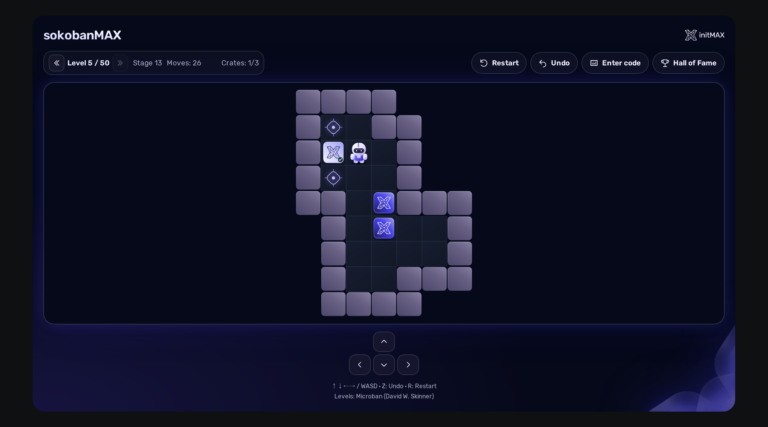
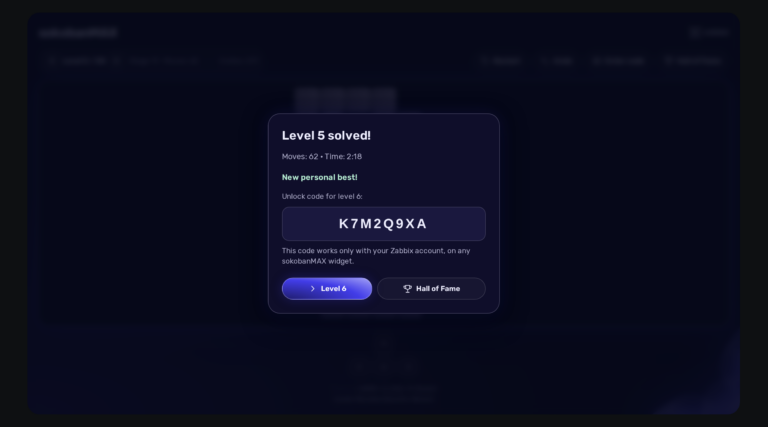
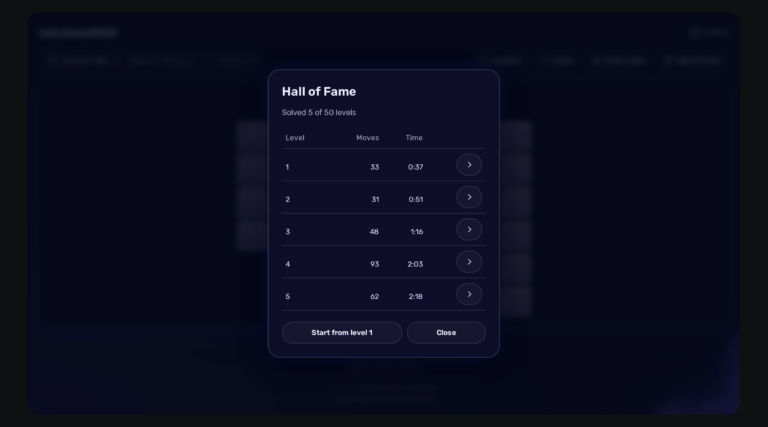
Play Sokoban directly on your Zabbix dashboard: 50 solvable levels, saved games, a Hall of Fame and a server that keeps an honest score. Completely FREE.

Play Sokoban directly on your Zabbix dashboard: 50 solvable levels, saved games, a Hall of Fame and a server that keeps an honest score. Completely FREE.
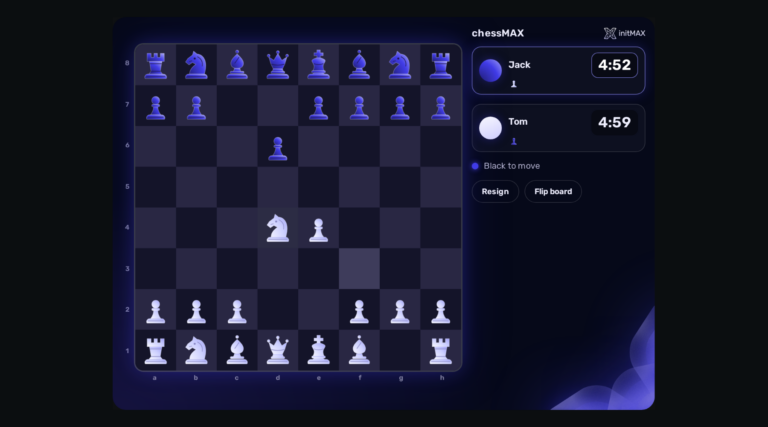
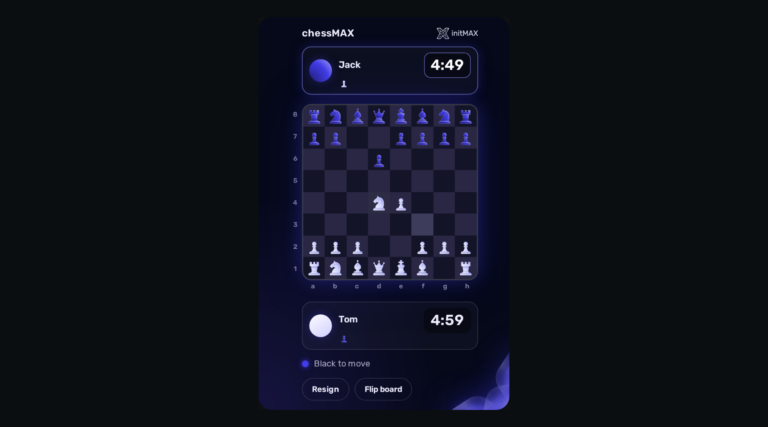
Play chess directly on your Zabbix dashboard: challenge Stockfish, share a board or invite a colleague. FREE, with all game assets included.
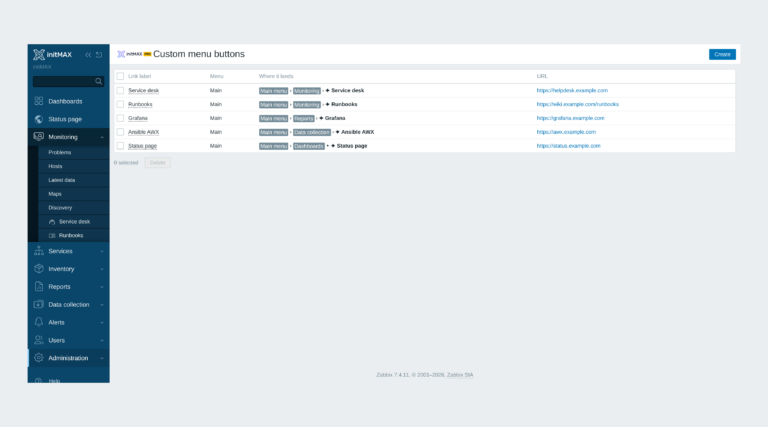
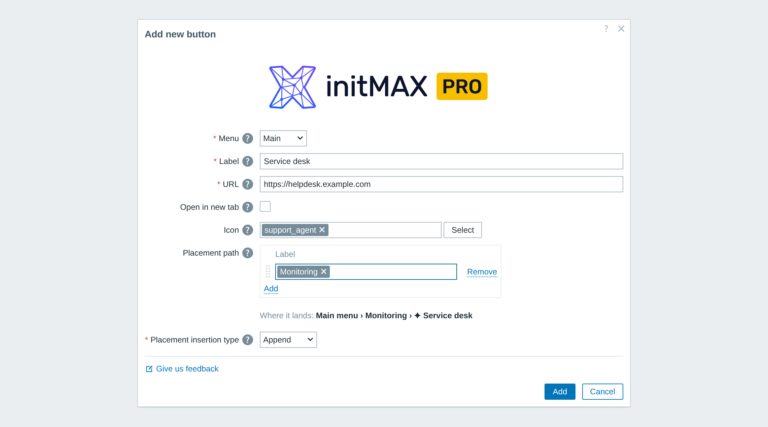
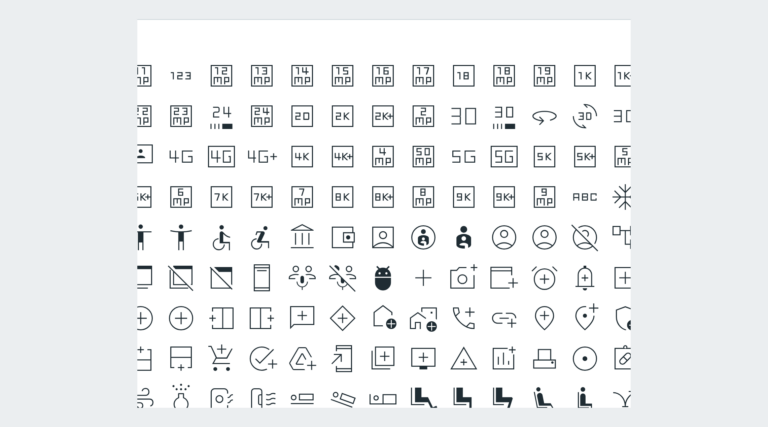
Custom links in the Zabbix main and user menu with exact placement, about 3,600 icons and central Super admin management.
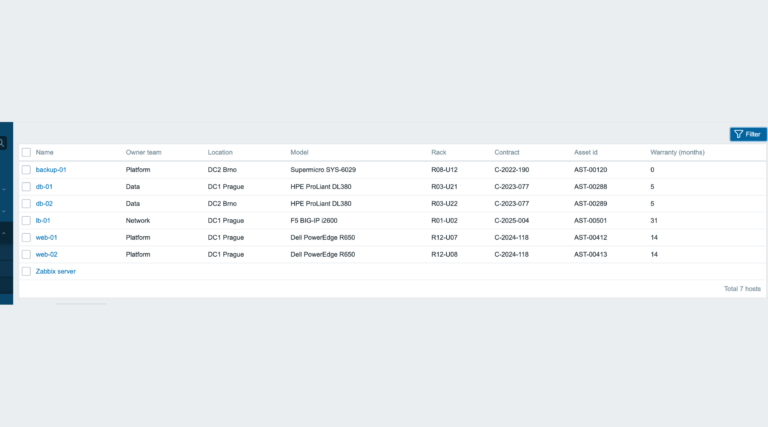
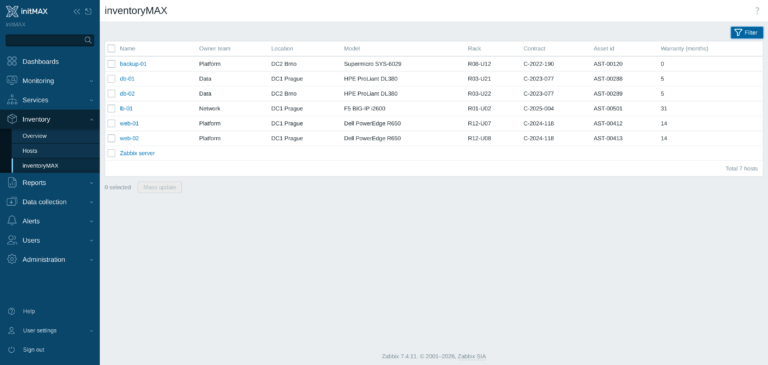
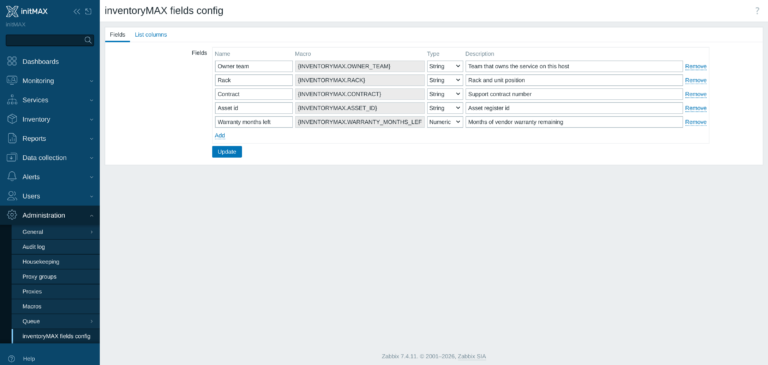
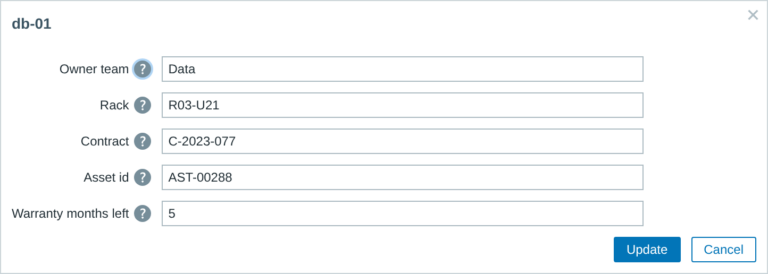
inventoryMAX adds custom fields to Zabbix inventory for flexible, structured metadata management and seamless macro-based integration.
This module prevents widget headers from being displayed when dashboards are not in edit mode, improving visual clarity and user experience.
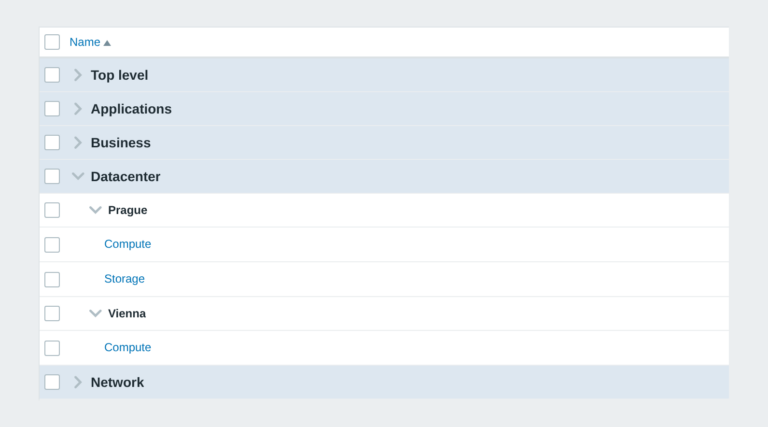
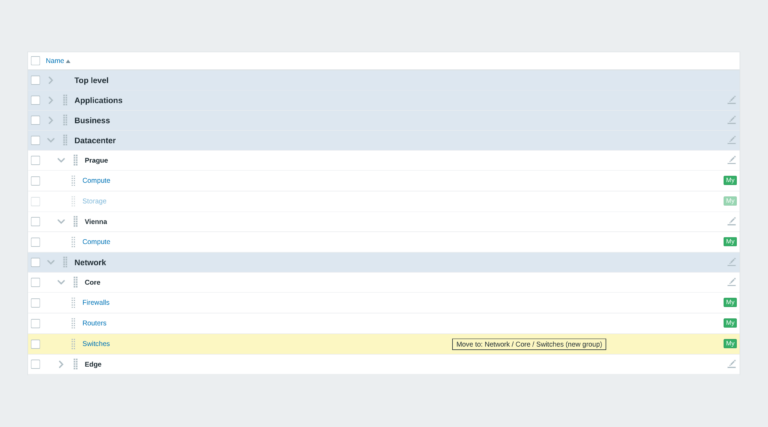
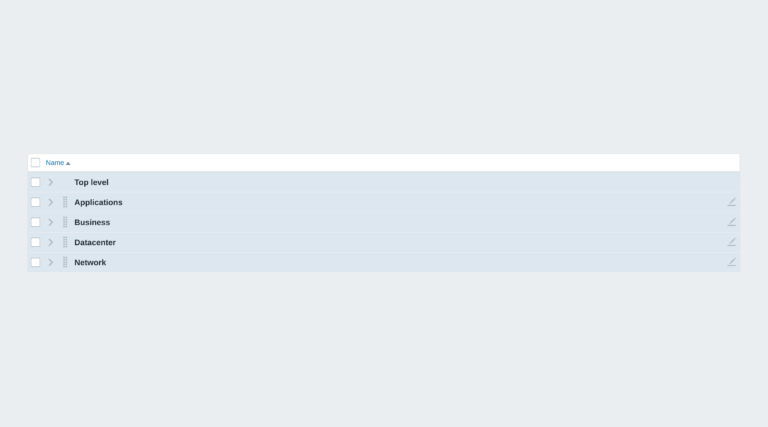
Zabbix module that organizes dashboards into structured groups using naming conventions, enabling automatic hierarchy and easier navigation.
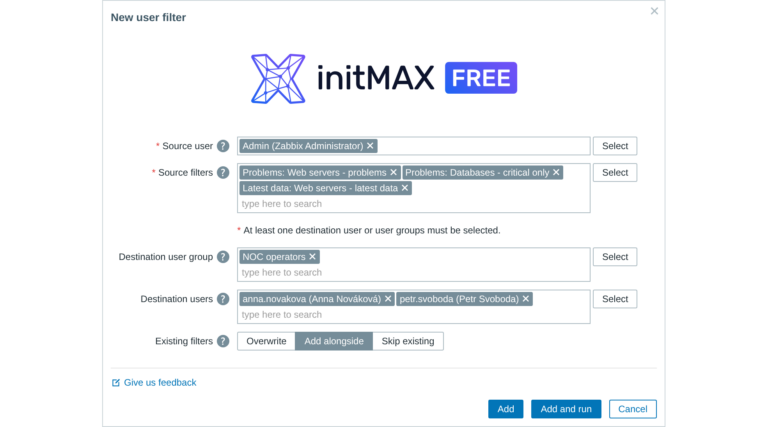
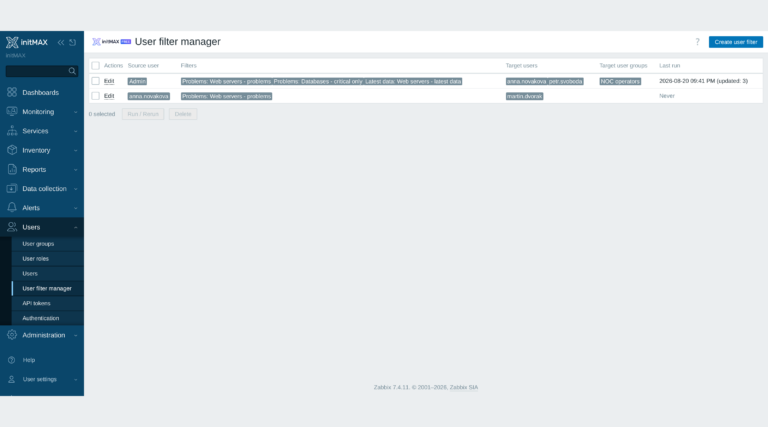
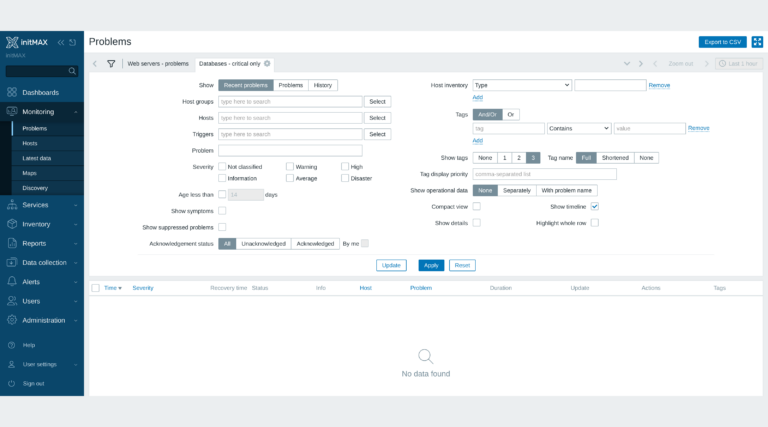
Share and manage saved Zabbix filters across users and groups effortlessly, ensuring everyone works with consistent views and streamlined collaboration.
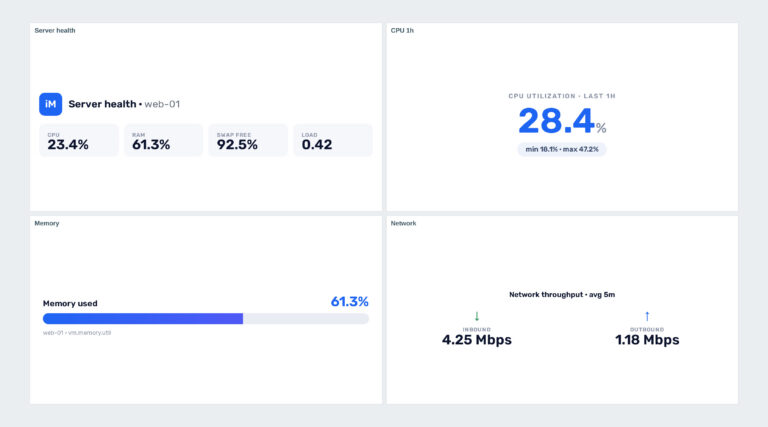
Zabbix widget that allows users to create section headers, embed images, or add buttons with customisable URL links in the dashboard UI.
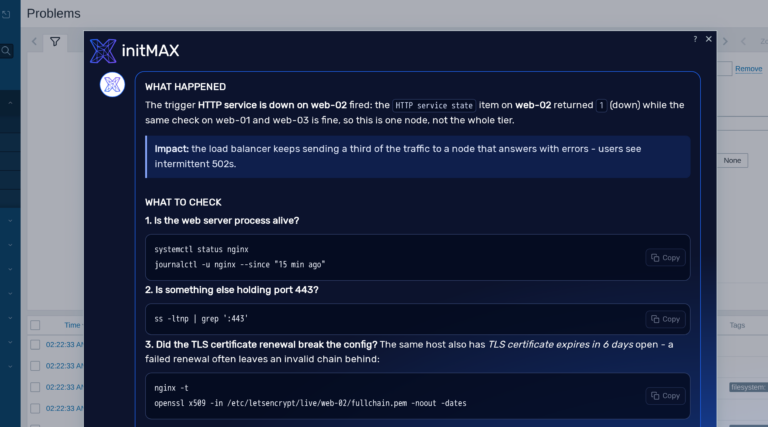
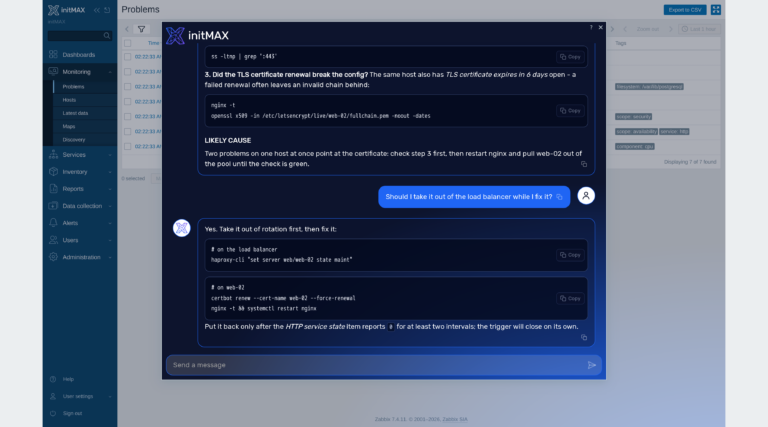
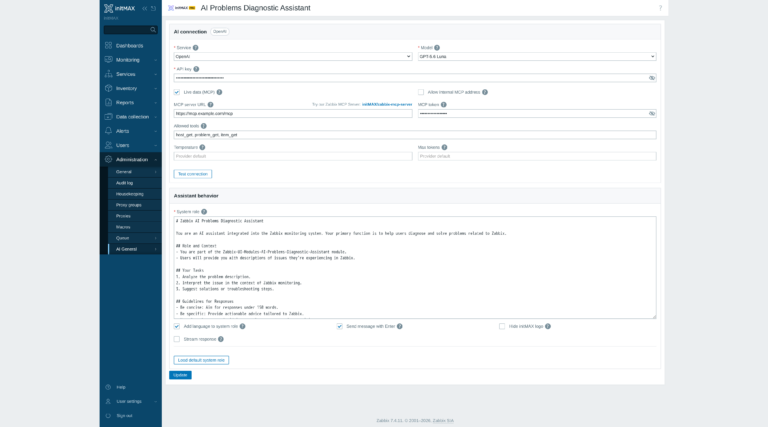
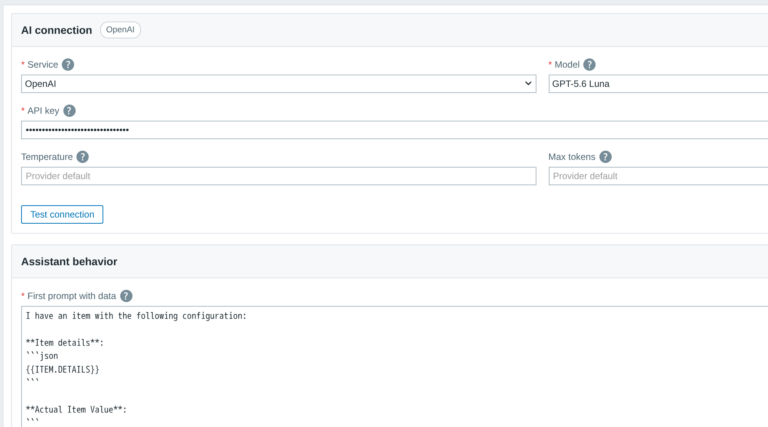
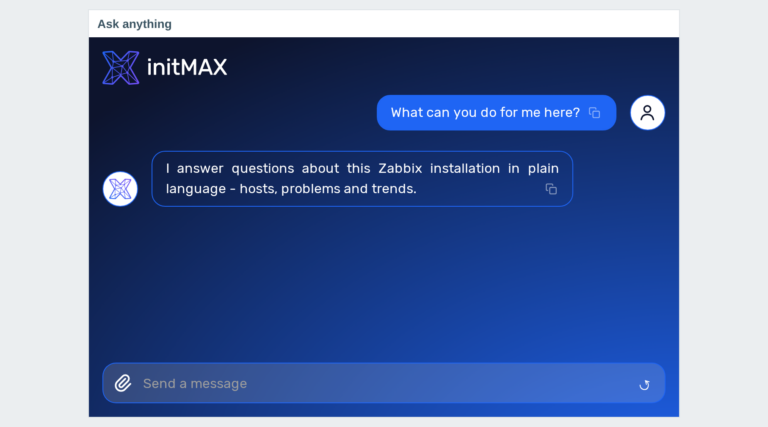
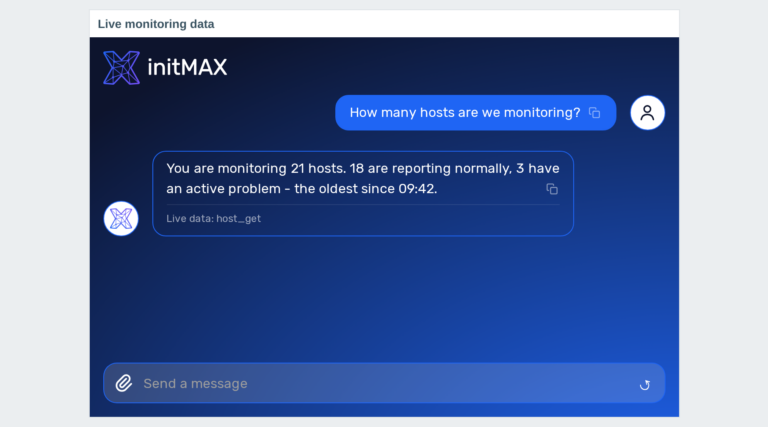
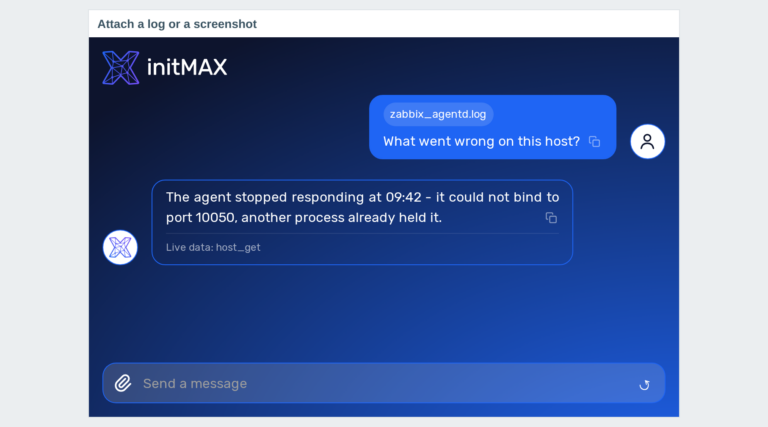
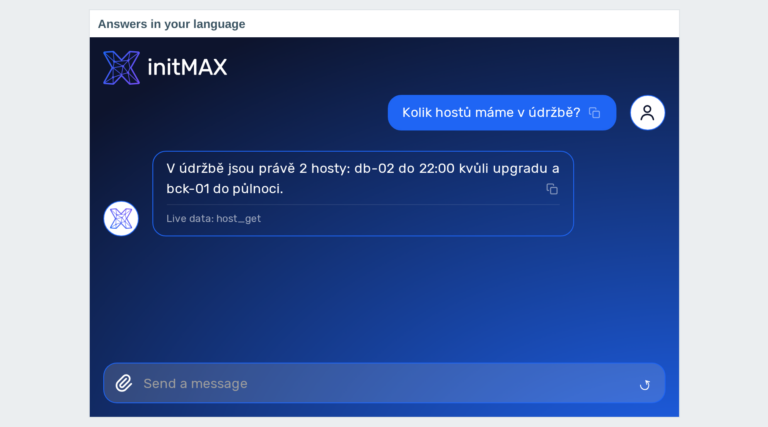
This AI-powered module helps Zabbix users identify and resolve system issues by analyzing data and suggesting potential solutions.
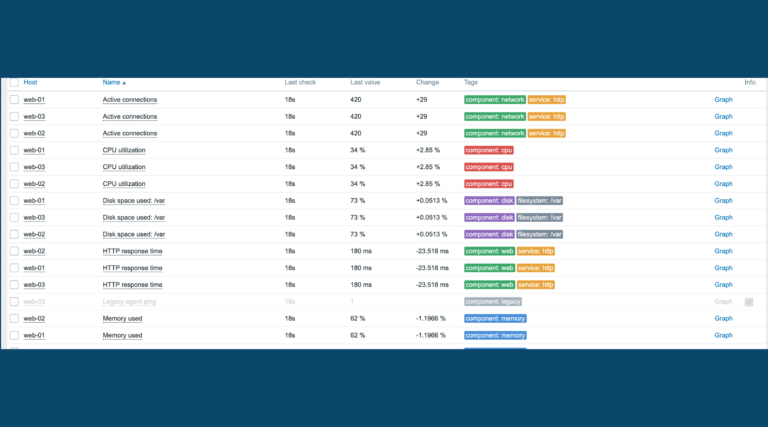
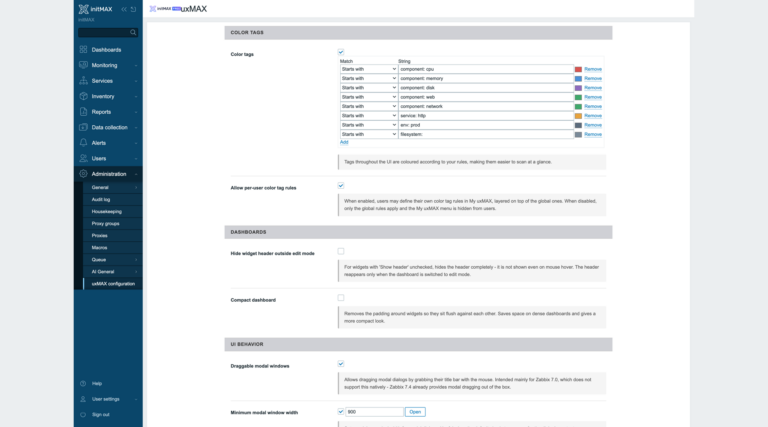
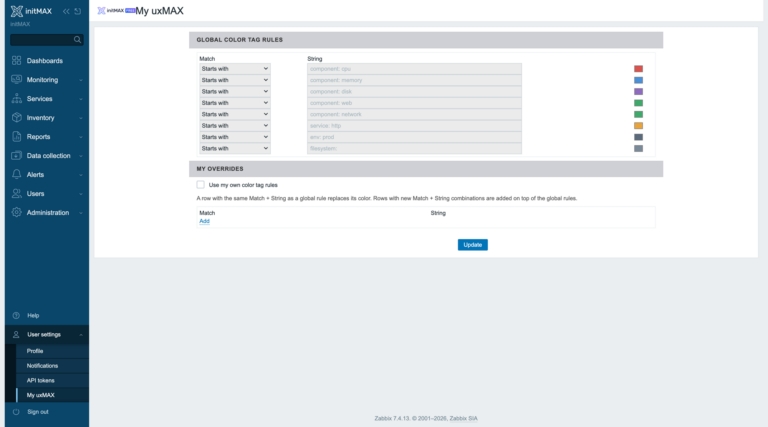
Customize the Zabbix frontend look and feel with the uxMAX module by adjusting colors, fonts, tag highlights, code style, and window behavior.
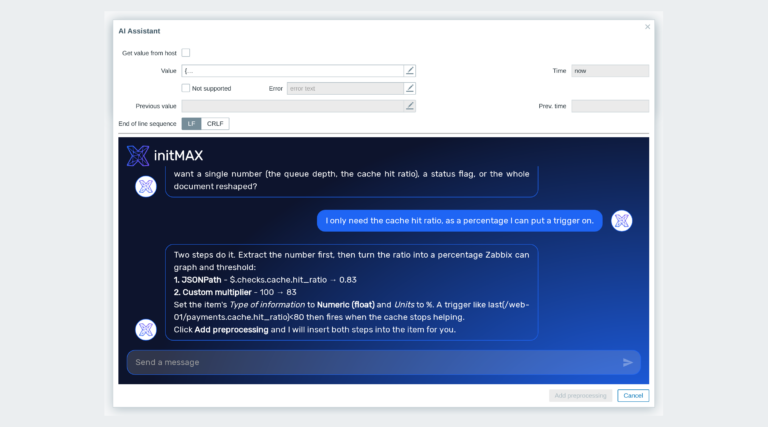
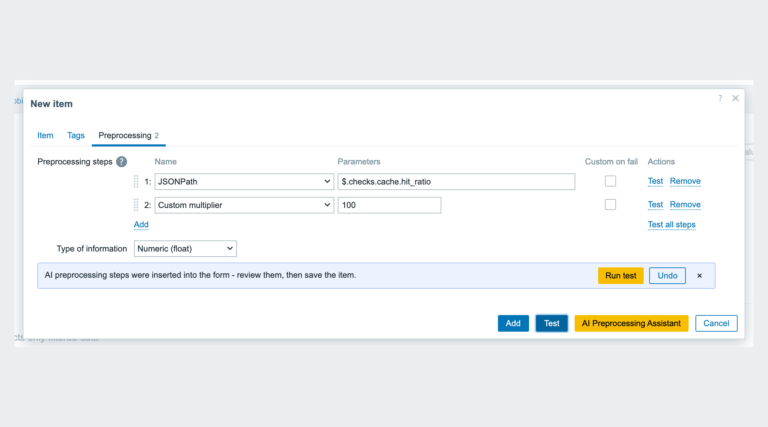
This AI-powered module helps Zabbix users design optimal preprocessing steps by suggesting appropriate data transformation sequences based on provided requirements.
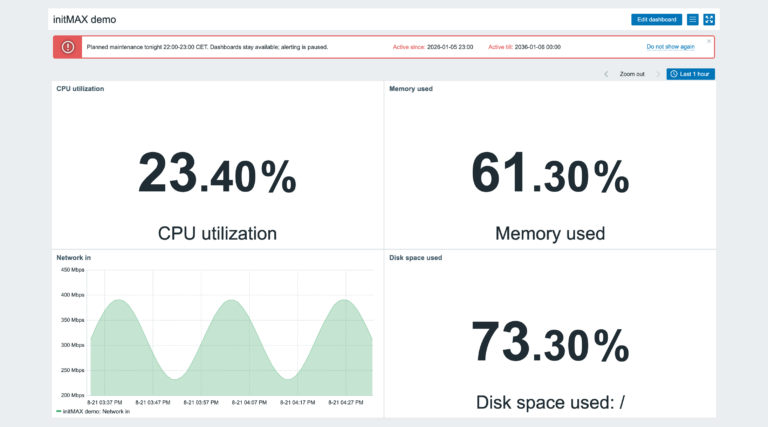
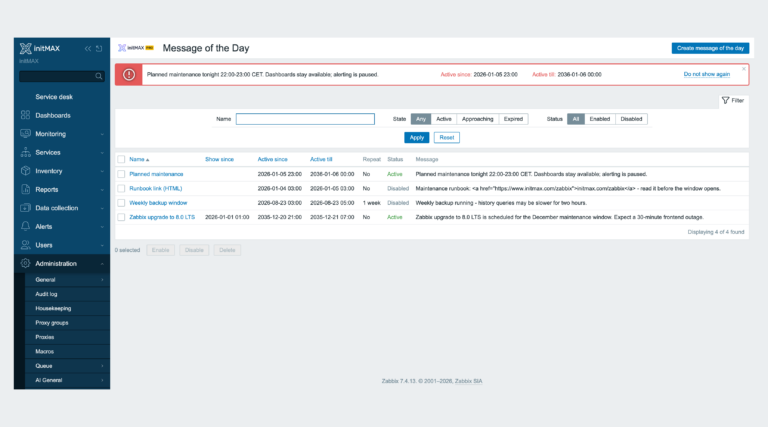
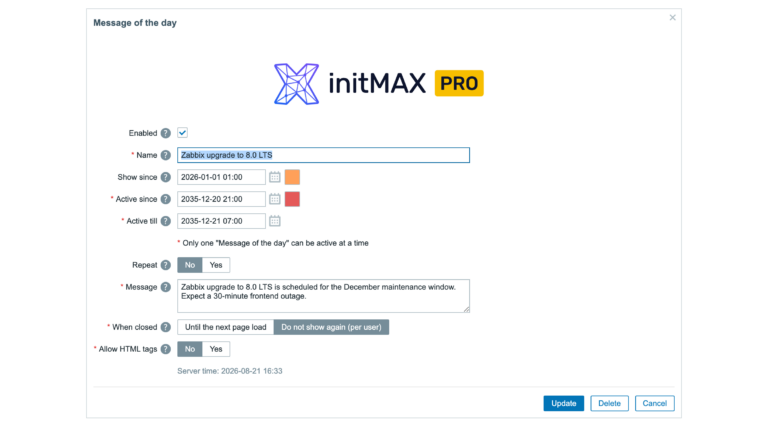
Informs Zabbix users about important events. Provides a centralized location for sharing critical updates, maintenance notifications, or other relevant information.
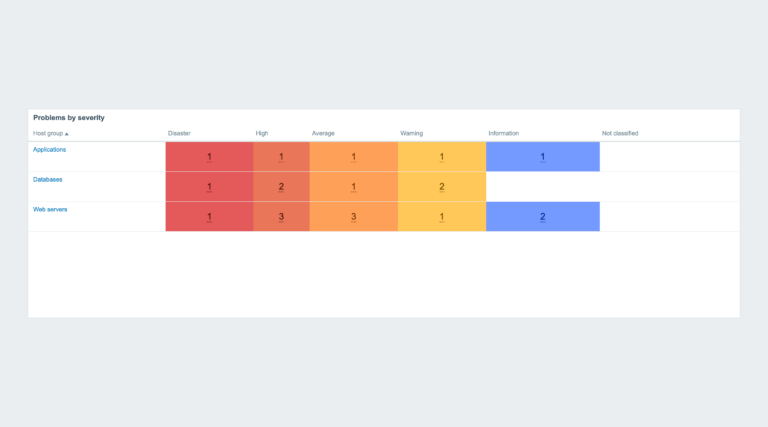
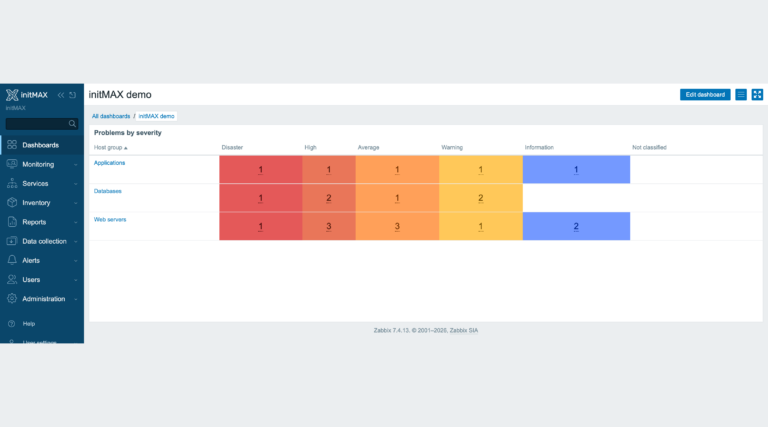
Extends the Problems by severity widget – zero problem counts are no longer shown with a colored background, while counter font size and cell padding are fully configurable.
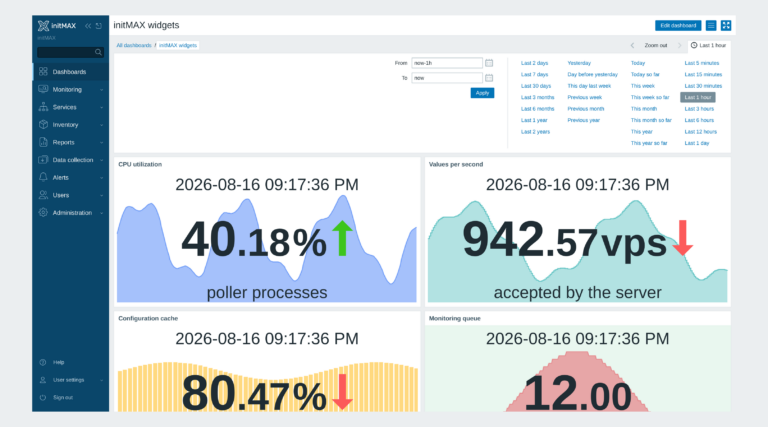
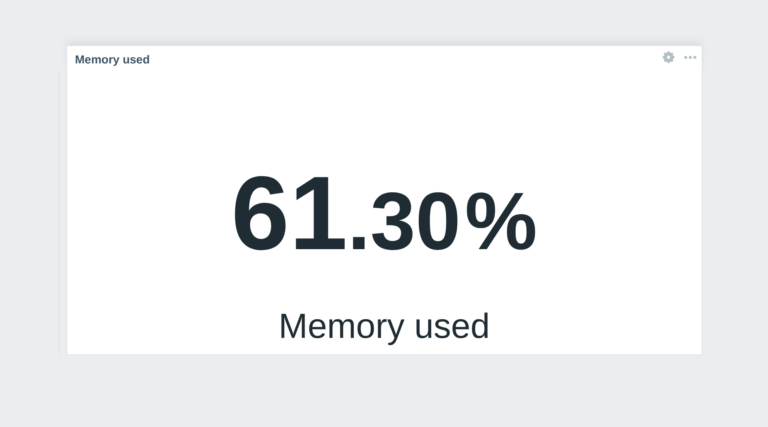
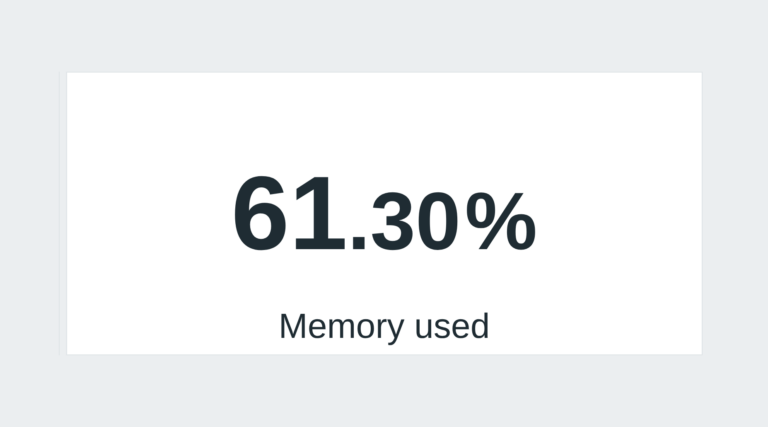
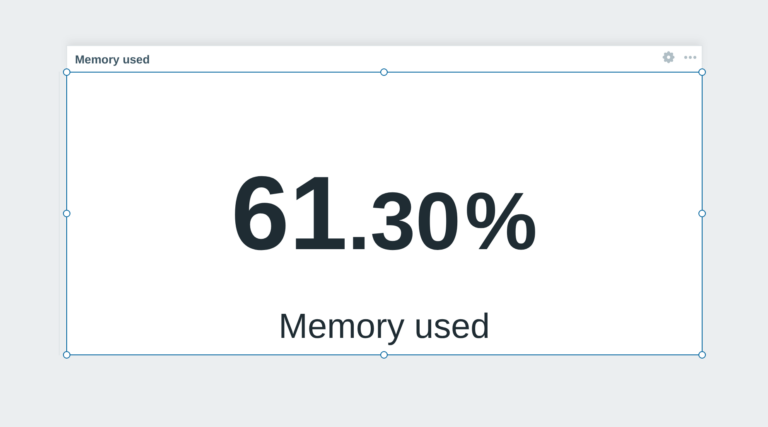
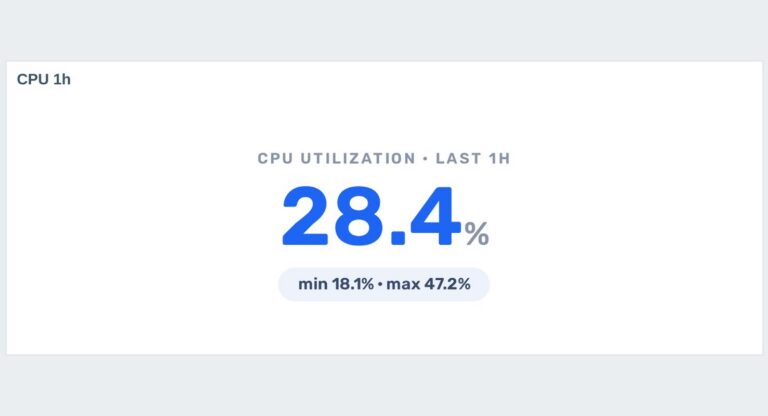
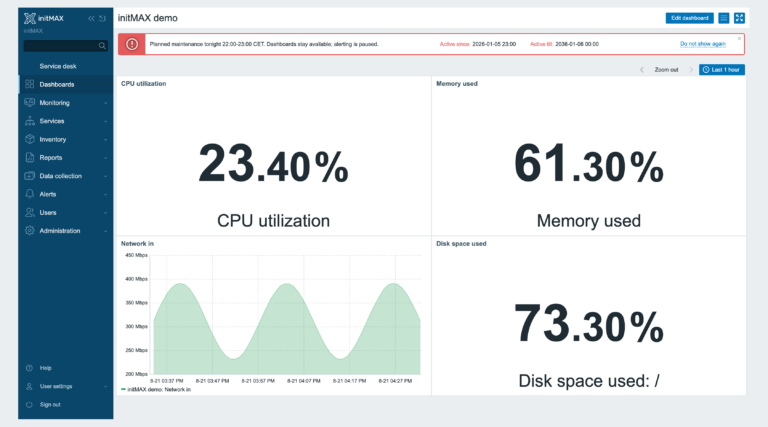
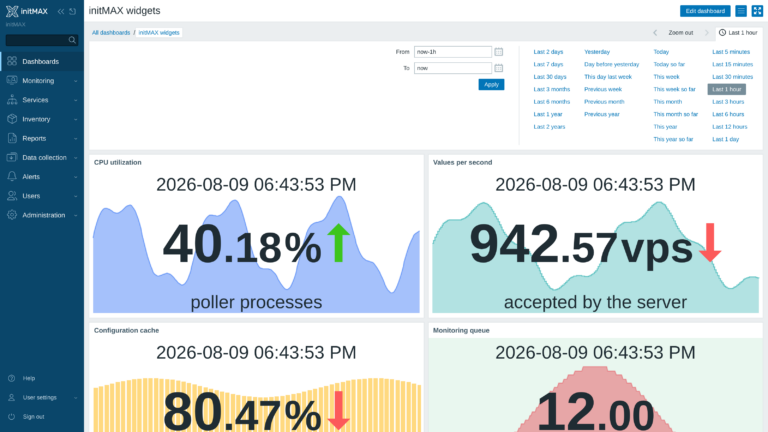
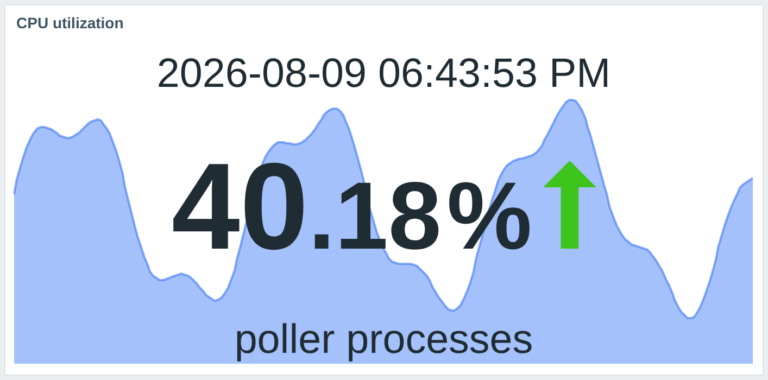
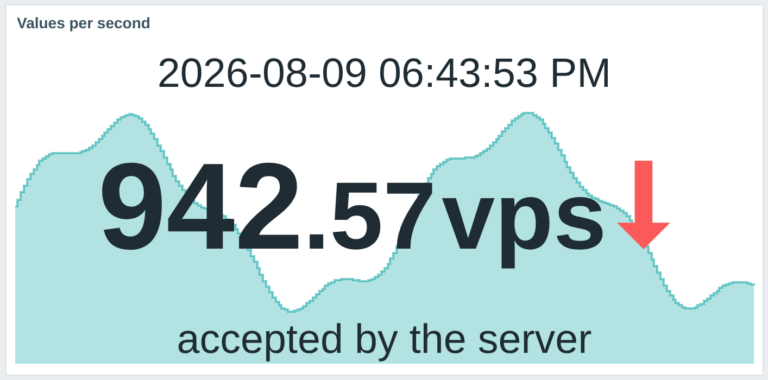
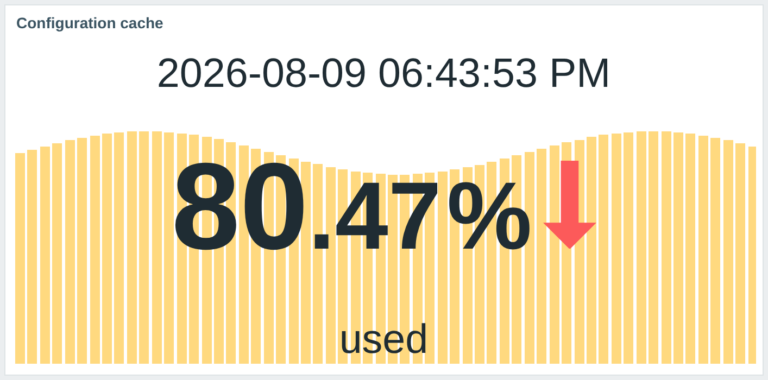
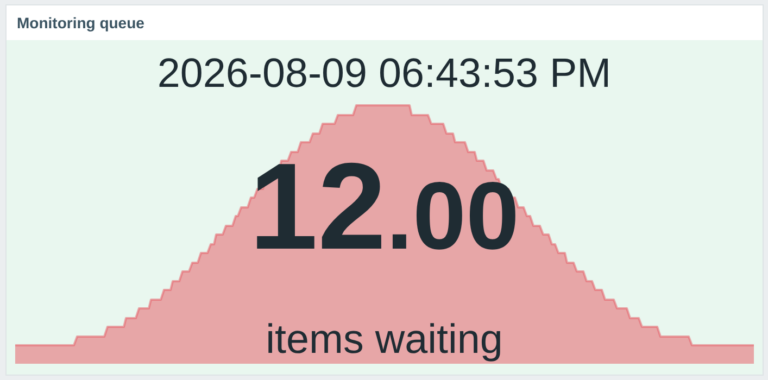
Extends the Item value widget with a background graph. Clearly and concisely displays current status information along with historical data visualization.
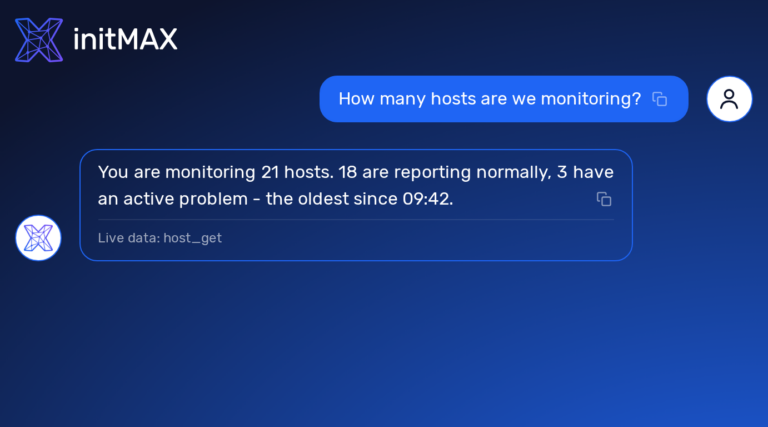
The ChatGPT widget integrates AI capabilities into your Zabbix dashboard, allowing interaction with OpenAI models directly from the widget.
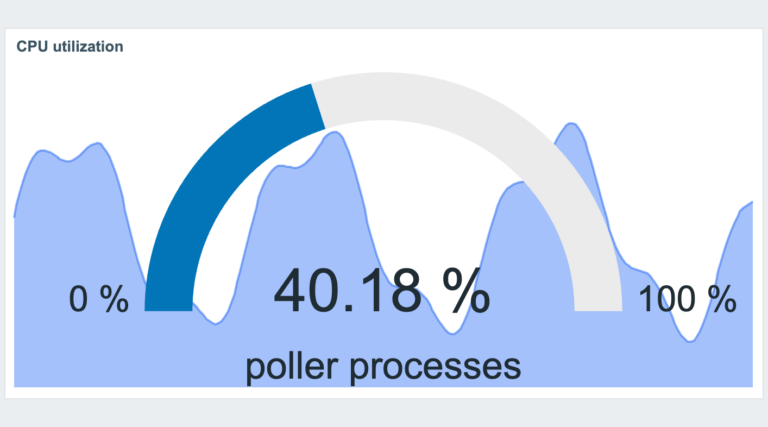
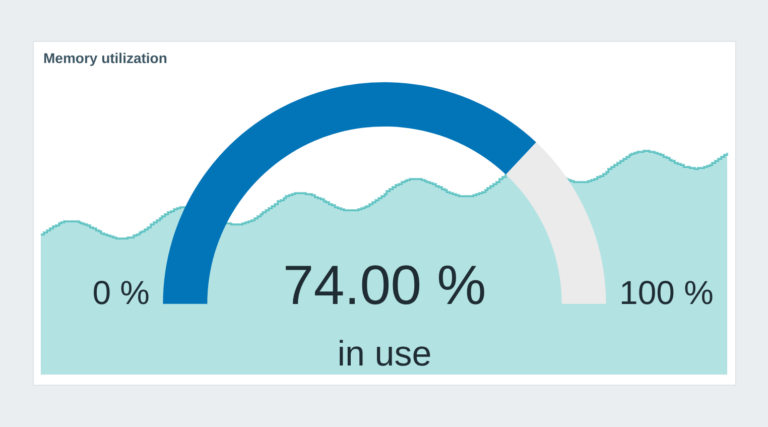
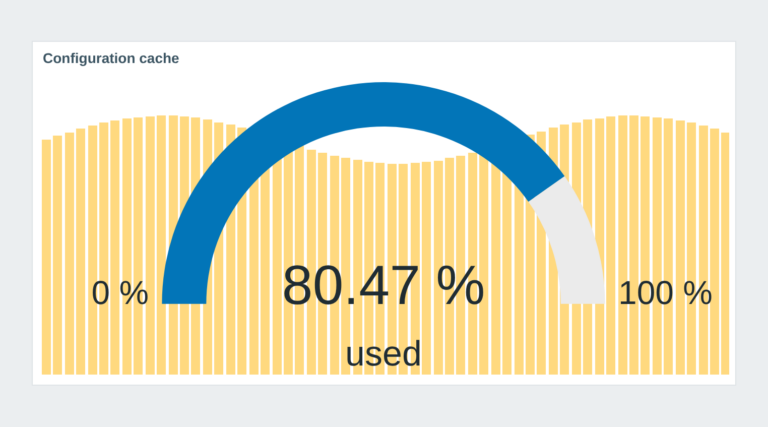
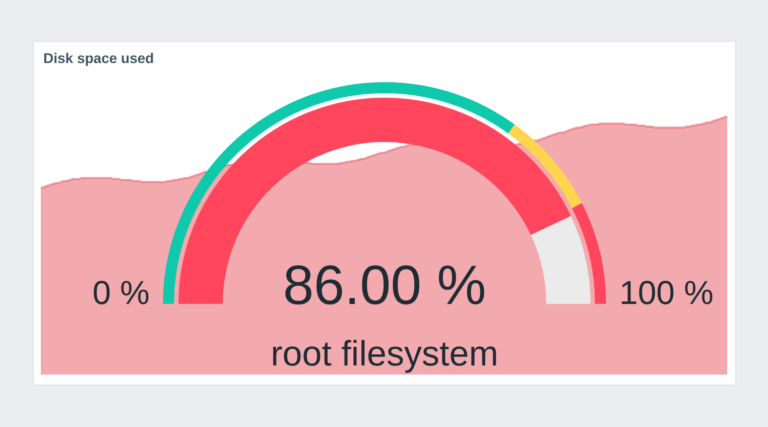
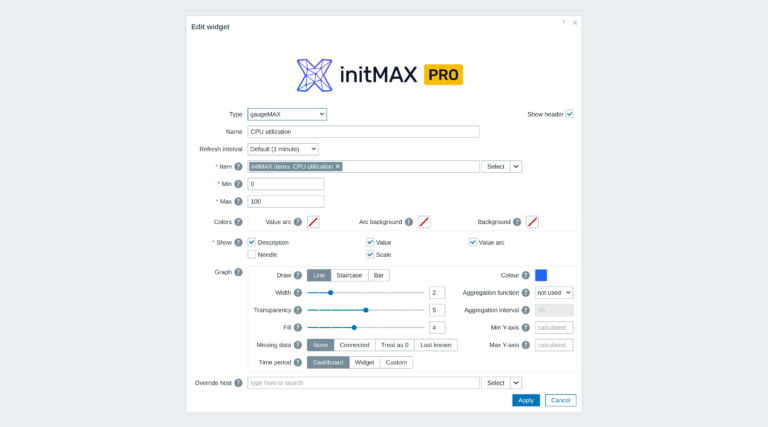
This widget builds on the ‘Gauge’ widget by adding a background graph for historical data, clearly showing the current value alongside visualized trends.
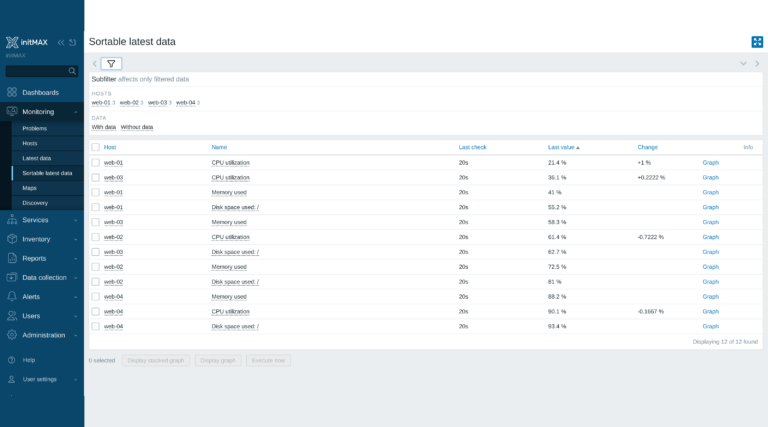
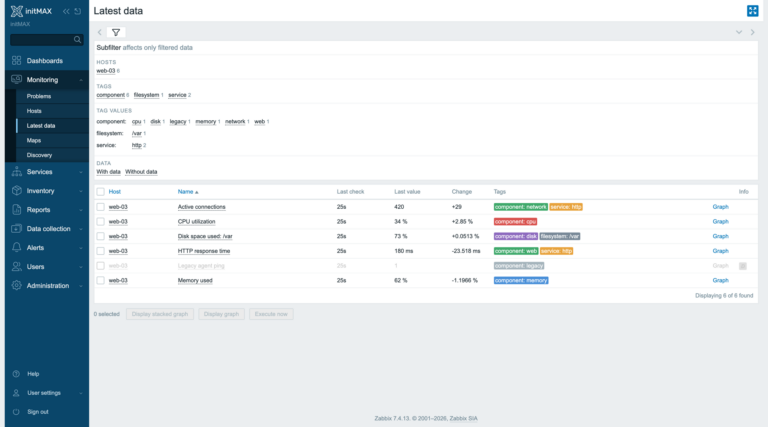
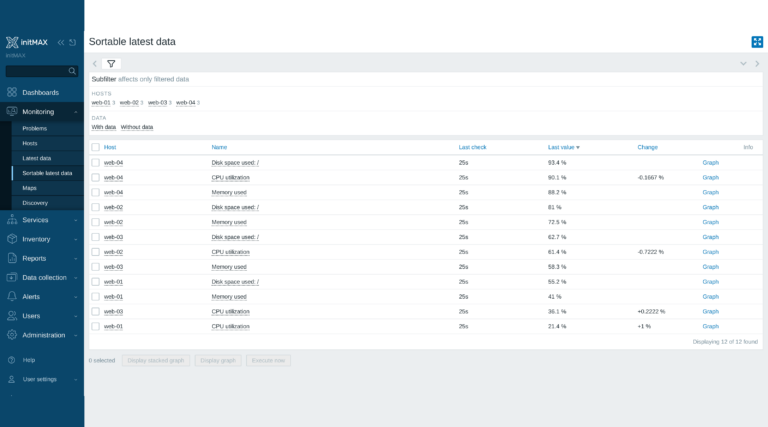
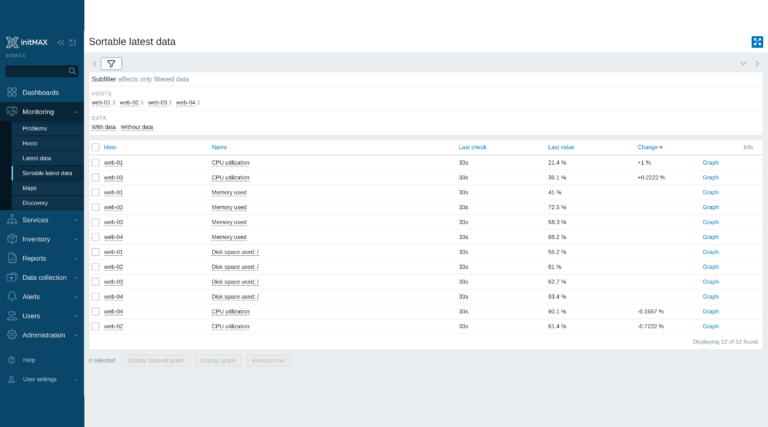
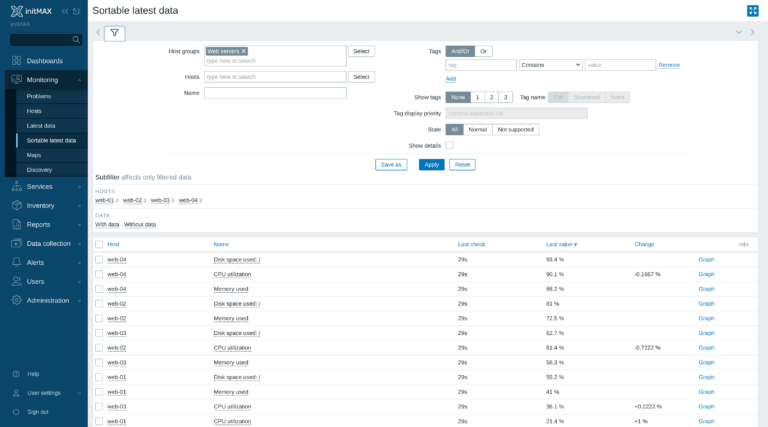
This is a fork of the standard “Latest data” tab in the monitoring menu. This module allows sorting of the Latest data by value in ascending or descending order.
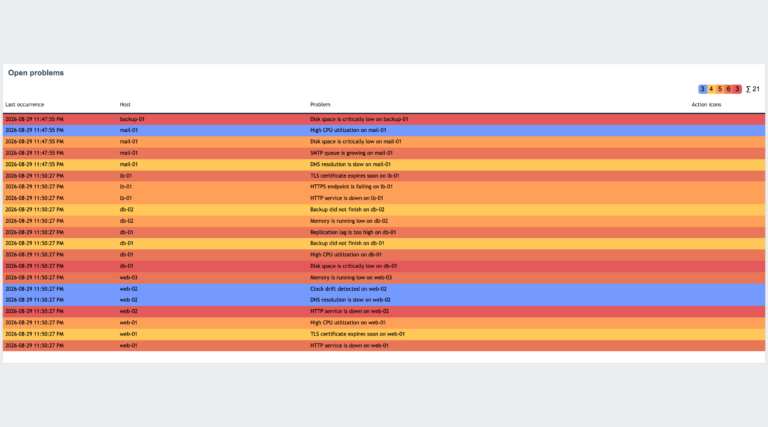
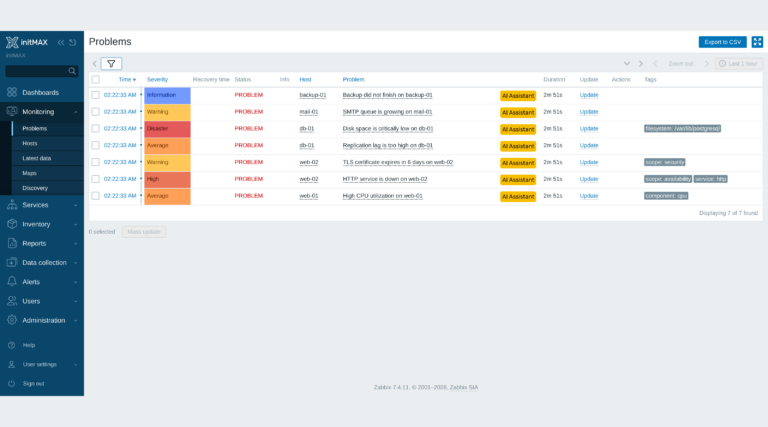
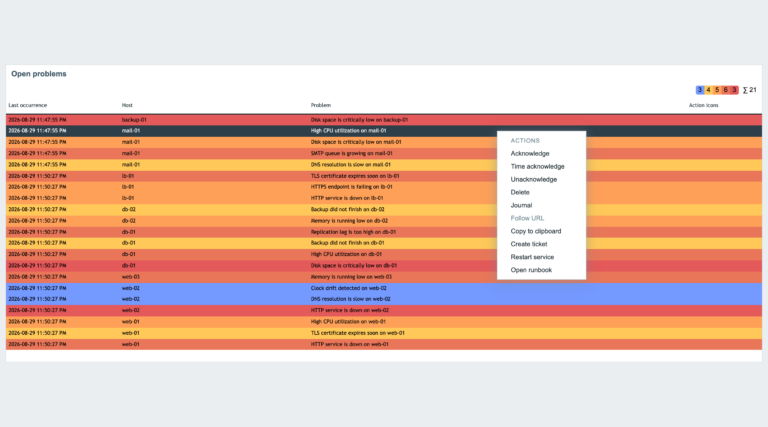
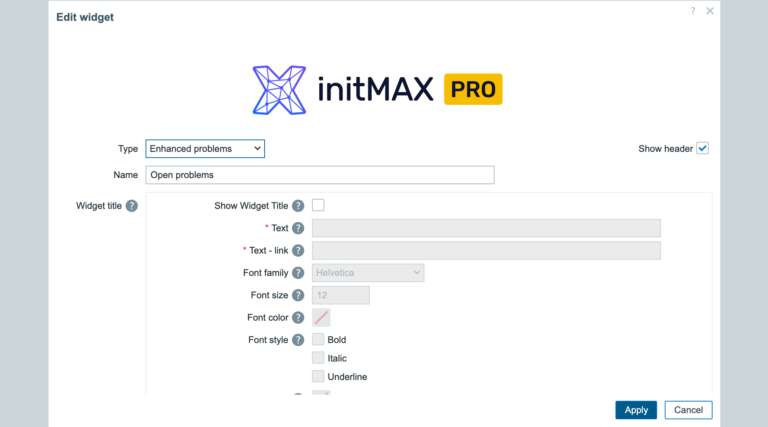
A problems table your way: your columns, font and colours, the whole filter and acknowledgement inside the widget. PRO adds the summary row, three-level sorting and action buttons.
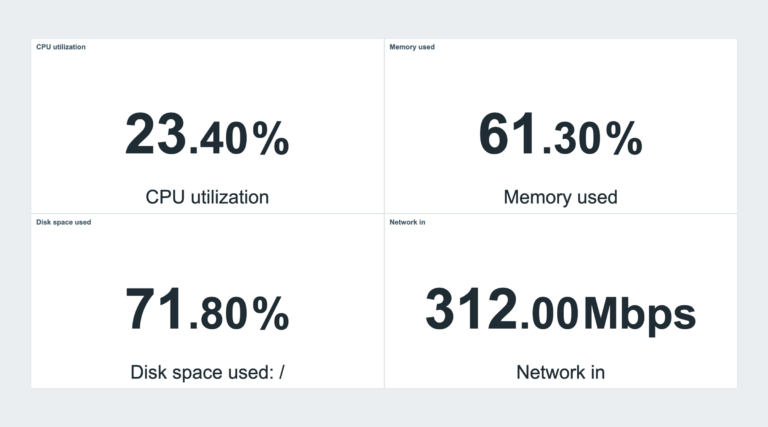
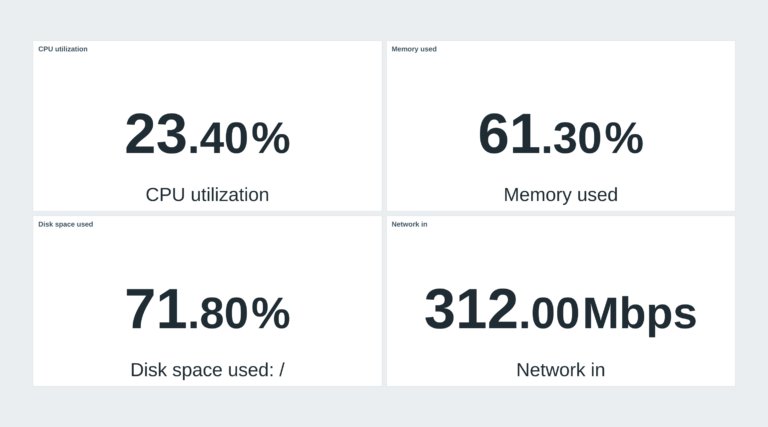
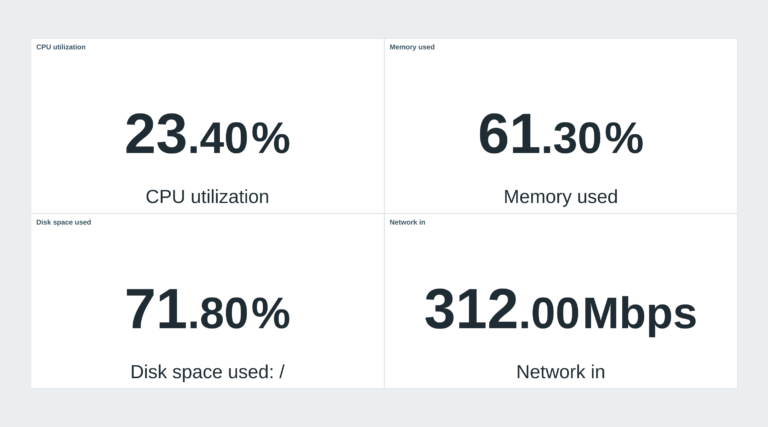
Adjust the spacing between widgets to save every pixel of screen space and create a more efficient, streamlined, organized, and visually compact layout.
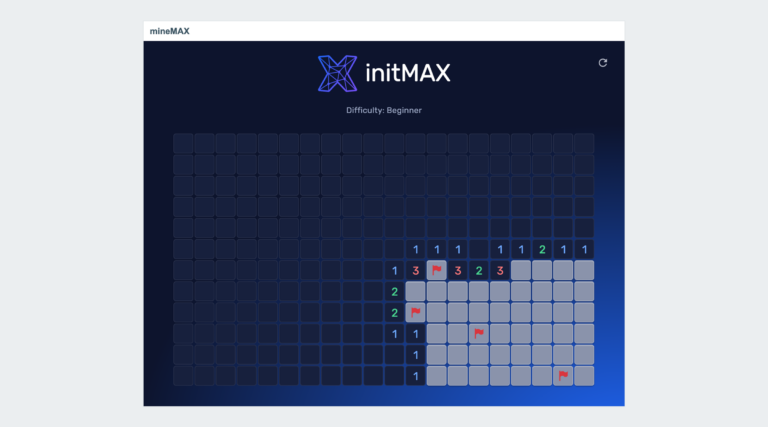
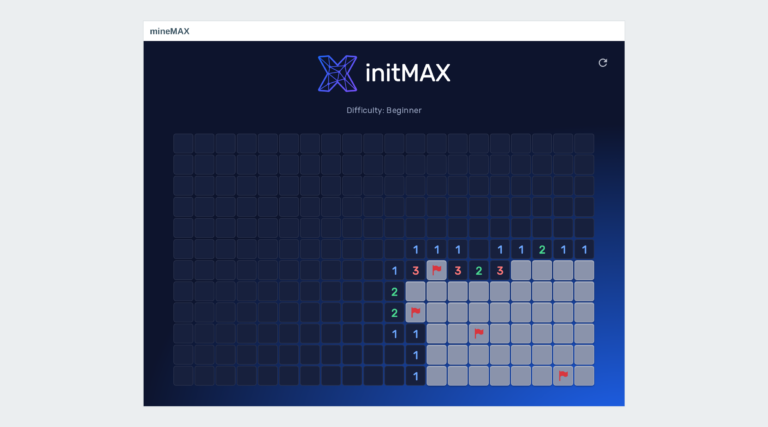
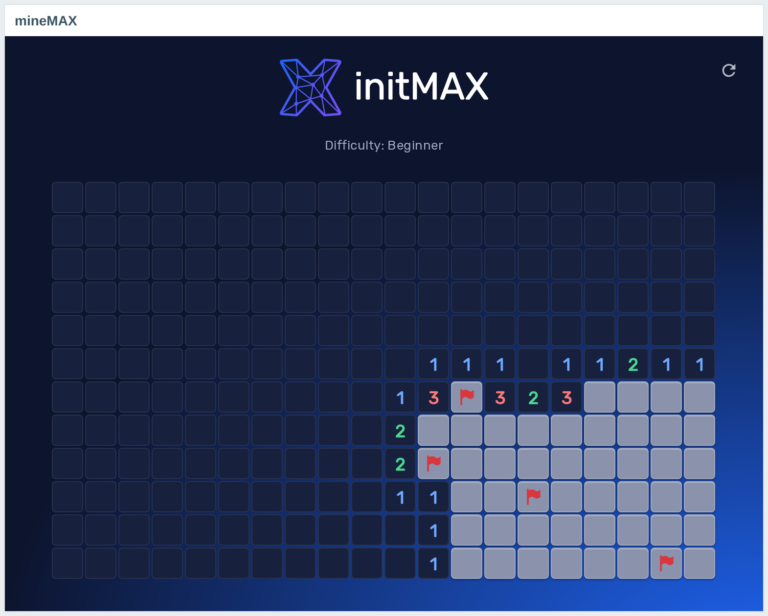
Play Minesweeper within your Zabbix environment with mineMAX, offering a fun, engaging, and interactive break on your monitoring dashboard.
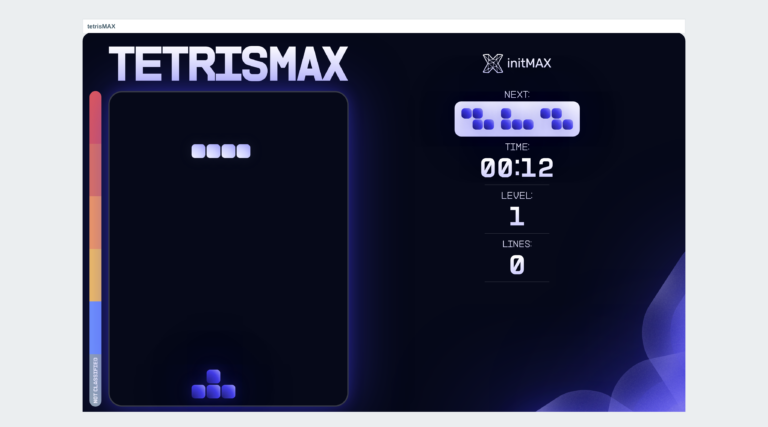
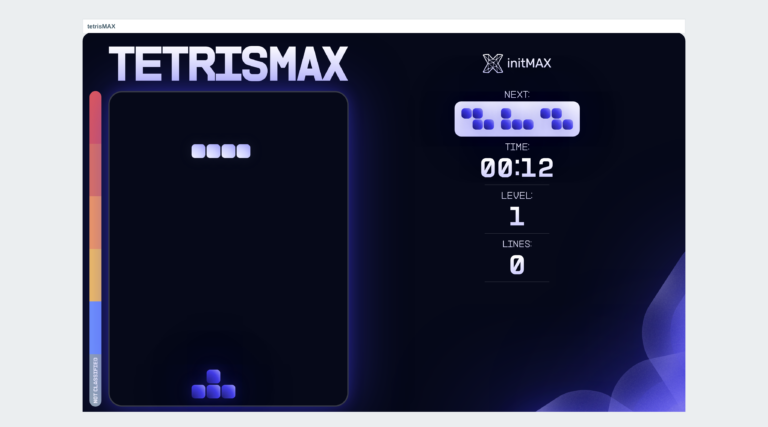
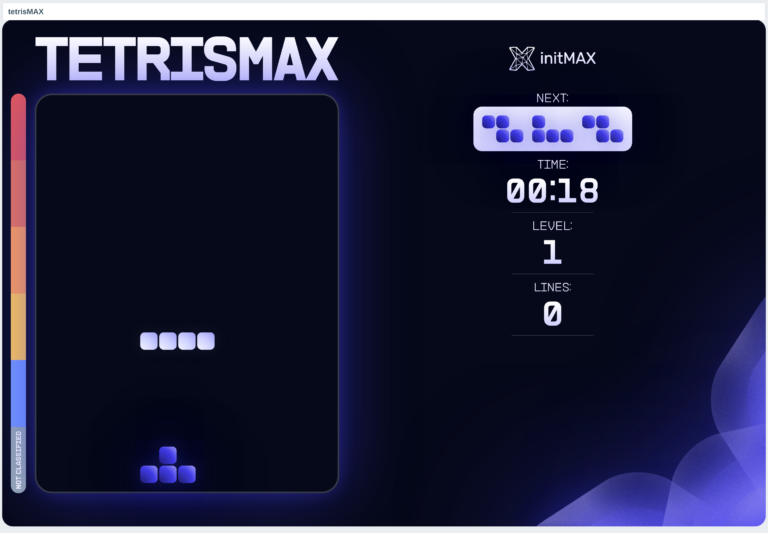
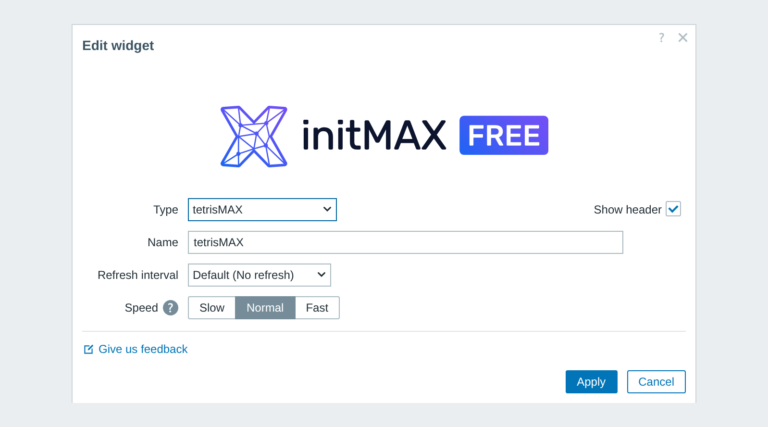
Experience the timeless challenge of Tetris right inside your Zabbix environment with tetrisMAX. This widget brings the classic game to your monitoring dashboard.
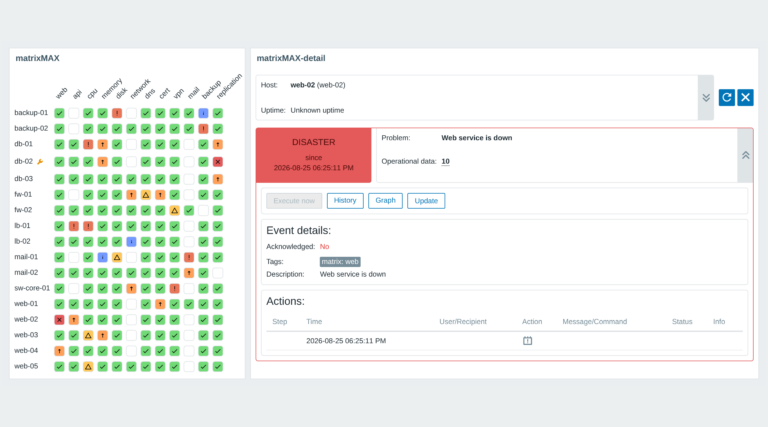
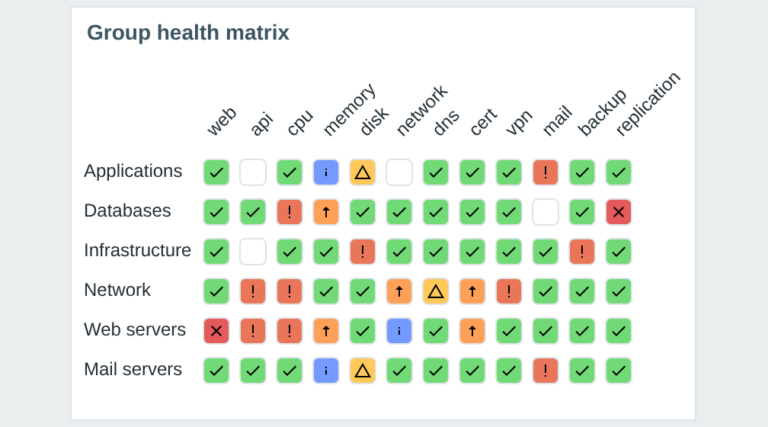
Visualize your Zabbix infrastructure in a clear, color-coded matrix. matrixMAX groups hosts and services by tags for an instant overview of system health.
No product matches this selection.
A running Zabbix installation - the supported Zabbix versions and the minimum PHP version are listed in the Requirements section of each product page. The widget installs on the Zabbix frontend server as a standard deb/rpm package from repo.initmax.com, so you need root access to that server. No special hardware is required.
Select the desired widget on the product page and click the Get PRO button. You will go through a short checkout handled by FastSpring - you can pay by card, Google Pay or Apple Pay. The purchase is one-time: you get a lifetime license, with no subscription and no recurring fees. After payment you receive an invoice and an invitation to the initMAX customer portal, where you will find the product, issue a repository token and install the PRO edition from repo.initmax.com. Updates and support are included for as long as initMAX maintains the product.