headerMAX
Create visually appealing section headers and interactive buttons in your Zabbix dashboards using the headerMAX widget. Fully customize their appearance and add URL links to improve the navigation and organization of your dashboard.

Create visually appealing section headers and interactive buttons in your Zabbix dashboards using the headerMAX widget. Fully customize their appearance and add URL links to improve the navigation and organization of your dashboard.
Supported Zabbix versions
6.0 – 8.0
Min. supported PHP version
7.4
Turn a plain grid of widgets into a structured, navigable dashboard:
• Section headers – custom text in both editions, images and HTML in PRO
• Clickable buttons (PRO) – link to other dashboards, reports or external tools
• Appearance (FREE and PRO) – font, text size, color and style, background color and horizontal alignment
• Advanced layout (PRO) – vertical alignment, custom padding and removal of the background and border
• Generate the panel with AI (PRO) – describe what it should show, watch the answer stream in, accept or discard
• HTML content & expression macros (PRO) – render rich content and live item values
• HA ready – multi-frontend setups work out of the box
• Transparent mode (PRO) – headers blend seamlessly into the dashboard background
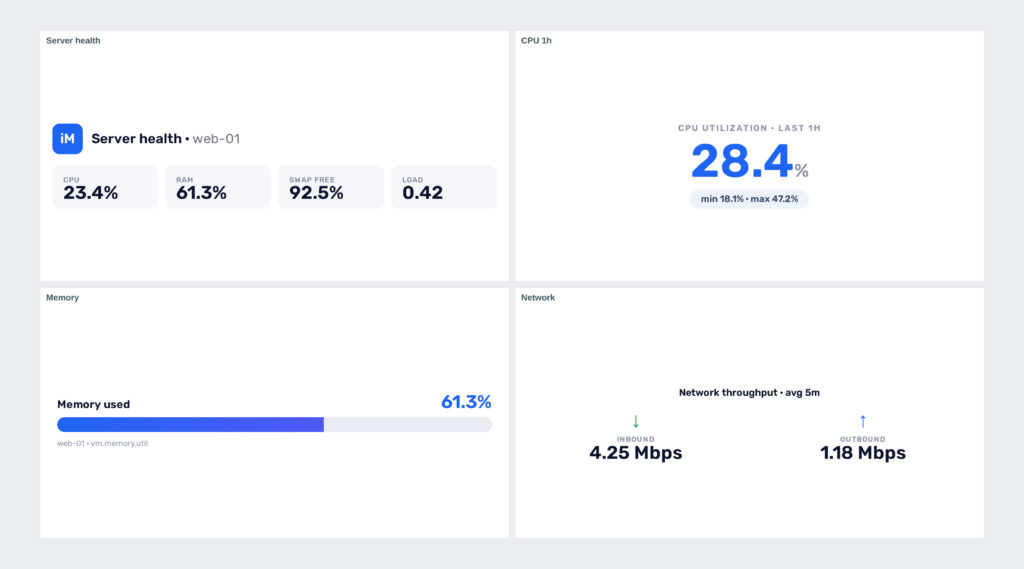
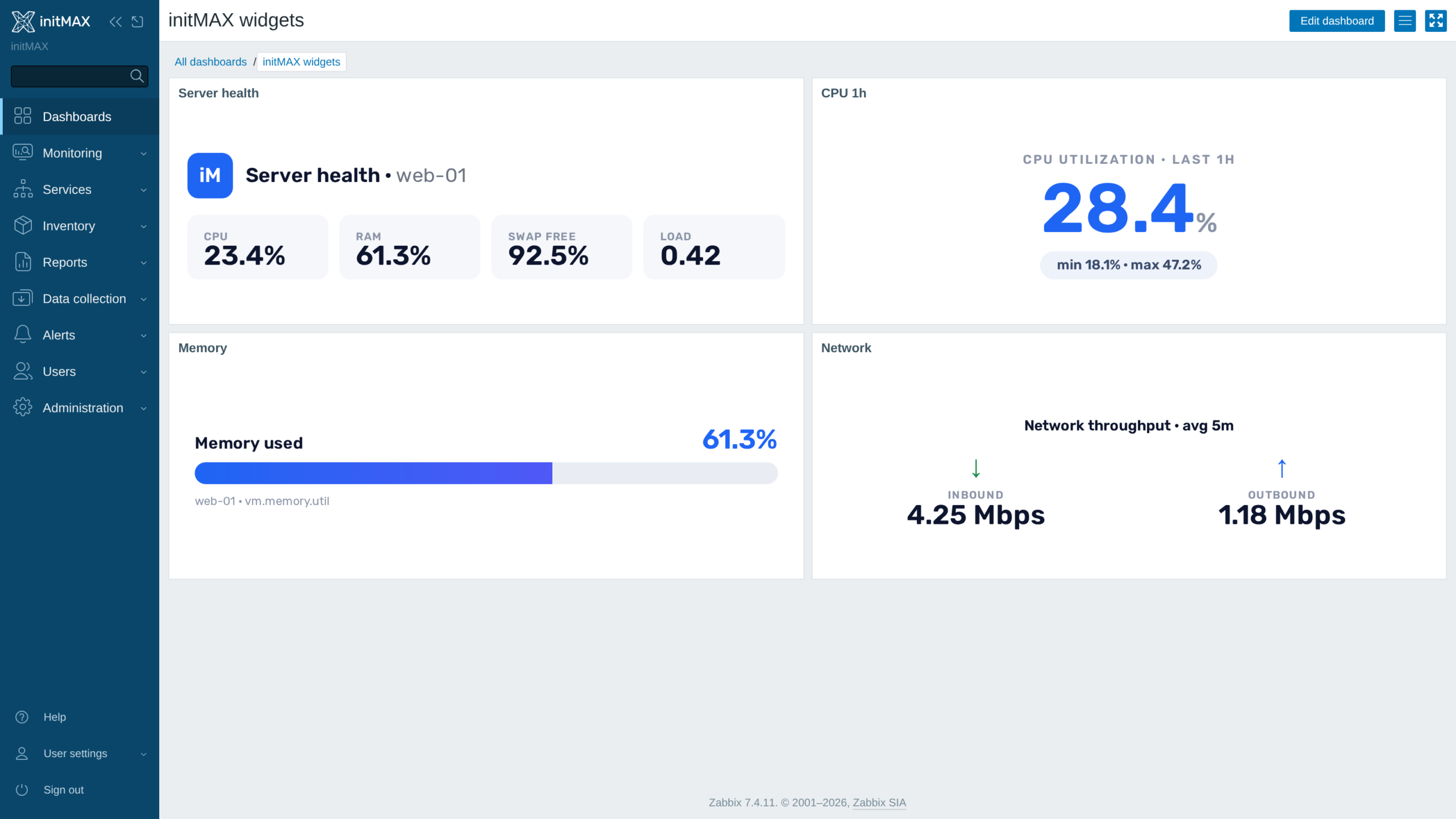
FREE and PRO include 14 font families, including bundled Rubik. PRO adds Examples: insert a KPI, stat, gauge or throughput example with one click, then adjust it. Manage the AI provider, model, tuning and connection test under Administration → AI General → headerMAX.
You can find detailed documentation in our product wiki, including detailed setup instructions, system requirements, customization options, and configurations for real-world use.

FREE
2 399 Kč€89$99
including tax · lifetime license
Custom header content
14 font families including bundled Rubik
Custom text size, color, and style
Custom widget background color
Custom horizontal alignment
HA ready
Full localization – 27 languages
Custom vertical alignment
Custom padding/filling
Removing the background and edges of a widget
Option to use HTML tags and styles
Resolve expression macros
AI content generation (OpenAI, Anthropic, Gemini, custom endpoint)
Live preview with accept / discard – Content is never overwritten unasked
One-click Examples: KPI, stat, gauge and throughput
FREE
Custom header content
14 font families including bundled Rubik
Custom text size, color, and style
Custom widget background color
Custom horizontal alignment
HA ready
Full localization – 27 languages
Custom vertical alignment
Custom padding/filling
Removing the background and edges of a widget
Option to use HTML tags and styles
Resolve expression macros
AI content generation (OpenAI, Anthropic, Gemini, custom endpoint)
Live preview with accept / discard – Content is never overwritten unasked
One-click Examples: KPI, stat, gauge and throughput
2 399 Kč€89$99
including tax · lifetime license
Custom header content
14 font families including bundled Rubik
Custom text size, color, and style
Custom widget background color
Custom horizontal alignment
HA ready
Full localization – 27 languages
Custom vertical alignment
Custom padding/filling
Removing the background and edges of a widget
Option to use HTML tags and styles
Resolve expression macros
AI content generation (OpenAI, Anthropic, Gemini, custom endpoint)
Live preview with accept / discard – Content is never overwritten unasked
One-click Examples: KPI, stat, gauge and throughput
The PRO licence is bought here: one payment, a lifetime licence, no subscription and no renewal. The e-mail address used for the order identifies your organization and the product is assigned to it automatically.
Delivery and every future update go through the initMAX Portal. The FREE edition is there for everyone; after a purchase the PRO edition appears in your account. The product page gives you the ready-made installation command for your OS, the signed DEB and RPM packages, a ZIP archive and all releases. repo.initmax.com is only the package storage behind it – the Portal issues the token that unlocks the PRO packages there.
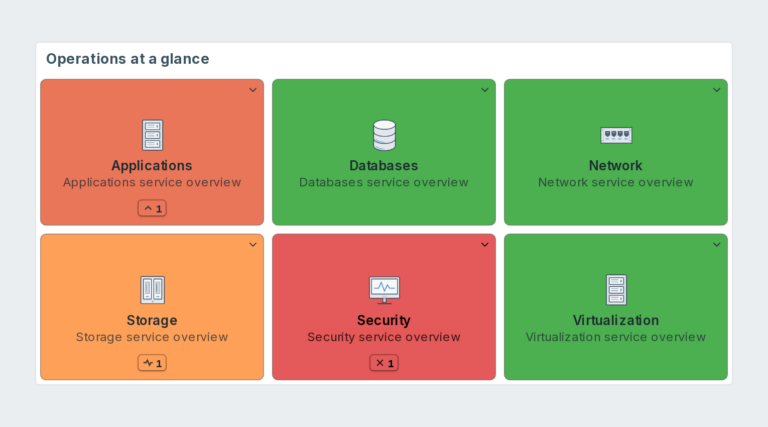
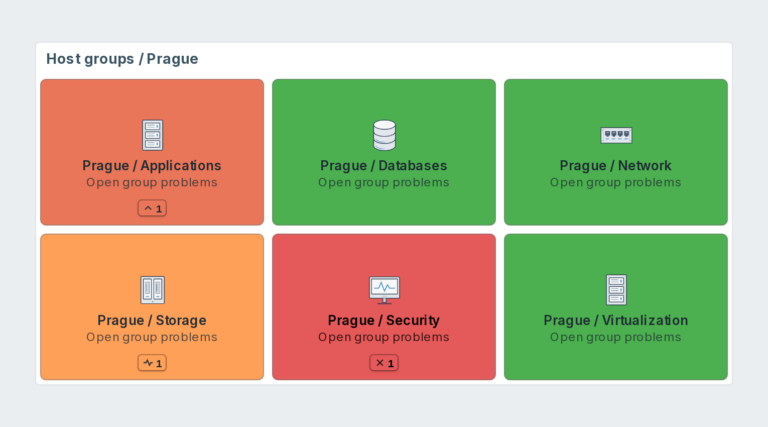
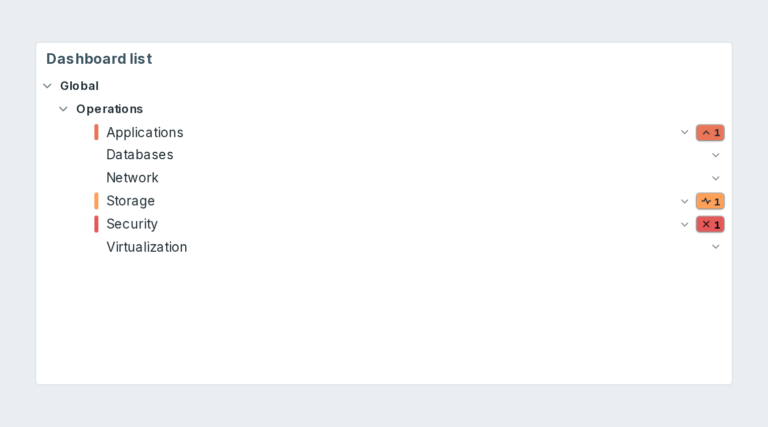
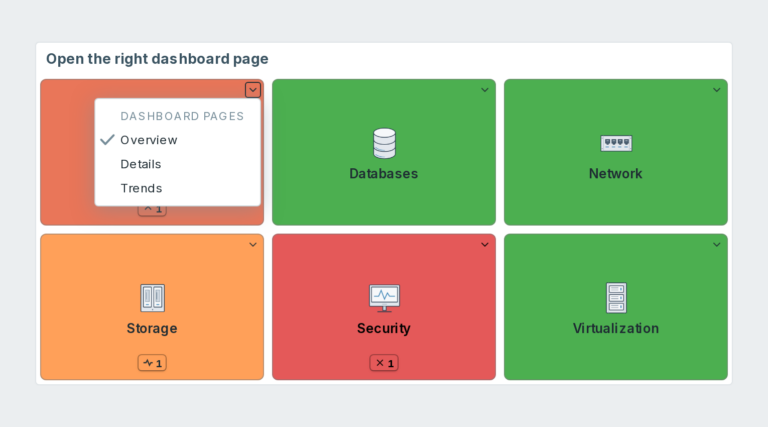
Dashboard navigation for Zabbix with page links, live host problem colours and counts. PRO adds host groups, custom URLs, per-tile filters and shared presets.
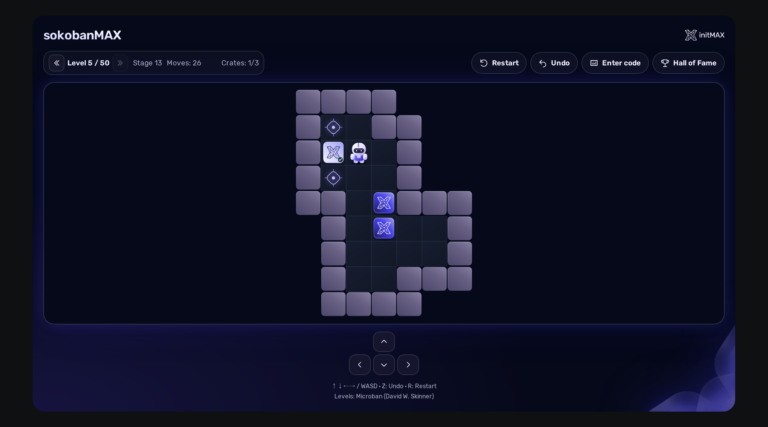
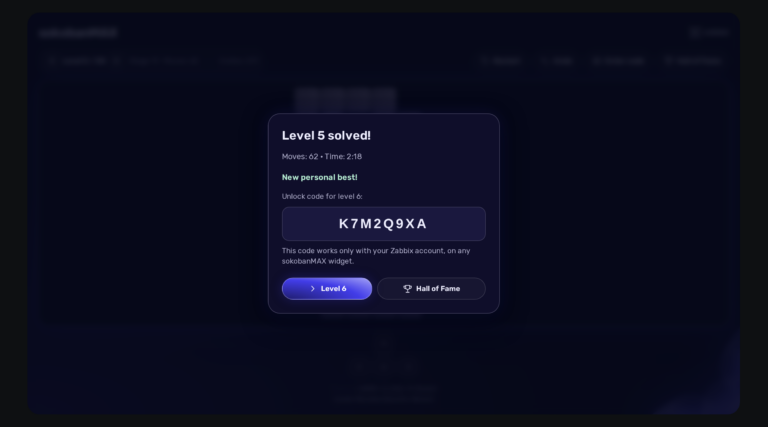
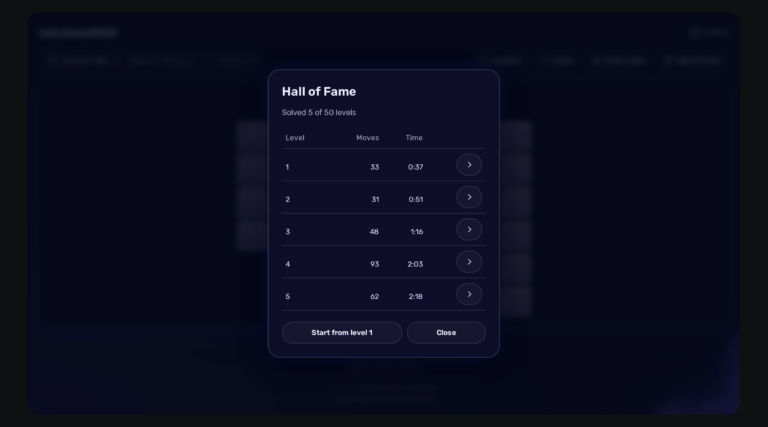
Play Sokoban directly on your Zabbix dashboard: 50 solvable levels, saved games, a Hall of Fame and a server that keeps an honest score. Completely FREE.
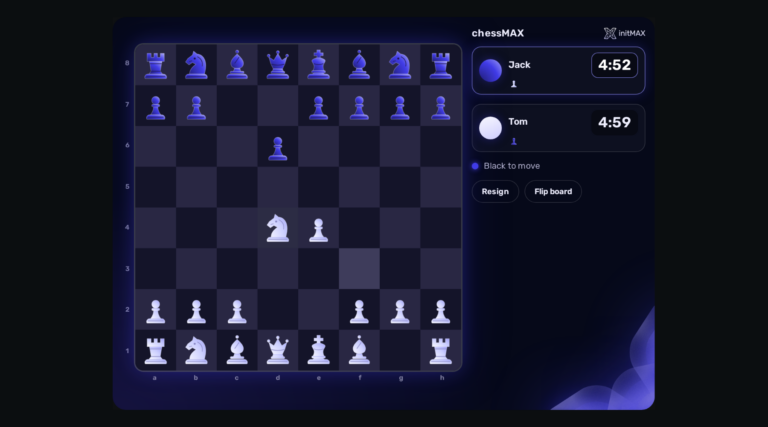
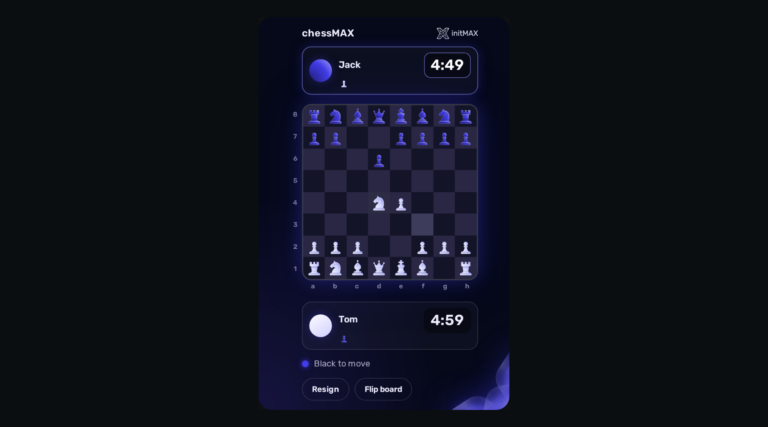
Play chess directly on your Zabbix dashboard: challenge Stockfish, share a board or invite a colleague. FREE, with all game assets included.
You will receive an email confirmation of the successfully paid order together with an invoice. Right after the purchase we create your account in the initMAX customer portal (https://portal.initmax.com) and send you an invitation email – there you activate the account and set your password. In the portal you will find your licensed products, release changelogs, documentation and guided installation instructions. Paid widgets install directly from our package repository repo.initmax.com: issue a repository token in the portal (Profile – Repo tokens) and follow the How-to-install steps shown in the product catalog. Updates are then delivered through your package manager (apt/dnf/zypper).
A running Zabbix installation – the supported Zabbix versions and the minimum PHP version are listed in the Requirements section of each product page. The widget installs on the Zabbix frontend server as a standard deb/rpm package from repo.initmax.com, so you need root access to that server. No special hardware is required.
Nothing to worry about – the migration is fully automatic. Install the headermax package (deb/rpm) and on the first signed-in page load the module converts all existing header widgets on your dashboards to headerMAX, with all configuration preserved. The old module is removed automatically – no manual steps are needed.
Open https://portal.initmax.com, click “Forgot password?” on the sign-in page and enter the e-mail address you used when purchasing the product – you will receive a reset link. Repository tokens can be re-issued anytime in the portal under Profile – Repo tokens. If you no longer have access to that mailbox or run into any issue, contact our support at [email protected] and we will help you recover the account.
Select the desired widget on the product page and click the Get PRO button. You will go through a short checkout handled by FastSpring – you can pay by card, Google Pay or Apple Pay. The purchase is one-time: you get a lifetime license, with no subscription and no recurring fees. After payment you receive an invoice and an invitation to the initMAX customer portal, where you will find the product, issue a repository token and install the PRO edition from repo.initmax.com. Updates and support are included for as long as initMAX maintains the product.
Updates are delivered through your package manager like any other system package – apt upgrade / dnf update / zypper update. The FREE edition updates from the public repo.initmax.com repository; the PRO edition uses the repository token issued in the customer portal. Thanks to the lifetime license there are no renewal fees.
headerMAX