
navigatorMAX
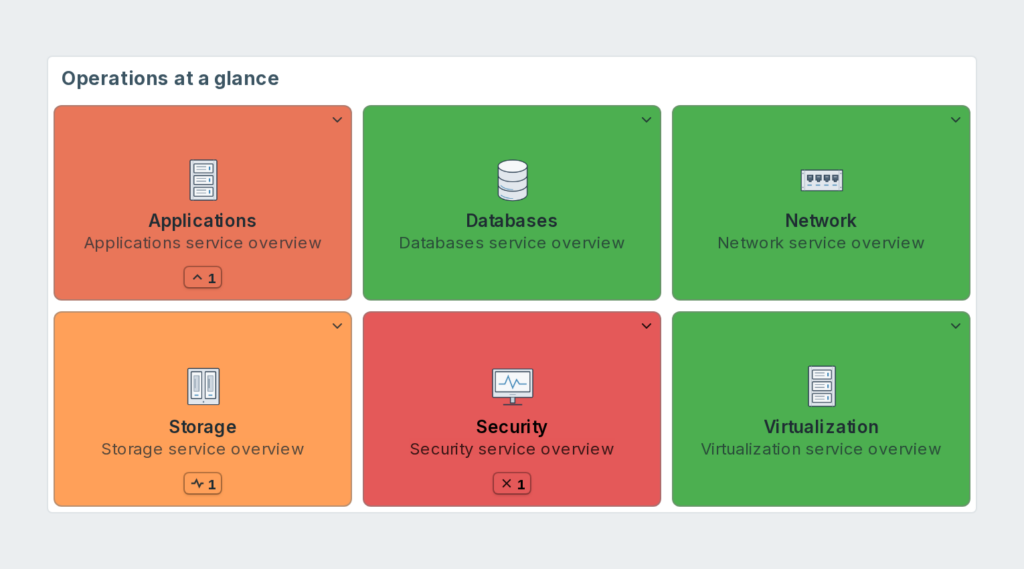
Bring your Zabbix dashboards into one navigation view. Open the right dashboard or page from a tile, and see the live problem state of hosts before going into detail.
Requirements
Supported Zabbix versions
6.0 – 8.0
Min. supported PHP version
7.4
Widget description
One place to navigate your monitoring.
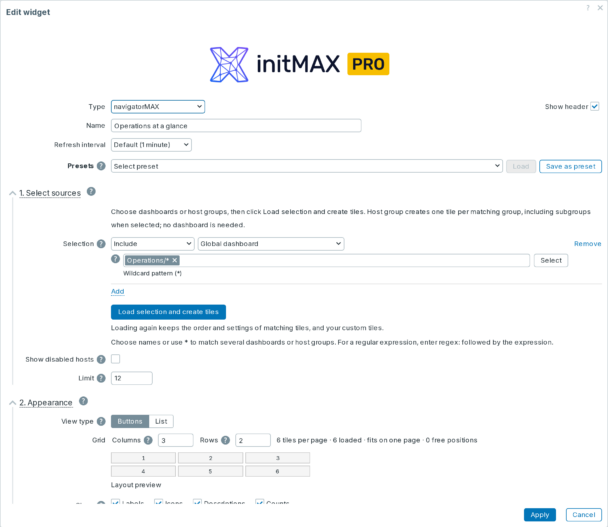
• Dashboard navigation (FREE and PRO) – select global or host dashboards by name or *, include and exclude sources, then create tiles in one step.
• Pages without extra searching – open the selected dashboard page directly from a tile.
• Live host state (FREE and PRO) – automatic severity colours and counts for host dashboards, using the current viewer’s access.
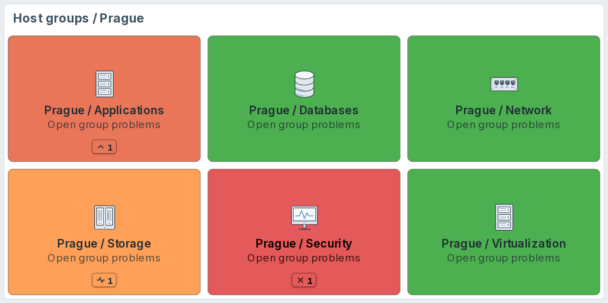
• Sites and teams (PRO) – create tiles directly from host groups and subgroups; no dashboard is required.
• Choose the view – a button grid with paging, or a collapsible tree based on slash-separated names.
• Live descriptions – use native Zabbix expression macros while keeping the saved template intact.
• Advanced control (PRO) – template dashboards, tag/group selection, regex, custom URLs, per-tile icons, colours and problem filters, plus shared presets.
How it looks in practice
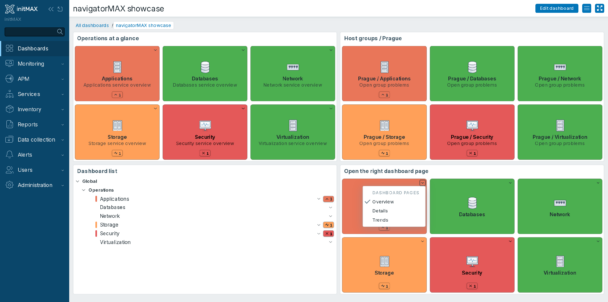
A green tile and a problem tile should tell different stories. navigatorMAX can show host problem colours and counts next to the links your operators use every day.
In PRO, the same view can include site groups and subgroups. Match the customer’s existing hierarchy and open its Problems view directly.
Documentation
Select sources, create tiles, arrange the view and set the defaults. The guide also explains dashboard pages, native expression macros, permissions and upgrading an existing installation.
Editions
FREE
4 799 Kč€179$199
without VAT · lifetime license
Applicable taxes based on your billing country are shown at checkout.
Global dashboard targets
Collapsible tree or button-grid view
Include/Exclude selection and bulk tile creation
Wildcard target matching
Hierarchy from slash-separated dashboard names
Dashboard pages and page menus
Reorder tiles and edit their labels and descriptions
Show or hide labels, icons and descriptions
Widget background, default tile colour and default icon
Tile cap with a showing-first-N notice
Host dashboard targets
Automatic colour by destination host severity
Per-severity host problem counts
Widget-wide severity and suppression settings
Built-in host dashboard starter preset
HA ready
Full localization – 27 languages
Template dashboard targets
Custom URL tiles with same-window or new-tab opening
Host targets selected by tag, with all six tag operators
Host group tiles, with optional subgroups
Regular-expression target matching
Per-tile colour override
Per-tile icon override
Problem filters with multiple host groups, hosts or triggers
Additional presets for selections and display settings
Operator-managed preset list in the module configuration
Editions
FREE
Global dashboard targets
Collapsible tree or button-grid view
Include/Exclude selection and bulk tile creation
Wildcard target matching
Hierarchy from slash-separated dashboard names
Dashboard pages and page menus
Reorder tiles and edit their labels and descriptions
Show or hide labels, icons and descriptions
Widget background, default tile colour and default icon
Tile cap with a showing-first-N notice
Host dashboard targets
Automatic colour by destination host severity
Per-severity host problem counts
Widget-wide severity and suppression settings
Built-in host dashboard starter preset
HA ready
Full localization – 27 languages
Template dashboard targets
Custom URL tiles with same-window or new-tab opening
Host targets selected by tag, with all six tag operators
Host group tiles, with optional subgroups
Regular-expression target matching
Per-tile colour override
Per-tile icon override
Problem filters with multiple host groups, hosts or triggers
Additional presets for selections and display settings
Operator-managed preset list in the module configuration
4 799 Kč€179$199
without VAT · lifetime license
Applicable taxes based on your billing country are shown at checkout.
Global dashboard targets
Collapsible tree or button-grid view
Include/Exclude selection and bulk tile creation
Wildcard target matching
Hierarchy from slash-separated dashboard names
Dashboard pages and page menus
Reorder tiles and edit their labels and descriptions
Show or hide labels, icons and descriptions
Widget background, default tile colour and default icon
Tile cap with a showing-first-N notice
Host dashboard targets
Automatic colour by destination host severity
Per-severity host problem counts
Widget-wide severity and suppression settings
Built-in host dashboard starter preset
HA ready
Full localization – 27 languages
Template dashboard targets
Custom URL tiles with same-window or new-tab opening
Host targets selected by tag, with all six tag operators
Host group tiles, with optional subgroups
Regular-expression target matching
Per-tile colour override
Per-tile icon override
Problem filters with multiple host groups, hosts or triggers
Additional presets for selections and display settings
Operator-managed preset list in the module configuration
Purchase, delivery and updates
The PRO edition is a one-time purchase: a lifetime license with no recurring payments. Updates and support are included for as long as initMAX maintains the product. FREE is licensed under AGPLv3; PRO uses the initMAX Commercial License.
Download and installation are provided through the initMAX Portal. FREE packages are public; PRO access becomes available after purchase. The Portal supplies the commands for your distribution and the repository token for PRO. Signed DEB/RPM packages and ZIP archives are stored at repo.initmax.com.
Zabbix 8.0 compatibility is currently tested on 8.0.0rc2. Global dashboards do not have a destination host: their default tile colour is an appearance setting, not a health check. PRO can use an explicit problem filter for those tiles.
Similar products
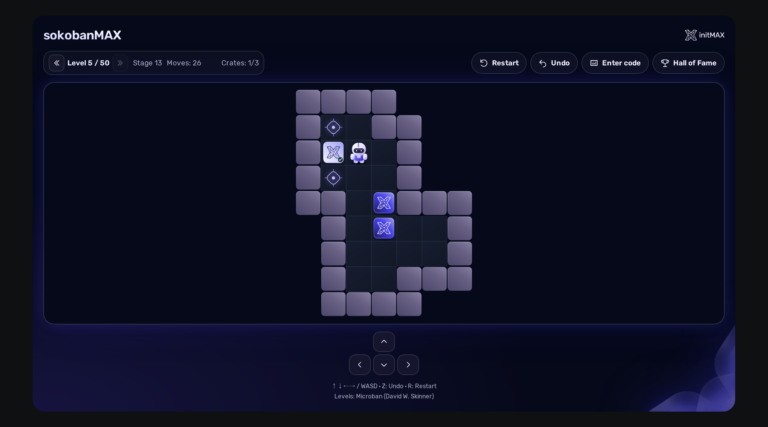
sokobanMAX
Play Sokoban directly on your Zabbix dashboard: 50 solvable levels, saved games, a Hall of Fame and a server that keeps an honest score. Completely FREE.
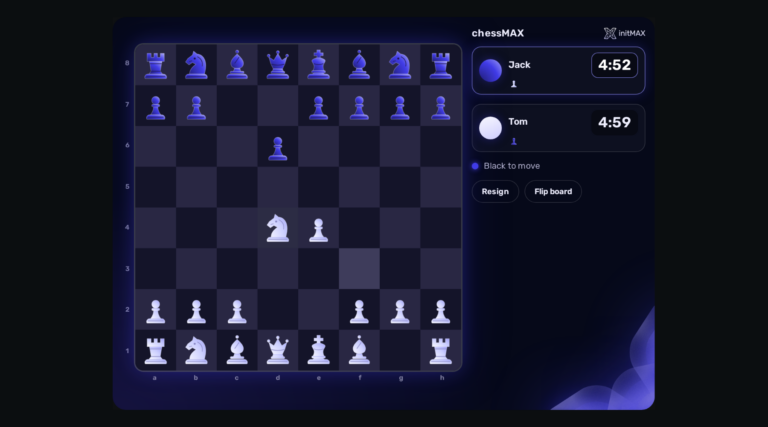
chessMAX
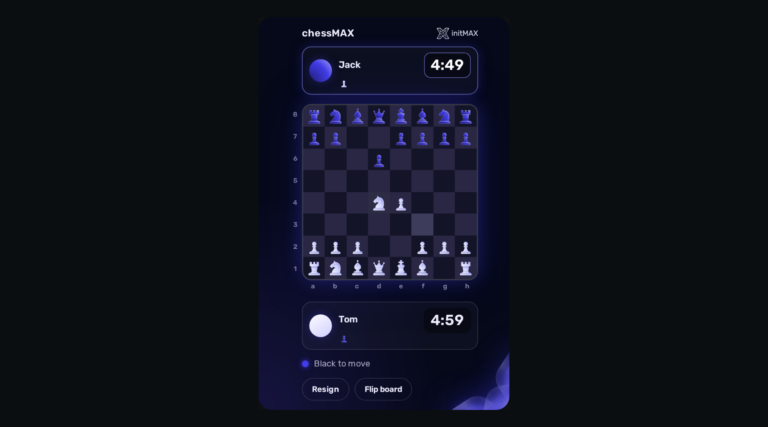
Play chess directly on your Zabbix dashboard: challenge Stockfish, share a board or invite a colleague. FREE, with all game assets included.
headerMAX
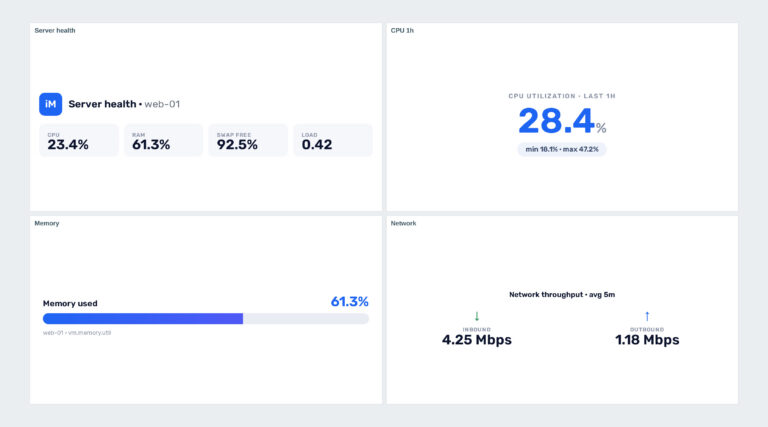
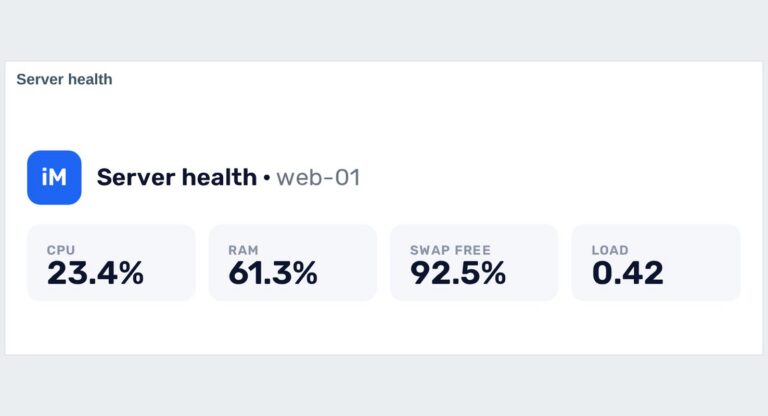
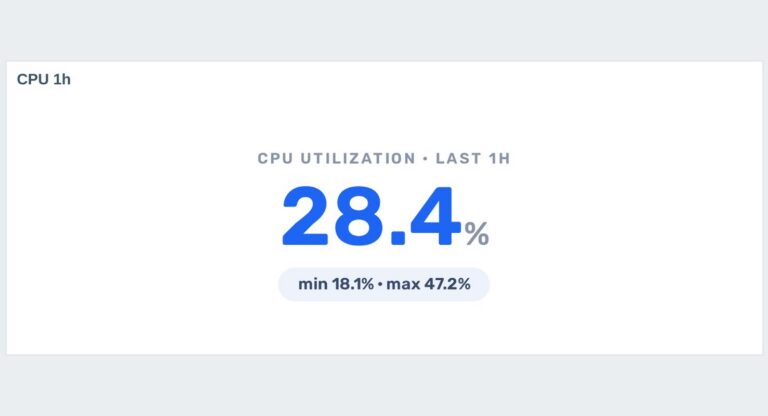
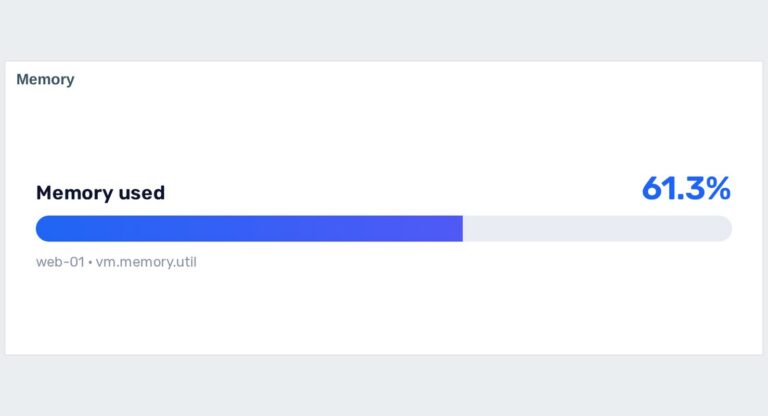
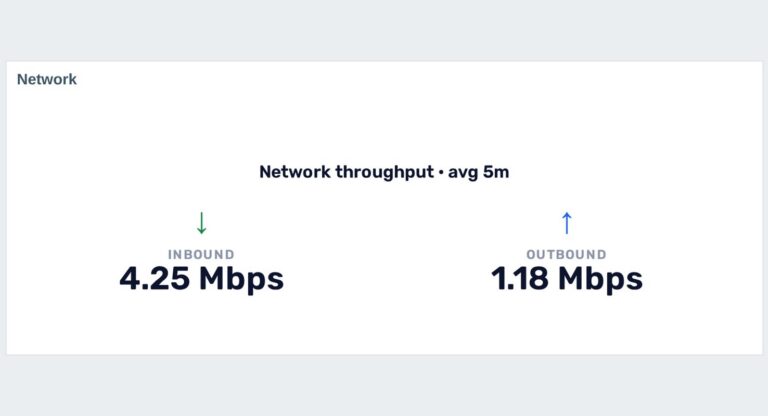
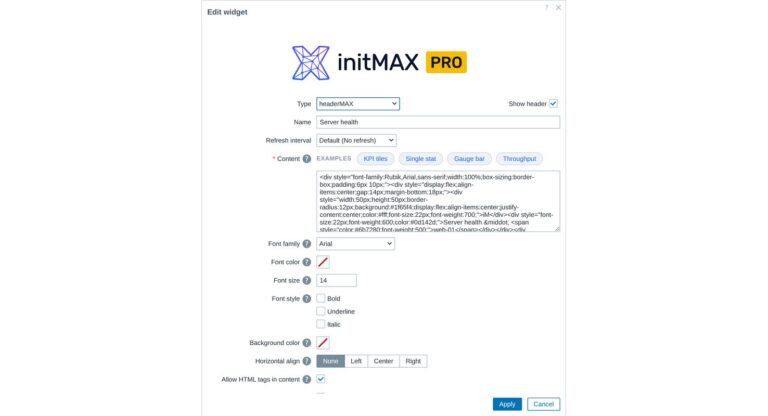
Zabbix widget that allows users to create section headers, embed images, or add buttons with customisable URL links in the dashboard UI.
FAQ
You will receive an email confirmation of the successfully paid order together with an invoice. Right after the purchase we create your account in the initMAX customer portal (https://portal.initmax.com) and send you an invitation email – there you activate the account and set your password. In the portal you will find your licensed products, release changelogs, documentation and guided installation instructions. Paid widgets install directly from our package repository repo.initmax.com: issue a repository token in the portal (Profile – Repo tokens) and follow the How-to-install steps shown in the product catalog. Updates are then delivered through your package manager (apt/dnf/zypper).
A running Zabbix installation – the supported Zabbix versions and the minimum PHP version are listed in the Requirements section of each product page. The widget installs on the Zabbix frontend server as a standard deb/rpm package from repo.initmax.com, so you need root access to that server. No special hardware is required.
Open https://portal.initmax.com, click “Forgot password?” on the sign-in page and enter the e-mail address you used when purchasing the product – you will receive a reset link. Repository tokens can be re-issued anytime in the portal under Profile – Repo tokens. If you no longer have access to that mailbox or run into any issue, contact our support at [email protected] and we will help you recover the account.
Select the desired widget on the product page and click the Get PRO button. You will go through a short checkout handled by FastSpring – you can pay by card, Google Pay or Apple Pay. The purchase is one-time: you get a lifetime license, with no subscription and no recurring fees. After payment you receive an invoice and an invitation to the initMAX customer portal, where you will find the product, issue a repository token and install the PRO edition from repo.initmax.com. Updates and support are included for as long as initMAX maintains the product.
Updates are delivered through your package manager like any other system package – apt upgrade / dnf update / zypper update. The FREE edition updates from the public repo.initmax.com repository; the PRO edition uses the repository token issued in the customer portal. Thanks to the lifetime license there are no renewal fees.