
sokobanMAX
A Sokoban break, right on your Zabbix dashboard. Push every crate onto its target across 50 levels, pick the game up again in any browser, and let the server keep an honest score. sokobanMAX is completely FREE.
Requirements
Supported Zabbix version
6.0 – 8.0
Min. supported PHP version
7.4
Widget description
• 50 levels, each one proven solvable – Small, clever boards from Microban by David W. Skinner, from gentle to demanding. Every level ships with a solution the test suite replays, so you never get stuck on a level nobody can finish.
• The server is the referee – A level counts only after the Zabbix server has replayed every move. Scores and times sent by a browser are never trusted, and levels you have not reached return no map.
• Your game is saved – Moves, undo history and elapsed time are stored in your Zabbix profile. Close the page and continue in another browser, restart the level, or reset your own progress back to level 1.
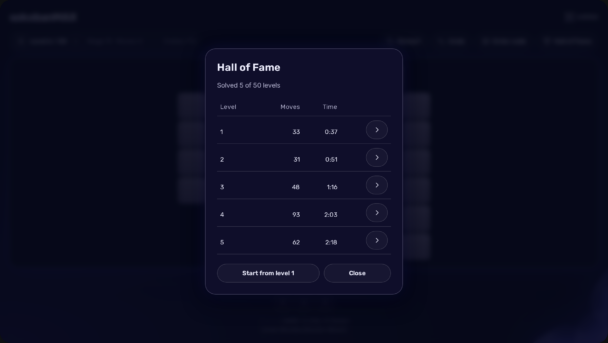
• A real Hall of Fame – Your best result on every level – fewest moves, then fastest time – is kept in the Zabbix database per user, so it survives a reload and a failover to another frontend node.
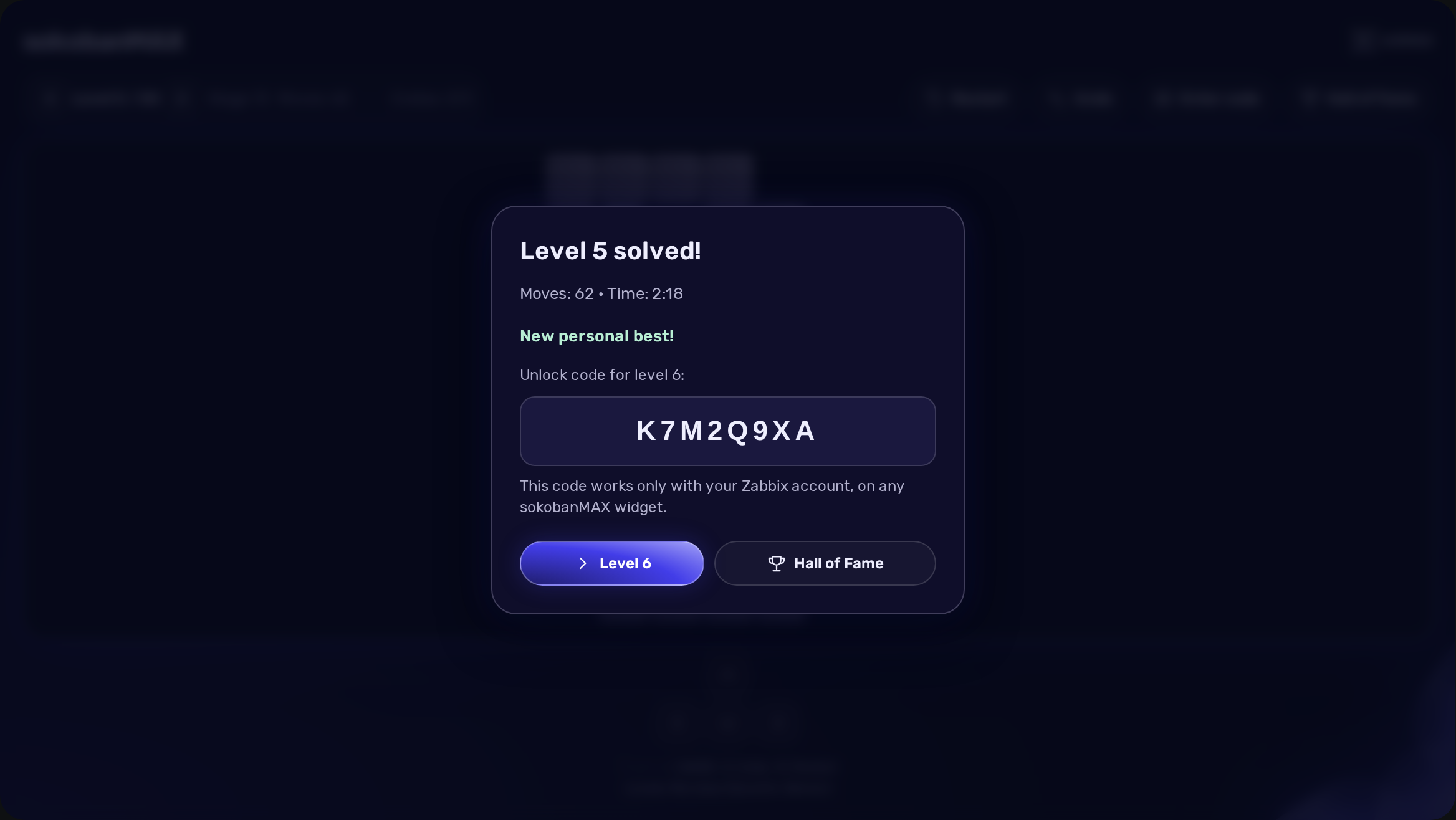
• Personal unlock codes – Finishing a level gives you a code for the next one. It is signed with the secret key of your installation and works only with your Zabbix account.
• Keyboard and on-screen controls – Arrow keys or WASD at a desk, on-screen arrows on a wall display or a touch screen. The keys drive only the board you clicked, never the whole dashboard.
• Fair play – A level “solved” faster than a person can press keys gets a friendly notice instead of a record. Restart and play it properly.
• Self-contained, HA ready and localized – No external service, CDN or web font at runtime. Frontends share the game through the Zabbix database. 27 display languages follow each user’s own setting. Zabbix 6.0 – 8.0; PHP 7.4 minimum.
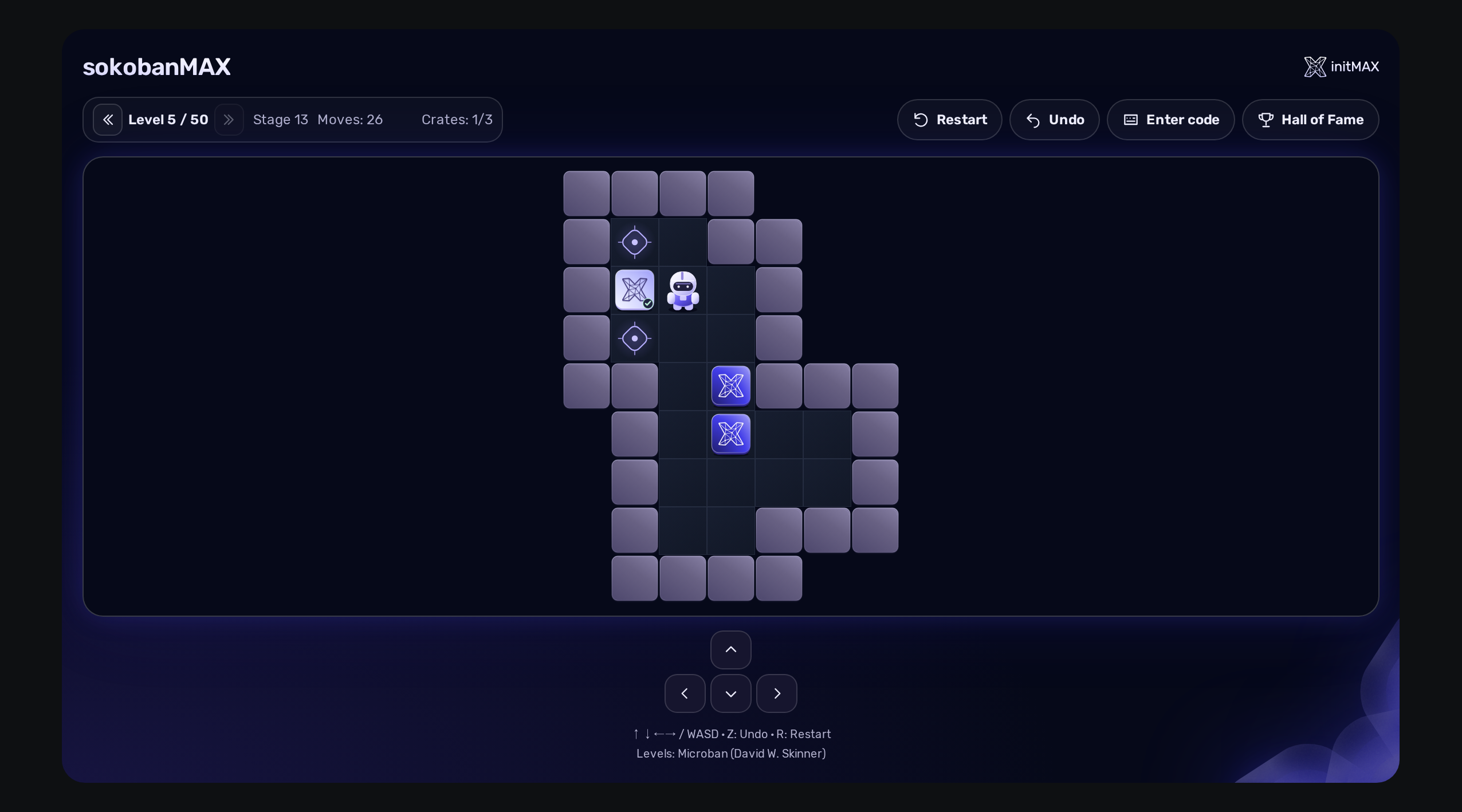
How it looks in practice
Level 5 is solved: the server has replayed all 62 moves, recorded a new personal best and issued the code for level 6. Continue straight away, or open the Hall of Fame to see your best result on every level you have finished.
Documentation
The wiki explains how to play, how records and unlock codes work, how the game is saved, and how to install the widget, with examples from the FREE edition.
FREE edition
Free
50 levels, each one proven solvable
The server replays every finished level before it counts
Personal unlock codes signed with the installation’s own key
Personal best per level in the Hall of Fame
Resume unfinished games across browsers
Reset your own progress independently of other users
Keyboard and on-screen controls
Automatic migration from the older Sokoban widget
HA ready
Full localization – 27 languages
FREE edition
Free
50 levels, each one proven solvable
The server replays every finished level before it counts
Personal unlock codes signed with the installation’s own key
Personal best per level in the Hall of Fame
Resume unfinished games across browsers
Reset your own progress independently of other users
Keyboard and on-screen controls
Automatic migration from the older Sokoban widget
HA ready
Full localization – 27 languages
Installation and distribution
sokobanMAX has one FREE edition. Install the zabbix-module-sokobanmax package from repo.initmax.com, using the guided instructions in the initMAX Portal. Native DEB/RPM packages select the appropriate module tree and register the module automatically; an explicitly disabled module stays disabled. Widgets of the older Sokoban module are taken over automatically, on the same dashboard and in the same position. Offline installation is available as a source ZIP. The widget is licensed under AGPLv3; its levels are Microban by David W. Skinner, distributed with credit as the author asks. The widget is completely free, with no subscription.
For a Zabbix frontend in Docker, a signed Alpine APK package is available; the Docker tab in the initMAX Portal guides you through installation into your own frontend image. Depending on the base image, DEB or RPM packages or a manual ZIP installation into a persistent volume are also available.
FAQ
A running Zabbix installation – the supported Zabbix versions and minimum PHP version are listed in the requirements on each product page. For a native frontend, use a signed DEB or RPM package from the initMAX repository; installation requires administrator access to the server. For a frontend in Docker, a signed Alpine APK package is available, or DEB/RPM depending on the base image. The initMAX Portal guides you through building your own image. ZIP archives are available for manual or offline installation. No special hardware is required.