
mineMAX
Minesweeper directly on a Zabbix dashboard. Choose the difficulty and board size, track the timer and play a complete game without leaving the monitoring interface.
Requirements
Supported Zabbix versions
6.0 – 7.4
Min. supported PHP version
7.4
Widget description
Experience the timeless challenge of Minesweeper directly within your Zabbix environment with mineMAX. This widget brings the classic game to your monitoring dashboard, offering a fun and engaging way to take short breaks. Identify all mines without triggering any, enhance your problem-solving skills, and enjoy a nostalgic gaming experience during your downtime.
How to play
- Click on a cell to reveal it.
- Numbers indicate how many mines are in the adjacent cells.
- Right-click to flag a suspected mine.
- Clear all non-mine cells to win.
- Avoid clicking on a mine, or the game ends!
Strategize, deduce, and enjoy this classic puzzle game right in your Zabbix dashboard.
How it looks in practice
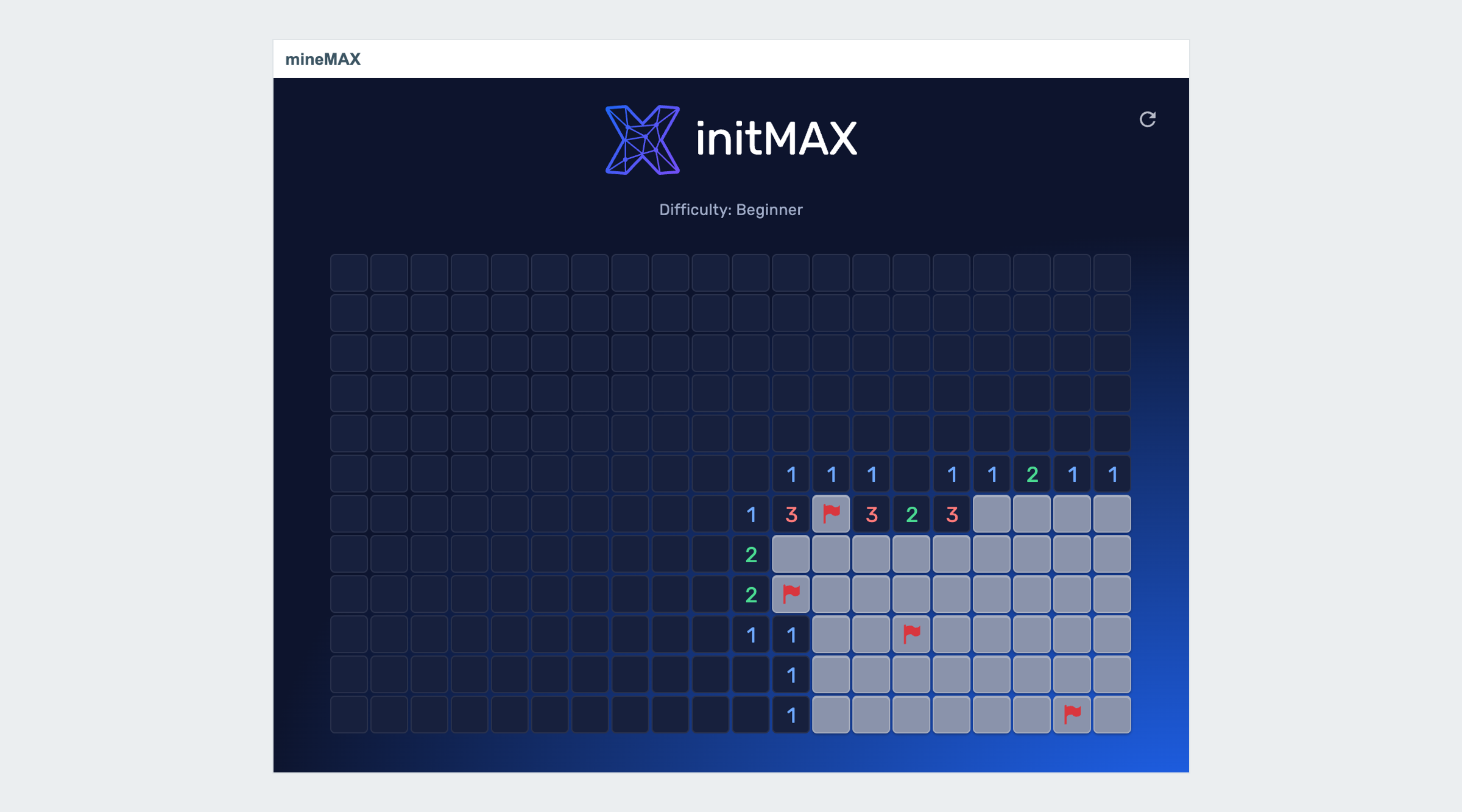
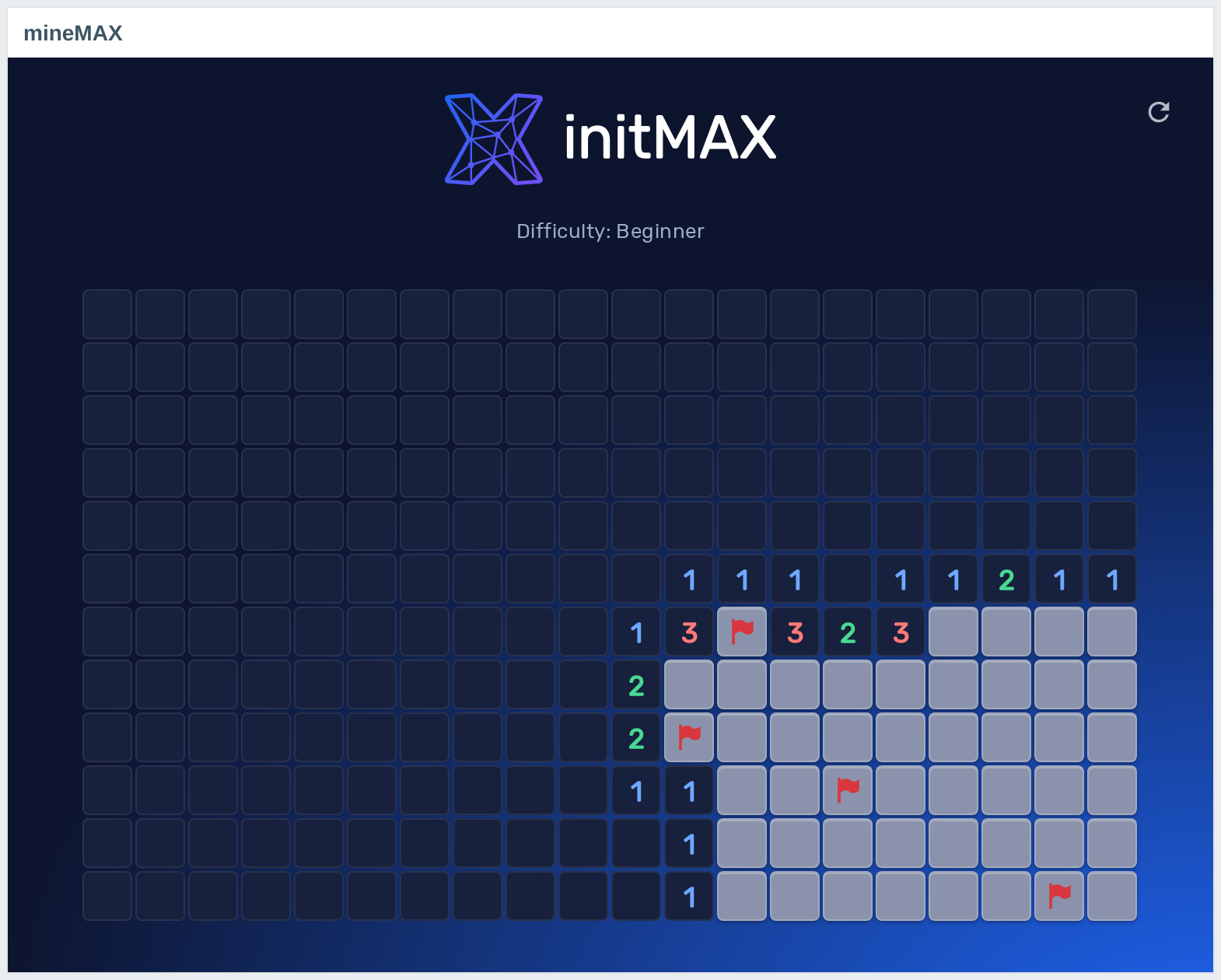
A game in progress on a 12×20 board: the safe area flooded open, numbers on the edge of the minefield and four flags planted. Left click reveals, right click flags, the arrow starts a new game.
It reads no items and stores nothing – a dashboard tile that happens to be Minesweeper. Difficulty and board size are the only settings; see the product wiki.
Documentation
Access detailed documentation in our product wiki, including step-by-step setup, system requirements, customization options, and real-use configurations.

Editions
Free
Minesweeper on the dashboard – three difficulties, adjustable board size
Player name on the board
Runs entirely in the browser – reads no items, stores nothing
HA ready
Full localization – every Zabbix language
Editions
Free
Minesweeper on the dashboard – three difficulties, adjustable board size
Player name on the board
Runs entirely in the browser – reads no items, stores nothing
HA ready
Full localization – every Zabbix language
Delivery and updates
Delivery and updates – initMAX Portal
The FREE edition needs no purchase. Delivery and every update go through the initMAX Portal: the product page gives you the ready-made installation command for your OS, the signed DEB and RPM packages and a ZIP archive – or install straight from repo.initmax.com, the public package storage behind the Portal.
Similar products
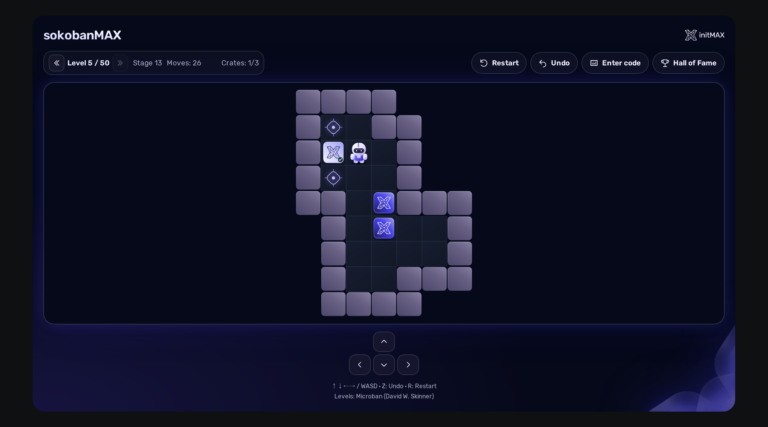
sokobanMAX
Play Sokoban directly on your Zabbix dashboard: 50 solvable levels, saved games, a Hall of Fame and a server that keeps an honest score. Completely FREE.
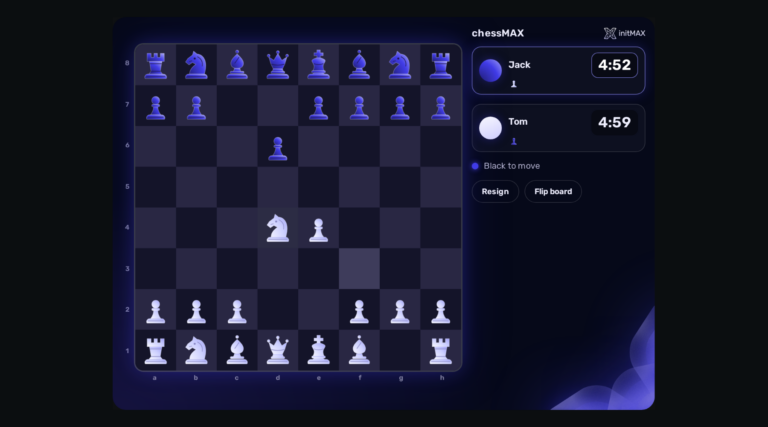
chessMAX
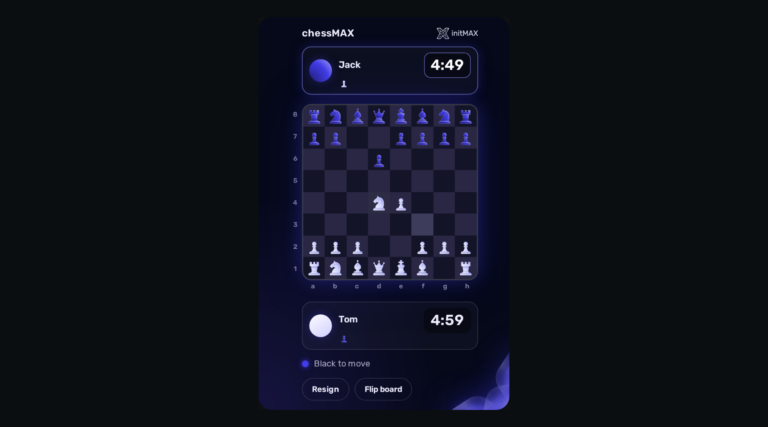
Play chess directly on your Zabbix dashboard: challenge Stockfish, share a board or invite a colleague. FREE, with all game assets included.
headerMAX
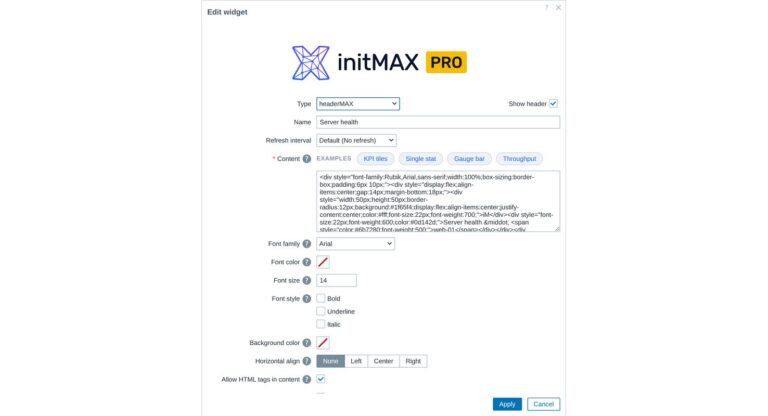
Zabbix widget that allows users to create section headers, embed images, or add buttons with customisable URL links in the dashboard UI.
FAQ
A running Zabbix installation – the supported Zabbix versions and the minimum PHP version are listed in the Requirements section of each product page. The widget installs on the Zabbix frontend server as a standard deb/rpm package from repo.initmax.com, so you need root access to that server. No special hardware is required.