
inventoryMAX
Add flexibility to your Zabbix inventory with inventoryMAX – a module that lets you define custom fields via a graphical interface and use them as {INVENTORYMAX.*} macros. Combine them with native {INVENTORY.*} fields, configure visibility and order of columns, and store all data safely in a structured JSON format within the reserved “Notes” field.
Requirements
Supported Zabbix versions
6.0 – 8.0
Min. supported PHP version
7.4
Key features
inventoryMAX extends the built-in Zabbix inventory with custom numeric and text fields. It provides a field-definition editor, dedicated host list, single-host editing and mass updates, and lets administrators combine custom metadata with the native inventory.
Data is stored in the Zabbix database and can also be displayed by matrixMAX-detail. One PRO package supports Zabbix 6.0 – 8.0 and multi-node frontend deployments.
How it looks in practice
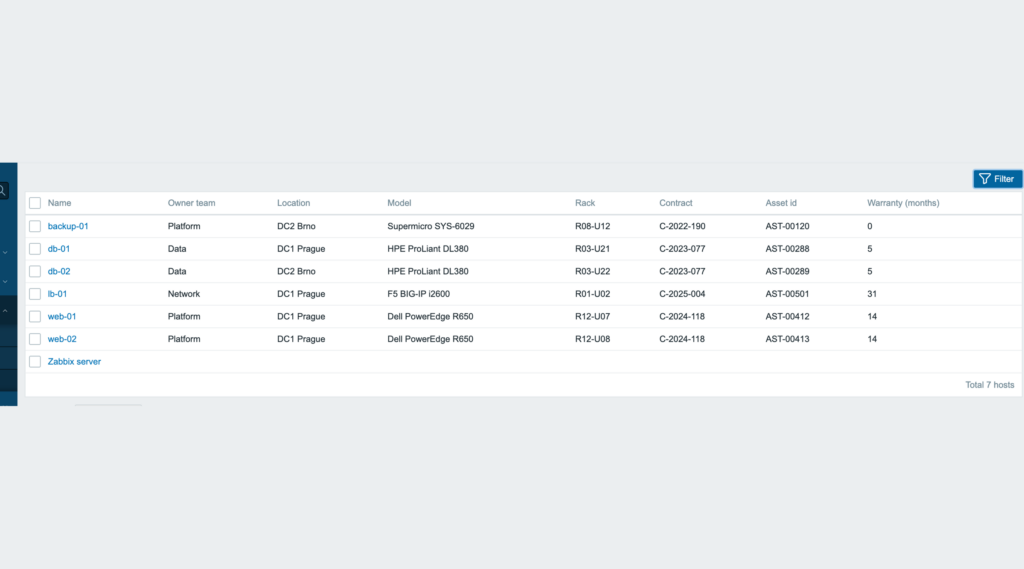
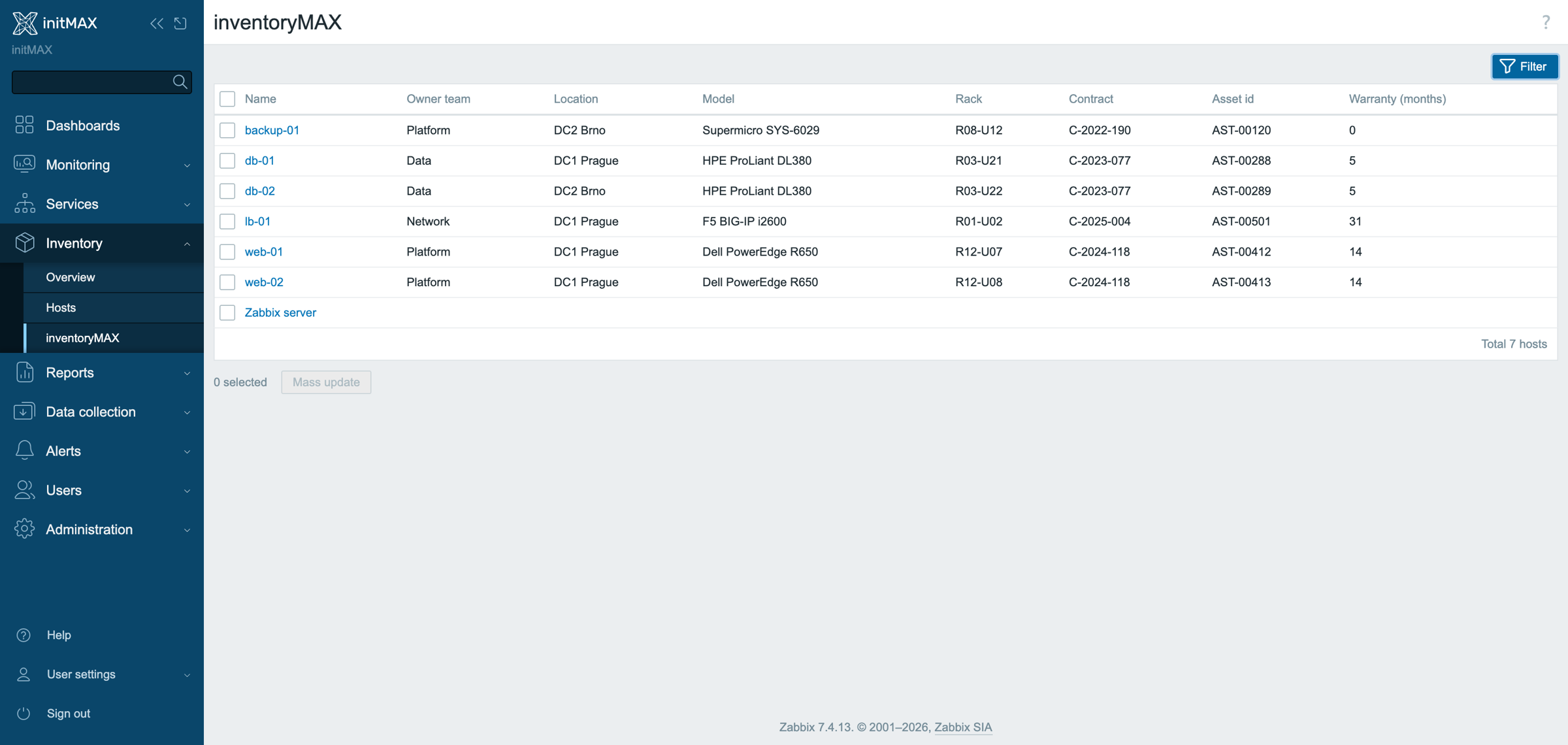
Six hosts, five custom fields – owner team, rack, contract, asset id, warranty months left – as columns of the host list next to Zabbix’s own location and model. Filter by them, edit them per host, mass-update them across a rack move.
Fields are defined once on the administration page and are available as {INVENTORYMAX.*} macros; the field editor and the host dialog are in the product wiki.
Documentation
Access detailed documentation in our product wiki, including step-by-step setup, system requirements, customization options, and real-use configurations.

Editions
4 799 Kč€179$199
including tax · lifetime license
Custom inventory fields
JSON data storage in “Notes” inventory field
Seamless integration with matrixMAX
Filter the host list by custom fields
Mass update across many hosts
Custom fields as {INVENTORYMAX.*} macros
HA ready
Full localization – 27 languages
Editions
4 799 Kč€179$199
including tax · lifetime license
Custom inventory fields
JSON data storage in “Notes” inventory field
Seamless integration with matrixMAX
Filter the host list by custom fields
Mass update across many hosts
Custom fields as {INVENTORYMAX.*} macros
HA ready
Full localization – 27 languages
Purchase, delivery and updates
Purchase the product
The PRO licence is bought here: one payment, a lifetime licence, no subscription and no renewal. The e-mail address used for the order identifies your organization and the product is assigned to it automatically.
Delivery and updates – initMAX Portal
Delivery and every future update go through the initMAX Portal: after the purchase you find the product in your account with the ready-made installation command for your OS, the signed DEB and RPM packages, a ZIP archive and all releases. repo.initmax.com is only the package storage behind it – the Portal issues the token that unlocks the PRO packages there.
Similar products
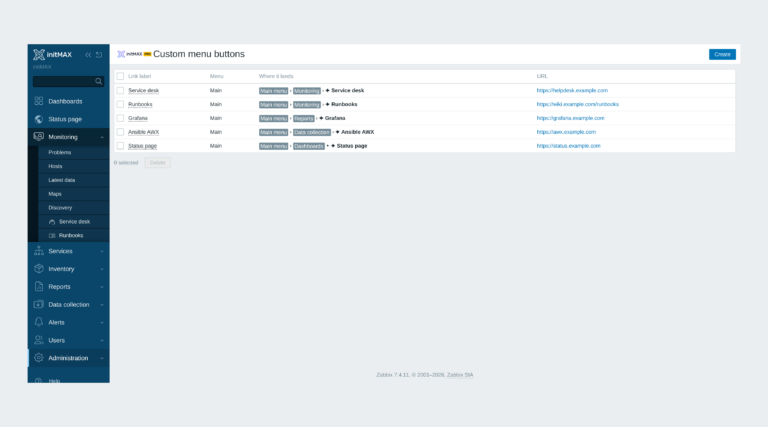
Custom menu buttons
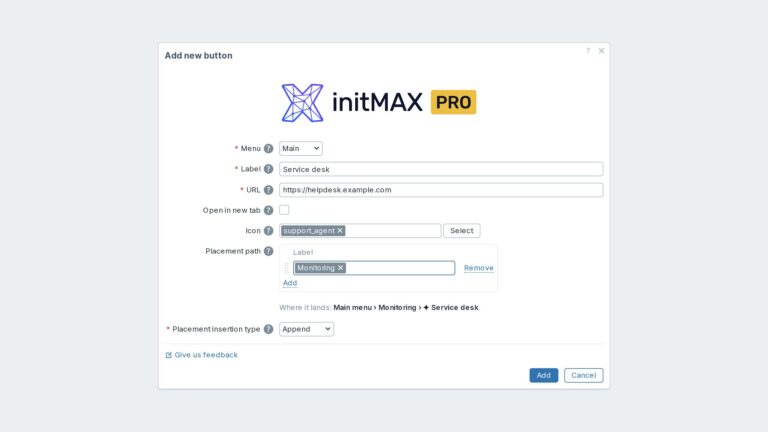
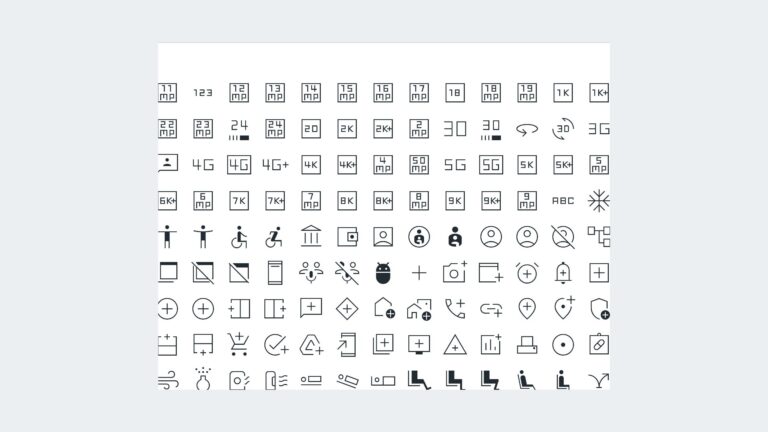
Custom links in the Zabbix main and user menu with exact placement, about 3,600 icons and central Super admin management.
Hide widget header
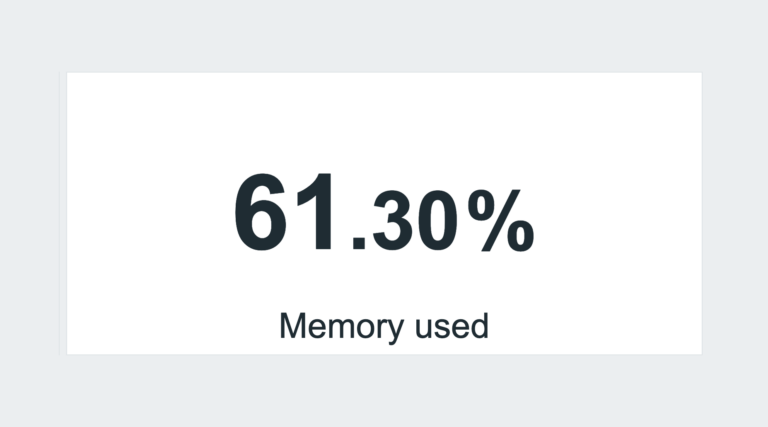
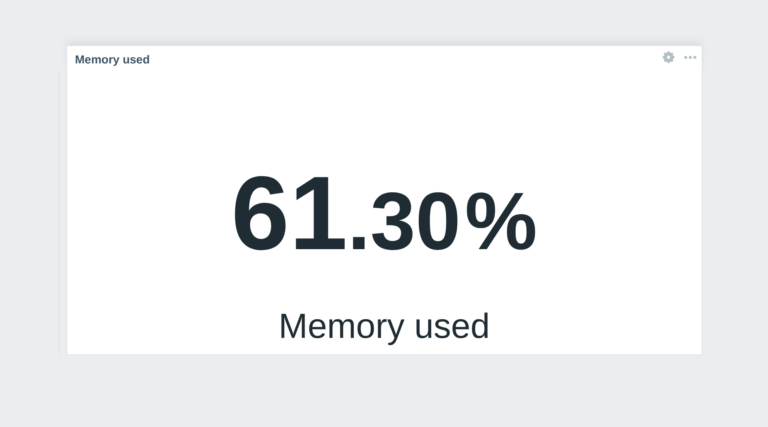
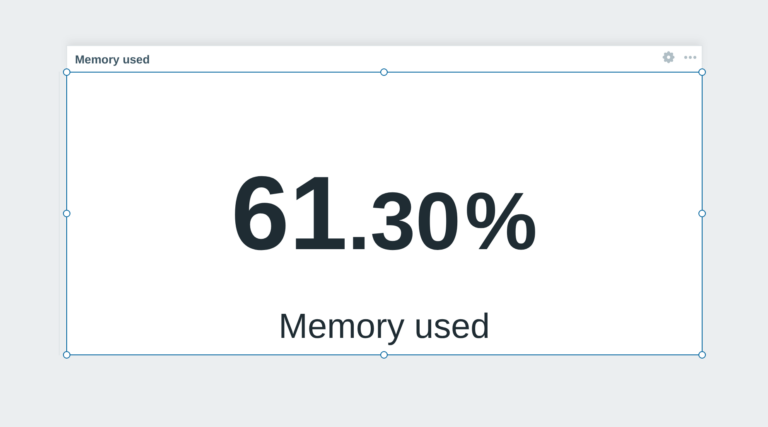
This module prevents widget headers from being displayed when dashboards are not in edit mode, improving visual clarity and user experience.
Structured Dashboard
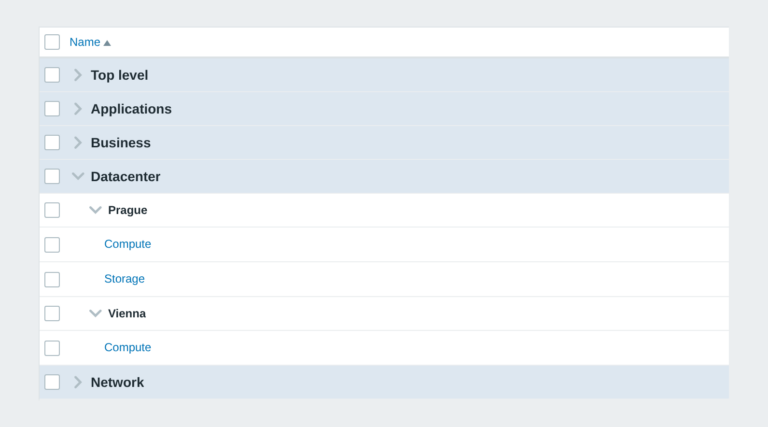
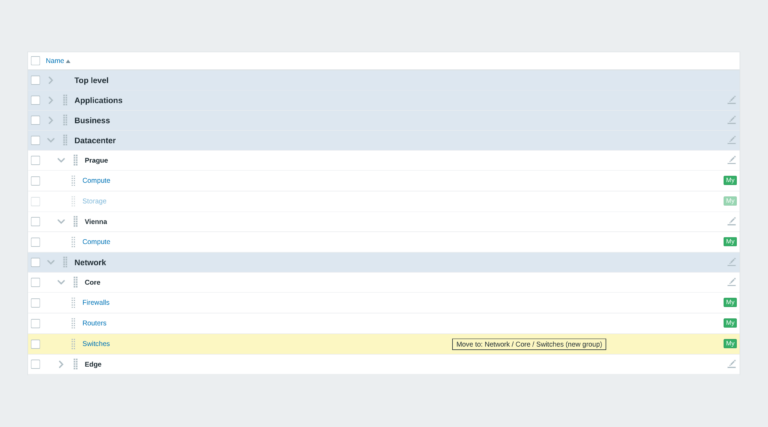
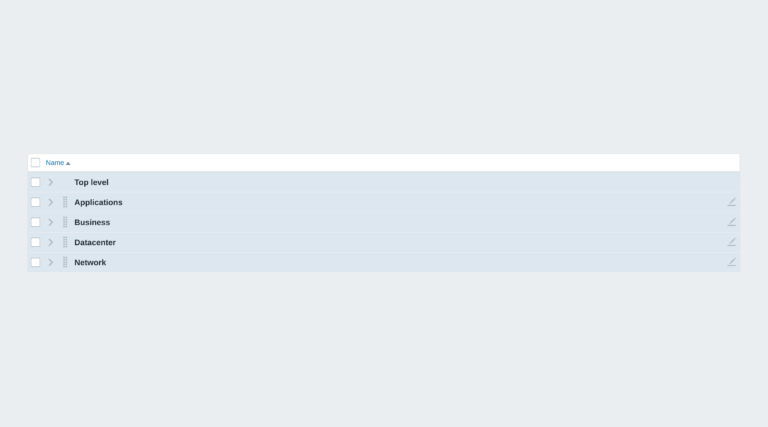
Zabbix module that organizes dashboards into structured groups using naming conventions, enabling automatic hierarchy and easier navigation.
FAQ
Select the desired widget on the product page and click the Get PRO button. You will go through a short checkout handled by FastSpring – you can pay by card, Google Pay or Apple Pay. The purchase is one-time: you get a lifetime license, with no subscription and no recurring fees. After payment you receive an invoice and an invitation to the initMAX customer portal, where you will find the product, issue a repository token and install the PRO edition from repo.initmax.com. Updates and support are included for as long as initMAX maintains the product.
Open https://portal.initmax.com, click “Forgot password?” on the sign-in page and enter the e-mail address you used when purchasing the product – you will receive a reset link. Repository tokens can be re-issued anytime in the portal under Profile – Repo tokens. If you no longer have access to that mailbox or run into any issue, contact our support at [email protected] and we will help you recover the account.
A running Zabbix installation – the supported Zabbix versions and the minimum PHP version are listed in the Requirements section of each product page. The widget installs on the Zabbix frontend server as a standard deb/rpm package from repo.initmax.com, so you need root access to that server. No special hardware is required.
You will receive an email confirmation of the successfully paid order together with an invoice. Right after the purchase we create your account in the initMAX customer portal (https://portal.initmax.com) and send you an invitation email – there you activate the account and set your password. In the portal you will find your licensed products, release changelogs, documentation and guided installation instructions. Paid widgets install directly from our package repository repo.initmax.com: issue a repository token in the portal (Profile – Repo tokens) and follow the How-to-install steps shown in the product catalog. Updates are then delivered through your package manager (apt/dnf/zypper).