
uxMAX
Permission-aware tag search in every filter, colour tags, a Light / Dark / System theme switch, your own frontend branding, syntax highlighting and more practical interface improvements in one FREE module.
Requirements
Supported Zabbix versions
6.0 – 7.4
Min. supported PHP version
7.4
Key features
uxMAX puts the whole Zabbix frontend under your control from one configuration page – and every feature is FREE.
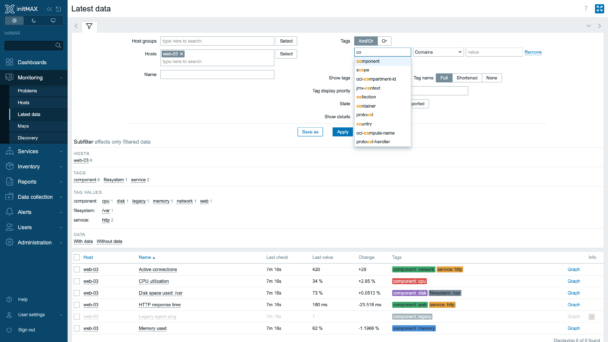
Every tag filter across the frontend suggests tag names and values as you type – filtered by the signed-in user’s permissions, so nothing leaks between teams.
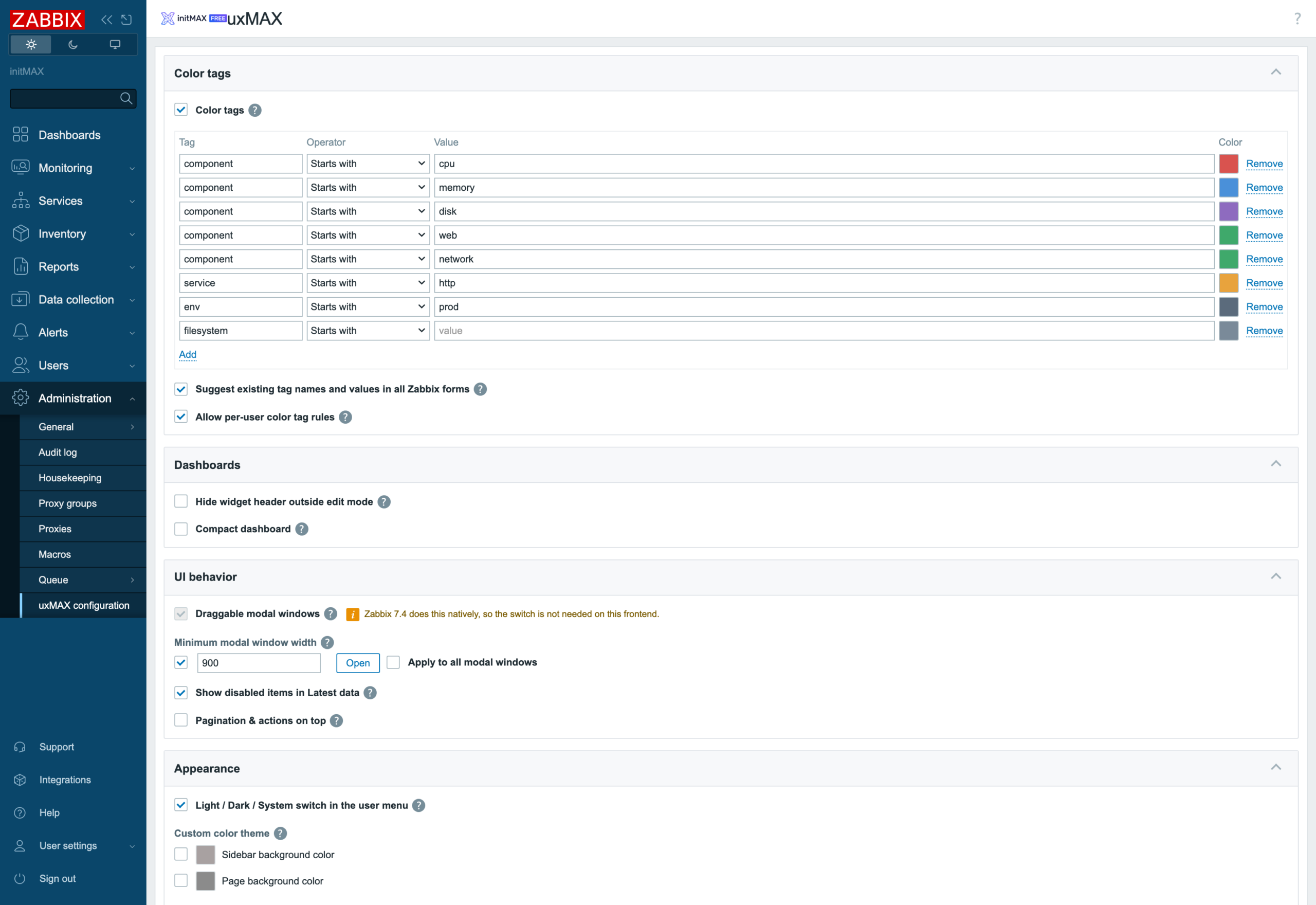
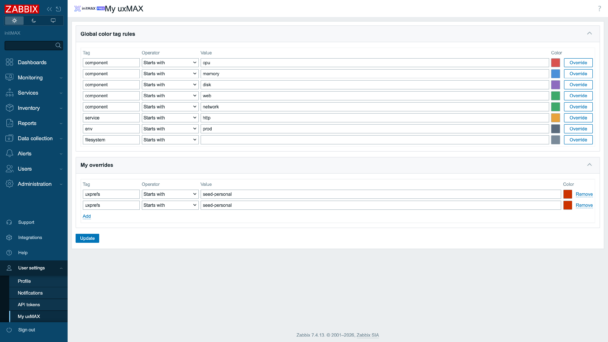
Colour tags by rule, layer per-user overrides on top, and check every colour against the light and the dark theme – with its contrast ratio – before you apply it.
Switch the frontend between Light, Dark and System per user, brand the login screen and sidebar with your own logos and footer, and point the built-in help icon to your own documentation.
Syntax highlighting for JavaScript and Zabbix expressions comes with a live playground in both themes; draggable dialogs, compact dashboards, hidden widget headers and greyed-out disabled items complete the set.
How it looks in practice
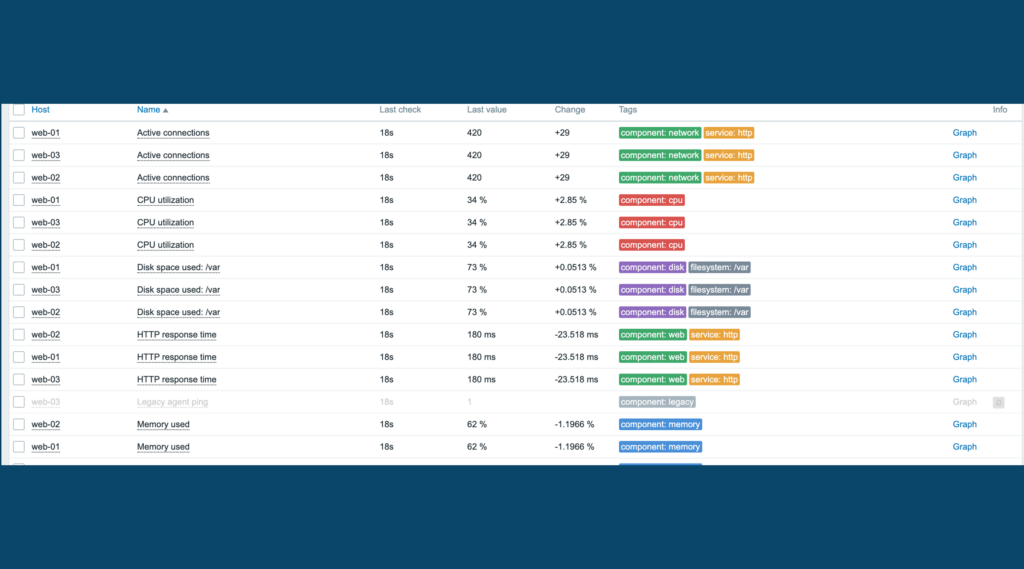
Start typing into any tag filter and matching tag names and values appear immediately – drawn only from what you are allowed to see. Colour tags by rule – CPU red, memory blue, disk purple, the HTTP service orange – and Latest data becomes scannable instead of readable.
The other touches – the Light / Dark / System switch, your own branding, syntax highlighting, draggable modals, greyed-out disabled items – are one checkbox each; all of them are shown in the product wiki.
Documentation
Access detailed documentation in our product wiki, including step-by-step setup, system requirements, customization options, and real-use configurations.
Editions
Free
Permission-aware tag suggestions in every filter form
Light / Dark / System theme switch per user
Colour tags by rule – starts with, contains, ends with
Per-user colour rules on top of the global ones
Sidebar and background colours
Syntax and expression highlighting for JavaScript
Custom frontend font
Draggable modal windows and a minimum modal width
Hide widget headers outside edit mode
Compact dashboard – no gaps between widgets
Disabled items greyed out in Latest data
Custom frontend branding – logos, footer, help link
Live light/dark colour previews with contrast check
HA ready
Full localization – 25 languages
Editions
Free
Permission-aware tag suggestions in every filter form
Light / Dark / System theme switch per user
Colour tags by rule – starts with, contains, ends with
Per-user colour rules on top of the global ones
Sidebar and background colours
Syntax and expression highlighting for JavaScript
Custom frontend font
Draggable modal windows and a minimum modal width
Hide widget headers outside edit mode
Compact dashboard – no gaps between widgets
Disabled items greyed out in Latest data
Custom frontend branding – logos, footer, help link
Live light/dark colour previews with contrast check
HA ready
Full localization – 25 languages
Delivery and updates
Delivery and updates – initMAX Portal
The FREE edition needs no purchase. Delivery and every update go through the initMAX Portal: the product page gives you the ready-made installation command for your OS, the signed DEB and RPM packages and a ZIP archive – or install straight from repo.initmax.com, the public package storage behind the Portal.
Similar products
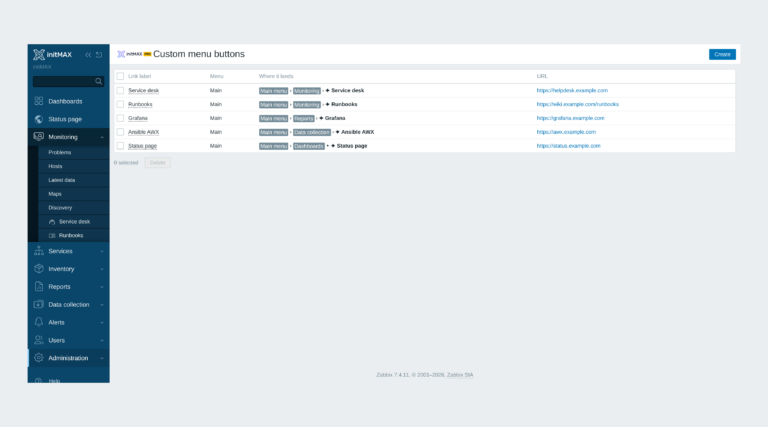
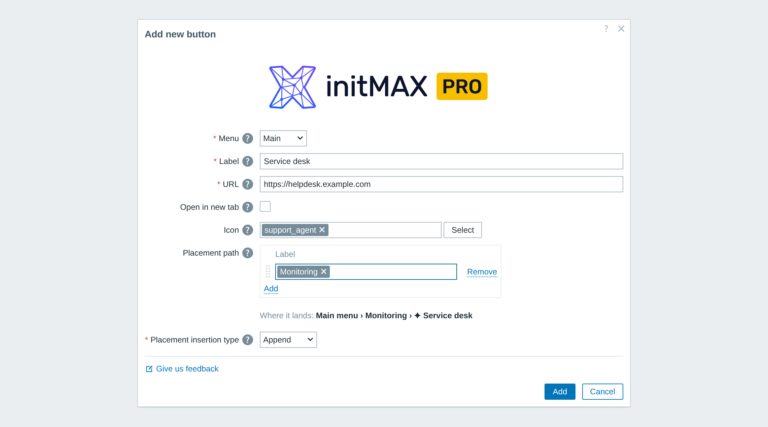
Custom menu buttons
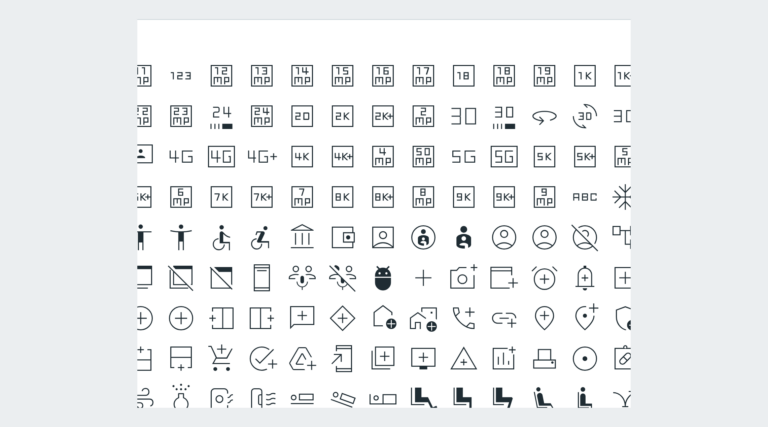
Custom links in the Zabbix main and user menu with exact placement, about 3,600 icons and central Super admin management.
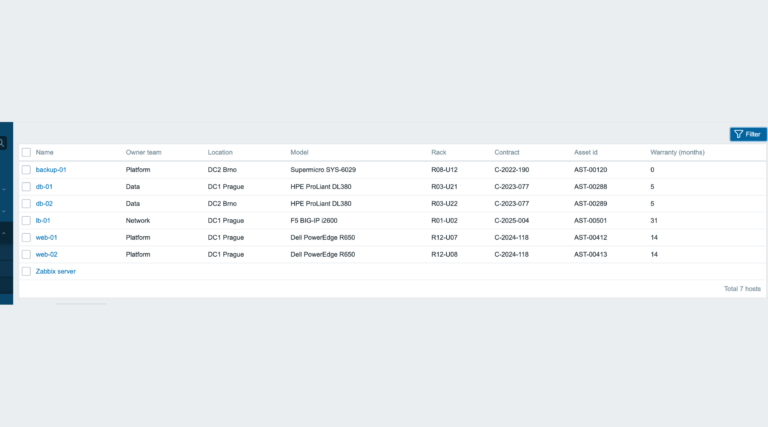
inventoryMAX
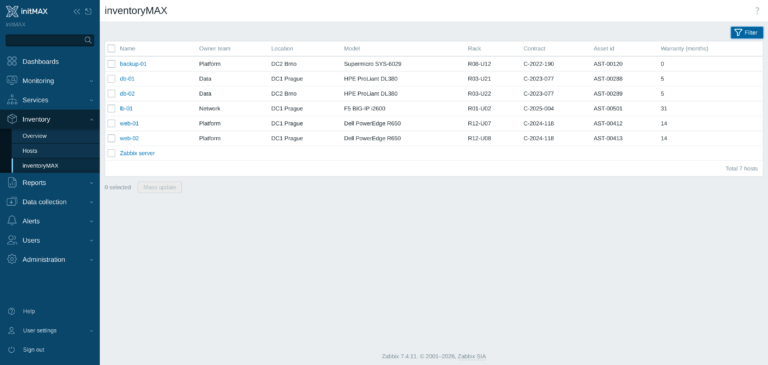
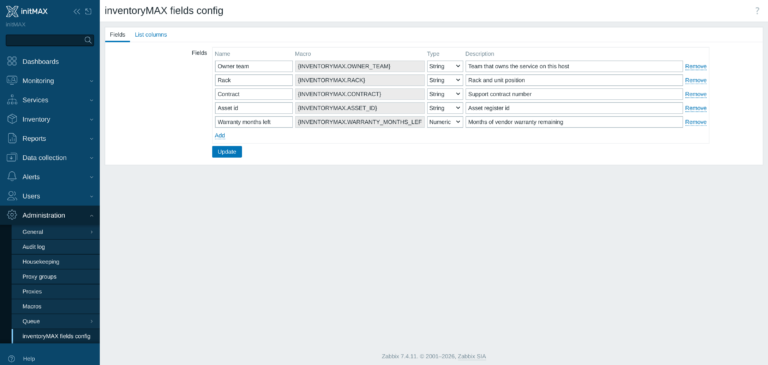
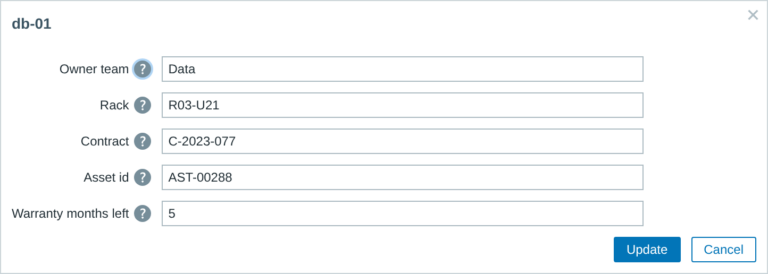
inventoryMAX adds custom fields to Zabbix inventory for flexible, structured metadata management and seamless macro-based integration.
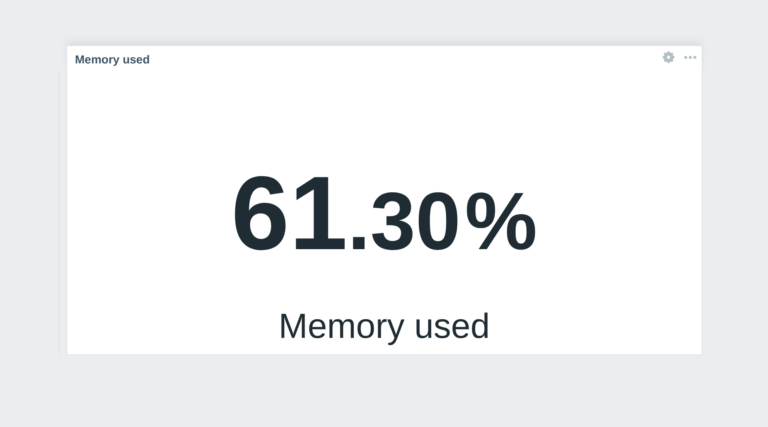
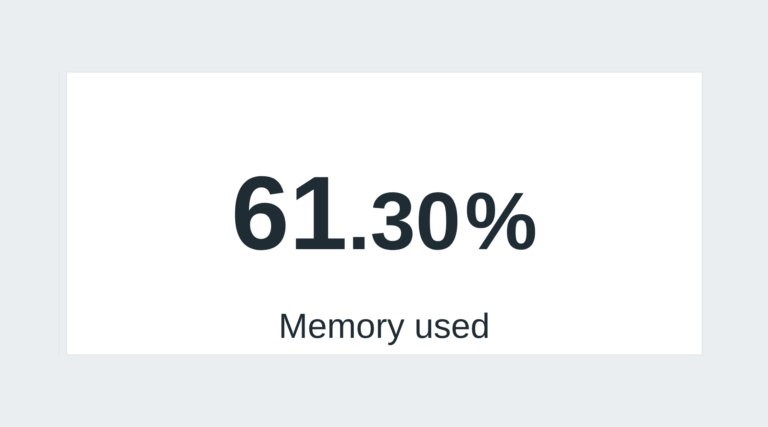
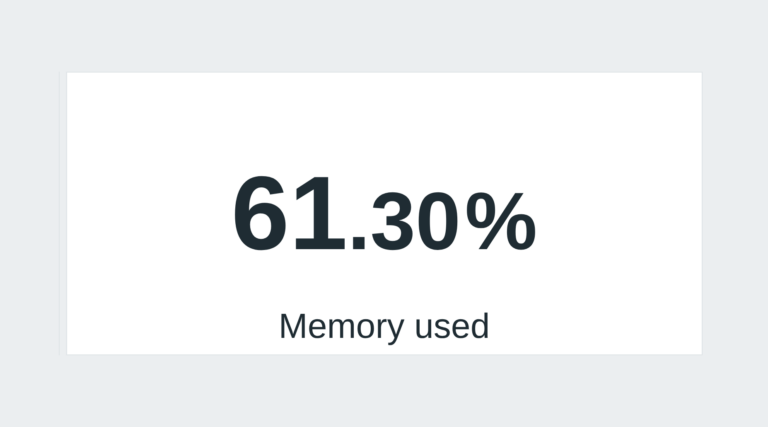
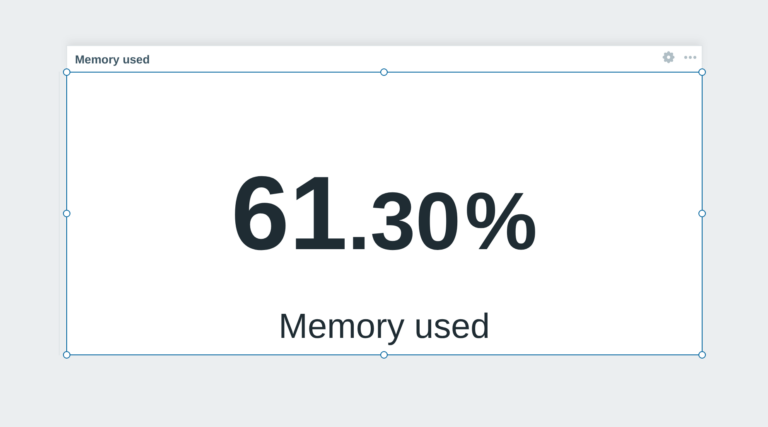
Hide widget header
This module prevents widget headers from being displayed when dashboards are not in edit mode, improving visual clarity and user experience.
FAQ
A running Zabbix installation – the supported Zabbix versions and the minimum PHP version are listed in the Requirements section of each product page. The widget installs on the Zabbix frontend server as a standard deb/rpm package from repo.initmax.com, so you need root access to that server. No special hardware is required.