userfilterMAX
Copy and assign saved filters between users and groups from one central administration interface.

Copy and assign saved filters between users and groups from one central administration interface.
Supported Zabbix versions
6.0 – 8.0
Min. supported PHP version
7.4
Zabbix keeps saved filters private to whoever created them. userfilterMAX hands them to the rest of the team from one page under Users:
• Copy saved filters – pick a source user and any of their saved filter tabs from Problems, Hosts and Latest data
• Users or whole groups – target individual users, complete user groups or both in a single assignment
• Add and run – save the assignment for later or run it right away; the Existing filters option controls whether filters are added alongside, overwritten or skipped
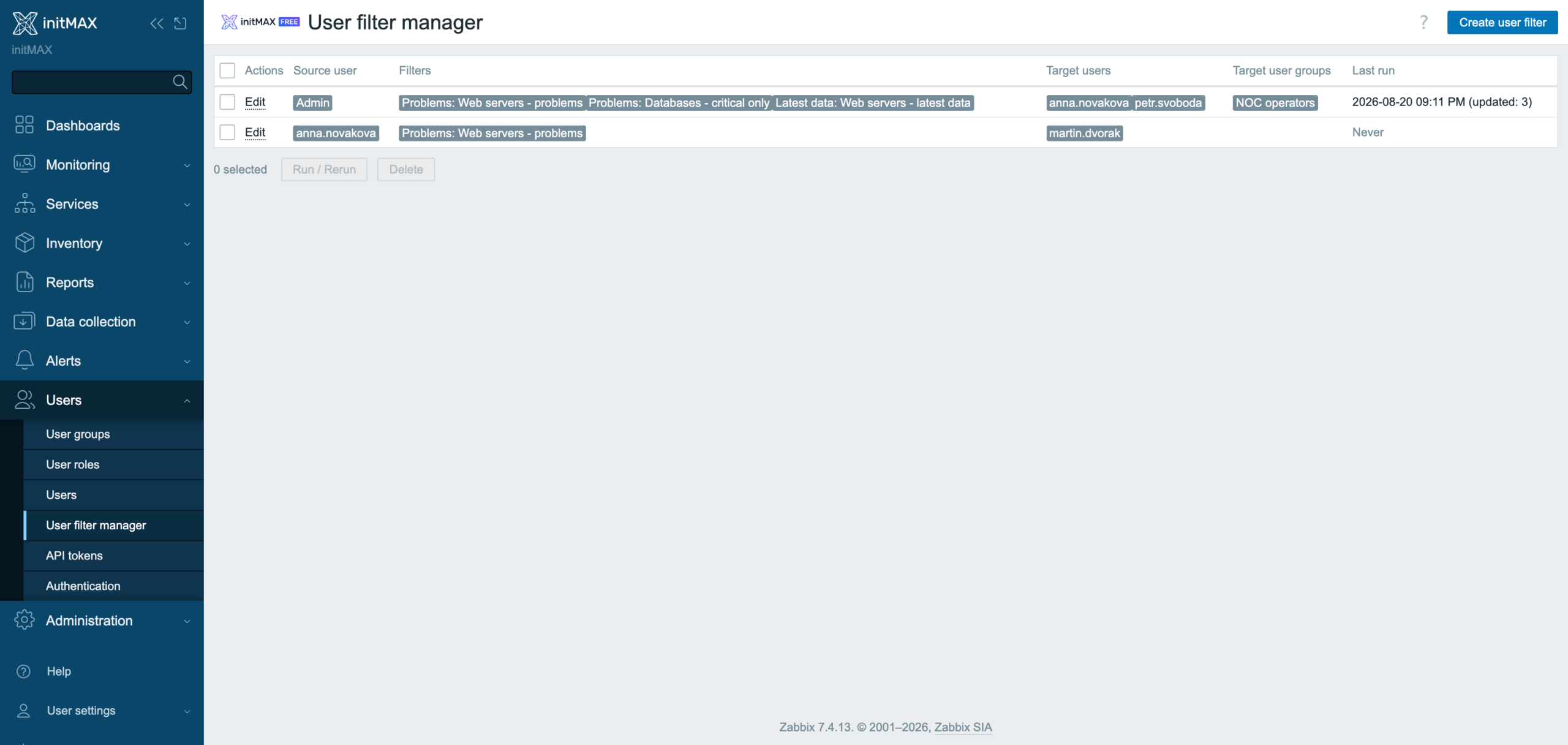
• Re-run any time – the list keeps every assignment (source, filters, targets) for onboarding, handovers and shift views; run or delete in bulk
• Follows the source – reorder or delete a tab on the source user and the stored assignments are updated; all 27 Zabbix languages, HA ready
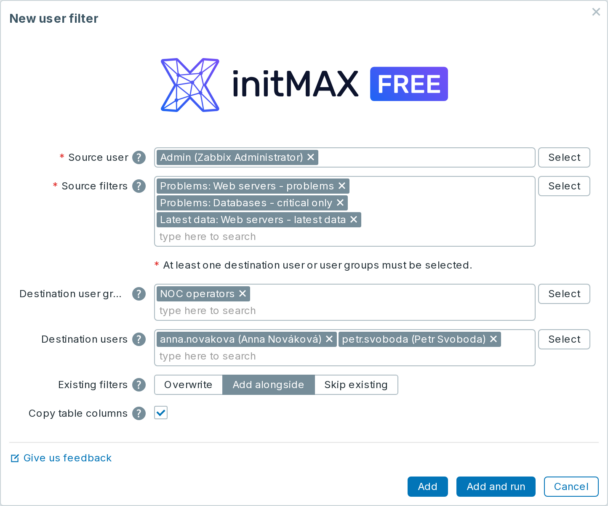
From Zabbix 8.0, you can copy the table layout together with a saved filter: selected columns, their order and widths. Use Copy table columns in the assignment form; it is enabled for a new assignment. This applies to Problems, Hosts and Latest data. The option is not shown on older Zabbix versions. The feature is included in FREE.
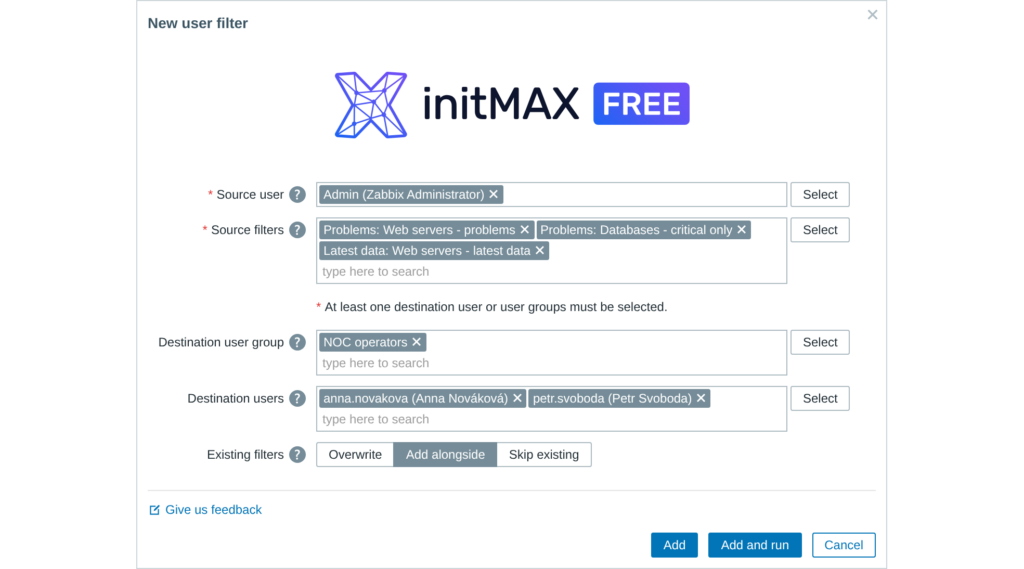
Pick the source user, tick the saved filter tabs to copy – Problems, Hosts, Latest data – and choose the target users or user groups. Add and run, and every colleague opens Zabbix on the same picture.
The list keeps every assignment so you can re-run it after onboarding or a handover; details are in the product wiki.
Access detailed documentation in our product wiki, including step-by-step setup, system requirements, customization options, and real-use configurations.

Free
Sharing saved filters
Centralized management
Problems, Hosts and Latest data filters
User-to-group synchronization
HA ready
Full localization – 27 languages
Table column layout copied with the filter (Zabbix 8.0+)
Existing filter modes: Add alongside, Overwrite, Skip existing
Last run and assignment result overview
Free
Sharing saved filters
Centralized management
Problems, Hosts and Latest data filters
User-to-group synchronization
HA ready
Full localization – 27 languages
Table column layout copied with the filter (Zabbix 8.0+)
Existing filter modes: Add alongside, Overwrite, Skip existing
Last run and assignment result overview
The FREE edition needs no purchase. Delivery and every update go through the initMAX Portal: the product page gives you the ready-made installation command for your OS, the signed DEB and RPM packages and a ZIP archive – or install straight from repo.initmax.com, the public package storage behind the Portal.
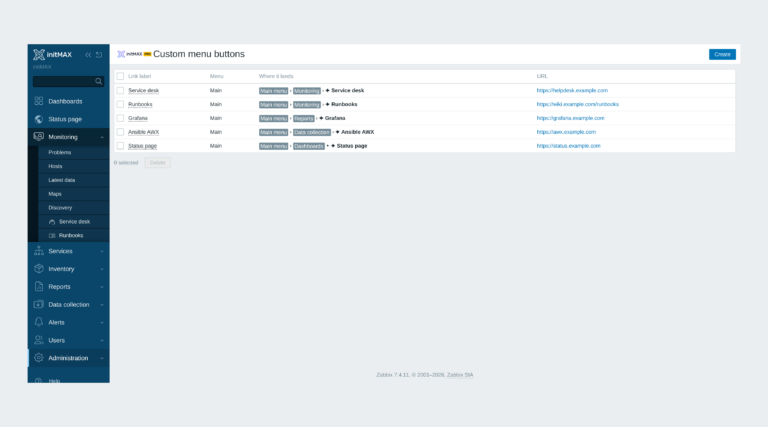
Custom links in the Zabbix main and user menu with exact placement, about 3,600 icons and central Super admin management.
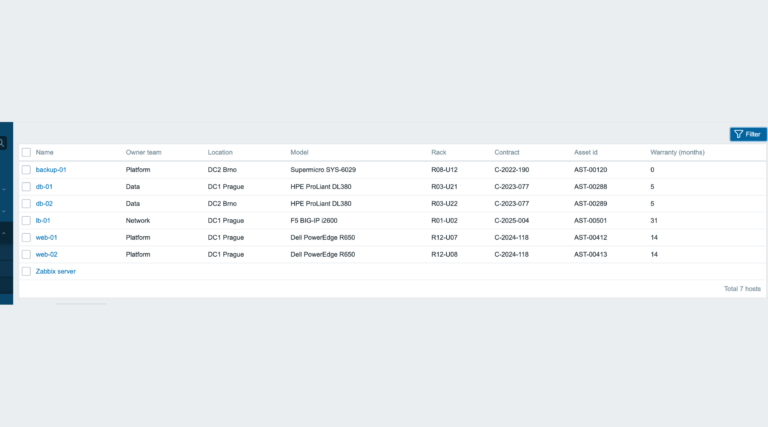
inventoryMAX adds custom fields to Zabbix inventory for flexible, structured metadata management and seamless macro-based integration.
This module prevents widget headers from being displayed when dashboards are not in edit mode, improving visual clarity and user experience.
A running Zabbix installation – the supported Zabbix versions and the minimum PHP version are listed in the Requirements section of each product page. The widget installs on the Zabbix frontend server as a standard deb/rpm package from repo.initmax.com, so you need root access to that server. No special hardware is required.
Updates are delivered through your package manager like any other system package – apt upgrade / dnf update / zypper update. The FREE edition updates from the public repo.initmax.com repository; the PRO edition uses the repository token issued in the customer portal. Thanks to the lifetime license there are no renewal fees.
Yes. userfilterMAX is FREE (AGPLv3) with no PRO edition and no licence token: install it from repo.initmax.com or the initMAX Portal and use it on any number of Zabbix frontends.
The saved filter tabs a user created on Problems, Hosts and Latest data. Open Users – User filter manager (Administration – User filter manager on Zabbix 6.0 and 6.2), pick the source user and their filters, then choose destination users, user groups or both. Add stores the assignment, Add and run copies the filters immediately; an identical tab already on the target is updated rather than duplicated. The assignment stays in the list, so you can run it again after onboarding or a handover, and it follows the source user when they reorder or delete a tab.
userfilterMAX