
problemsbysvMAX
Make the Problems by severity widget easier to scan by hiding empty cells and configuring counter font size and spacing.
Requirements
Supported Zabbix versions
6.0 – 8.0
Min. supported PHP version
7.4
Key features
Problems by severity MAX is an enhanced version of the native Problems by severity widget for Zabbix dashboards, designed to deliver greater visual clarity for operations monitoring. It builds directly on the standard widget and addresses common readability and layout limitations that operators run into on large screens, NOC walls, and densely populated dashboards. The widget supports Zabbix 6.0 – 8.0 and requires PHP 7.4 or newer.
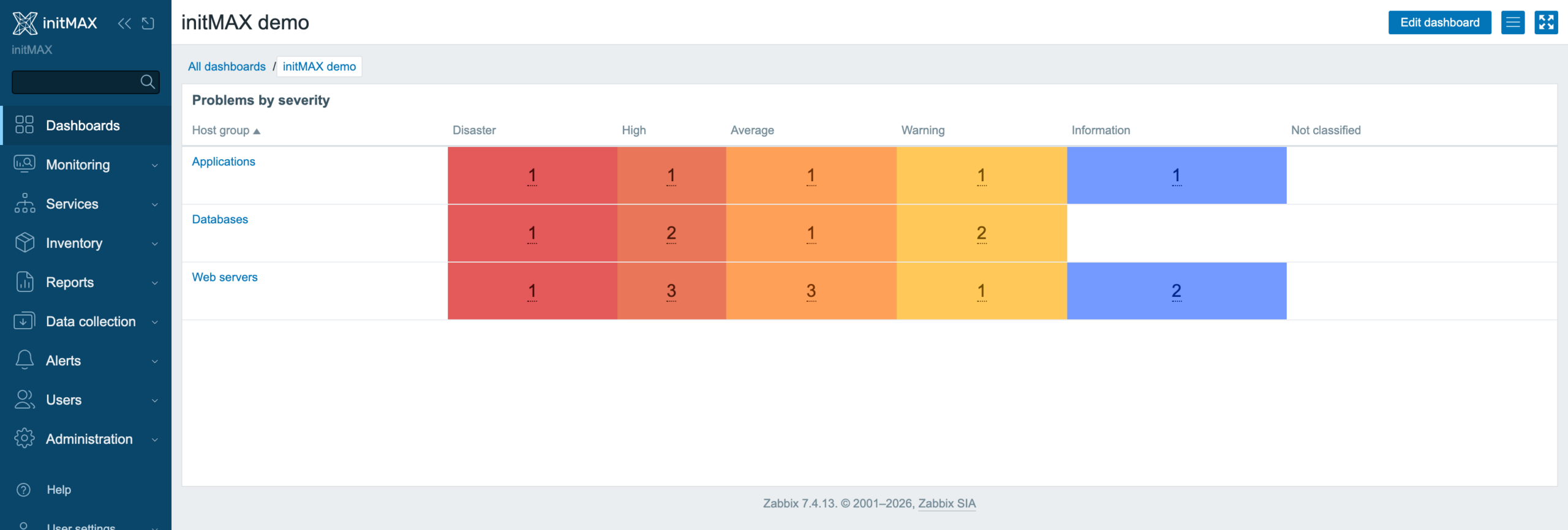
Key features include a configurable counter font size, which lets administrators scale the problem-count numerals (in pixels) so they remain legible from a distance – ideal for wall-mounted monitors and overview screens. The widget also offers configurable cell padding, providing full control over the spacing around each severity cell – layouts can therefore be tightened for compact dashboards or relaxed for a more spacious look. Cells with a count of 0 are simply left unpainted, ensuring a cleaner, less distracting view that highlights only actual problems.
How it looks in practice
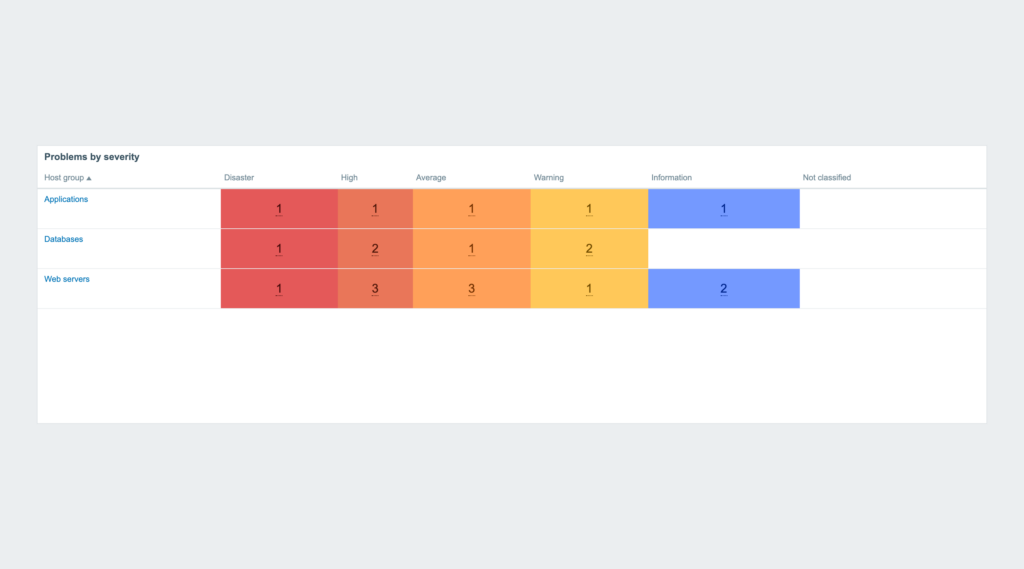
Three host groups across all six Zabbix severities. In this example, five severity columns contain open problems; Not classified is empty. Only cells with open problems are coloured. Counter size and cell padding are set for the distance the screen is read from.
Everything else – filters, host groups, acknowledgement handling – is Zabbix’s own widget; the two settings are in the product wiki.
Documentation
Find detailed documentation in our product wiki, including a step-by-step setup guide, system requirements, customization options, and real-world configurations.

Editions
Free
Severities with no problems are not painted
Configurable counter font size (10-64 px)
Configurable cell padding (0-50 px)
Everything else as in the stock Problems by severity widget
HA ready
Full localization – 27 languages
Editions
Free
Severities with no problems are not painted
Configurable counter font size (10-64 px)
Configurable cell padding (0-50 px)
Everything else as in the stock Problems by severity widget
HA ready
Full localization – 27 languages
Delivery and updates
Delivery and updates – initMAX Portal
The FREE edition needs no purchase. Delivery and every update go through the initMAX Portal: the product page gives you the ready-made installation command for your OS, the signed DEB and RPM packages and a ZIP archive – or install straight from repo.initmax.com, the public package storage behind the Portal.
Similar products
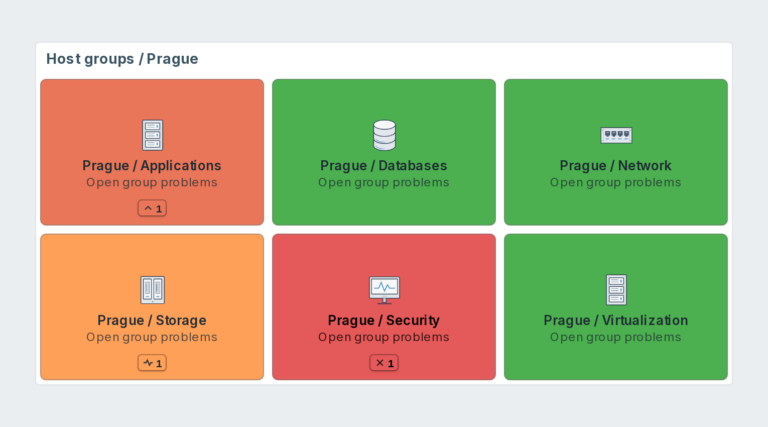
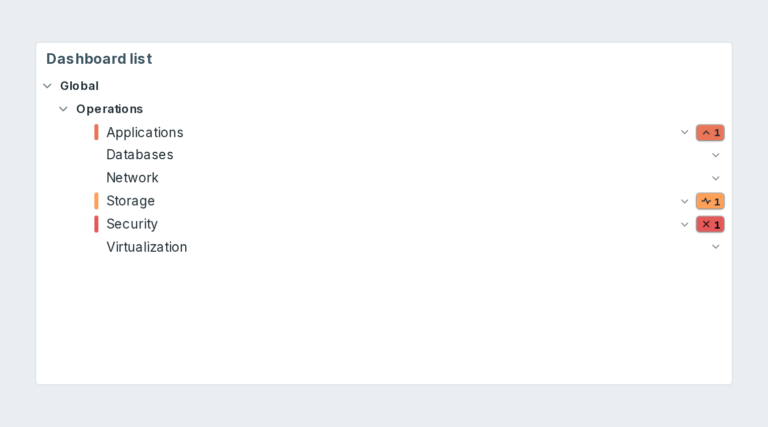
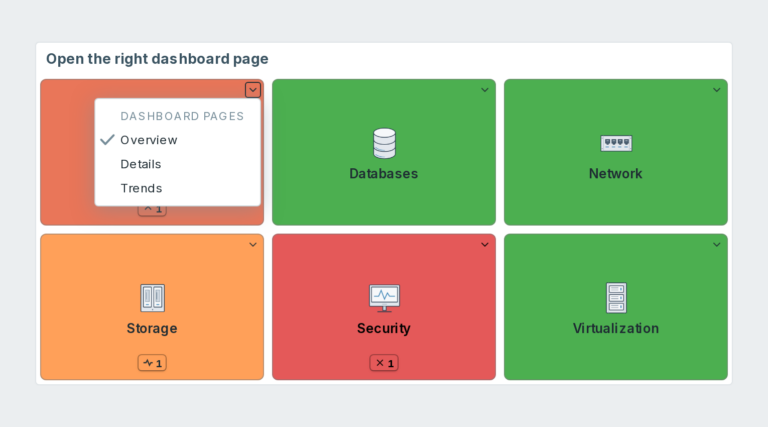
navigatorMAX
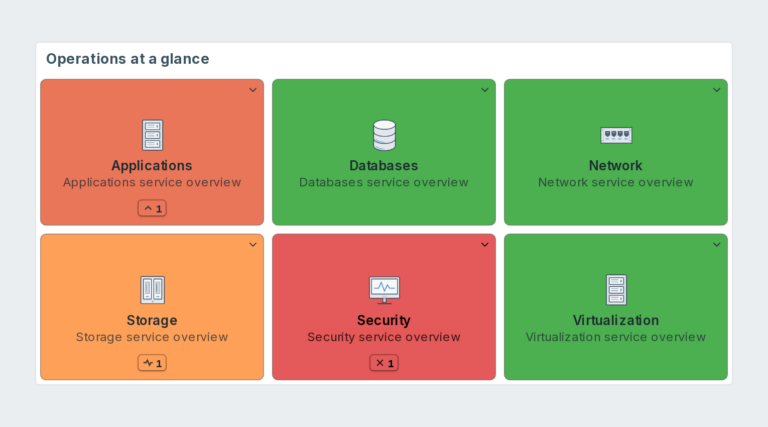
Dashboard navigation for Zabbix with page links, live host problem colours and counts. PRO adds host groups, custom URLs, per-tile filters and shared presets.
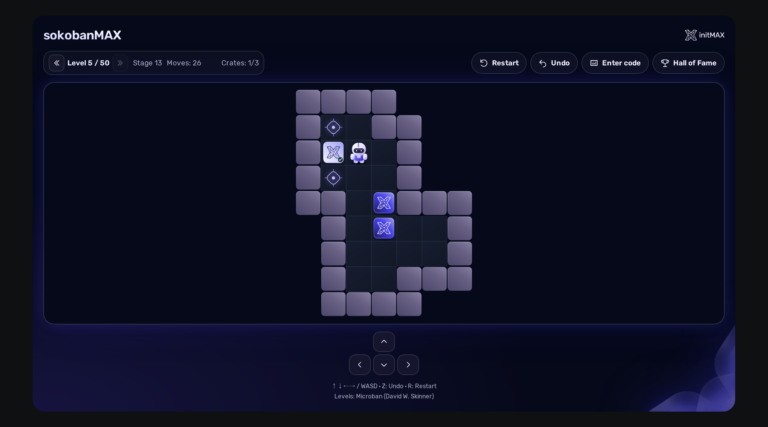
sokobanMAX
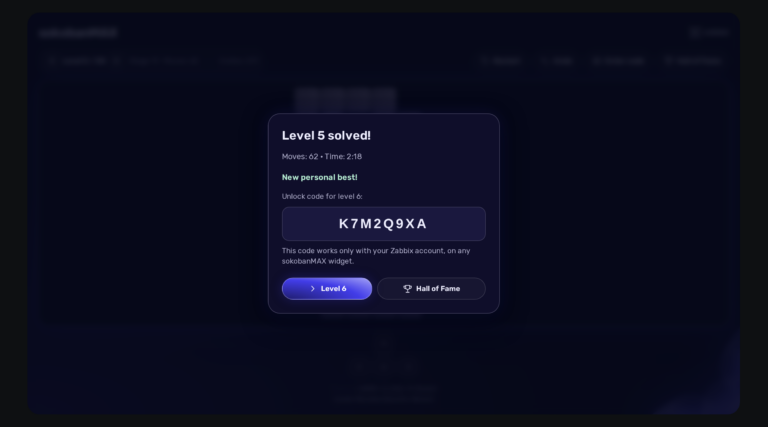
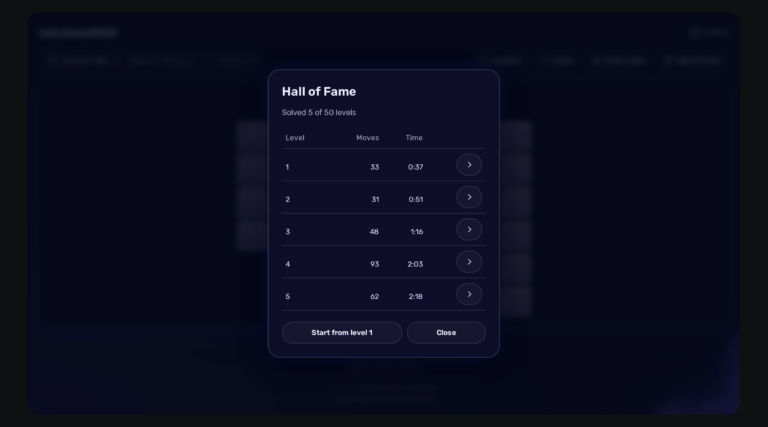
Play Sokoban directly on your Zabbix dashboard: 50 solvable levels, saved games, a Hall of Fame and a server that keeps an honest score. Completely FREE.
chessMAX
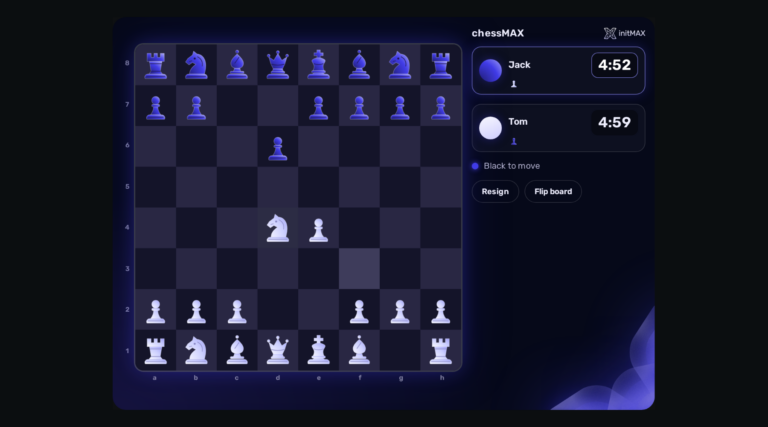
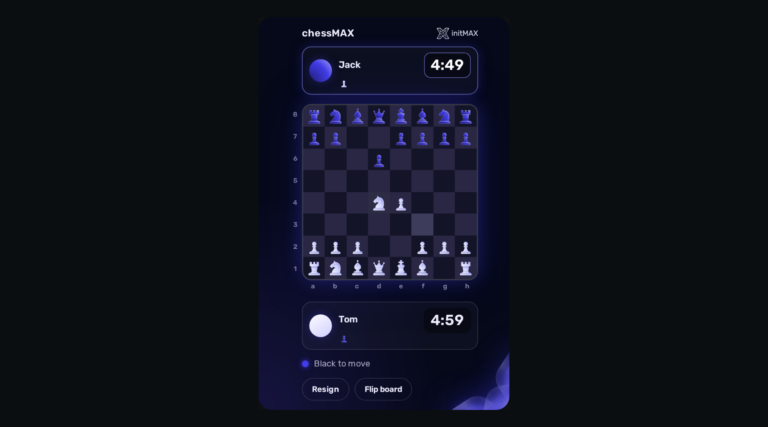
Play chess directly on your Zabbix dashboard: challenge Stockfish, share a board or invite a colleague. FREE, with all game assets included.
FAQ
A running Zabbix installation – the supported Zabbix versions and the minimum PHP version are listed in the Requirements section of each product page. The widget installs on the Zabbix frontend server as a standard deb/rpm package from repo.initmax.com, so you need root access to that server. No special hardware is required.