
matrixMAX
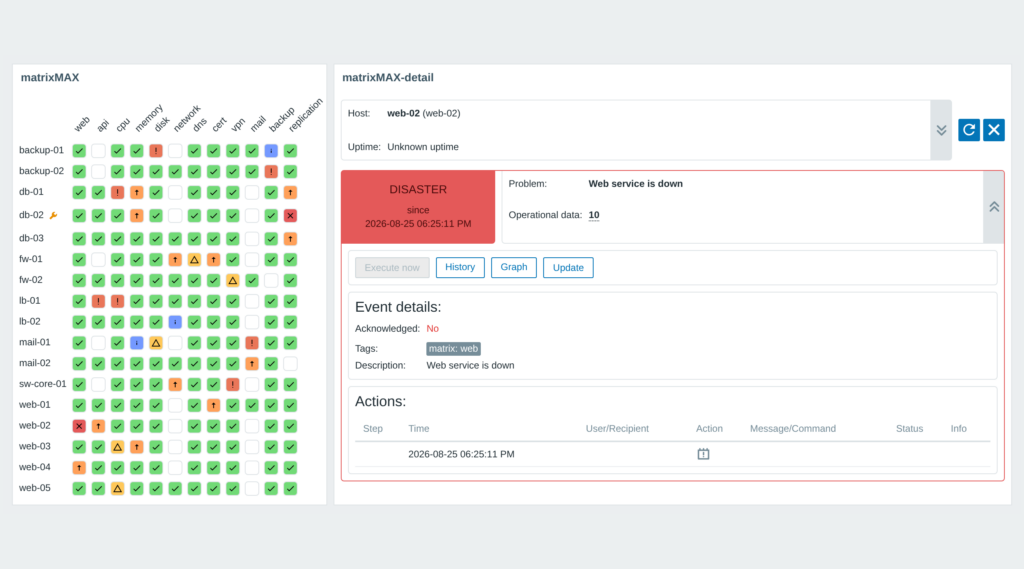
matrixMAX lays the problems of a whole host group out as one wall of colour: rows are hosts, columns are trigger tags. A red row is one host having a bad day, a red column is one check failing everywhere. Click a cell and the matrixMAX-detail companion widget opens what is behind it – the problem, the event, operational data and the Update, Execute now, History and Graph actions. One package covers Zabbix 6.0 to 7.4.
Requirements
Supported Zabbix versions
6.0 – 7.4
Min. supported PHP version
7.4
Widget Description
• A grid instead of a list – hosts down the side, trigger tags across the top, every cell in the colour of the highest open severity.
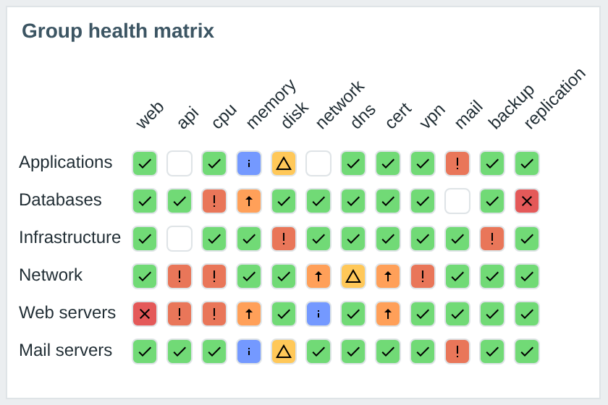
• Rows as hosts or host groups – a group folds its hosts into one row and shows their worst problem.
• The detail one click away – the matrixMAX-detail companion shows the problem, the event, operational data, inventory and the Update, Execute now, History and Graph actions.
• Non-destructive loading – Load “matrix” tags and Load hosts only append; rows you typed or dragged keep their place and are never overwritten.
• Filters that make sense – host groups, excluded groups, individual hosts, host tags and severities (nothing checked means all of them).
• Your own row order – by host id, name, severity, or dragged into the order the rack is actually wired in.
• Full dark theme support – cells, cards and controls stay readable on a NOC screen.
• One package for Zabbix 6.0 – 7.4 – signed deb and rpm from the initMAX repository, HA ready.
• Lifetime licence – one payment, no subscription.
How it looks in practice
Seventeen hosts against twelve service tags in a single tile: green where the checks pass, a coloured icon where a problem is open. Switch Rows by to host groups and a hundred hosts fold into a handful of rows – a group cell carries the worst problem the whole group hides behind that column. Right-click any cell or host for Zabbix’s own context menu.
matrixMAX contains two separate widgets in one package: the matrix and matrixMAX-detail. On Zabbix 7.0 and newer, select the source matrix in the detail widget settings; the pair uses native widget-to-widget communication. On versions 6.0 – 6.4, the detail automatically follows matrices on the same dashboard, without a source widget picker. If you do not add a detail tile on those versions, clicking a cell opens the detail in a dialog. On Zabbix 7.0 and newer, add and link the matrixMAX-detail widget to display the detail.
Documentation
Detailed documentation lives in our product wiki: usage examples, installation, verifying the module and every field of both widgets’ configuration forms.

Editions
6 990 Kč€269$299
without VAT · lifetime license
Applicable taxes based on your billing country are shown at checkout.
Problems of a host group as a hosts x trigger-tags grid
Cells coloured by severity in Zabbix’s own palette
Right-click a cell or a host for Zabbix’s own context menu
Rows as hosts, or folded into host groups
Non-destructive loading of columns and rows from the selected hosts
Row order by host id, host name, severity or your own
Suppressed problems hidden or shown
Cell detail – the problem, event, inventory and actions
The matrixMAX-detail companion widget in the same package
Full dark theme support
One package for Zabbix 6.0 – 7.4
HA ready
Full localization – 25 languages
Editions
6 990 Kč€269$299
without VAT · lifetime license
Applicable taxes based on your billing country are shown at checkout.
Problems of a host group as a hosts x trigger-tags grid
Cells coloured by severity in Zabbix’s own palette
Right-click a cell or a host for Zabbix’s own context menu
Rows as hosts, or folded into host groups
Non-destructive loading of columns and rows from the selected hosts
Row order by host id, host name, severity or your own
Suppressed problems hidden or shown
Cell detail – the problem, event, inventory and actions
The matrixMAX-detail companion widget in the same package
Full dark theme support
One package for Zabbix 6.0 – 7.4
HA ready
Full localization – 25 languages
Purchase, delivery and updates
Purchase the product
The PRO licence is bought here: one payment, a lifetime licence, no subscription and no renewal. The e-mail address used for the order identifies your organization and the product is assigned to it automatically.
Delivery and updates – initMAX Portal
Delivery and every future update go through the initMAX Portal: after the purchase you find the product in your account with the ready-made installation command for your OS, the signed DEB and RPM packages, a ZIP archive and all releases. repo.initmax.com is only the package storage behind it – the Portal issues the token that unlocks the PRO packages there.
Similar products
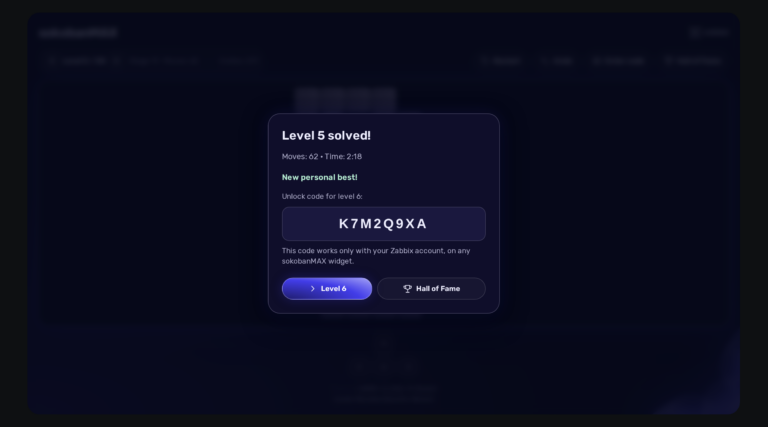
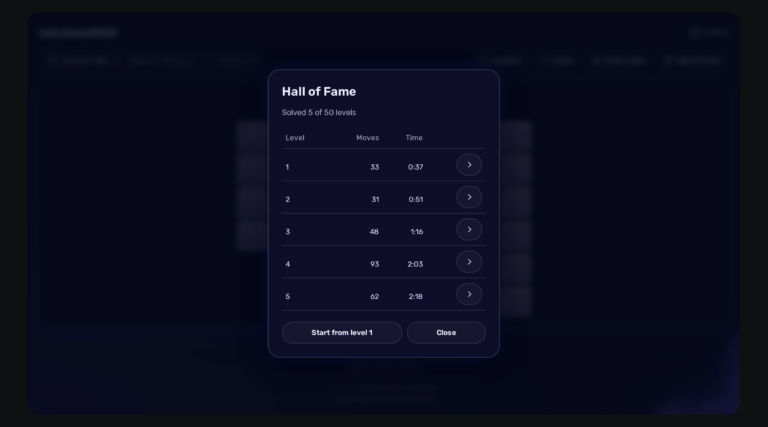
sokobanMAX
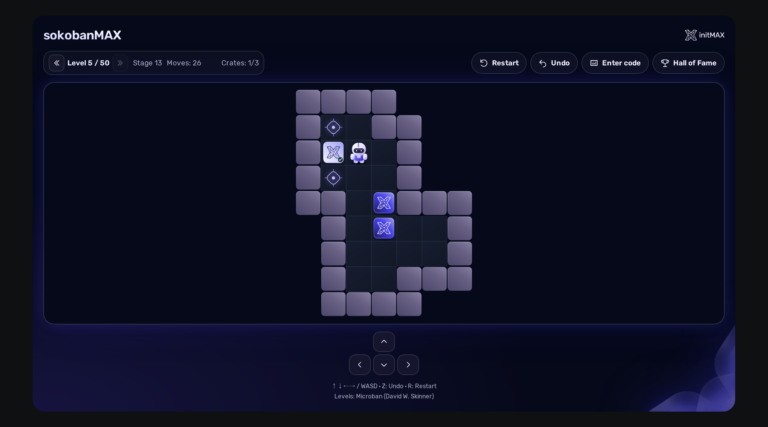
Play Sokoban directly on your Zabbix dashboard: 50 solvable levels, saved games, a Hall of Fame and a server that keeps an honest score. Completely FREE.
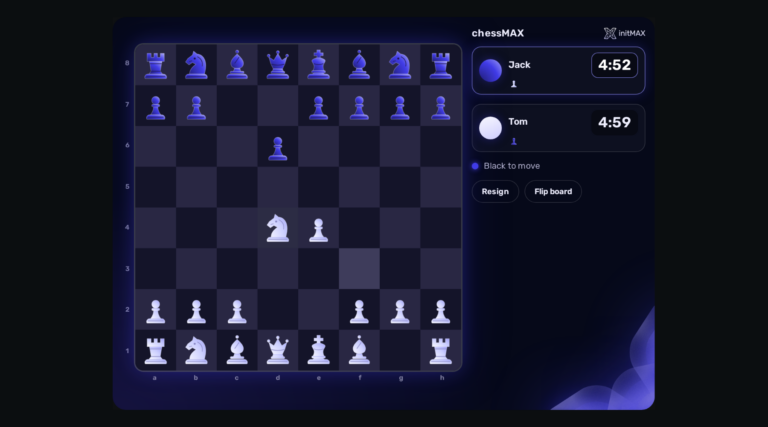
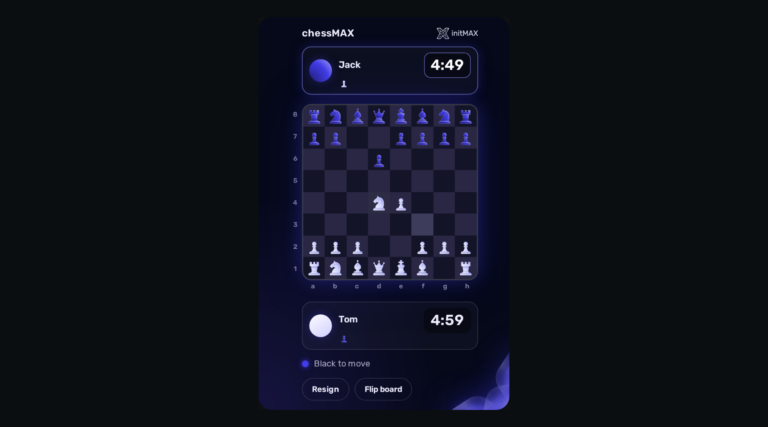
chessMAX
Play chess directly on your Zabbix dashboard: challenge Stockfish, share a board or invite a colleague. FREE, with all game assets included.
headerMAX
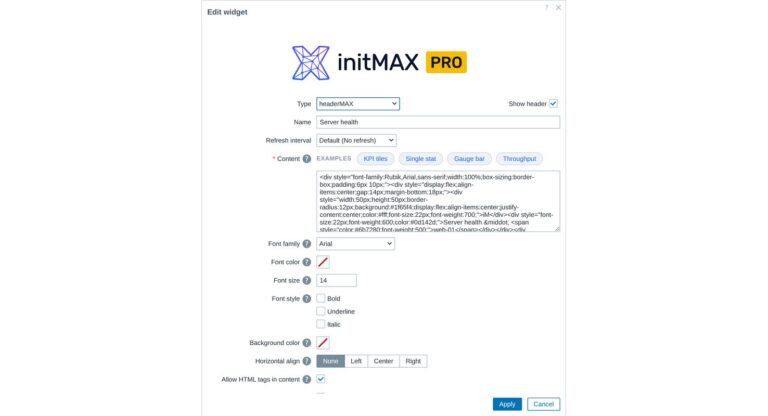
Zabbix widget that allows users to create section headers, embed images, or add buttons with customisable URL links in the dashboard UI.
Select the desired widget on the product page and click the Get PRO button. You will go through a short checkout handled by FastSpring – you can pay by card, Google Pay or Apple Pay. The purchase is one-time: you get a lifetime license, with no subscription and no recurring fees. After payment you receive an invoice and an invitation to the initMAX customer portal, where you will find the product, issue a repository token and install the PRO edition from repo.initmax.com. Updates and support are included for as long as initMAX maintains the product.
Open https://portal.initmax.com, click “Forgot password?” on the sign-in page and enter the e-mail address you used when purchasing the product – you will receive a reset link. Repository tokens can be re-issued anytime in the portal under Profile – Repo tokens. If you no longer have access to that mailbox or run into any issue, contact our support at [email protected] and we will help you recover the account.
A running Zabbix installation – the supported Zabbix versions and the minimum PHP version are listed in the Requirements section of each product page. The widget installs on the Zabbix frontend server as a standard deb/rpm package from repo.initmax.com, so you need root access to that server. No special hardware is required.
You will receive an email confirmation of the successfully paid order together with an invoice. Right after the purchase we create your account in the initMAX customer portal (https://portal.initmax.com) and send you an invitation email – there you activate the account and set your password. In the portal you will find your licensed products, release changelogs, documentation and guided installation instructions. Paid widgets install directly from our package repository repo.initmax.com: issue a repository token in the portal (Profile – Repo tokens) and follow the How-to-install steps shown in the product catalog. Updates are then delivered through your package manager (apt/dnf/zypper).