
tetrisMAX
A complete Tetris game directly on a Zabbix dashboard. It runs entirely in the browser and does not send or store monitoring data.
Requirements
Supported Zabbix versions
6.0 – 7.4
Min. supported PHP version
7.4
Widget description
The tetrisMAX widget brings the classic Tetris game directly into your Zabbix dashboard. Perfect for taking a quick break while monitoring your infrastructure.
Key features include:
- Classic Tetris Gameplay: Enjoy the timeless block-stacking game with smooth controls
- Score Tracking: Public and private score items to track and display high scores
- Email Notification: Optional email requirement before starting the game
- Seamless Integration: Runs directly in your Zabbix dashboard as a native widget
- Keyboard Controls: Use arrow keys to move and rotate pieces, spacebar to drop
- Level Progression: Increasing difficulty as you clear more lines
- Modern Design: Clean, modern interface with the classic Tetris feel
Take a break from monitoring alerts and challenge your colleagues to beat your high score!
How to play
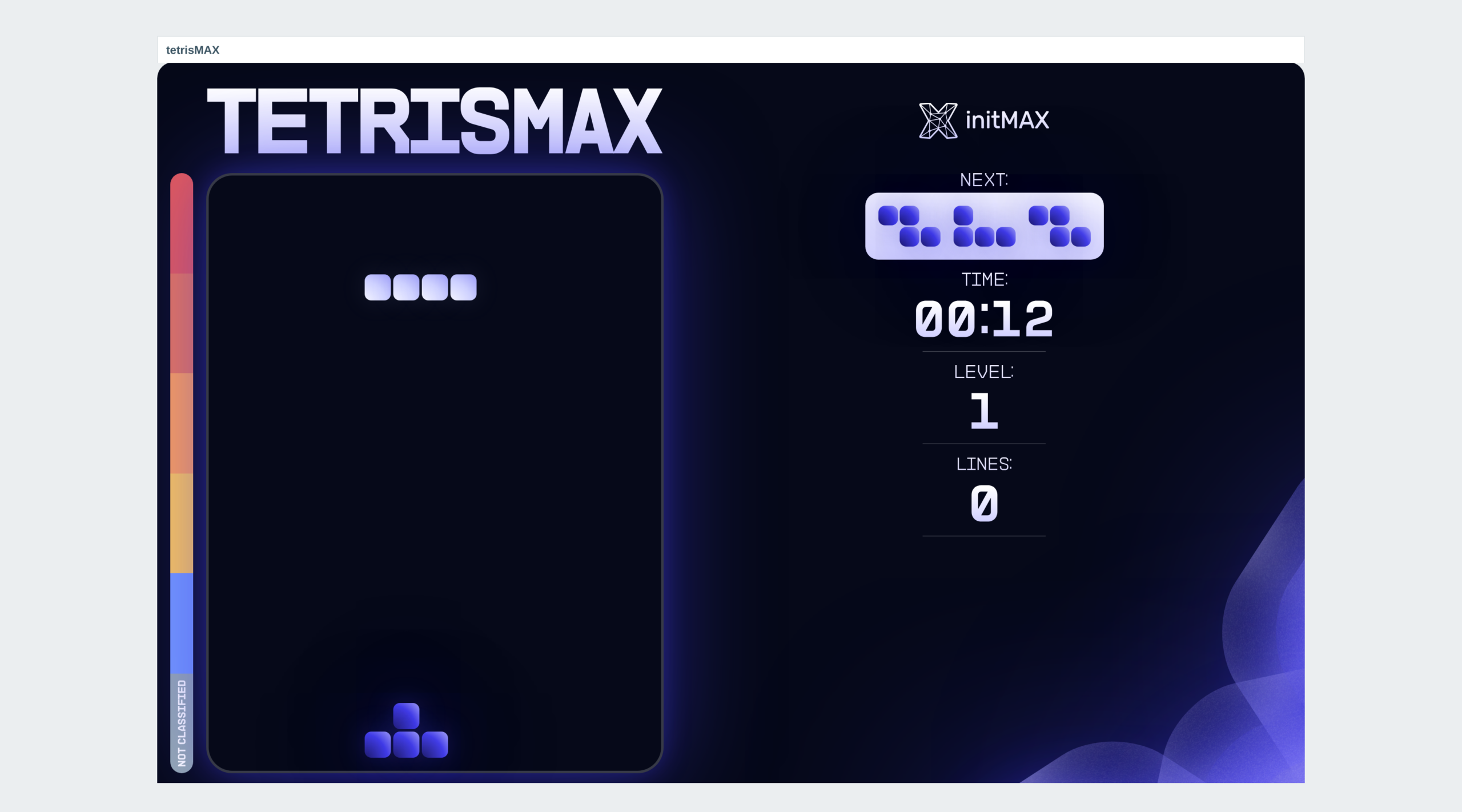
- Use right, left, down arrow key to move blocks in the right direction
- Up arrow key rotates the block
- Space bar makes the block drop immediately
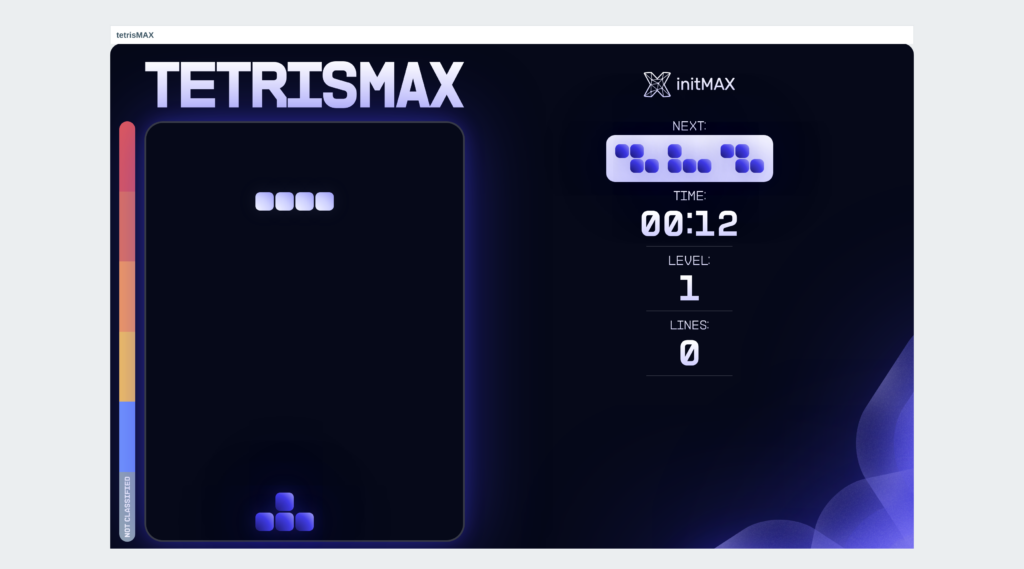
- Check upcoming block in the right upper corner
- Watch the indicator on the left ( avoid disaster severity )
- Have fun and try to beat your/colleagues best score
How it looks in practice
A dashboard tile with a full game of Tetris in it: the board, the next piece, time, level and lines, and the stack height painted against Zabbix’s own severity colours. It talks to no server and stores nothing – the tile is drawn once and the game runs in the browser.
One setting, the speed the game opens at. It is a gift to the Zabbix community, so there is no paid edition; the install steps are in the product wiki.
Documentation
Access detailed documentation in our product wiki, including step-by-step setup, system requirements, customization options, and real-use configurations.

Editions
Free
The full game – board, pieces, levels and on-screen score
Runs entirely in the browser – no Zabbix API call, nothing stored
Choice of falling speed
HA ready
Full localization – 25 languages
Editions
Free
The full game – board, pieces, levels and on-screen score
Runs entirely in the browser – no Zabbix API call, nothing stored
Choice of falling speed
HA ready
Full localization – 25 languages
Delivery and updates
Delivery and updates – initMAX Portal
The FREE edition needs no purchase. Delivery and every update go through the initMAX Portal: the product page gives you the ready-made installation command for your OS, the signed DEB and RPM packages and a ZIP archive – or install straight from repo.initmax.com, the public package storage behind the Portal.
Similar products
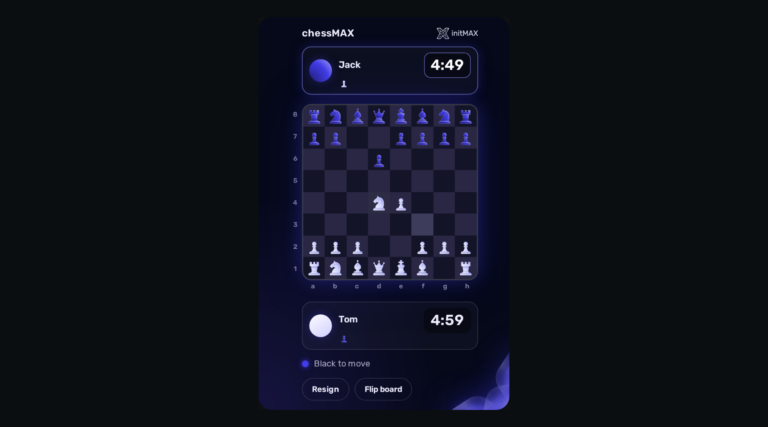
chessMAX
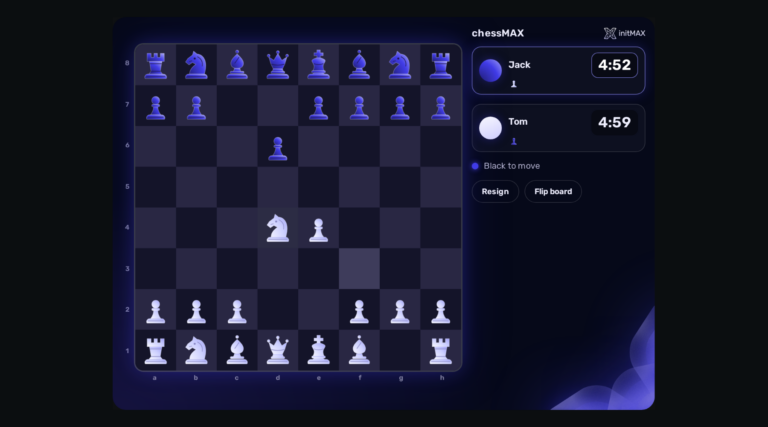
Play chess directly on your Zabbix dashboard: challenge Stockfish, share a board or invite a colleague. FREE, with all game assets included.
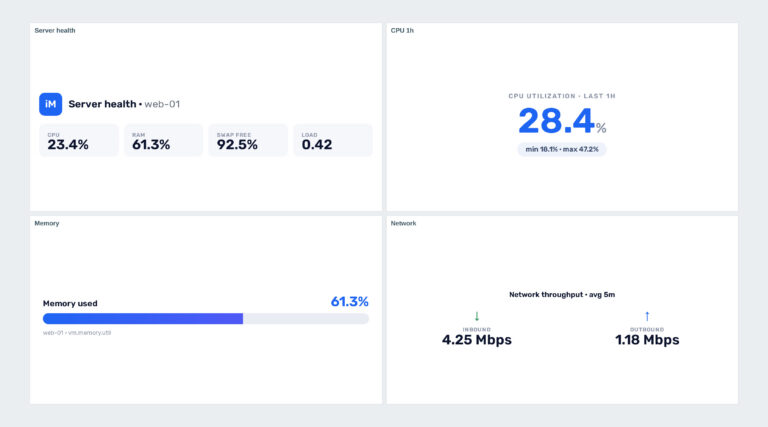
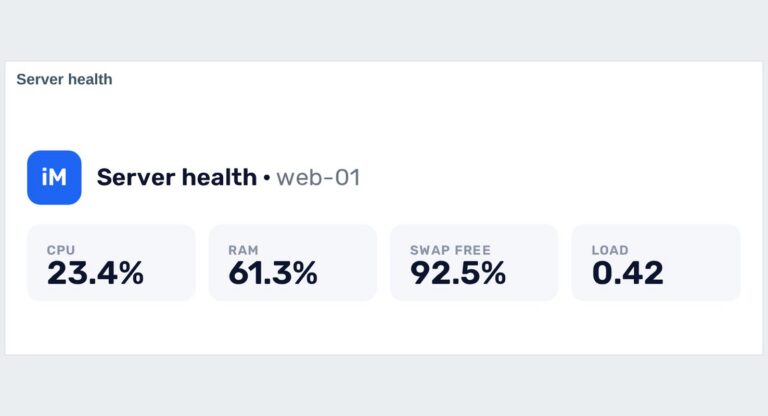
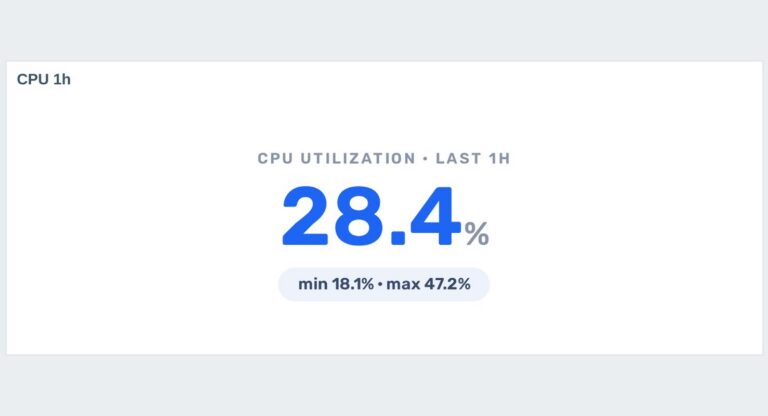

headerMAX
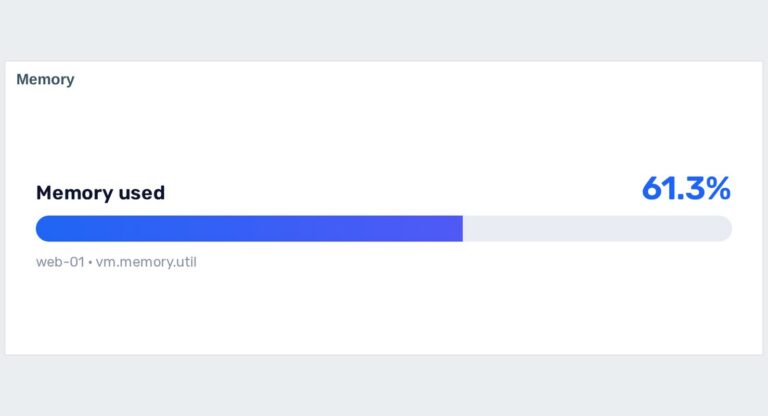
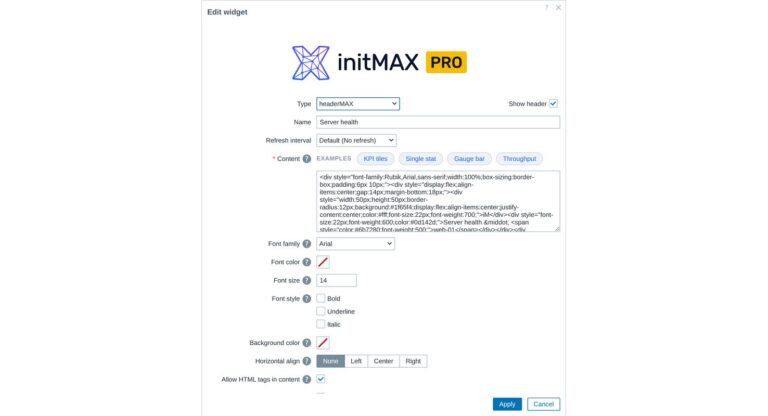
Zabbix widget that allows users to create section headers, embed images, or add buttons with customisable URL links in the dashboard UI.
problemsbysvMAX
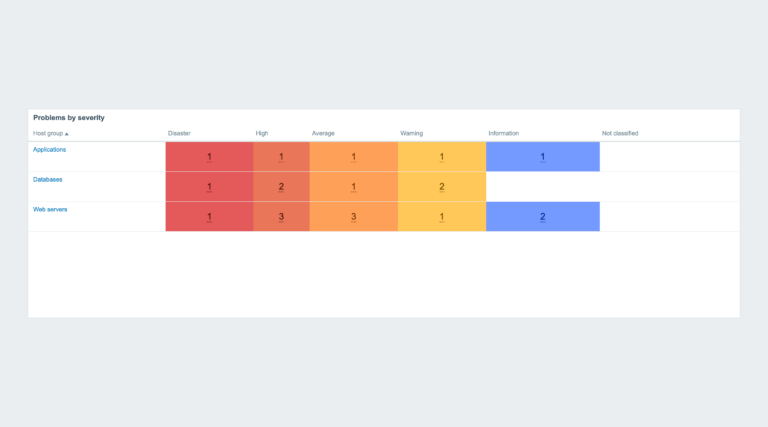
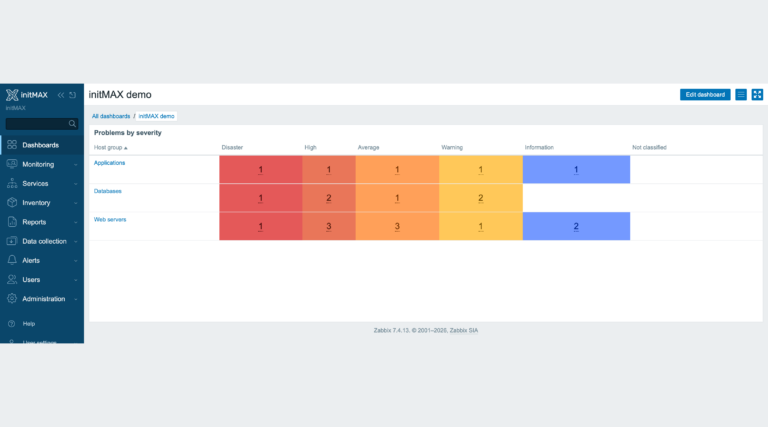
Extends the Problems by severity widget – zero problem counts are no longer shown with a colored background, while counter font size and cell padding are fully configurable.
FAQ
A running Zabbix installation – the supported Zabbix versions and the minimum PHP version are listed in the Requirements section of each product page. The widget installs on the Zabbix frontend server as a standard deb/rpm package from repo.initmax.com, so you need root access to that server. No special hardware is required.