
Message of the Day
This Zabbix module informs users and administrators about important events. It provides a centralized location for sharing critical updates, maintenance notifications, or other relevant information to all system users.
Requirements
Supported Zabbix versions
6.0 – 7.4
Min. supported PHP version
7.4
Key features
Message of the Day displays planned maintenance, incidents and other important announcements to every signed-in Zabbix user. Administrators control the content, colours, display window and active interval, and can filter, enable, disable or delete messages.
PRO additionally supports recurrence by days, weeks, months or years, ending on a date or after a selected number of occurrences, and HTML content for links and emphasis. One package supports Zabbix 6.0 – 7.4.
Message bar
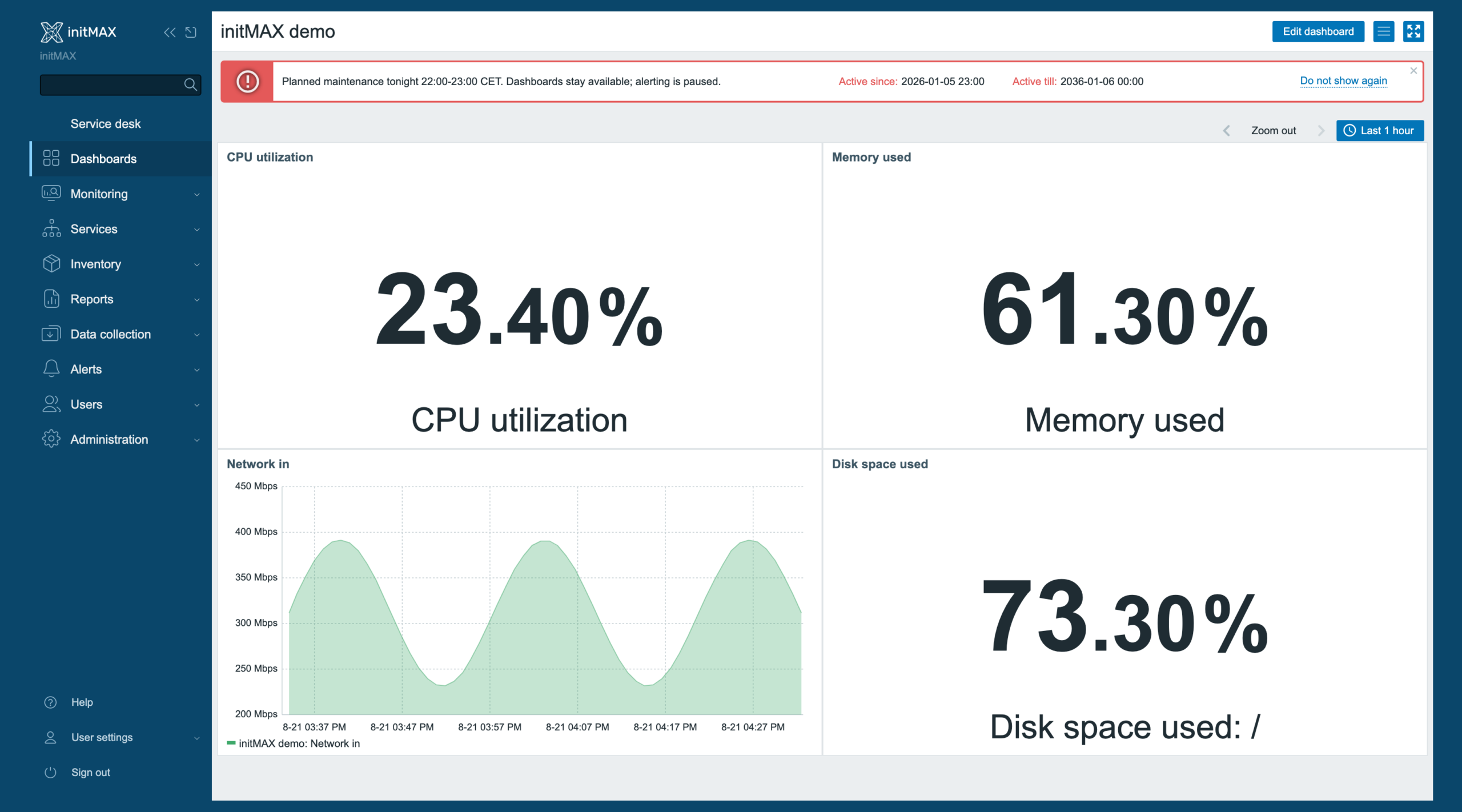
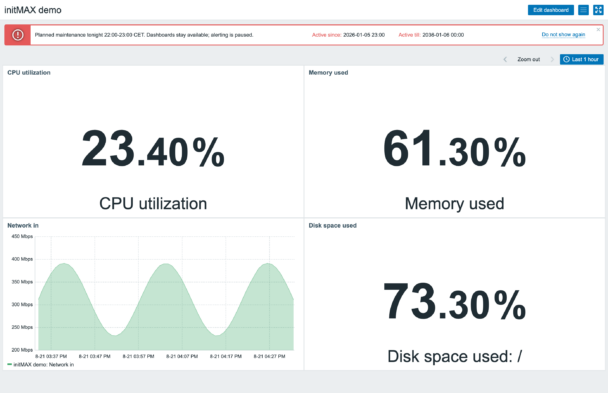
Displays important notifications at the top of all application pages, including the message content with ‘Active since’ and ‘Active till’ dates. While closable, it reappears on page reload, ensuring critical information is not missed. This persistent behavior prevents users from claiming unawareness of important events.
Administration
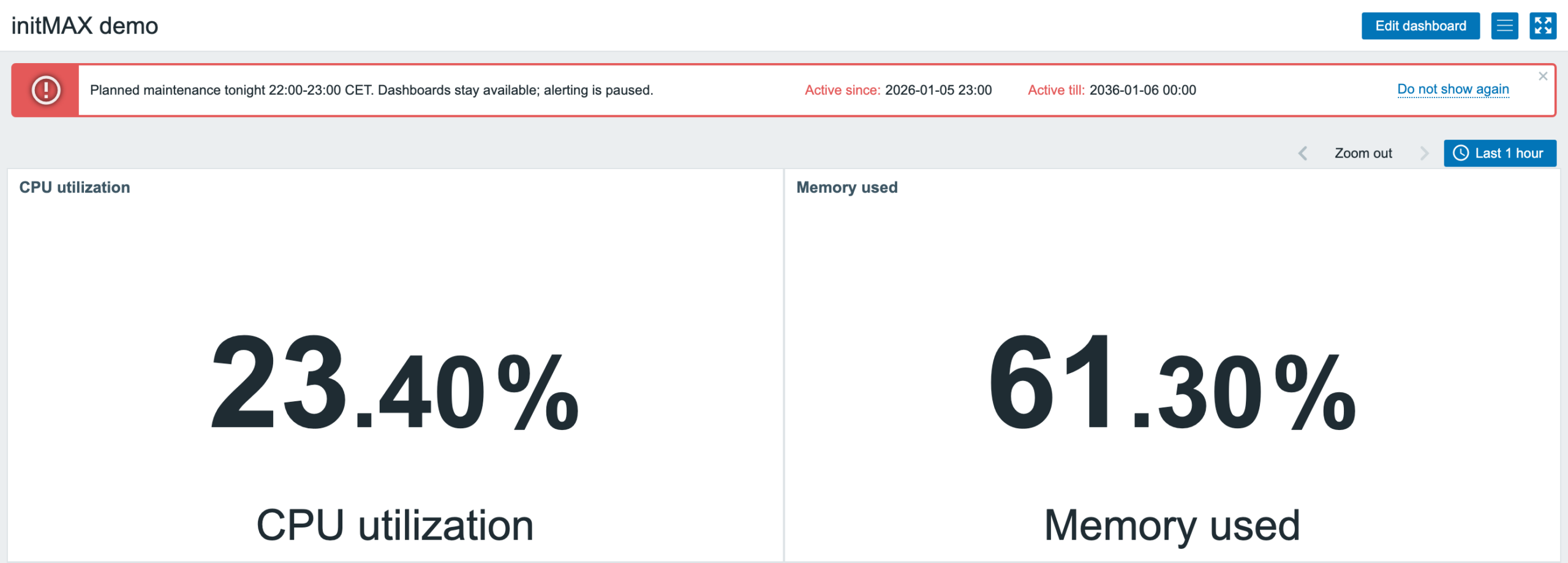
The administration interface, accessible to users with Super Admin rights, provides a dedicated platform for managing message events within the system. It offers a clear overview of all configured notifications.
Users can efficiently organize and locate messages using filters for name, state (Any, Active, Approaching, Expired), and status (All, Enabled, Disabled). This functionality allows for quick access to relevant messages, including the ability to view and manage disabled notifications directly from the status column.
Repeat messages
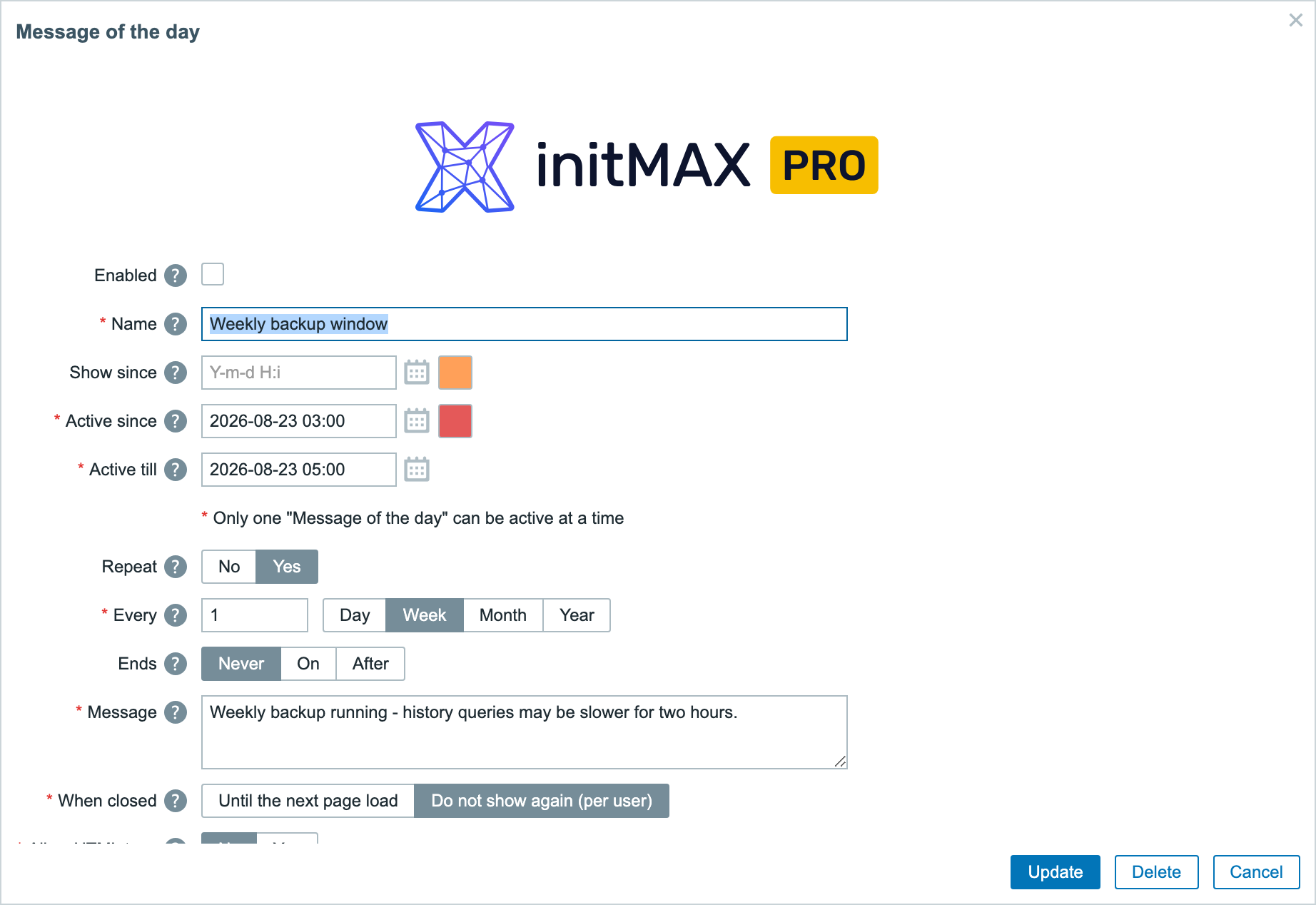
The repeat option enables scheduling of regular, repeating messages. When activated, it offers flexible configuration:
Set the frequency of repetition, choosing from daily, weekly, monthly, or yearly intervals. Fine-tune by specifying the number of days, weeks, months, or years between occurrences.
Define the duration of the recurring message series. Choose to repeat indefinitely, set a specific end date, or limit to a certain number of occurrences.
HTML tags support
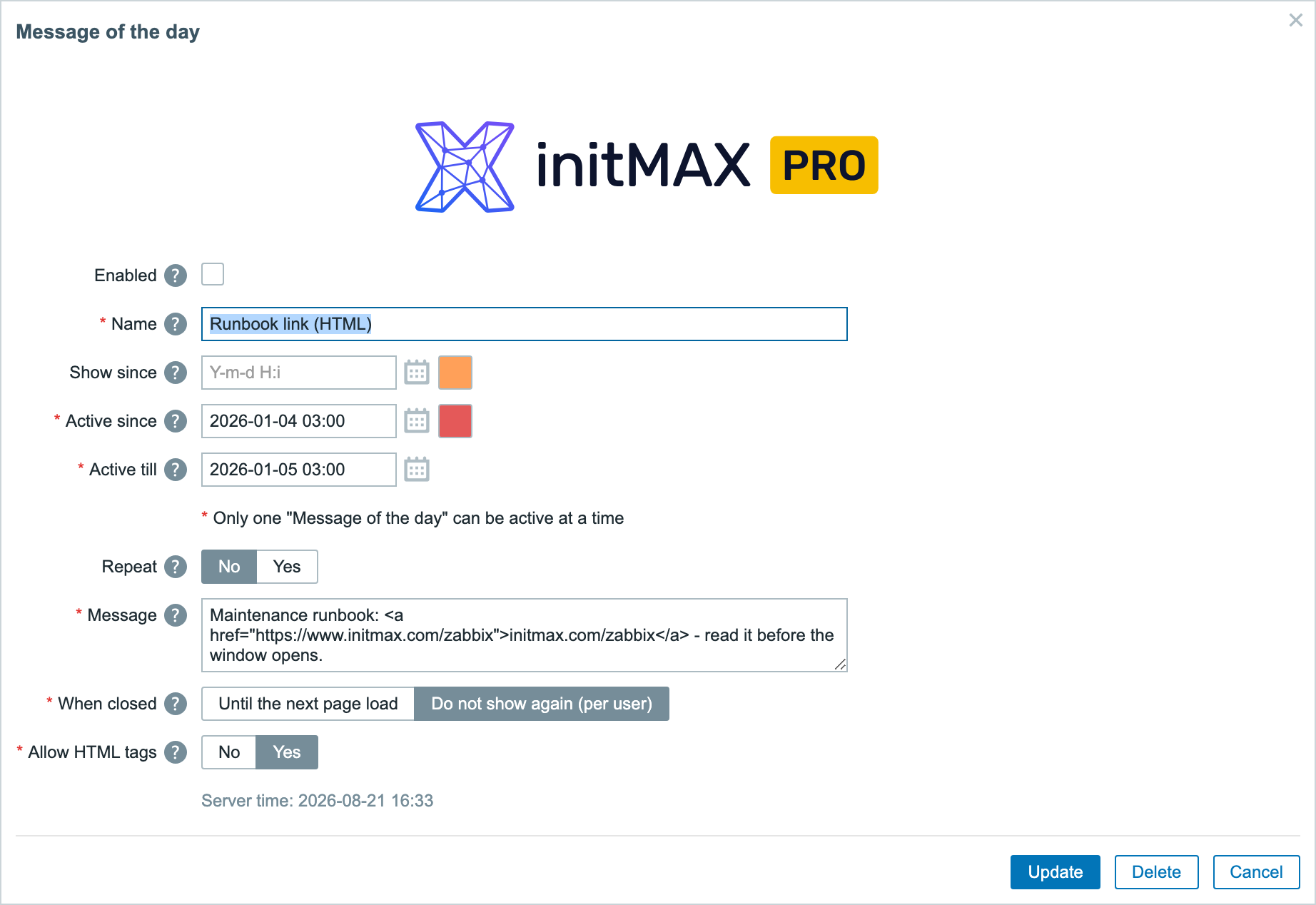
PRO supports HTML tags in messages. It provides:
- Insertion of HTML tags into messages for enhanced formatting.
- Ability to include clickable links directly in the message bar.
HTML provides richer formatting, clickable links and more interactive message content.
How it looks in practice
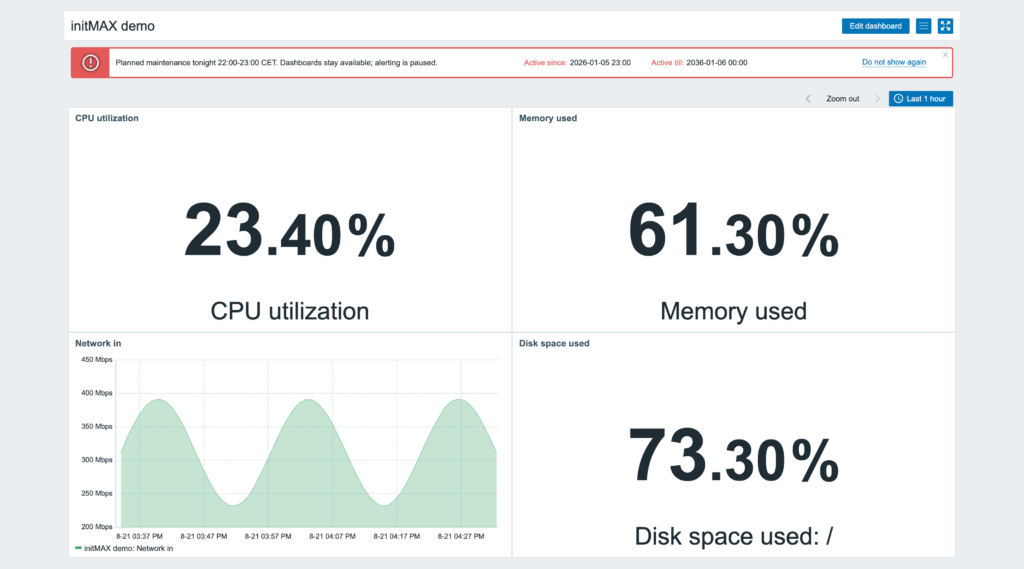
A planned maintenance banner over a live dashboard – red while active, with the active-since and active-till times on the right, on every page for every user. The message list shows what is active, announced ahead of time or disabled.
Repeating messages, a show-since window and HTML in the body are PRO; the message list, the edit form and every field are in the product wiki.
Documentation
Access detailed documentation in our product wiki, including step-by-step setup, system requirements, customization options, and real-use configurations.

Editions
Free
4 799 Kč€179$199
without VAT · lifetime license
Applicable taxes based on your billing country are shown at checkout.
Custom messages name
Custom messages for users
Custom active since timestamp
Custom active till timestamp
Creating messages
HA ready
Full localization – 25 languages
Unlimited number of messages created in module
Show since feature
Repeat feature
Message bar color settings
Translate HTML tags to Message bar
Removing initMAX brand from message bar
Editions
Free
Custom messages name
Custom messages for users
Custom active since timestamp
Custom active till timestamp
Creating messages
HA ready
Full localization – 25 languages
Unlimited number of messages created in module
Show since feature
Repeat feature
Message bar color settings
Translate HTML tags to Message bar
Removing initMAX brand from message bar
4 799 Kč€179$199
without VAT · lifetime license
Applicable taxes based on your billing country are shown at checkout.
Custom messages name
Custom messages for users
Custom active since timestamp
Custom active till timestamp
Creating messages
HA ready
Full localization – 25 languages
Unlimited number of messages created in module
Show since feature
Repeat feature
Message bar color settings
Translate HTML tags to Message bar
Removing initMAX brand from message bar
Purchase, delivery and updates
Purchase – here in the e-shop
The PRO licence is bought here: one payment, a lifetime licence, no subscription and no renewal. The e-mail address used for the order identifies your organization and the product is assigned to it automatically.
Delivery and updates – initMAX Portal
Delivery and every future update go through the initMAX Portal. The FREE edition is there for everyone; after a purchase the PRO edition appears in your account. The product page gives you the ready-made installation command for your OS, the signed DEB and RPM packages, a ZIP archive and all releases. repo.initmax.com is only the package storage behind it – the Portal issues the token that unlocks the PRO packages there.
Similar products
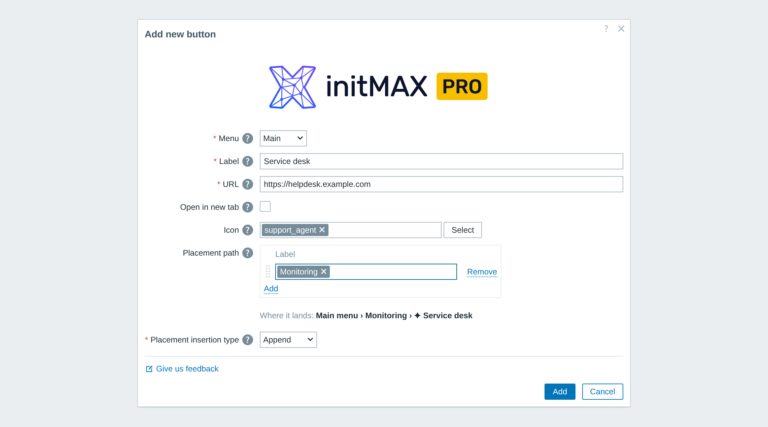
Custom menu buttons
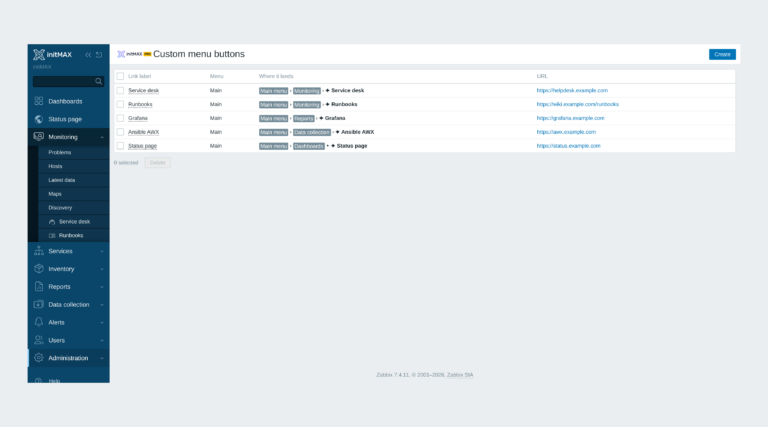
Custom links in the Zabbix main and user menu with exact placement, about 3,600 icons and central Super admin management.
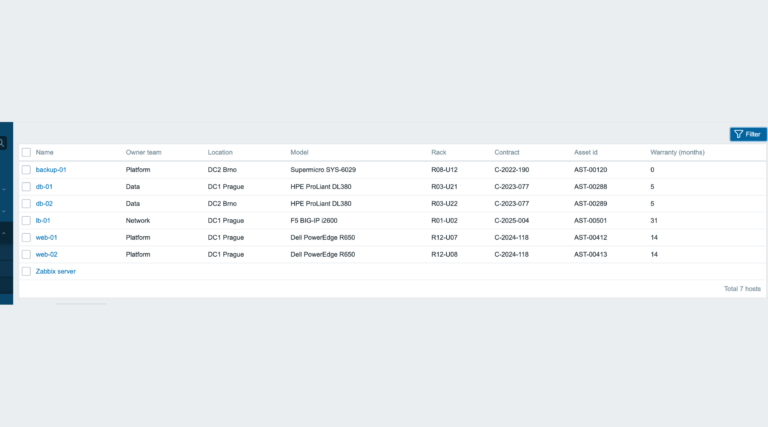
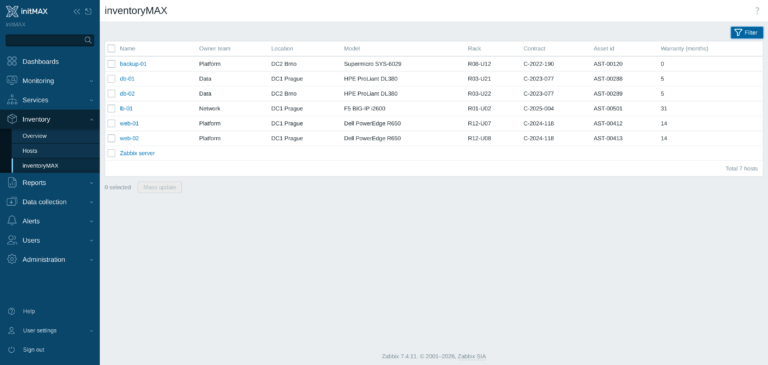
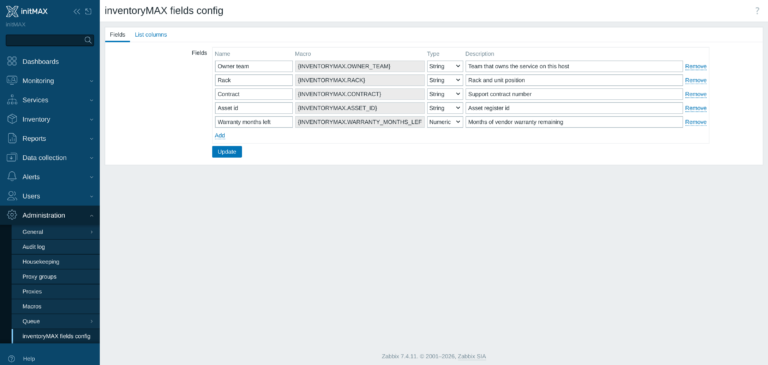
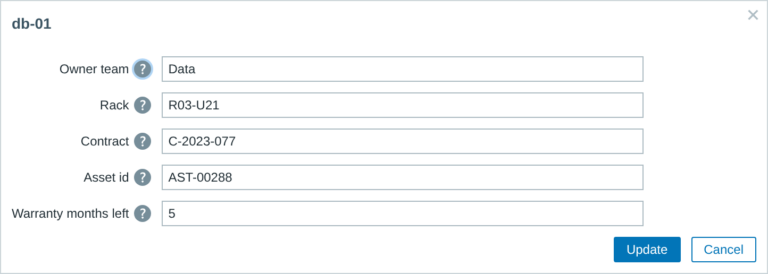
inventoryMAX
inventoryMAX adds custom fields to Zabbix inventory for flexible, structured metadata management and seamless macro-based integration.
Hide widget header
This module prevents widget headers from being displayed when dashboards are not in edit mode, improving visual clarity and user experience.
FAQ
Select the desired widget on the product page and click the Get PRO button. You will go through a short checkout handled by FastSpring – you can pay by card, Google Pay or Apple Pay. The purchase is one-time: you get a lifetime license, with no subscription and no recurring fees. After payment you receive an invoice and an invitation to the initMAX customer portal, where you will find the product, issue a repository token and install the PRO edition from repo.initmax.com. Updates and support are included for as long as initMAX maintains the product.
Open https://portal.initmax.com, click “Forgot password?” on the sign-in page and enter the e-mail address you used when purchasing the product – you will receive a reset link. Repository tokens can be re-issued anytime in the portal under Profile – Repo tokens. If you no longer have access to that mailbox or run into any issue, contact our support at [email protected] and we will help you recover the account.
A running Zabbix installation – the supported Zabbix versions and the minimum PHP version are listed in the Requirements section of each product page. The widget installs on the Zabbix frontend server as a standard deb/rpm package from repo.initmax.com, so you need root access to that server. No special hardware is required.
You will receive an email confirmation of the successfully paid order together with an invoice. Right after the purchase we create your account in the initMAX customer portal (https://portal.initmax.com) and send you an invitation email – there you activate the account and set your password. In the portal you will find your licensed products, release changelogs, documentation and guided installation instructions. Paid widgets install directly from our package repository repo.initmax.com: issue a repository token in the portal (Profile – Repo tokens) and follow the How-to-install steps shown in the product catalog. Updates are then delivered through your package manager (apt/dnf/zypper).