
gaugeMAX
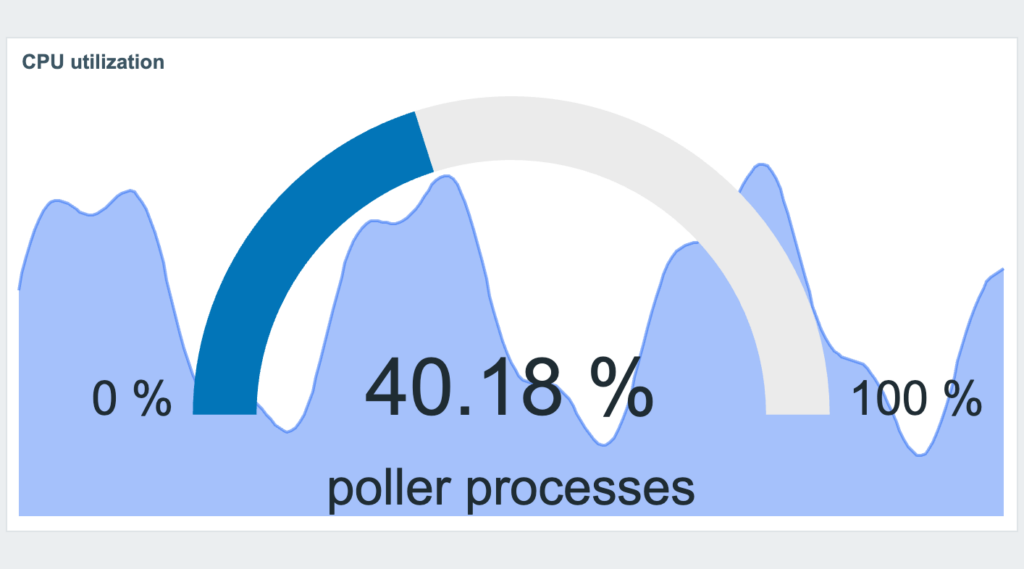
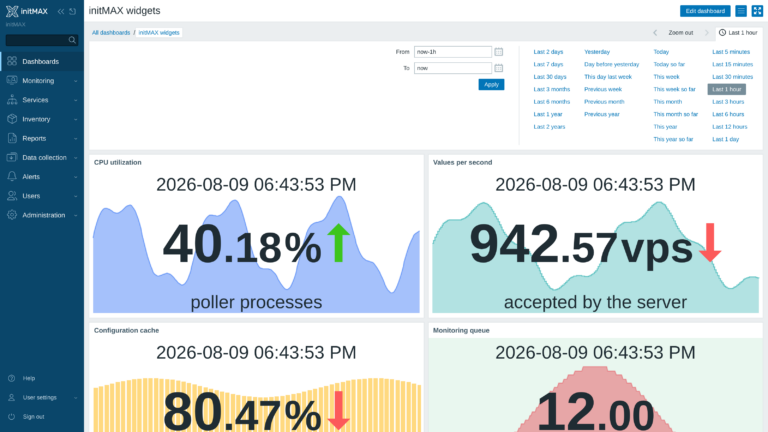
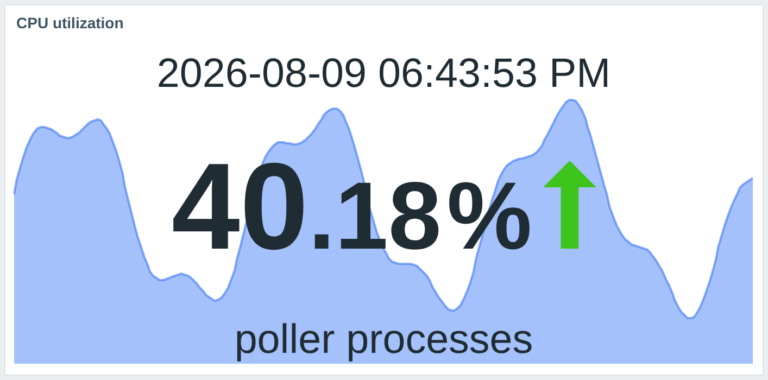
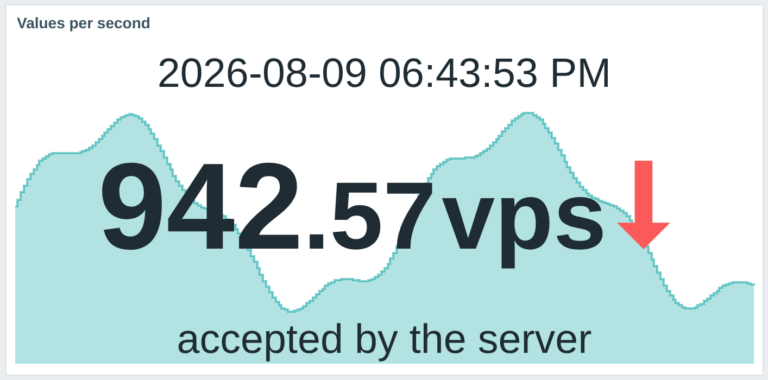
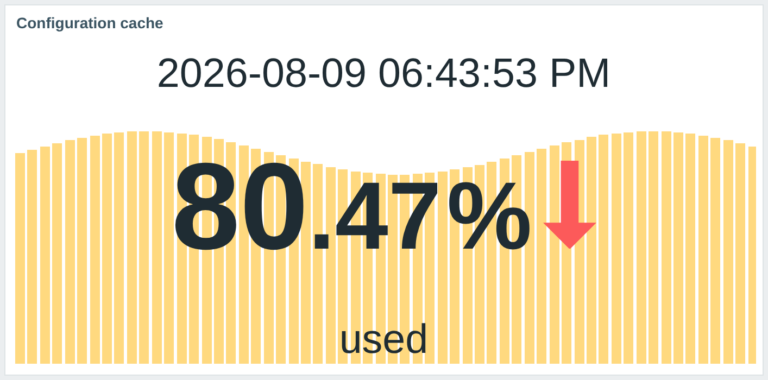
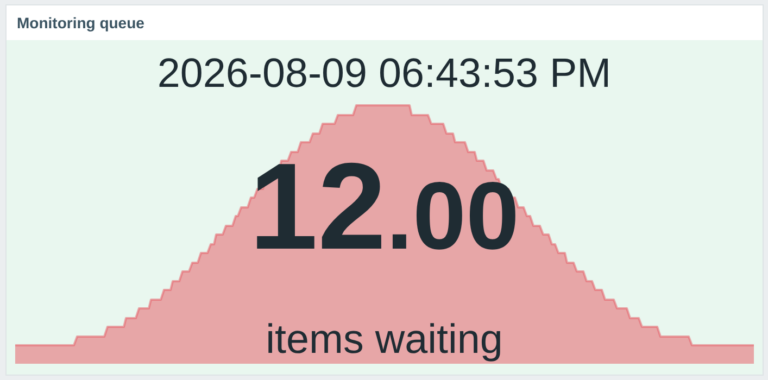
This widget enhances the “Gauge” widget by adding a historical display with a background graph. The widget shows the current value prominently, while the graph in the background visualizes historical data.
Requirements
Supported Zabbix versions
6.0 – 7.4
Min. supported PHP version
7.4
Widget Description
gaugeMAX shows the current item value as a clear dial with minimum, maximum, description, units, needle, scale, thresholds and an item-history graph in the background. FREE provides a fully usable gauge with fixed graph defaults; PRO adds graph type, colour, width, fill, transparency, missing-data handling, aggregation controls, Y-axis limits and a graph-specific time period.
One package supports Zabbix 6.0 – 7.4, all 25 frontend languages and multi-node frontend deployments.
How it looks in practice
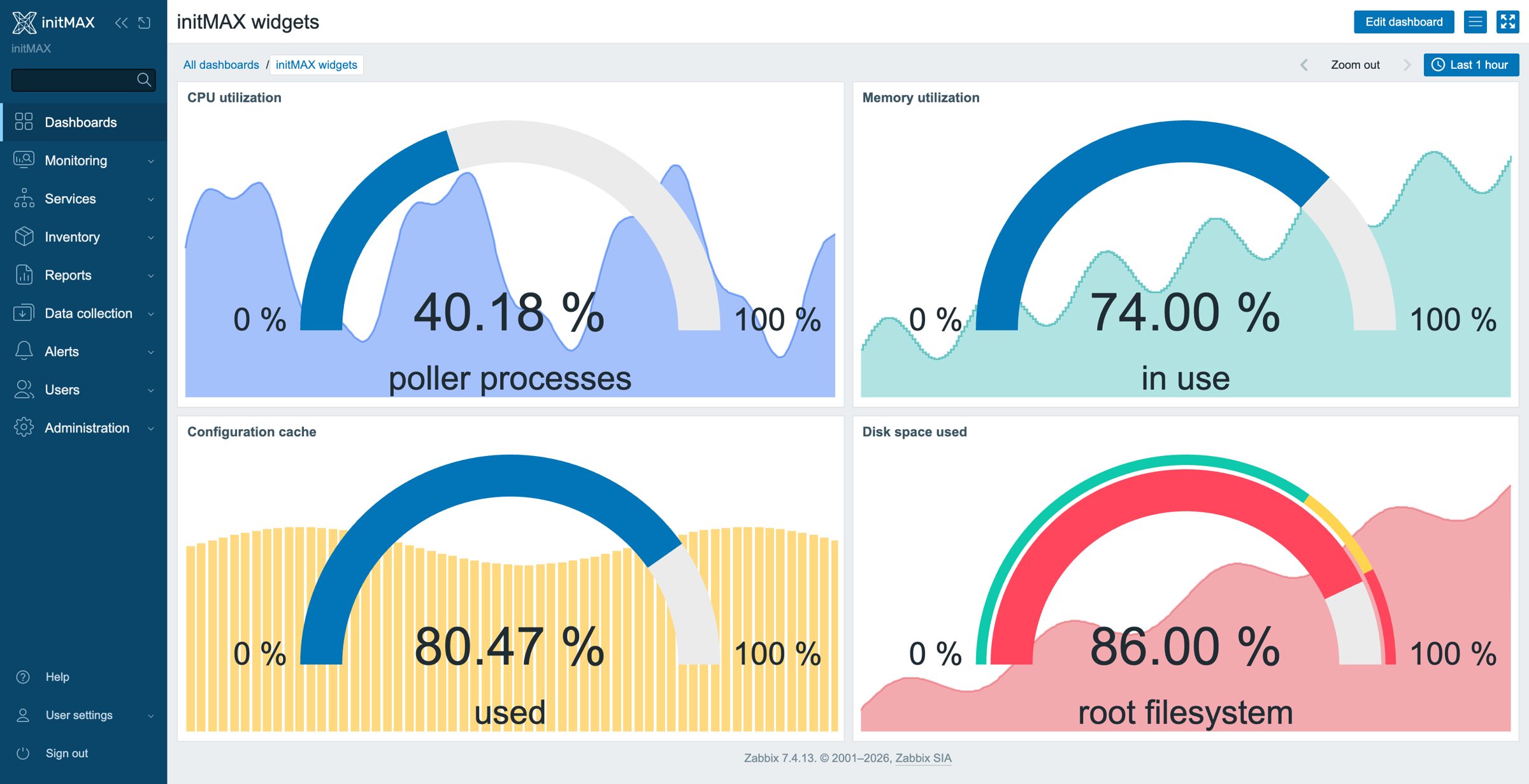
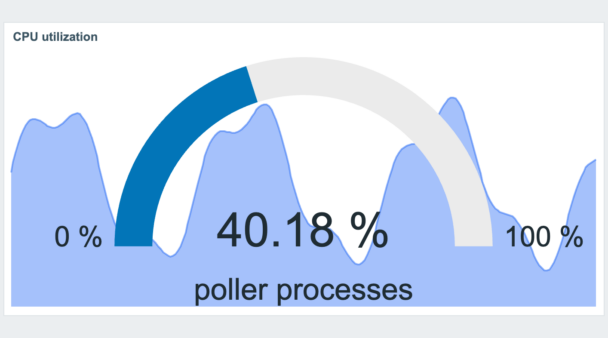
A gauge for CPU utilization with the item’s history drawn behind the dial – the current value and where it came from in one tile. Thresholds colour the arc, min and max frame the scale.
Graph type, width, transparency, aggregation and the time period of the background graph are PRO; every setting is documented in the product wiki.
Documentation
Access detailed documentation in our product wiki, including step-by-step setup, system requirements, customization options, and real-use configurations.

Editions
Free
2 399 Kč€89$99
without VAT · lifetime license
Applicable taxes based on your billing country are shown at checkout.
All features of ‘Gauge’ widget
Graph in the background visualizes historical data
HA ready
Full localization – 25 languages
Customizable graph settings
├ Line, Staircase, and Bar graph types
├ Adjustable graph width
├ Graph transparency control
├ Fill level adjustment
├ Color selection for graph in the background
├ Aggregation function (e.g., average)
├ Custom aggregation intervals
├ Handling of missing data
├ Customizable time period for data display
├ Min and Max Y-axis customization
Editions
Free
All features of ‘Gauge’ widget
Graph in the background visualizes historical data
HA ready
Full localization – 25 languages
Customizable graph settings
├ Line, Staircase, and Bar graph types
├ Adjustable graph width
├ Graph transparency control
├ Fill level adjustment
├ Color selection for graph in the background
├ Aggregation function (e.g., average)
├ Custom aggregation intervals
├ Handling of missing data
├ Customizable time period for data display
├ Min and Max Y-axis customization
2 399 Kč€89$99
without VAT · lifetime license
Applicable taxes based on your billing country are shown at checkout.
All features of ‘Gauge’ widget
Graph in the background visualizes historical data
HA ready
Full localization – 25 languages
Customizable graph settings
├ Line, Staircase, and Bar graph types
├ Adjustable graph width
├ Graph transparency control
├ Fill level adjustment
├ Color selection for graph in the background
├ Aggregation function (e.g., average)
├ Custom aggregation intervals
├ Handling of missing data
├ Customizable time period for data display
├ Min and Max Y-axis customization
Purchase, delivery and updates
Purchase – here in the e-shop
The PRO licence is bought here: one payment, a lifetime licence, no subscription and no renewal. The e-mail address used for the order identifies your organization and the product is assigned to it automatically.
Delivery and updates – initMAX Portal
Delivery and every future update go through the initMAX Portal. The FREE edition is there for everyone; after a purchase the PRO edition appears in your account. The product page gives you the ready-made installation command for your OS, the signed DEB and RPM packages, a ZIP archive and all releases. repo.initmax.com is only the package storage behind it – the Portal issues the token that unlocks the PRO packages there.
Similar products
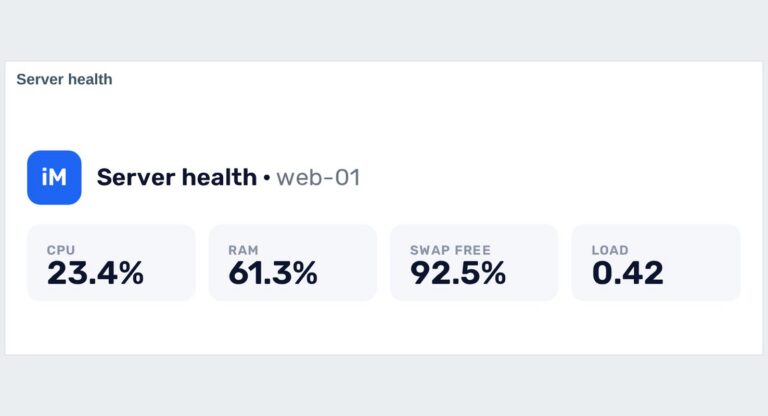
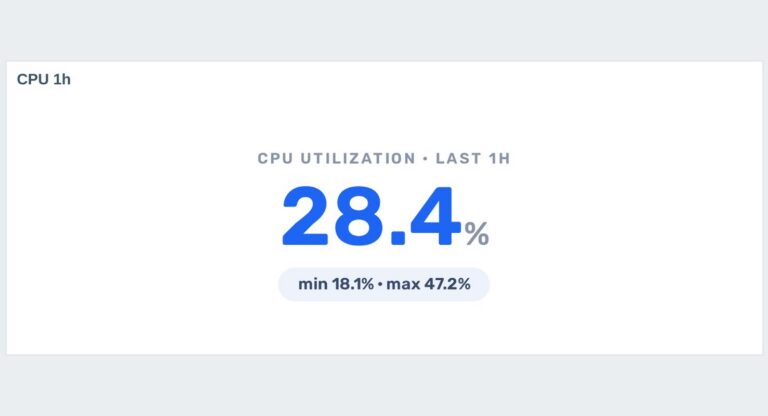
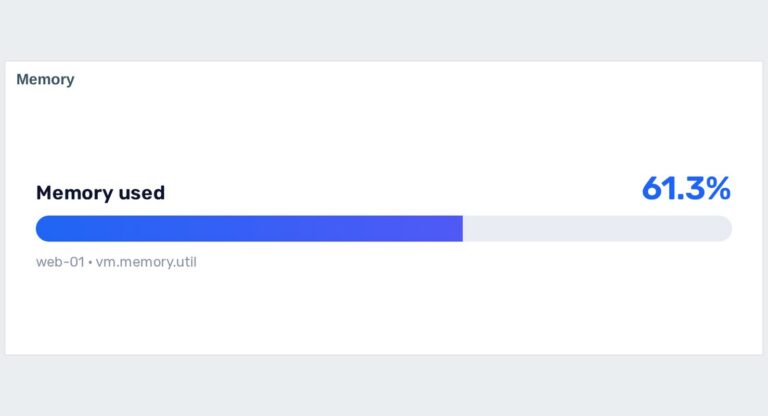
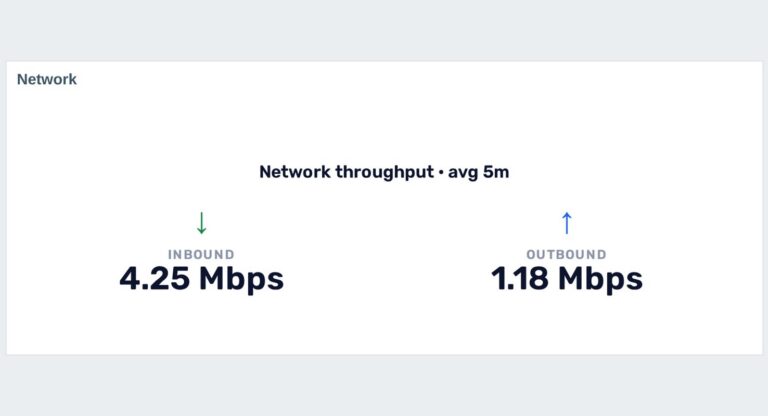
headerMAX
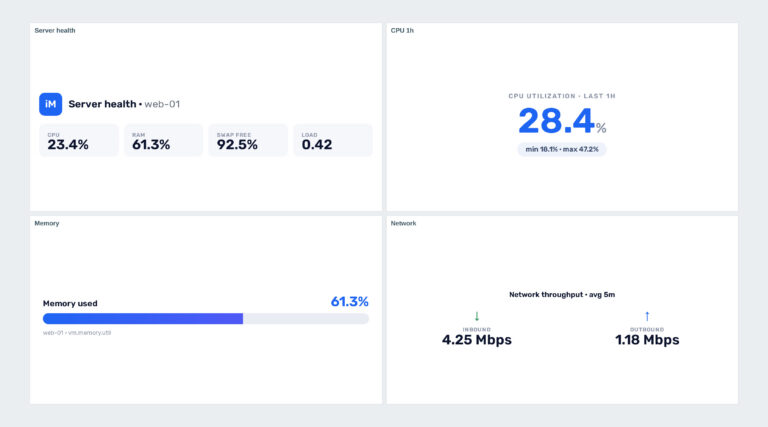
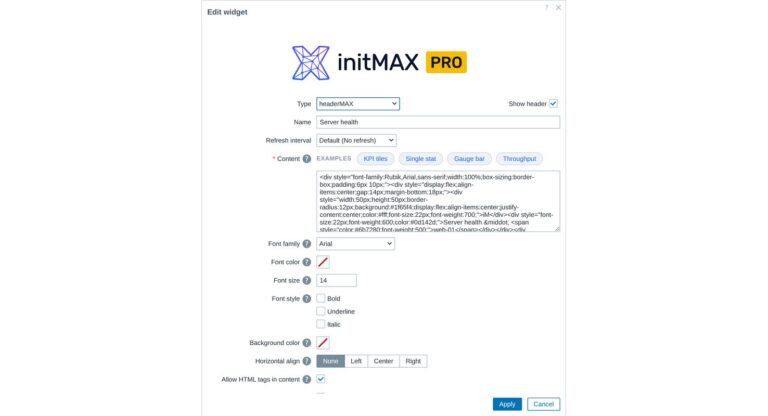
Zabbix widget that allows users to create section headers, embed images, or add buttons with customisable URL links in the dashboard UI.
problemsbysvMAX
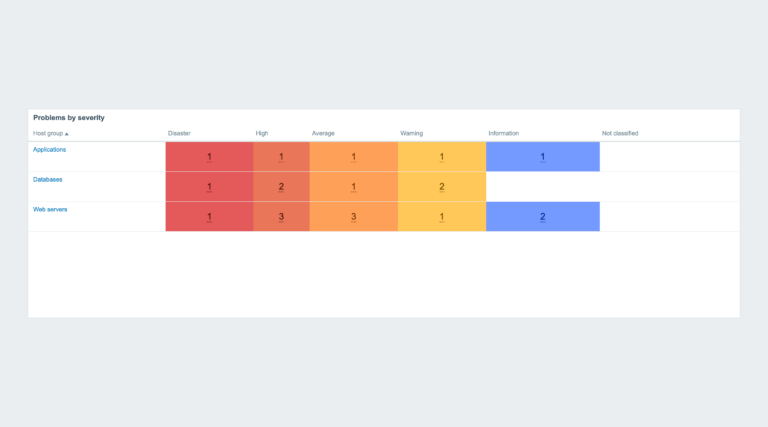
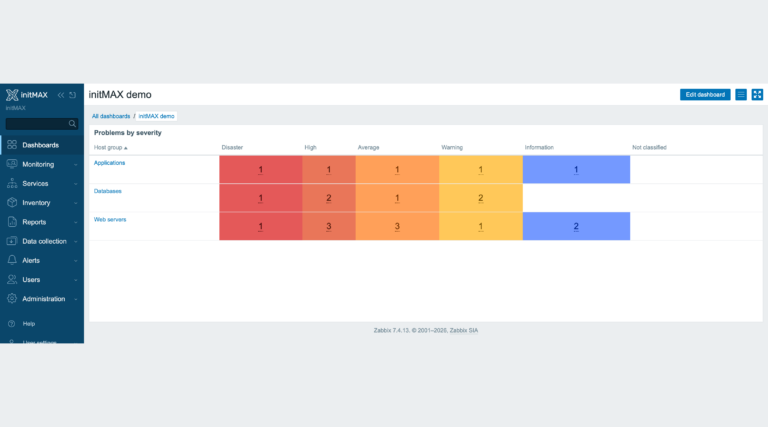
Extends the Problems by severity widget – zero problem counts are no longer shown with a colored background, while counter font size and cell padding are fully configurable.
itemMAX
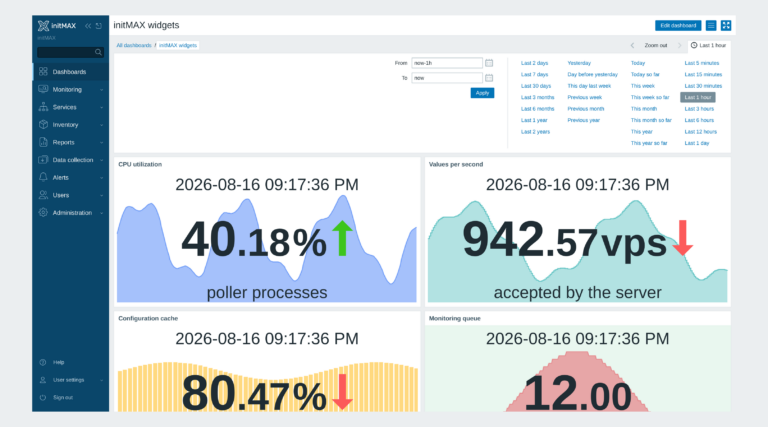
Extends the Item value widget with a background graph. Clearly and concisely displays current status information along with historical data visualization.
FAQ
Select the desired widget on the product page and click the Get PRO button. You will go through a short checkout handled by FastSpring – you can pay by card, Google Pay or Apple Pay. The purchase is one-time: you get a lifetime license, with no subscription and no recurring fees. After payment you receive an invoice and an invitation to the initMAX customer portal, where you will find the product, issue a repository token and install the PRO edition from repo.initmax.com. Updates and support are included for as long as initMAX maintains the product.
Open https://portal.initmax.com, click “Forgot password?” on the sign-in page and enter the e-mail address you used when purchasing the product – you will receive a reset link. Repository tokens can be re-issued anytime in the portal under Profile – Repo tokens. If you no longer have access to that mailbox or run into any issue, contact our support at [email protected] and we will help you recover the account.
A running Zabbix installation – the supported Zabbix versions and the minimum PHP version are listed in the Requirements section of each product page. The widget installs on the Zabbix frontend server as a standard deb/rpm package from repo.initmax.com, so you need root access to that server. No special hardware is required.
You will receive an email confirmation of the successfully paid order together with an invoice. Right after the purchase we create your account in the initMAX customer portal (https://portal.initmax.com) and send you an invitation email – there you activate the account and set your password. In the portal you will find your licensed products, release changelogs, documentation and guided installation instructions. Paid widgets install directly from our package repository repo.initmax.com: issue a repository token in the portal (Profile – Repo tokens) and follow the How-to-install steps shown in the product catalog. Updates are then delivered through your package manager (apt/dnf/zypper).